Interkosmos 2000

game
Platform:
PC
Release date:
16 February 2023
Publisher:
Developer:
Buy
This product is not available in your region
Platform:
PC
Release date:
16 February 2023
Publisher:
Developer:


Go to Space. Save the Future. Try Not to Die.

🌌 πŸš€ Key Features πŸš€ 🌌


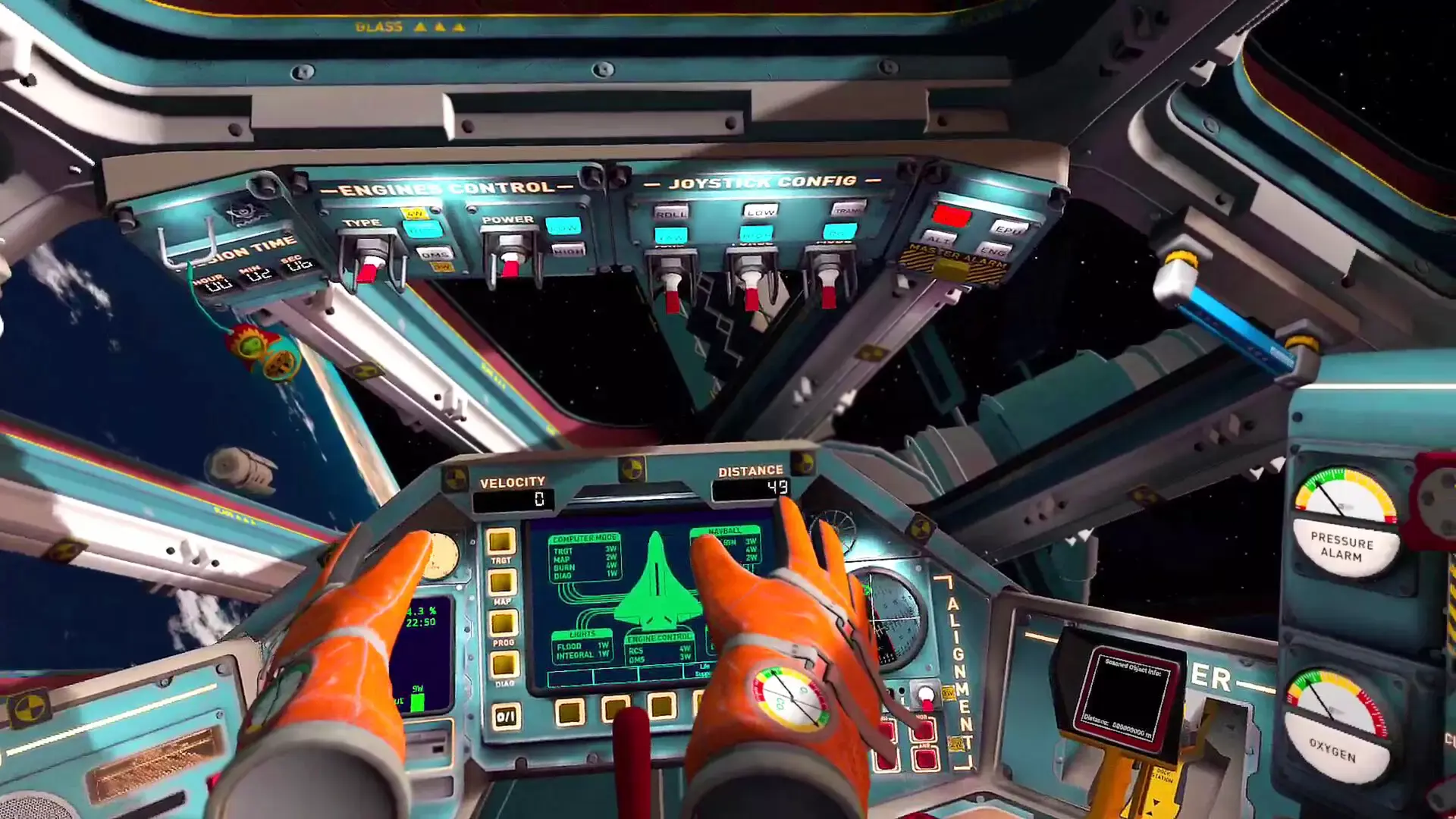
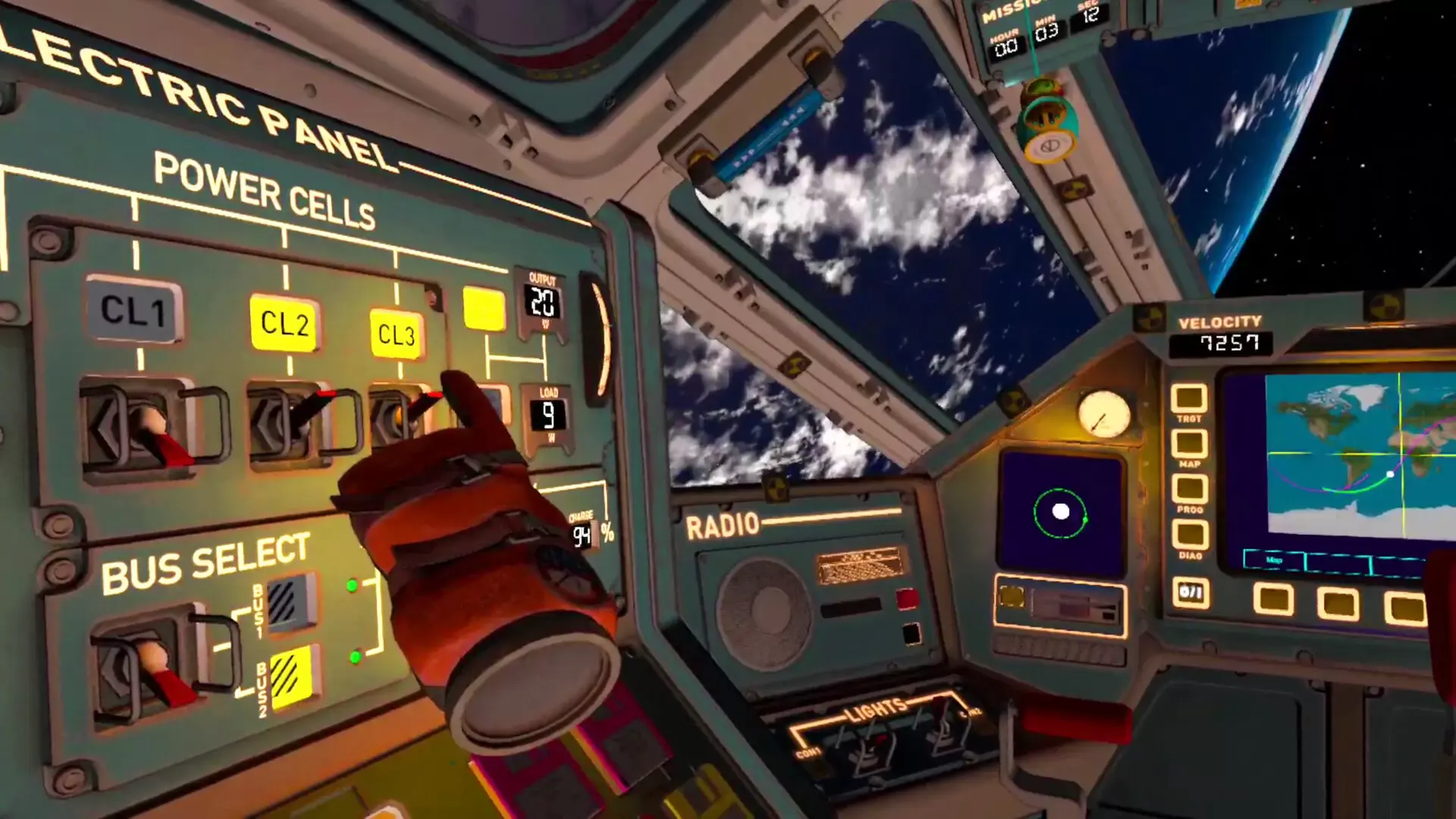
  • You need to have a constant awareness of your surroundings, manage engine levels and maintain all systems necessary for survival.
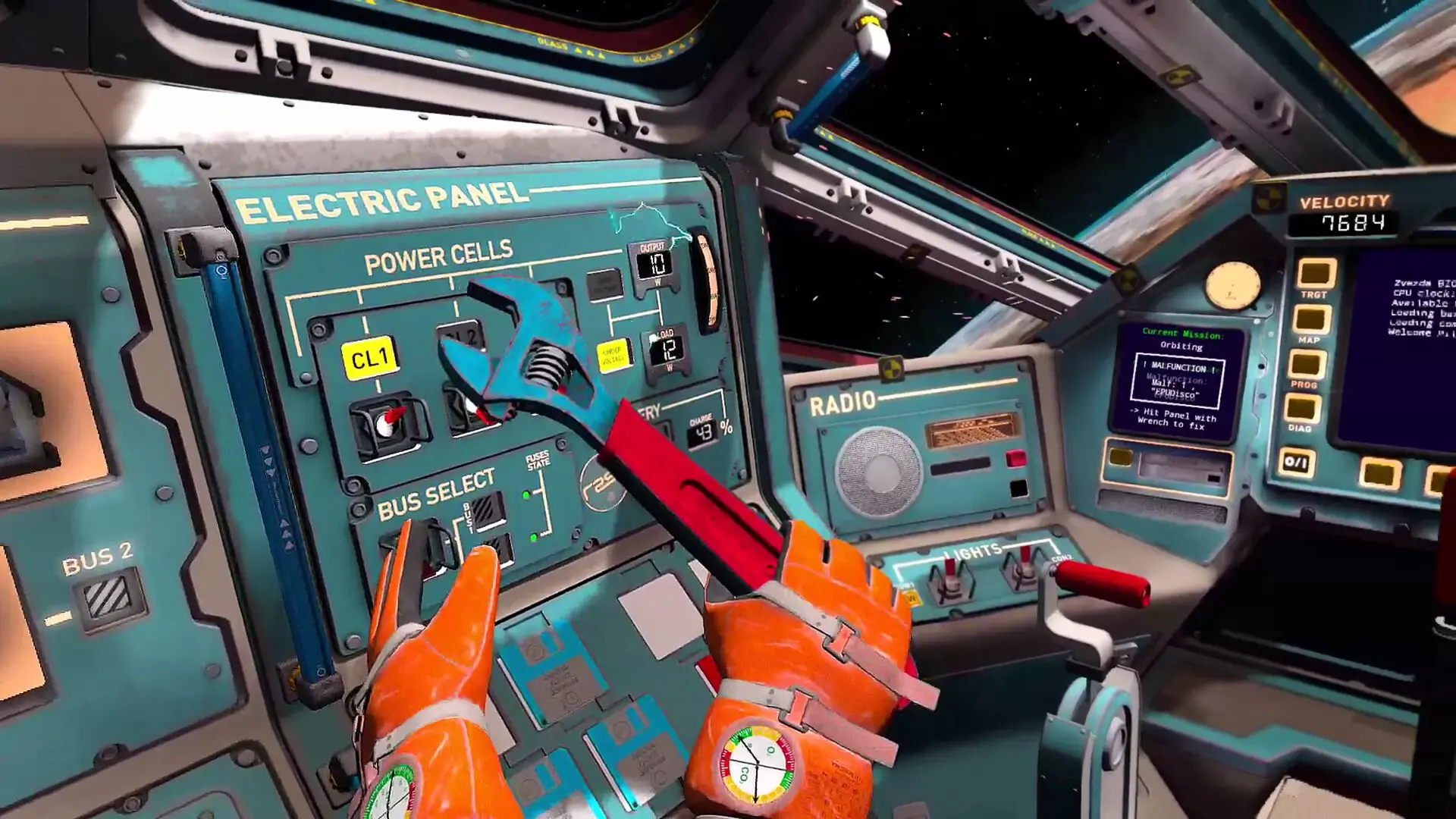
  • Solve any issues that may arise, you're in charge, and it is up to you to make decisions and prioritize maintenance work that will affect the capsule.
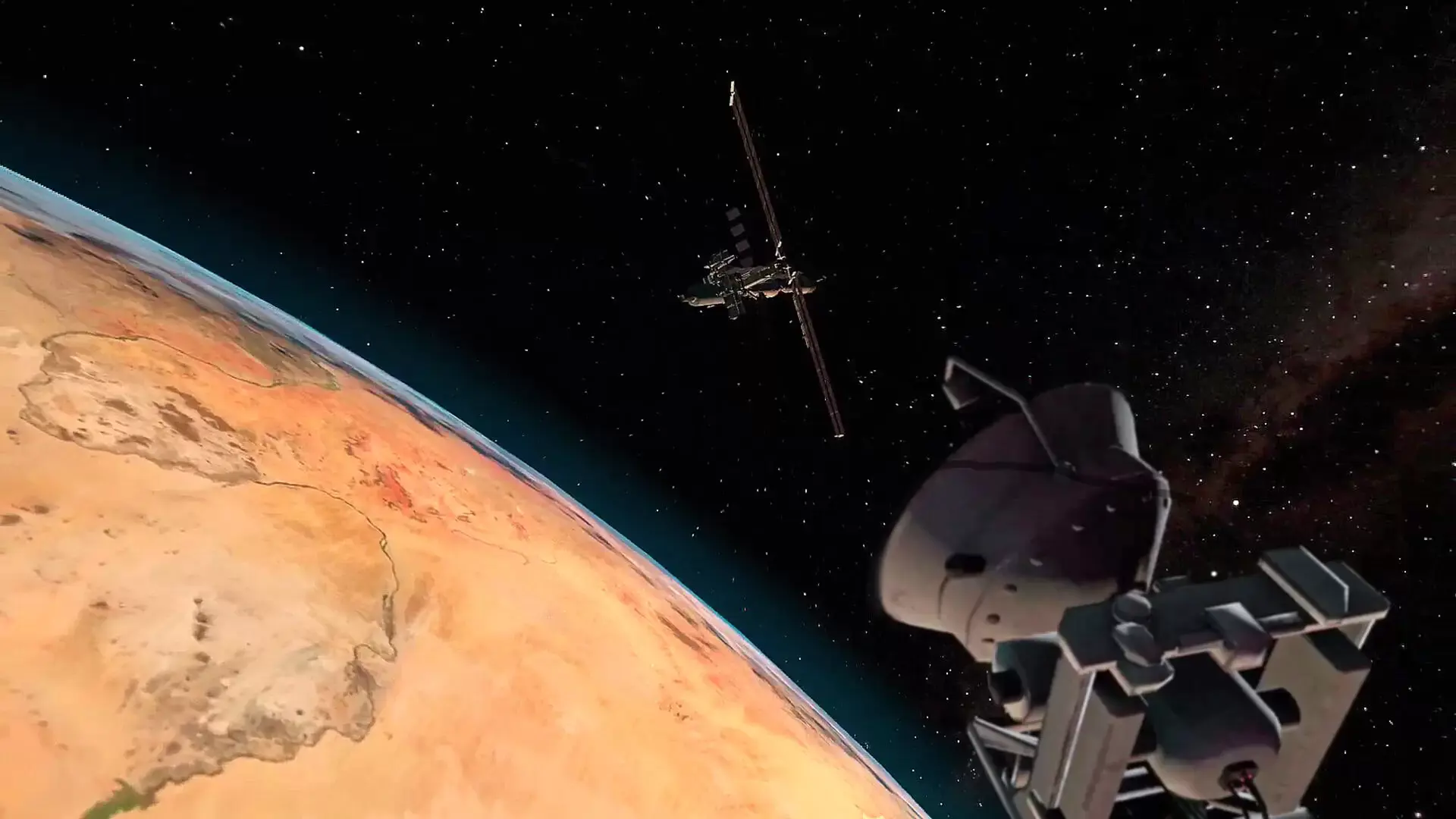
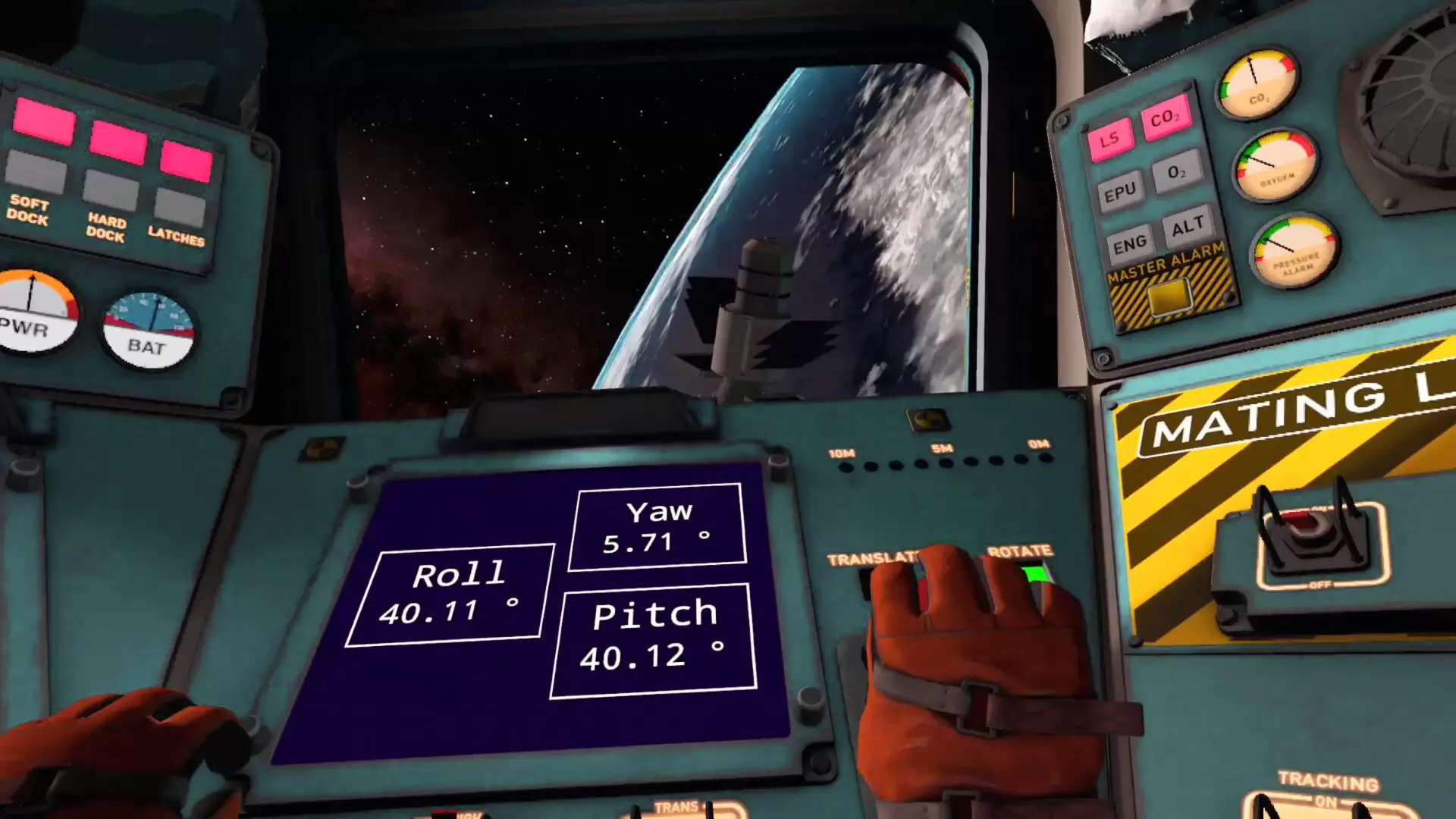
  • Navigate through obstacles and asteroids, dock to space stations, glide over Earth and return safely once your mission is complete.
  • Experience the desolation of the cosmos. Accompanied by extraordinary graphics and sound effects that will help you immerse in the story.
  • Try out a fascinating story mode that takes you on a crazy space ride from launch to landing.
  • Enjoy space in a free-float manner through the unrestrained Sandbox mode.

🌌 πŸš€ What is our game about? πŸš€ 🌌


Welcome (back) to the world of Interkosmos for an even wilder, weirder and more wondrous adventure.

Experience the intense exhilaration of spaceflight. Explore the awe-inspiring interiors of a realistic space capsule.

Master the crucial systems that keep you in orbit (and breathing). While you’re at it, try your best not to die.

If you complete your mission, you might save the future and yourself. Should you fail? That’s a different story. Better load up the console and start spelling d-o-o-m…

With more challenges, more stunning visuals and more mishaps than ever, the year 2000 has never looked so thrilling.
Minimum:
  • Requires a 64-bit processor and operating system
  • OS: Windows 10
  • Processor: Intel Core i5 8th gen or equivalent
  • Memory: 8 GB RAM
  • Graphics: Nvidia GTX 1070 or equivalent
  • DirectX: Version 11
  • Storage: 2 GB available space
  • VR Support: Quest, Rift, Index, HTC
  • Additional Notes: Requires VR headset
STEAM

1. Create a Steam account.

2. Click on the "Games" tab, choose "Activate a Product on Steam" and enter the key