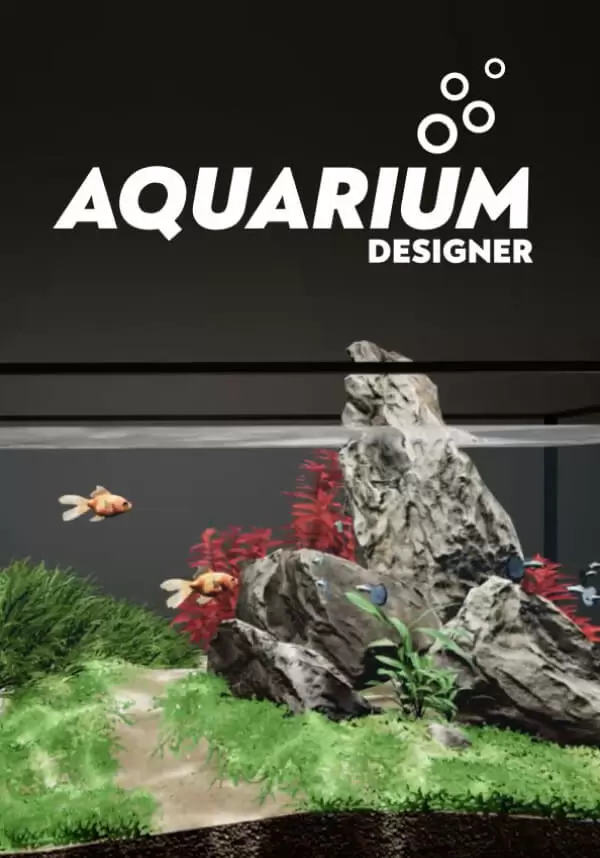
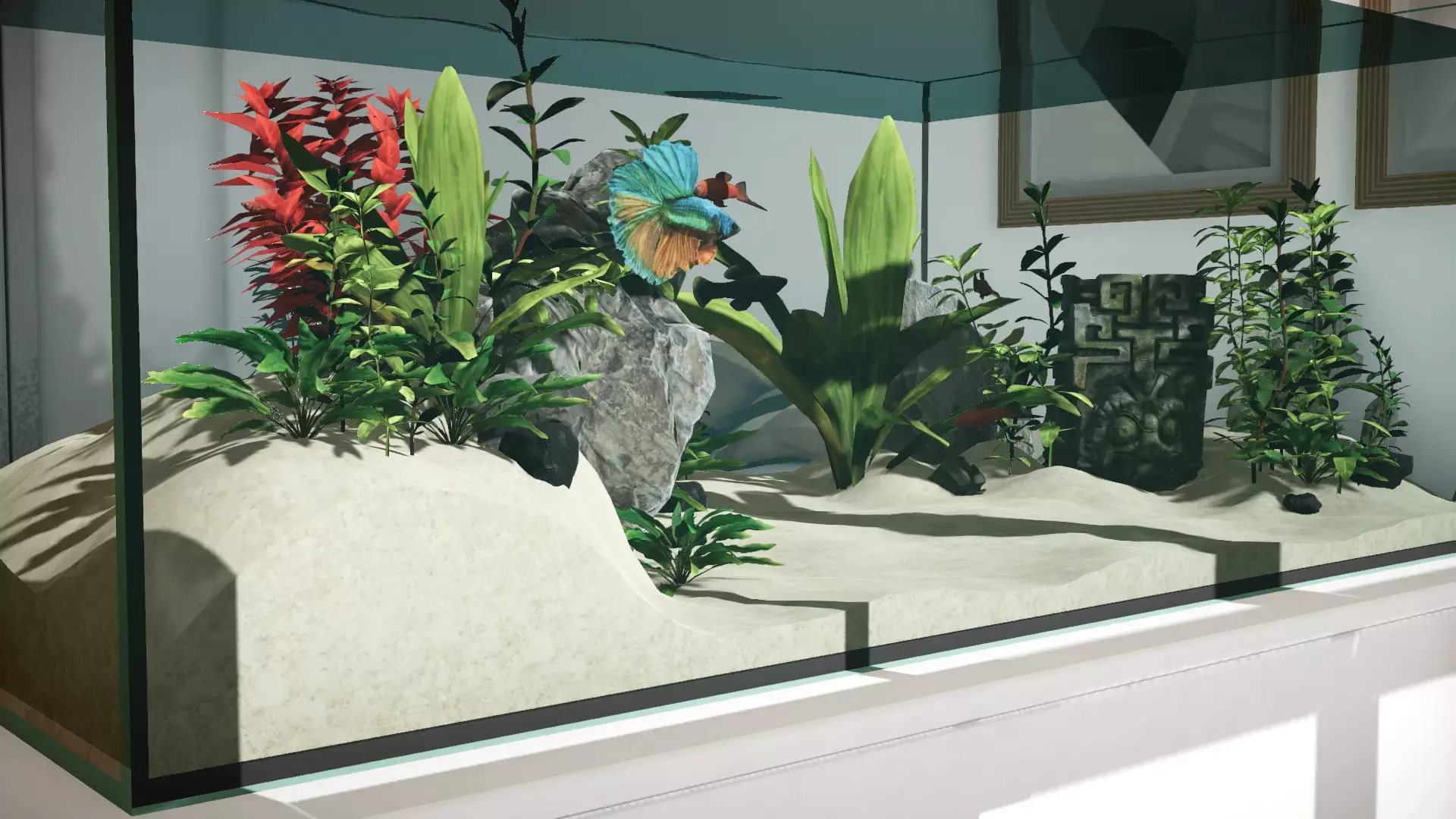
Вы когда-нибудь мечтали о собственном аквариуме? Может, у вас уже есть один, но этого мало? Или, возможно, вы хотите испытать себя, прежде чем обзавестись им? В любом случае, Aquarium Designer – игра для вас! Вы можете проектировать и создавать реалистичные аквариумы всех масштабов: от маленьких аквариумов до огромных резервуаров. Наполняйте их всеми видами пресноводная рыба: рыбы-ангелы, бойцовые, золотые и прочие рыбки в вашем распоряжении! Aquarium Designer позволяет создать идеальный аквариум и узреть свое творение!

В Aquarium Designer вы проектируете аквариумы для клиентов, чтобы заработать деньги на новые элементы, которые пригодятся в будущем! Рестораны, отели, офисы и даже резиденция богатого бизнесмена – каждое место может извлечь свою выгоду от красочного аквариума, изобилующего жизнью! Прочитайте краткое описание проекта от клиента, выберите форму и размер аквариума, добавьте необходимое оборудование: фильтры, кондиционеры для воды и компрессоры. Немного гравия, украшений и рыбок – аквариум готов! Чем лучше вы справитесь, тем больше денег заработаете!
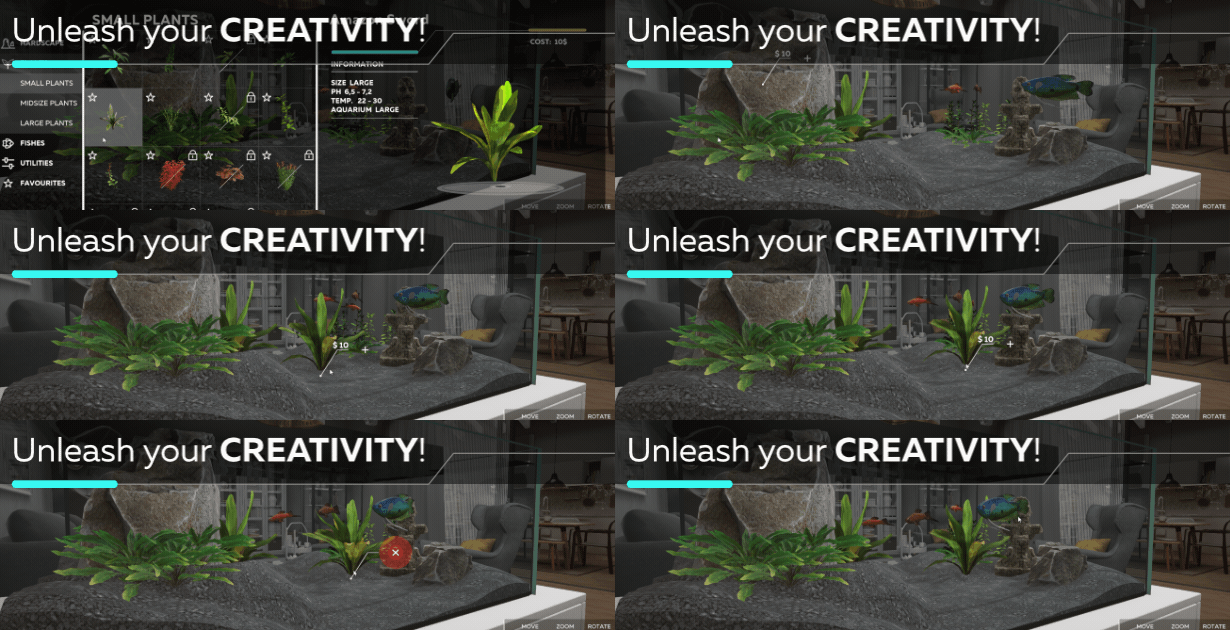
Каждому профессионалу нужен отдых! В Aquarium Designer вы можете наслаждаться созданием аквариумов в двух режимах: обычном и реалистичном. Вы можете пробовать различные комплектации и элементы, но не забывайте о будущих обитателях вашего аквариума – рыбах! Различные особи требуют различного ухода и определенных условий для жизни. Но если что-то пойдет не так, вы всегда можете попробовать снова – ни одно живое существо не пострадает!
STEAM
1. Зарегистрировать аккаунт Steam.
2. В меню "Мои игры" нажать кнопку "Активировать через Steam..." и ввести ключ