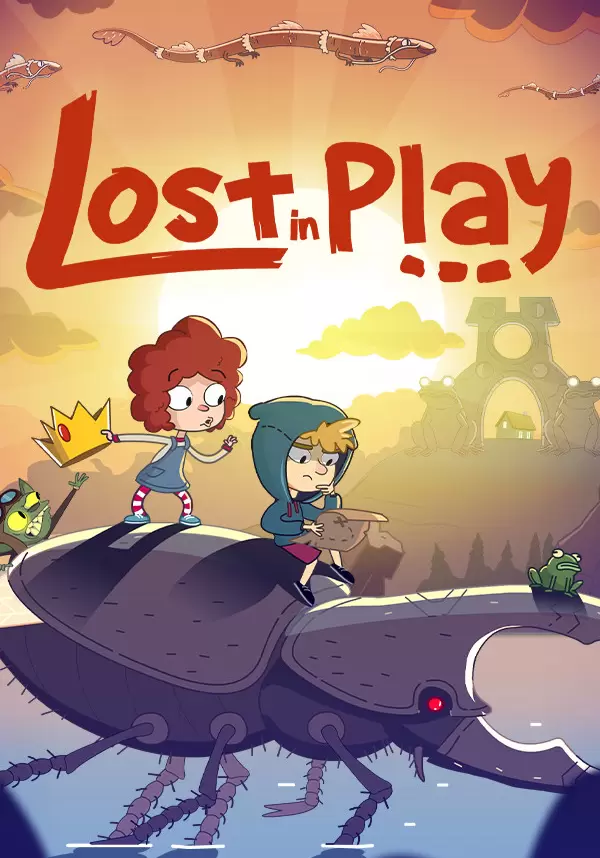
Help a brother and sister on an uplifting epic adventure to find their way home. Solving puzzles, escaping a horned beast and meeting quirky goblins are just part of the journey!
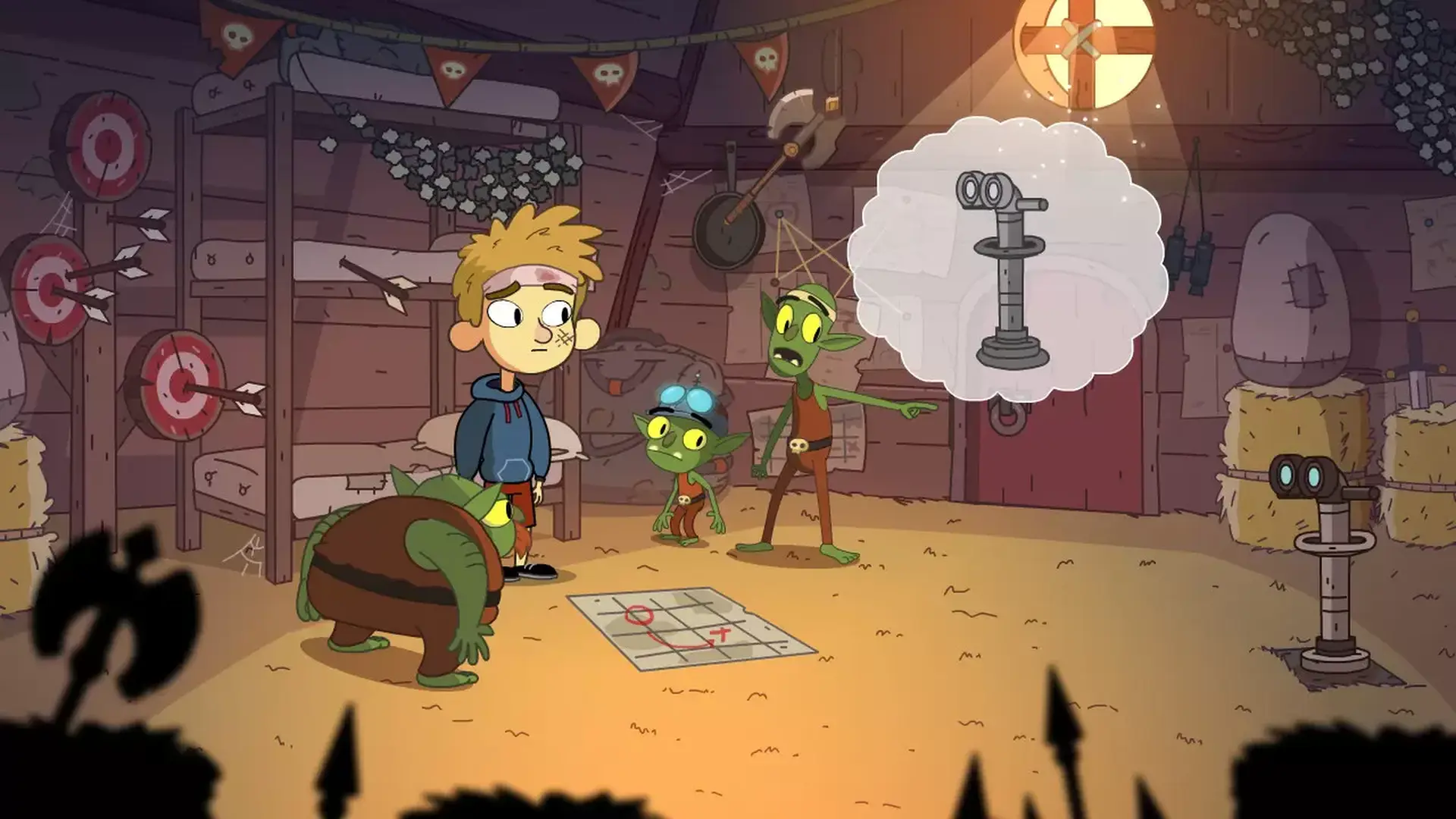
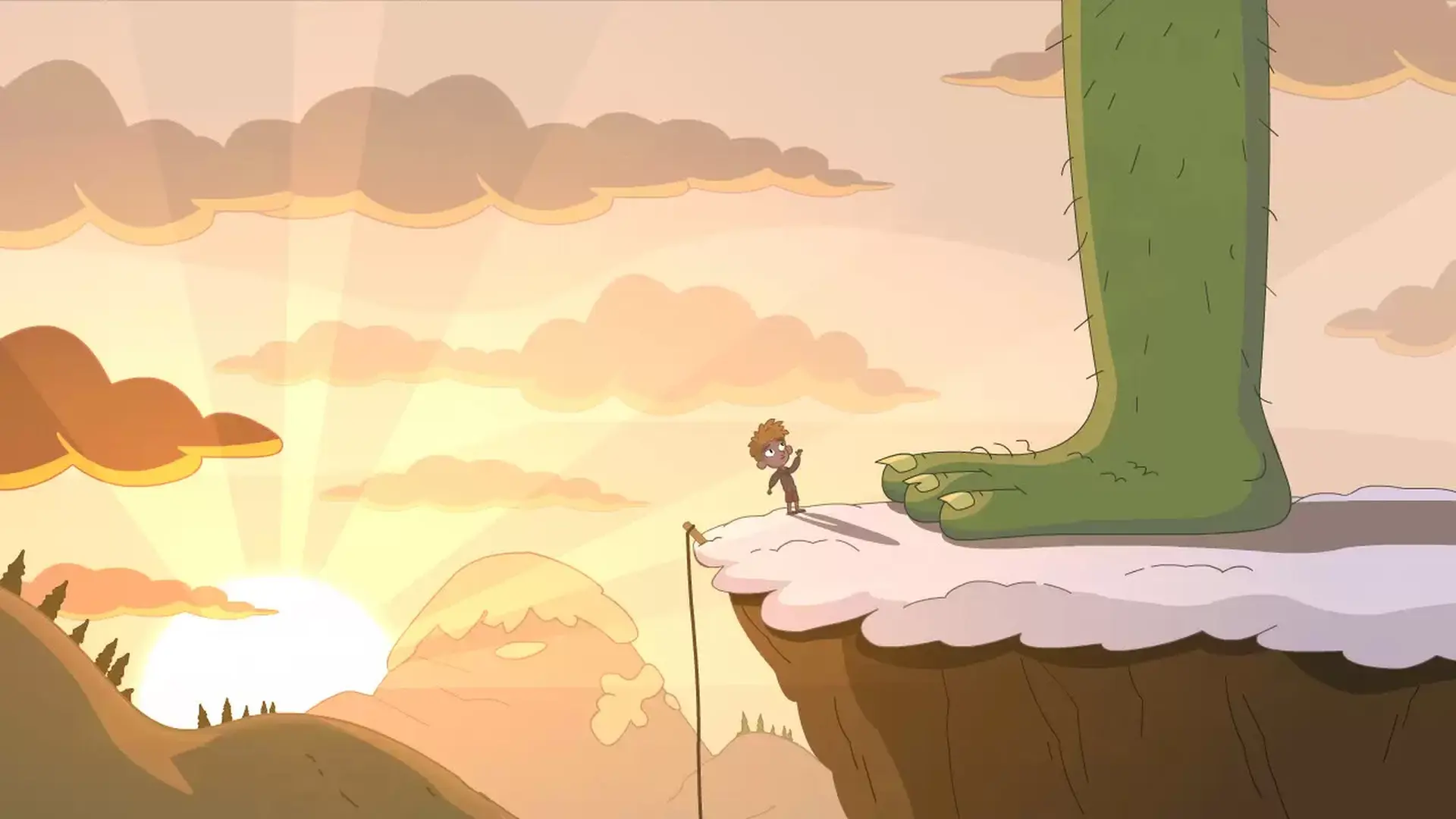
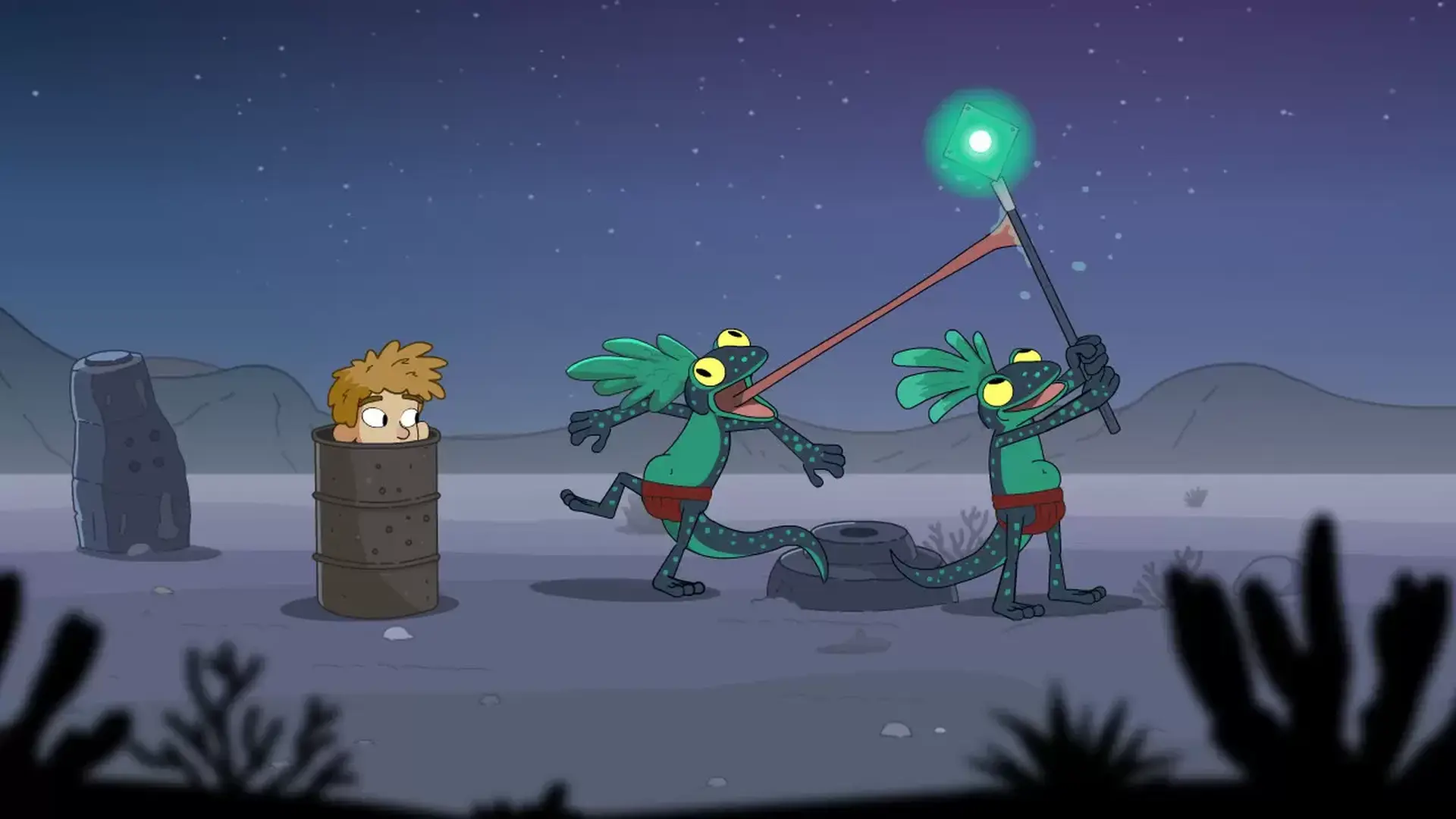
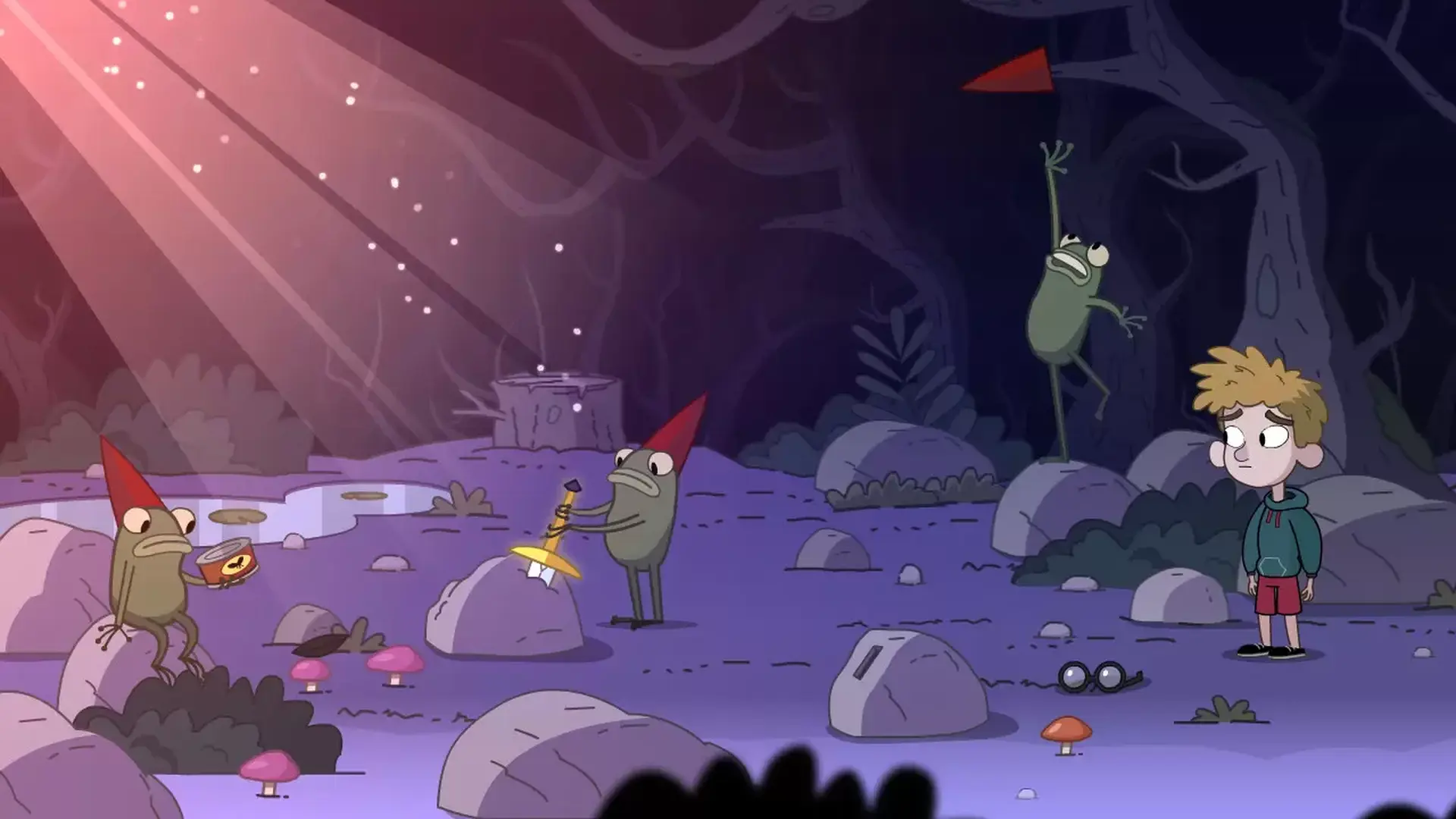
Lost in Play is a journey through childhood imagination with thoughtfully crafted puzzles and colorful characters. Play as a brother and sister duo on an adventure to find their way back home. Between reality and fantasy, the siblings explore the enchanted forest of a horned beast, start a rebellion in a goblin village, and help a team of frogs free a sword from a stone.
PUZZLES & MYSTERY
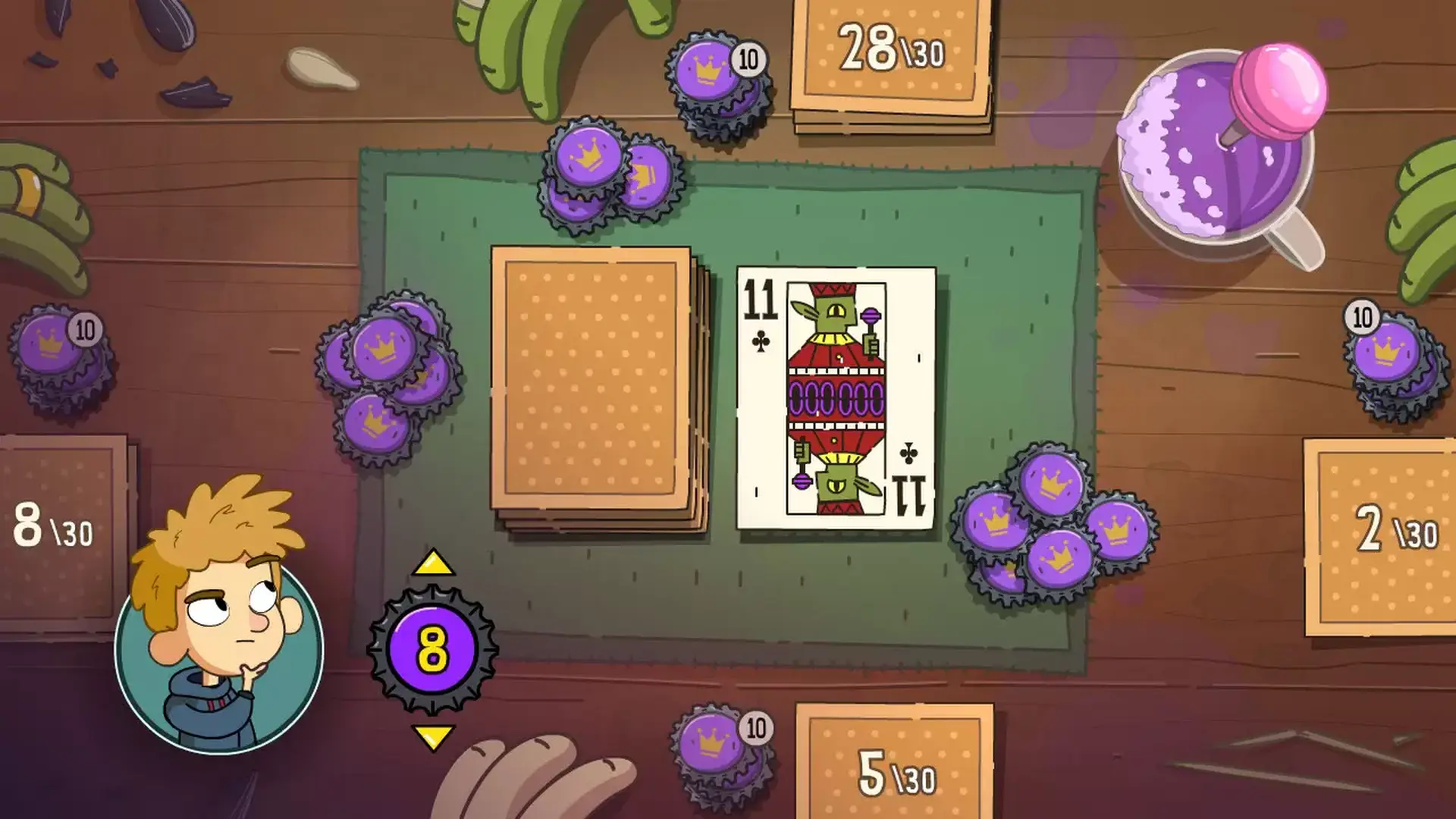
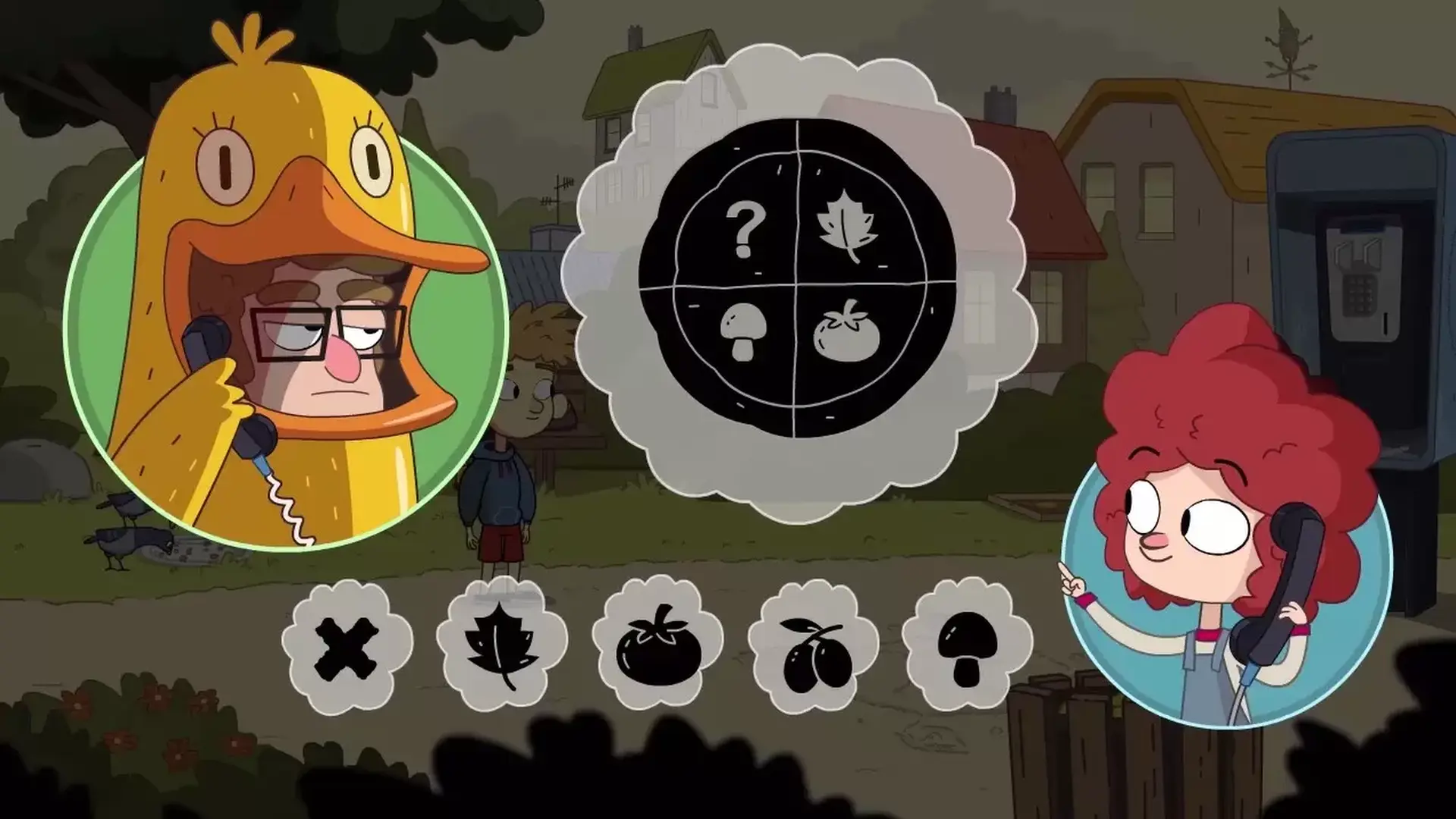
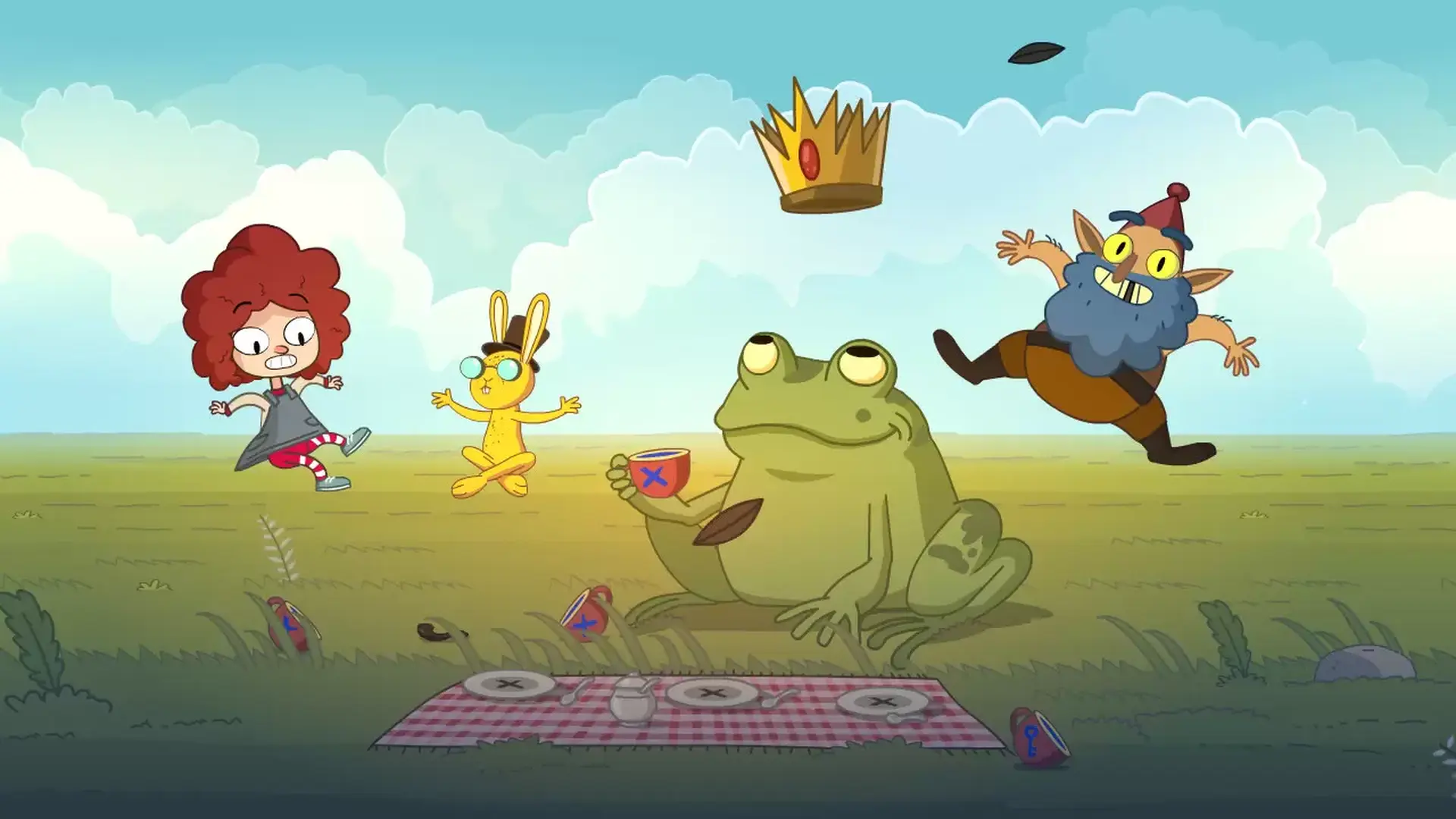
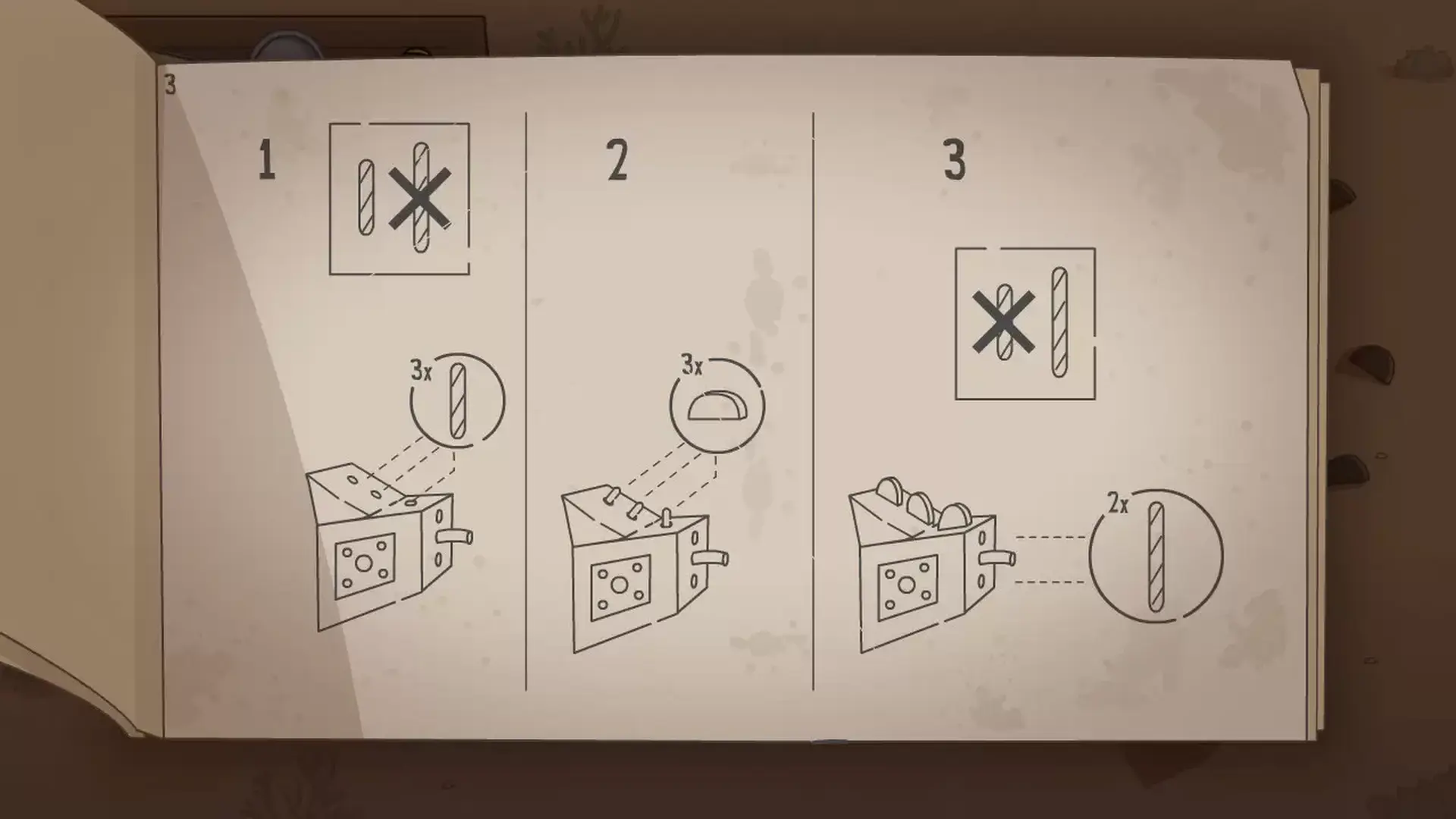
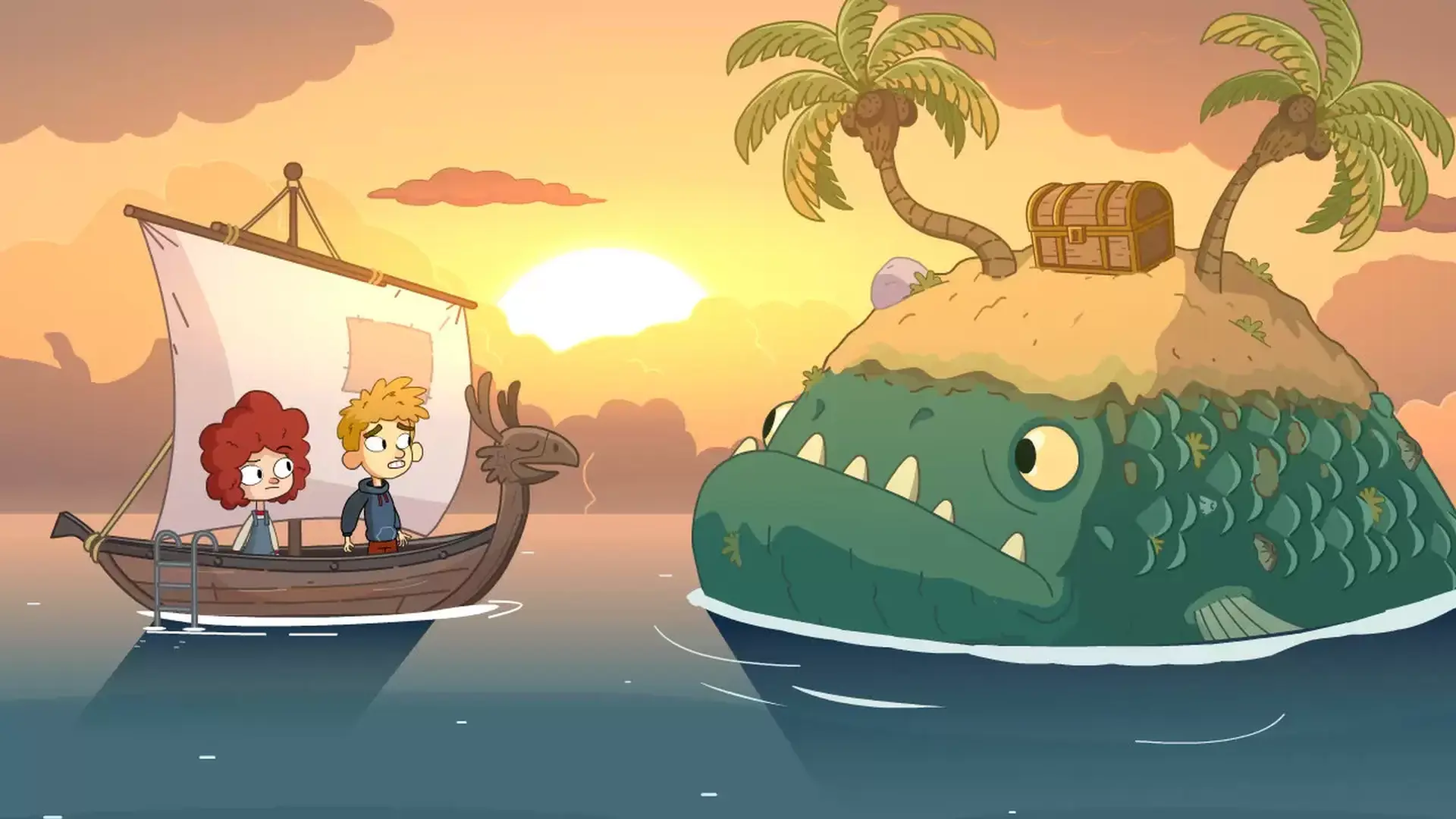
The bizarre and dreamlike world of Lost in Play is filled with mystery, unique puzzles, and mini-games. Challenge a pirate seagull to a game of clicking crabs, serve magical tea to a royal toad, and collect pieces to build a flying machine. Be a part of this modern point & click game that will reward your curiosity and leave you excited for the next piece of story.
IMAGINATION COMES TO LIFE
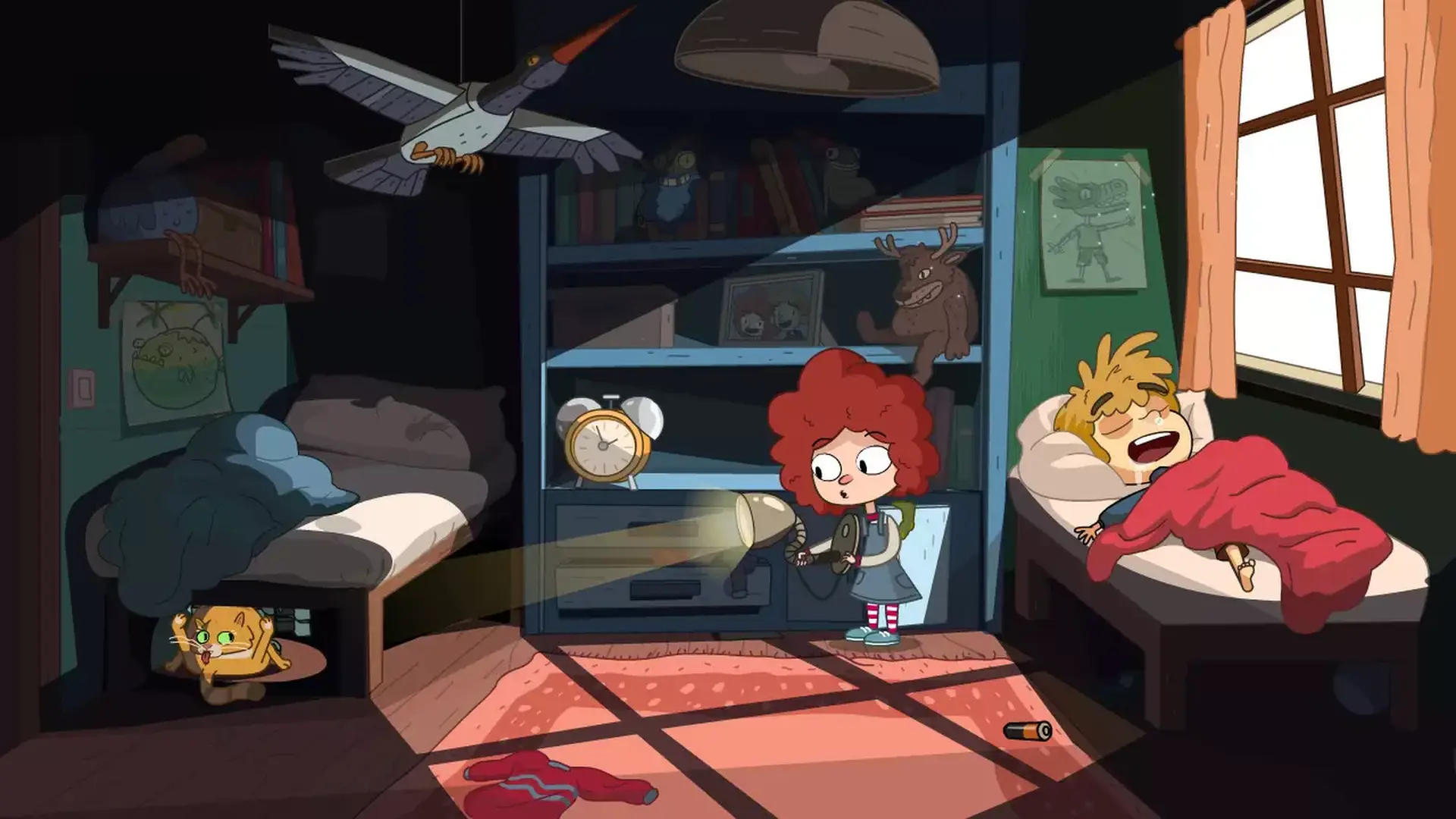
From what seems like a normal morning at home to a typical afternoon at the park, you'll soon find yourself on a whirlwind quest as you sneak into a goblin castle, explore ancient ruins, and soar atop a giant stork. Lost in Play takes you on a nostalgic roller-coaster!
AN INTERACTIVE CARTOON
With a hand-crafted style similar to animated shows from childhood, Lost in Play is a story meant for all. Whether you’re seeking wholesome delight or just a good time, the family can enjoy this story together.
STEAM
1. Create a Steam account.
2. Click on the "Games" tab, choose "Activate a Product on Steam" and enter the key