Final Stardust: Cosmic Nexus


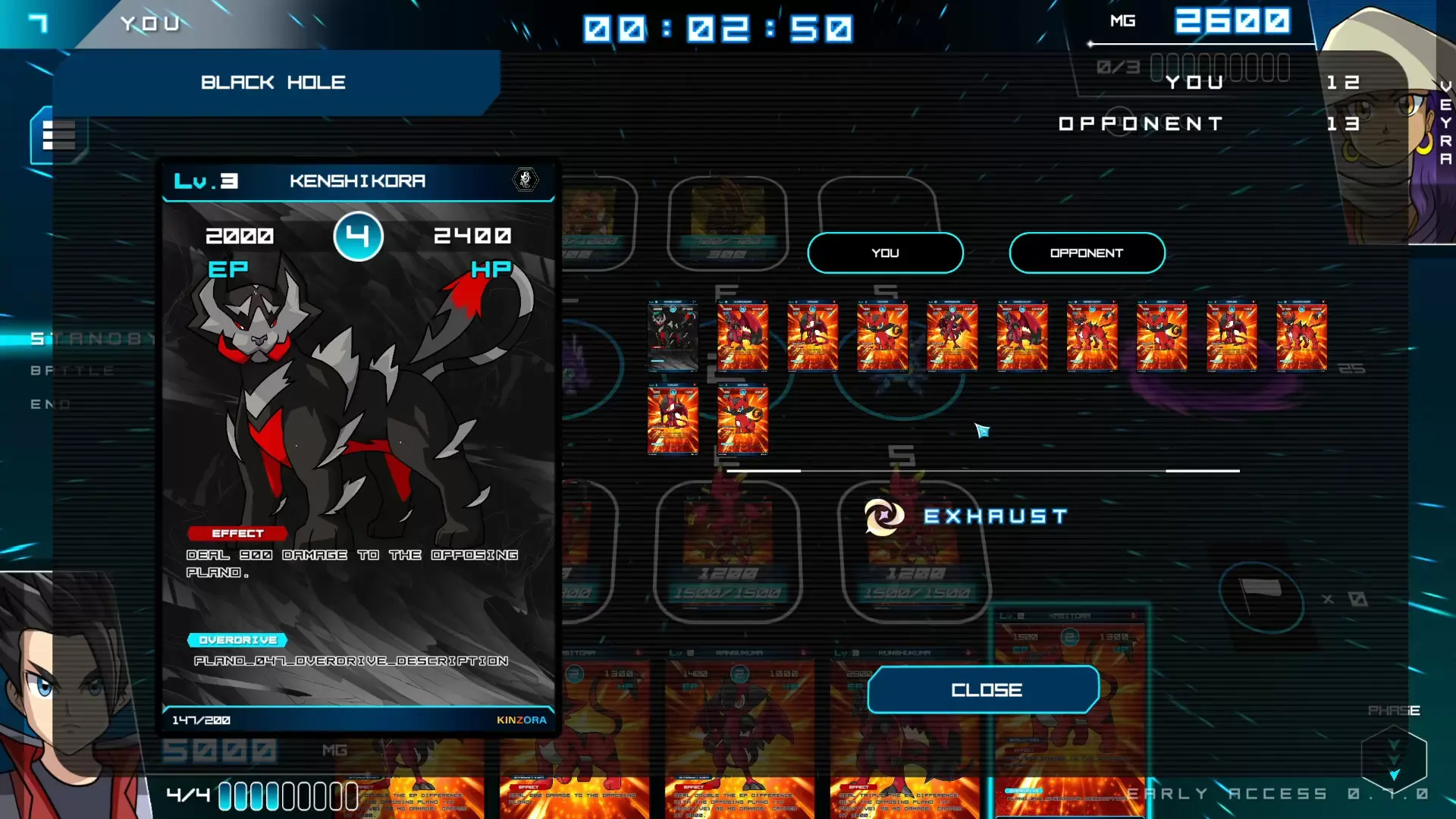
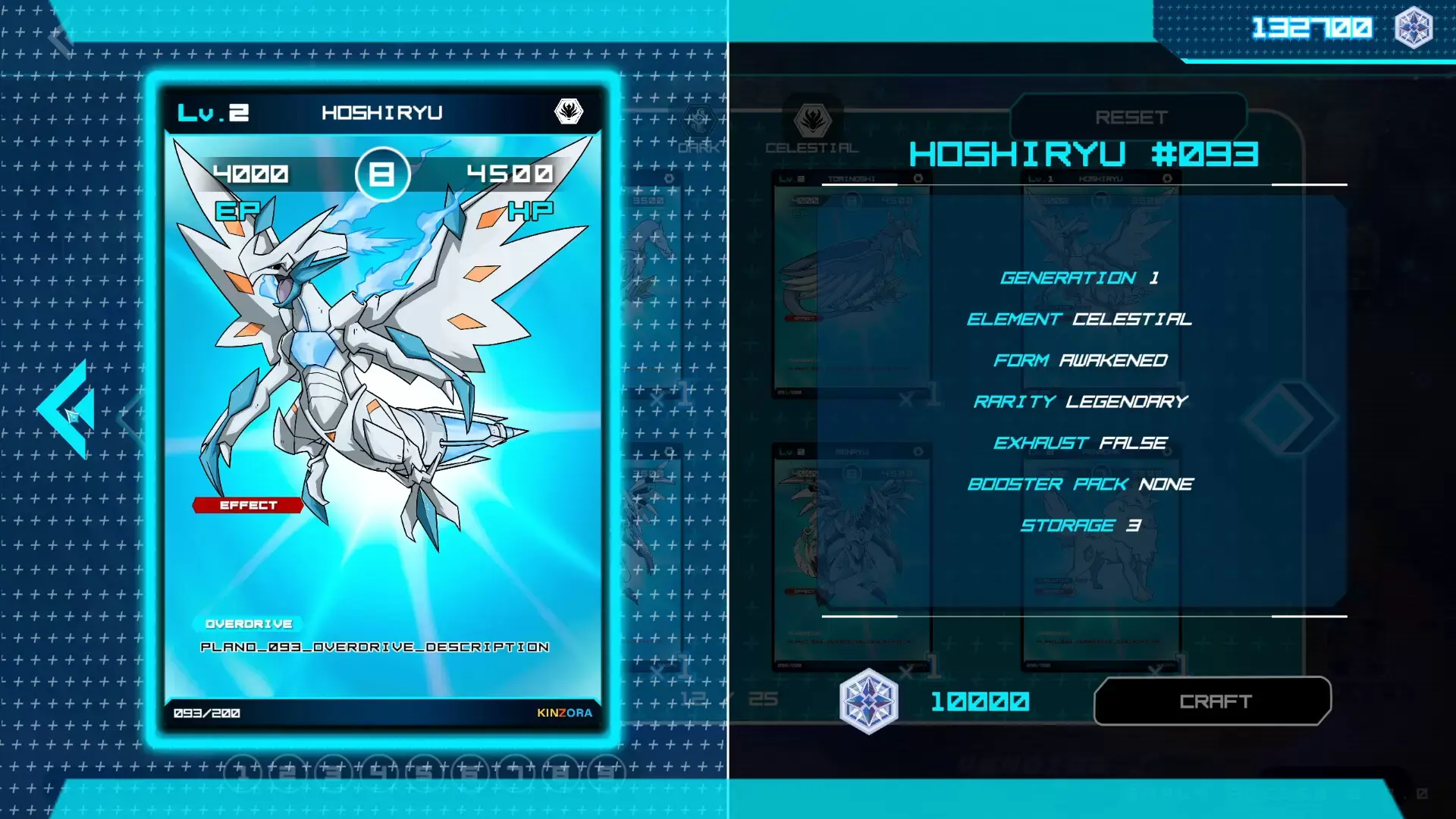
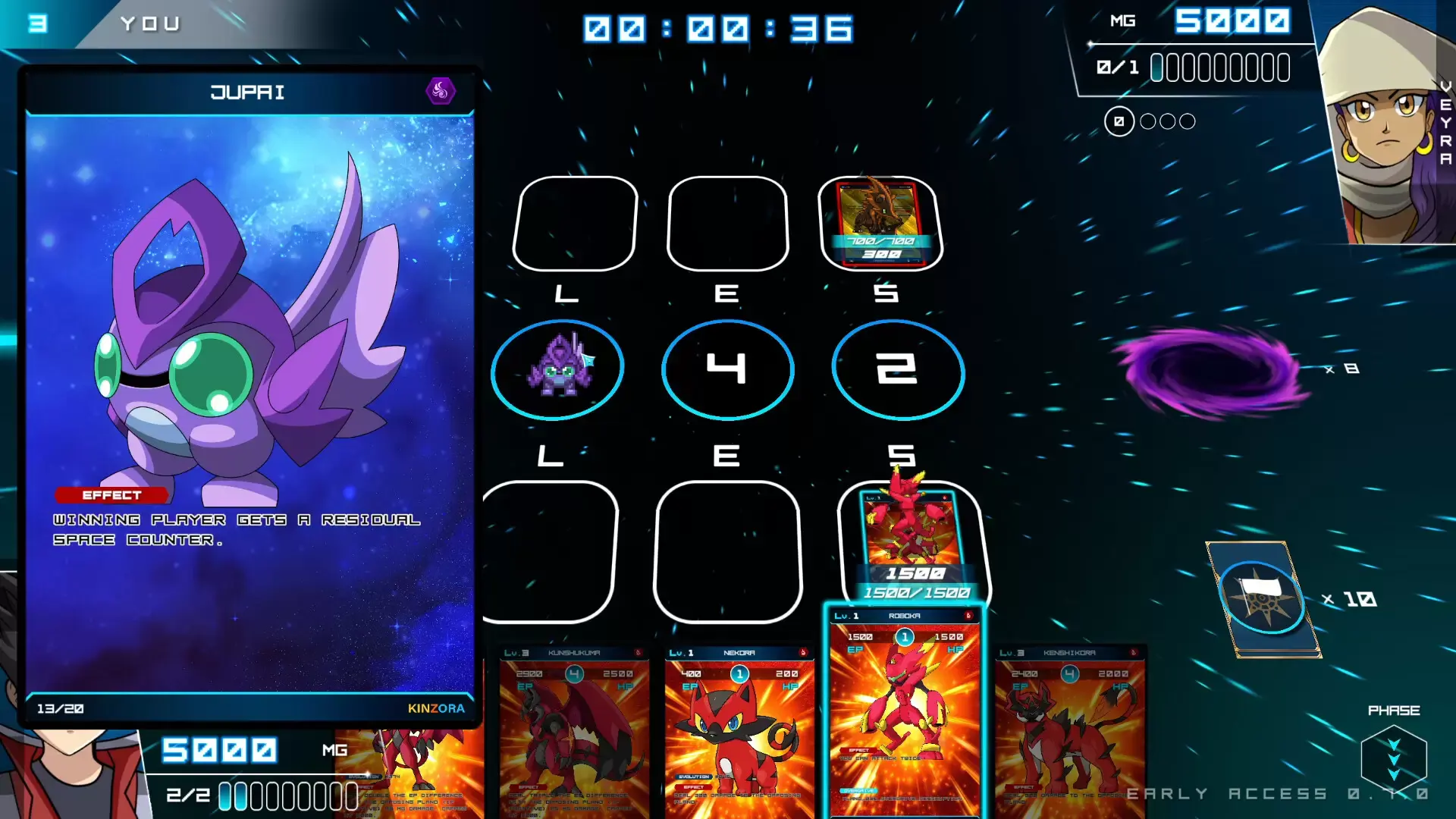
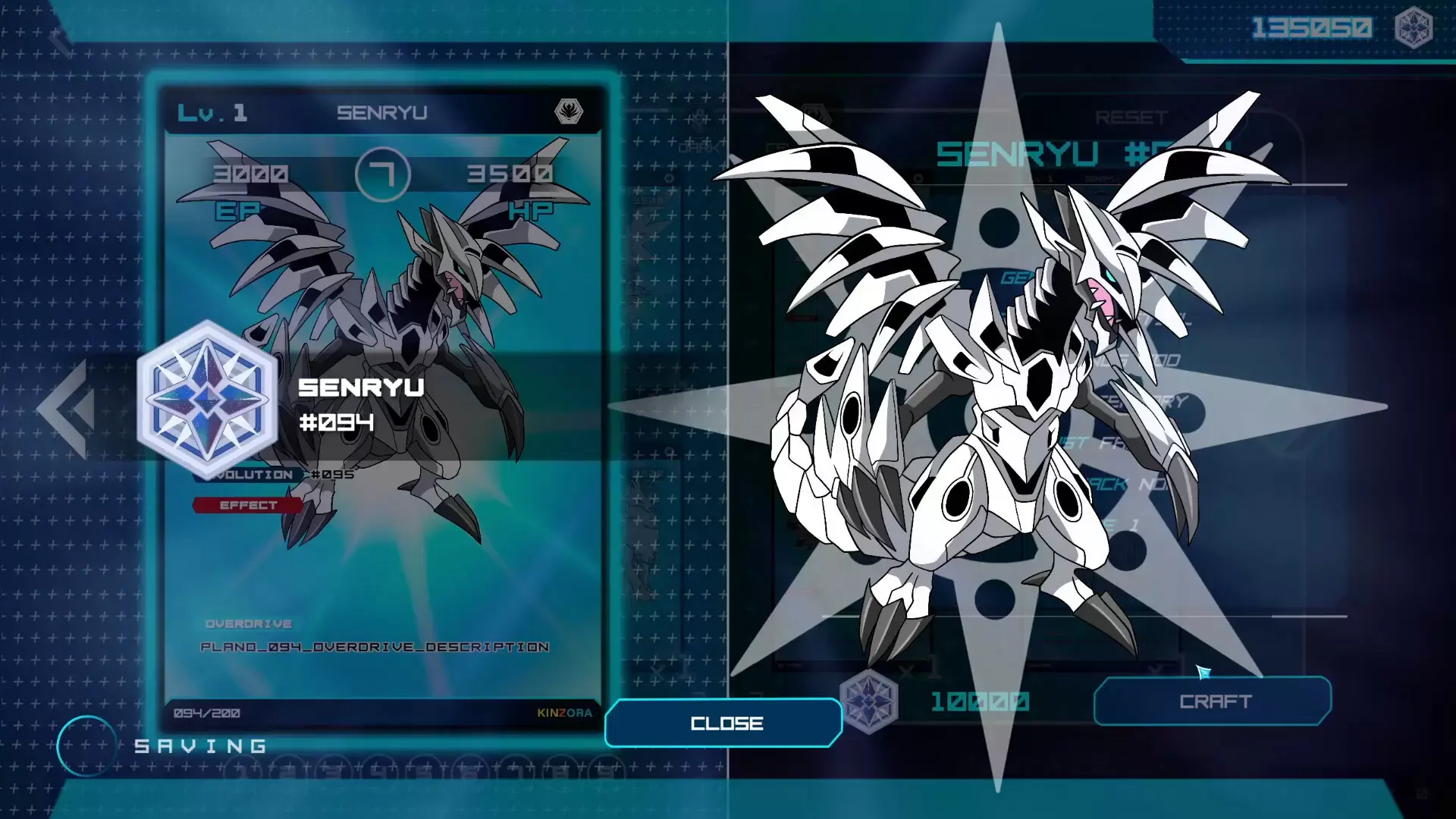
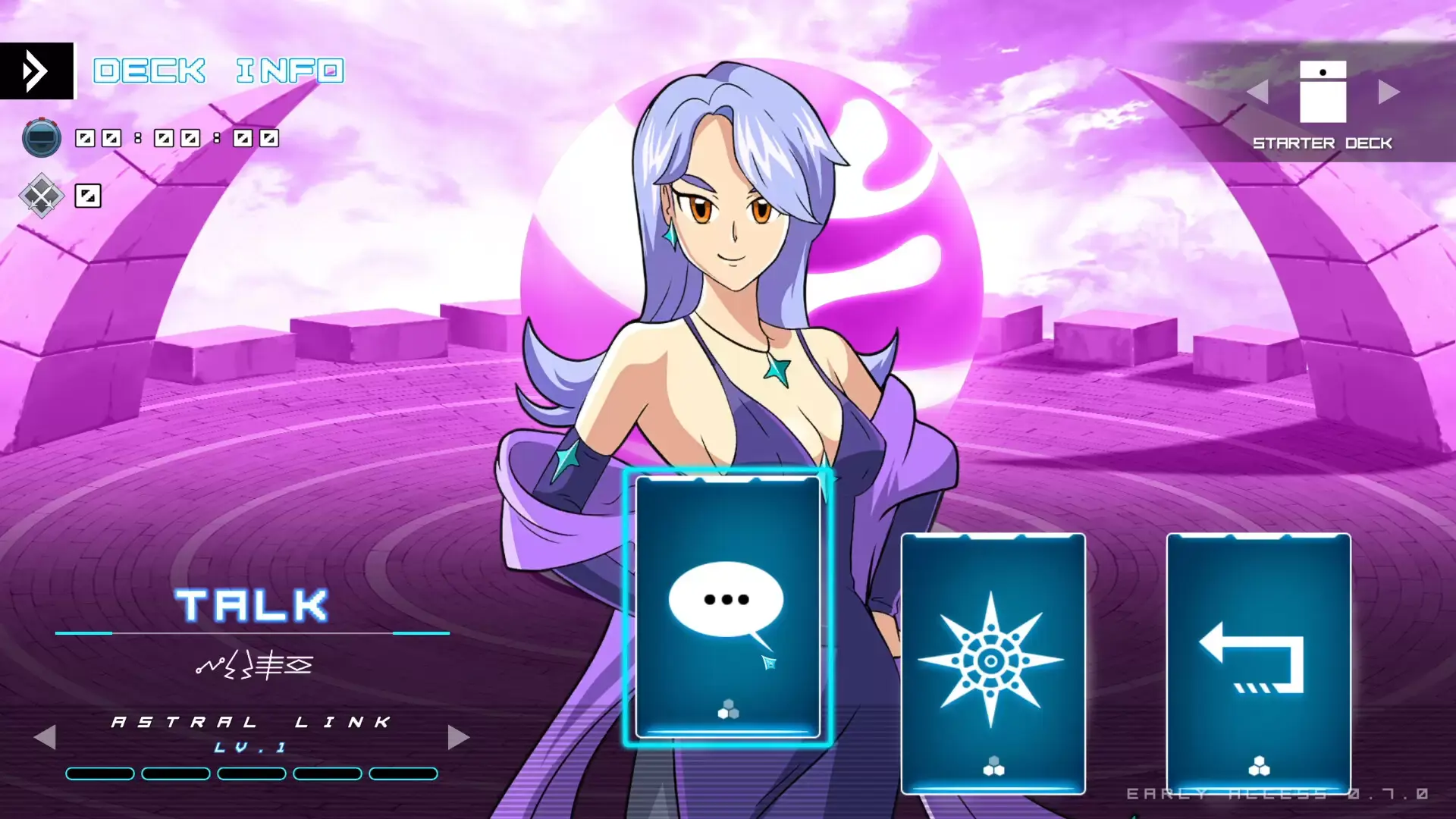
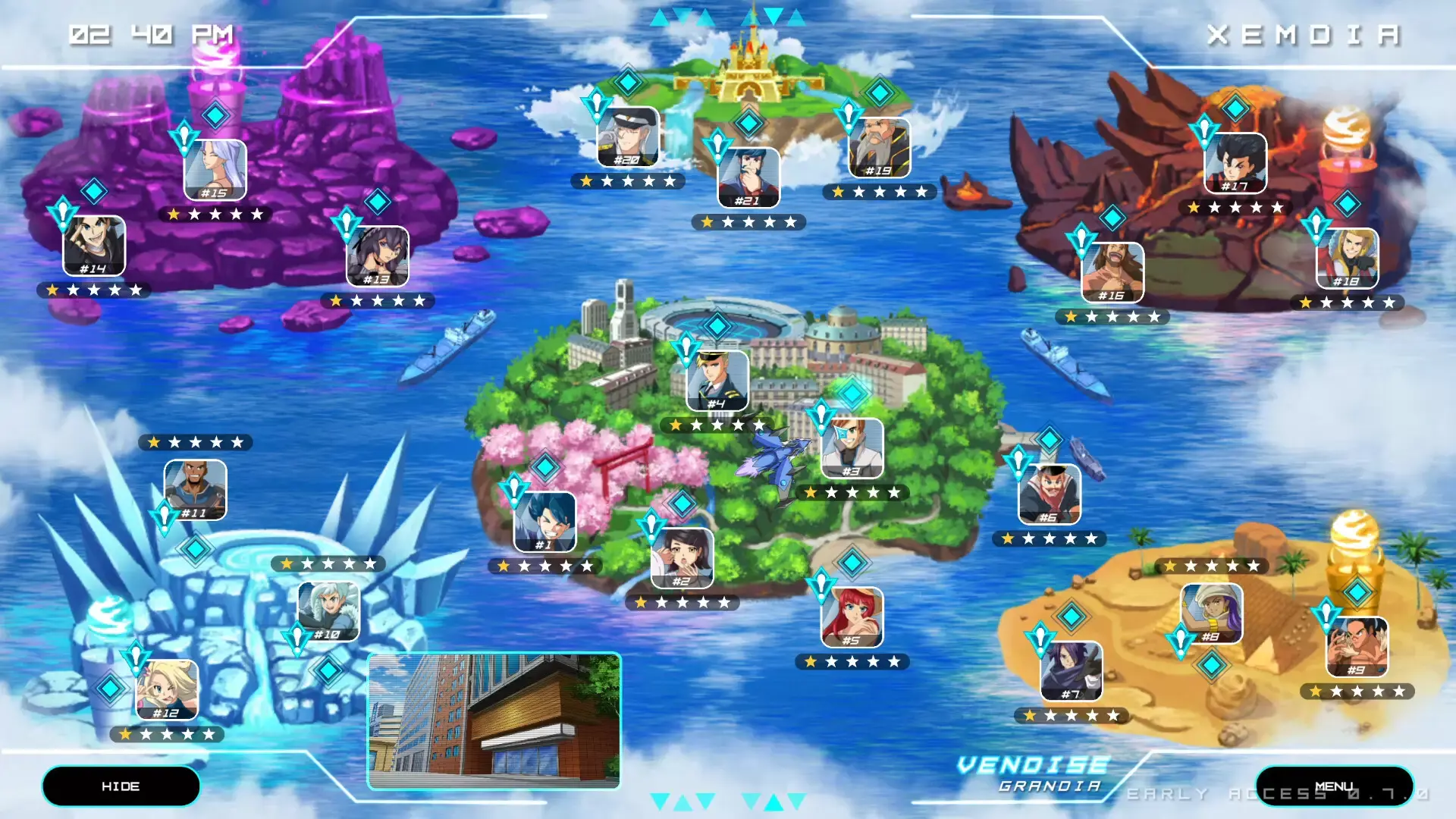
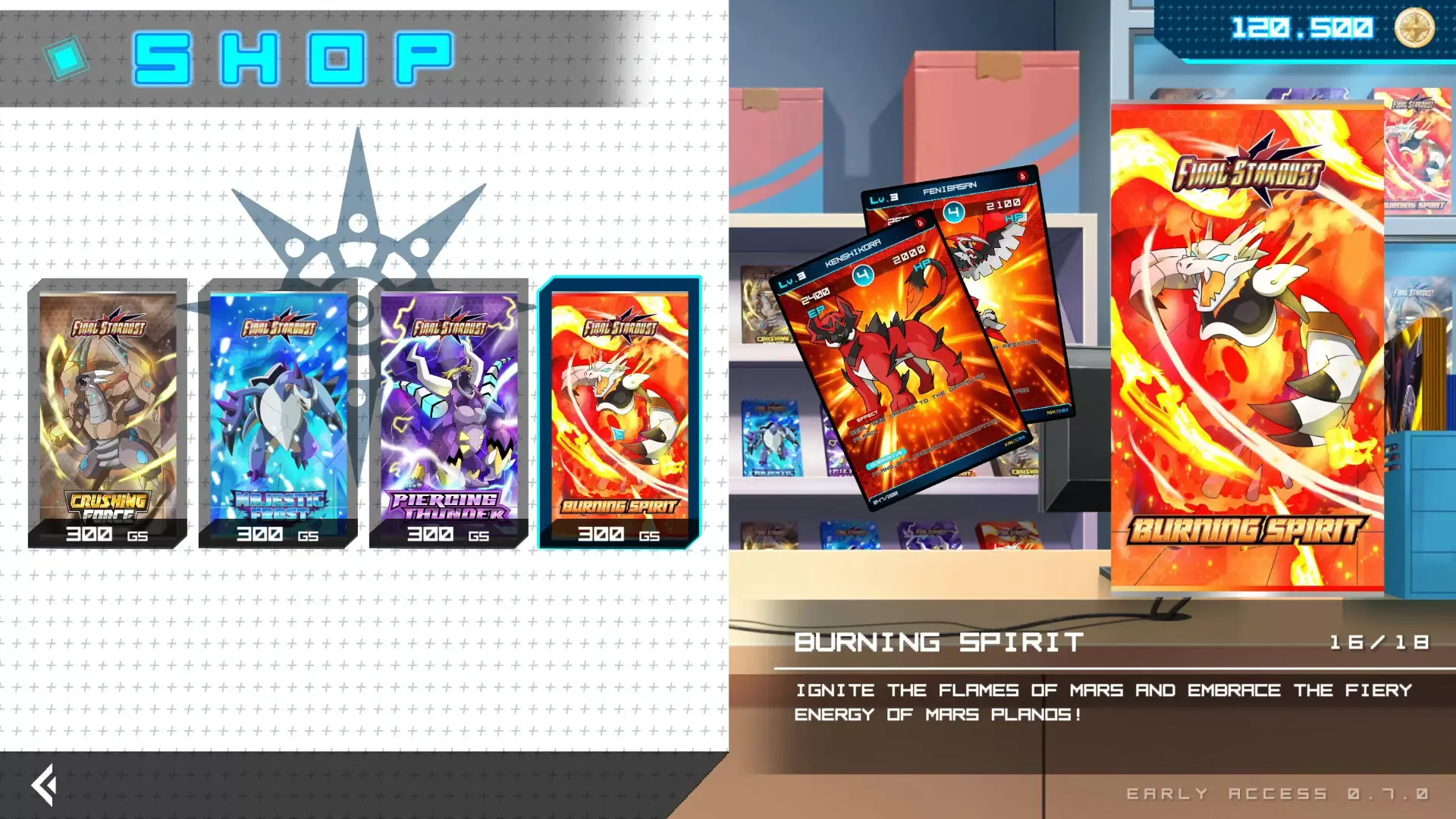
Final Stardust is a return to basics for Collectible Card Games! It's built around fast-paced, five minute battles thanks to streamlined, easily understandable gameplay. Thanks to instant effects and positioning your monsters - or Planos - it's all about how you play the hand you draw, rather than mastery of meta and min-maxing your deck.
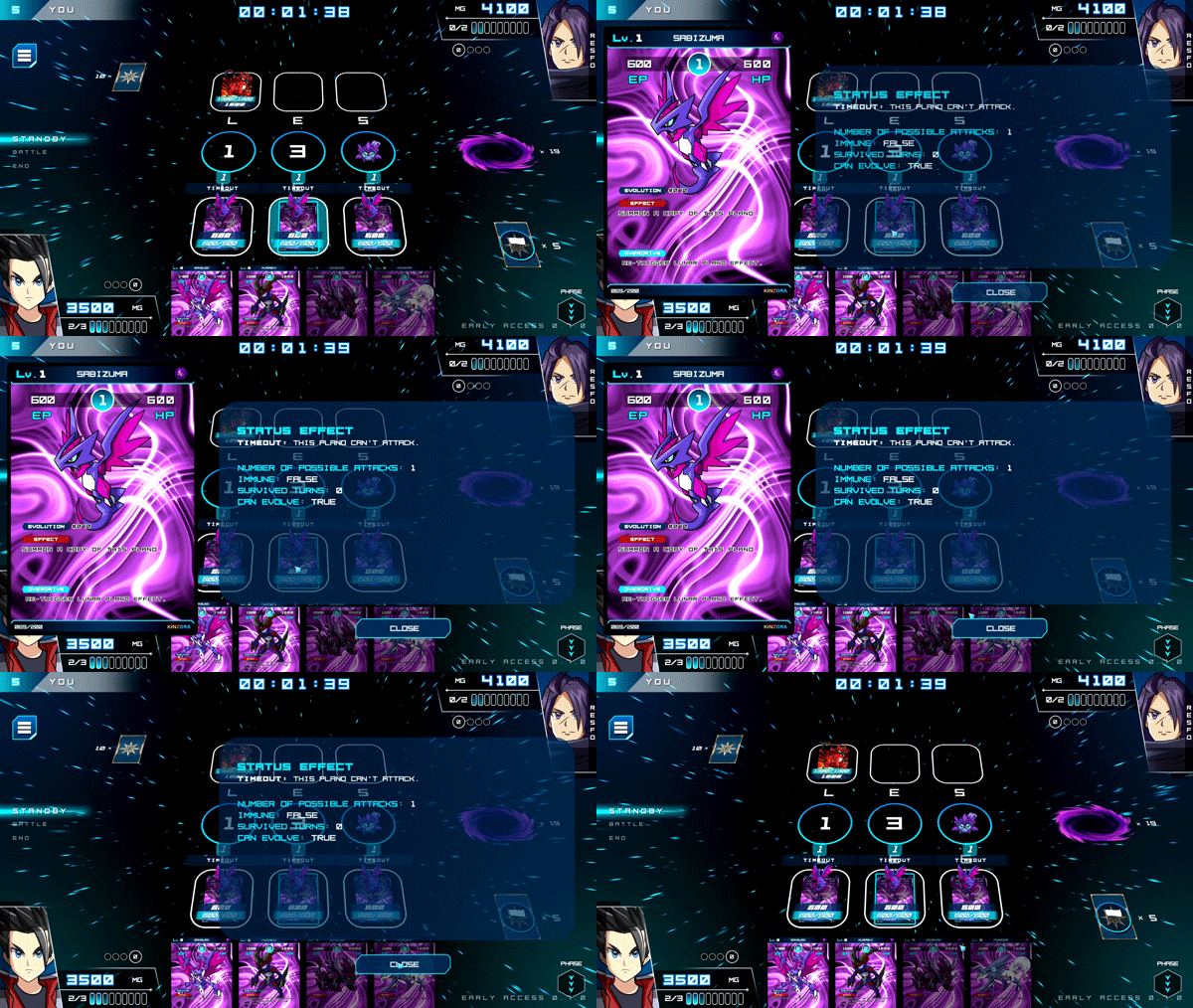
No overcomplicated effects. No special rules. Just you and your opponent, a stack of cards with easily understandable effects, and an endless variety of tactics to use. What matters is your choice here and now.
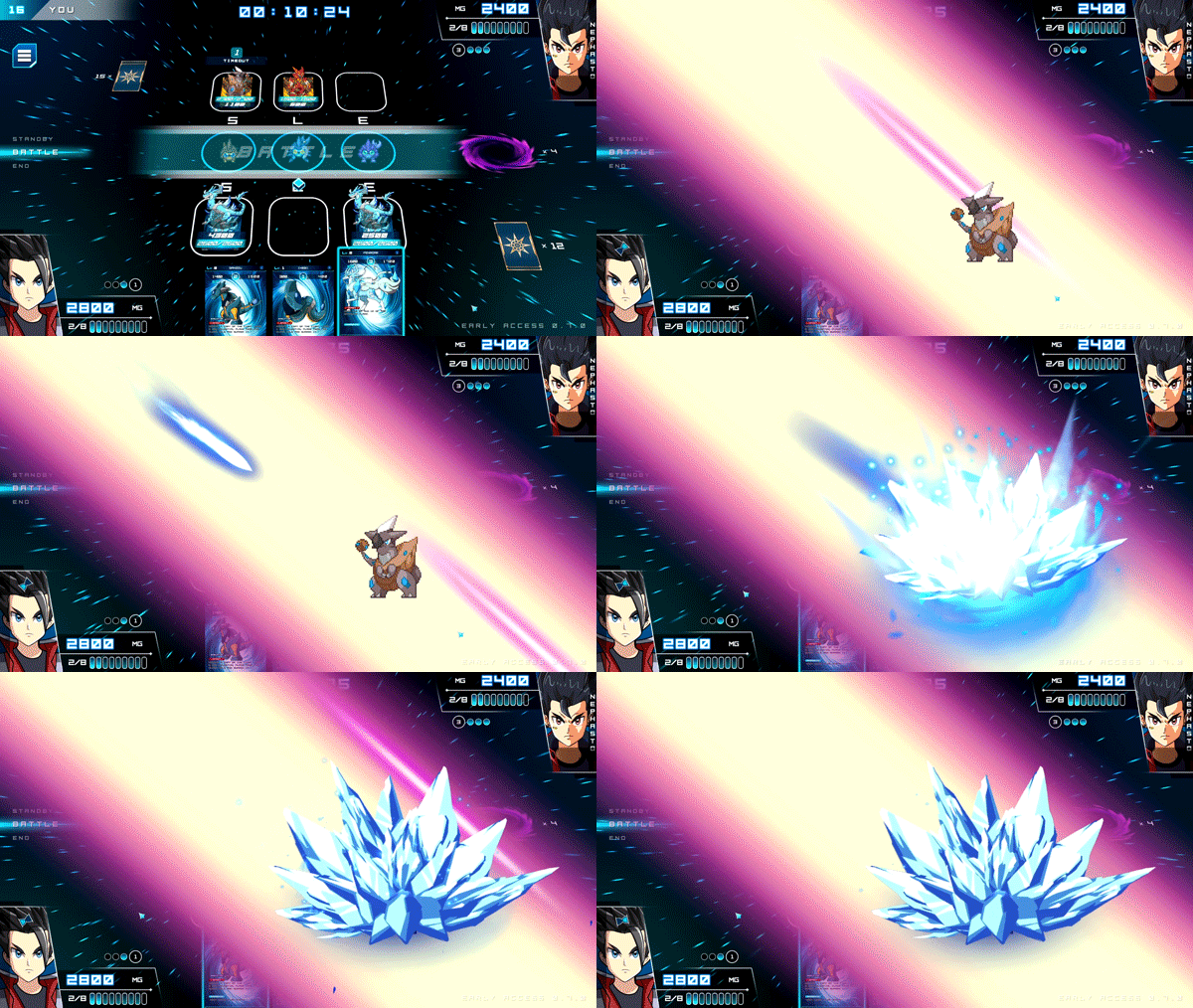
Mechanics are balanced to ensure fast paced matches that aren't decided in the first ten seconds by luck of the draw. You can always make a comeback with the next hand if you play the cards right, even if you're up against the wall. Worried about stalling? A set turn limit ensures each game wraps up quick!
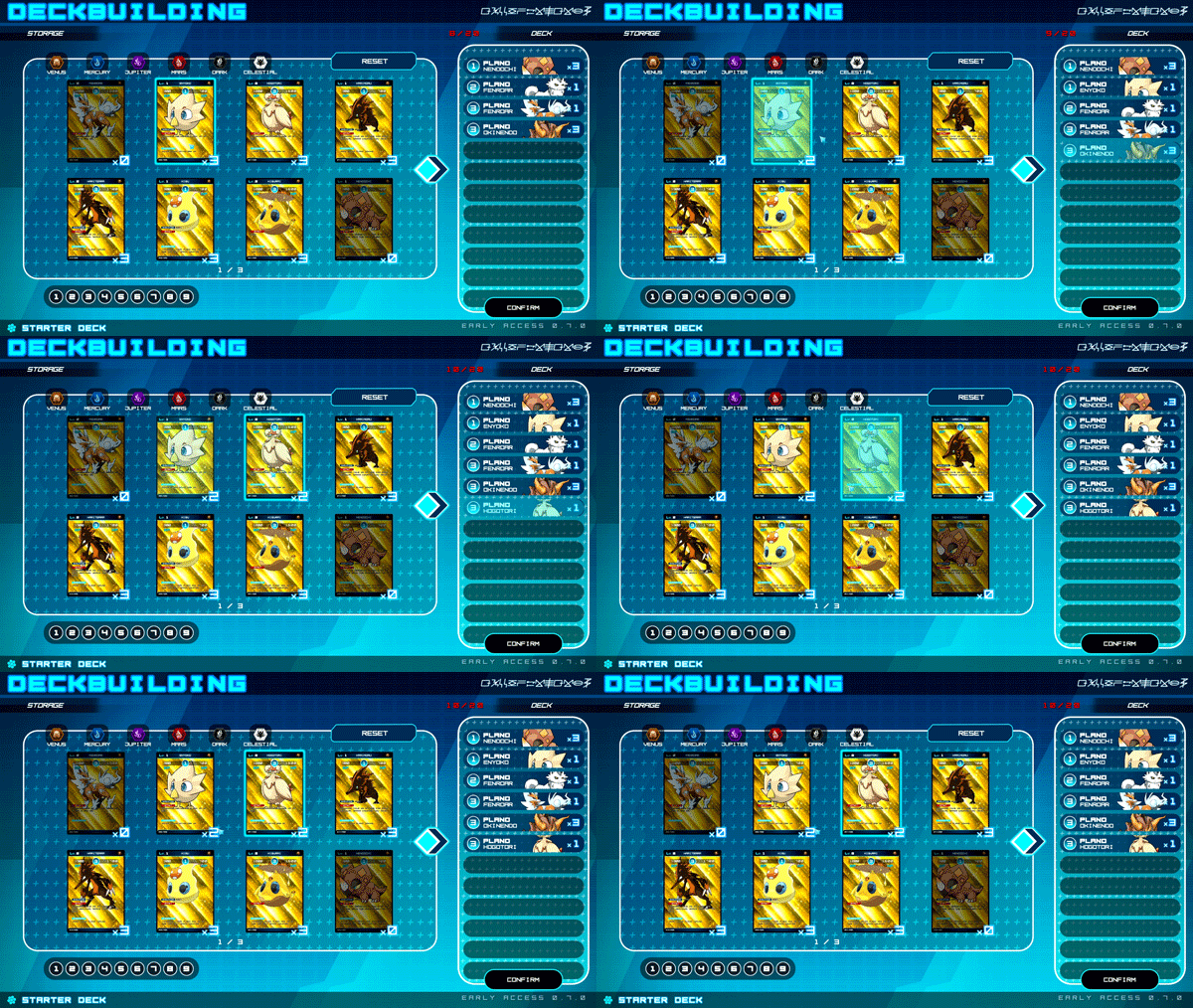
You don't lose a battle to random chance or the opponent having a one-in-a-million combination of exotic effects. It's all about your choices in each match, making every win and every loss understandable. Once you understand the core mechanics with a few quick matches, it's all down to skill! Even when you’re losing, there’s always an opportunity to strike back and win!
© Nour Sai & Freedom Games - All Rights Reserved.
最低配置:
- 需要 64 位处理器和操作系统
- 操作系统: Windows 10
- 处理器: Dual-Core, 2.0 GHz
- 内存: 2 GB RAM
- 显卡: GeForce 8800 GT 512 MB, Radeon HD 4870 512 MB
- DirectX 版本: 10
- 存储空间: 需要 1 GB 可用空间
- 声卡: Windows Compatible Sound Card
- 附注事项: 1080p, 16:9 recommended
推荐配置:
- 需要 64 位处理器和操作系统
- 操作系统: Windows 10 64-bit
- 处理器: Dual-Core, 3.0 GHz
- 内存: 4 GB RAM
- 显卡: GeForce GTS 450 or Equivilant
- DirectX 版本: 10
- 存储空间: 需要 1 GB 可用空间
- 声卡: Windows Compatible Sound Card
- 附注事项: 1080p, 16:9 recommended
1. 创建一个Steam账户。
2.点击左下角"添加游戏"标签,选择"在Steam上激活产品"并输入密钥