

EARTH DEFENSE FORCE: IRON RAIN
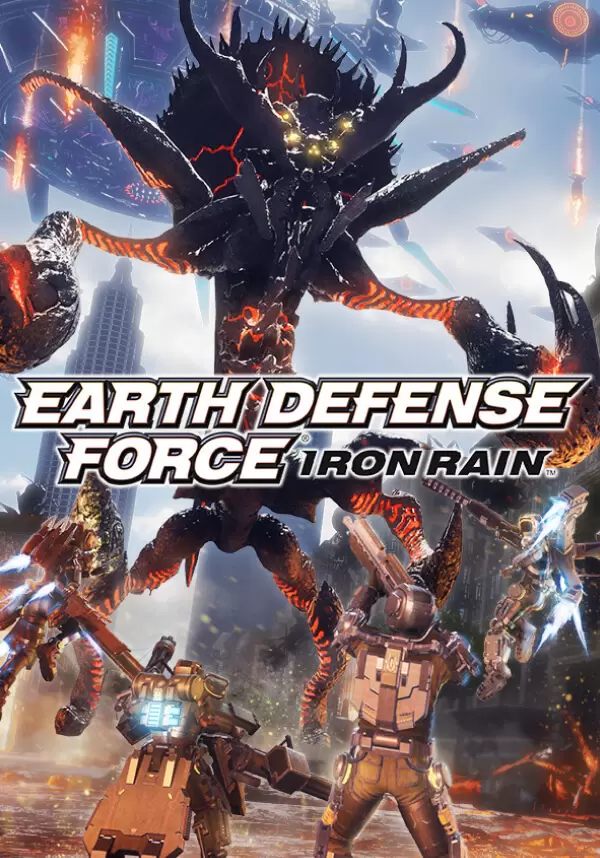
game
该产品在您所在的地区不可用

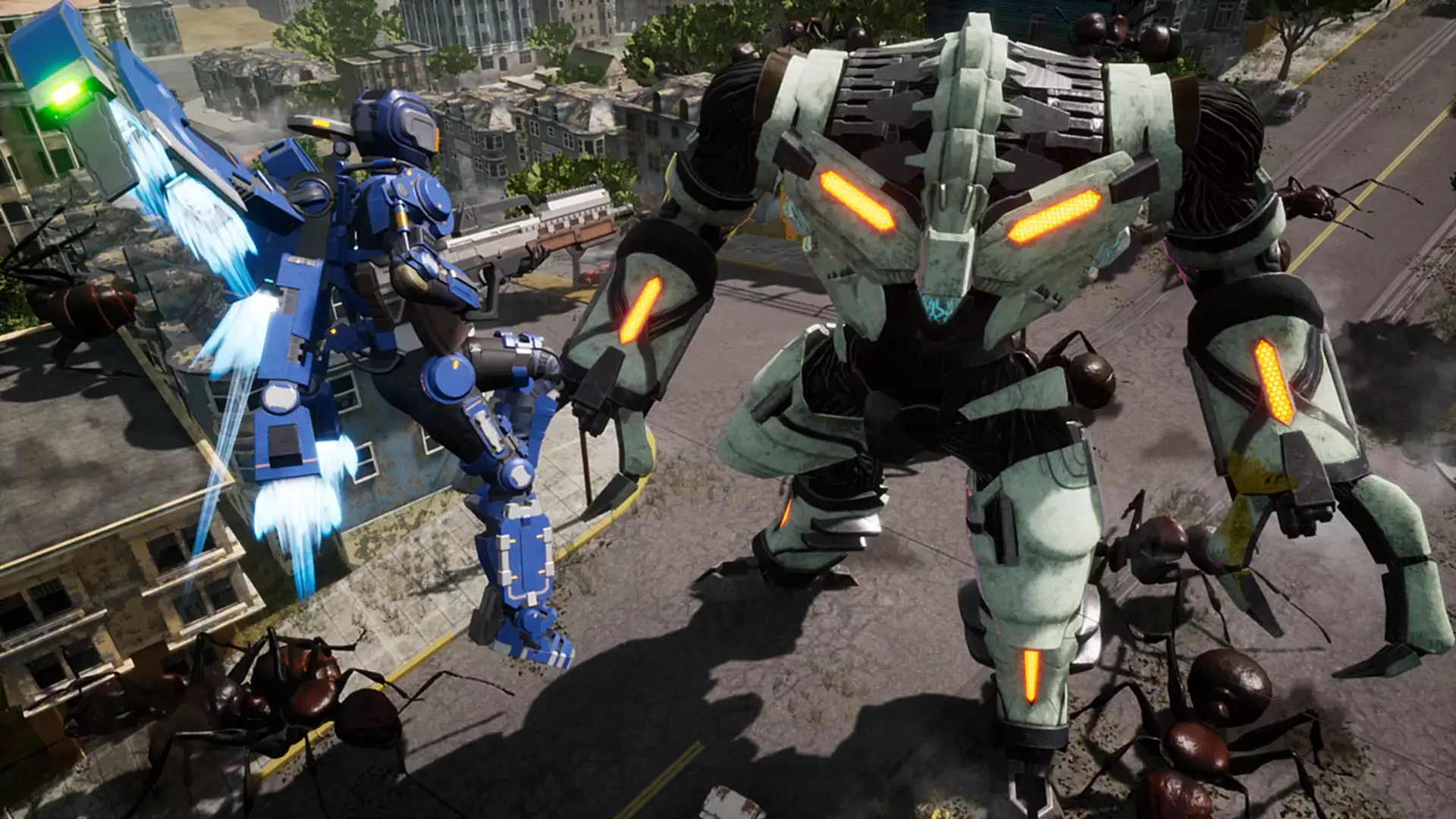
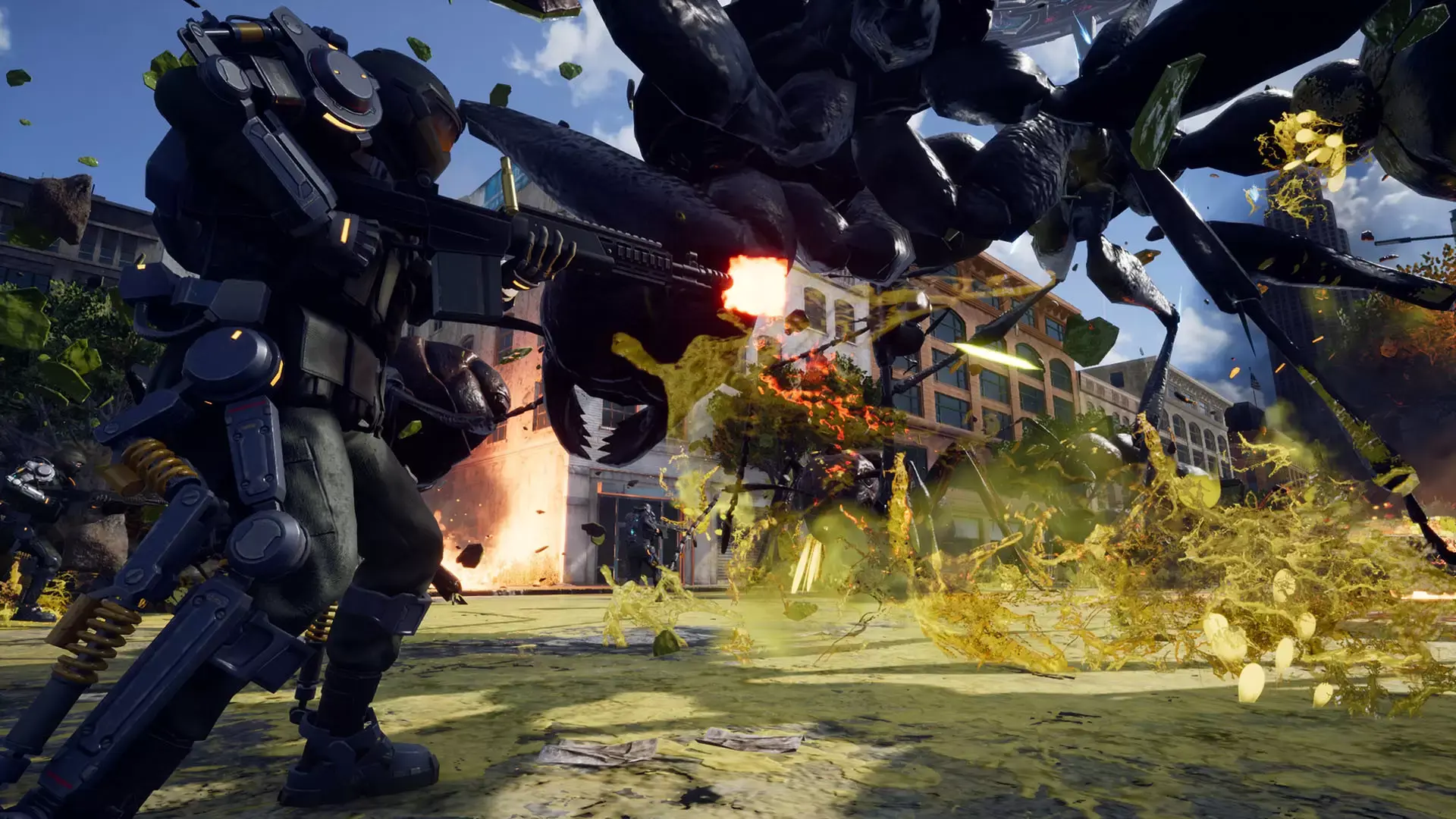
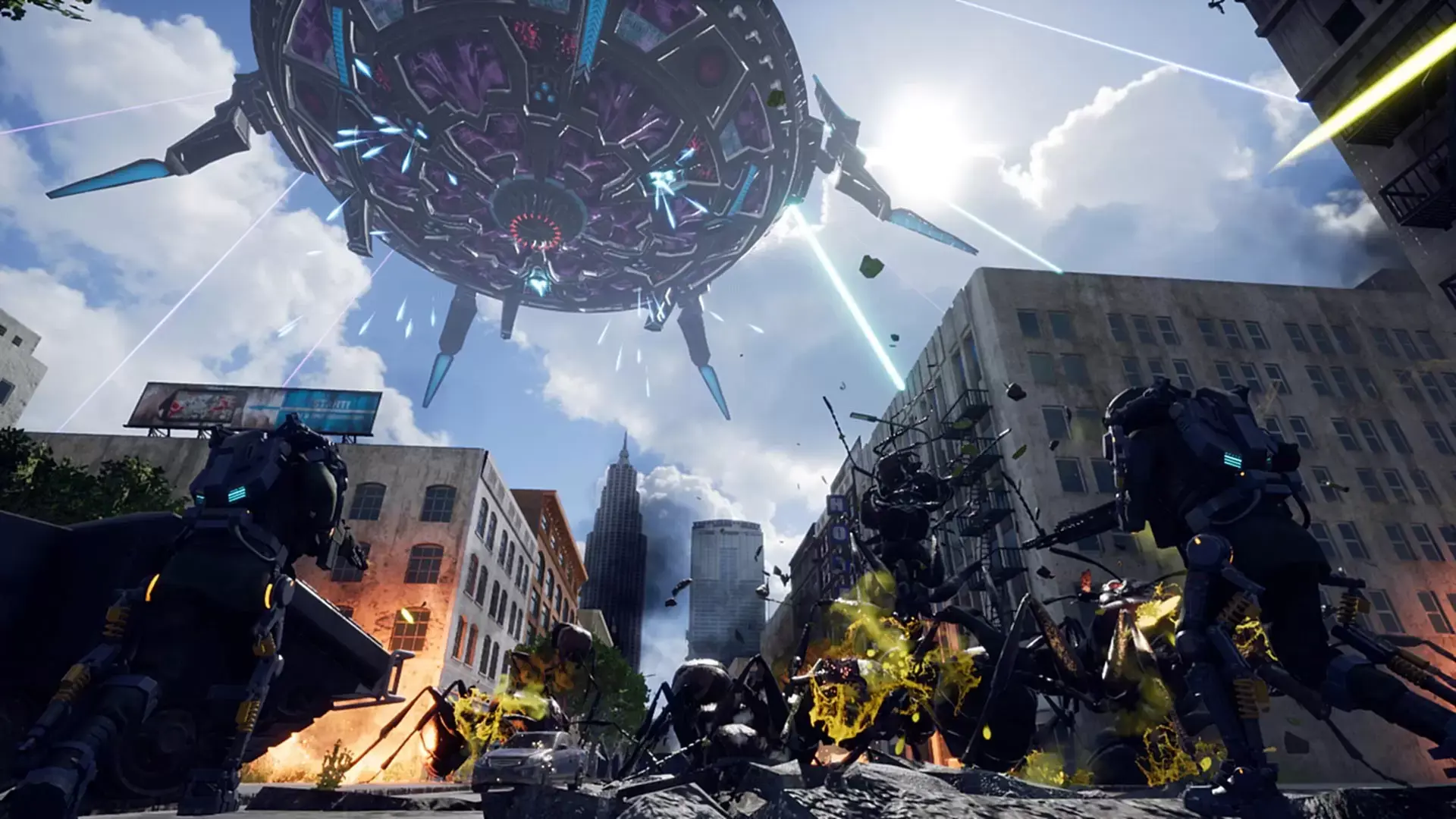
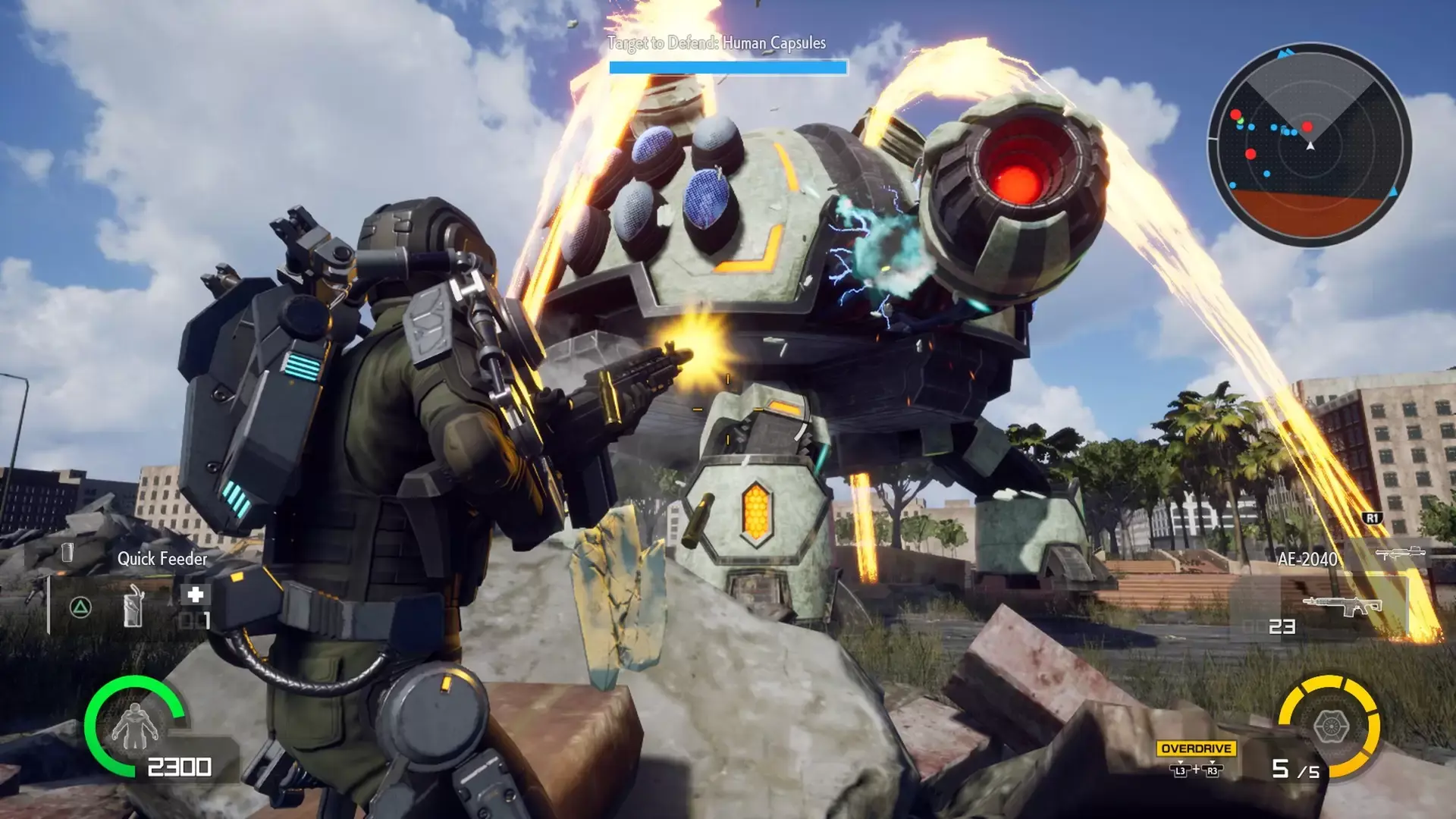
Save the world without hope.
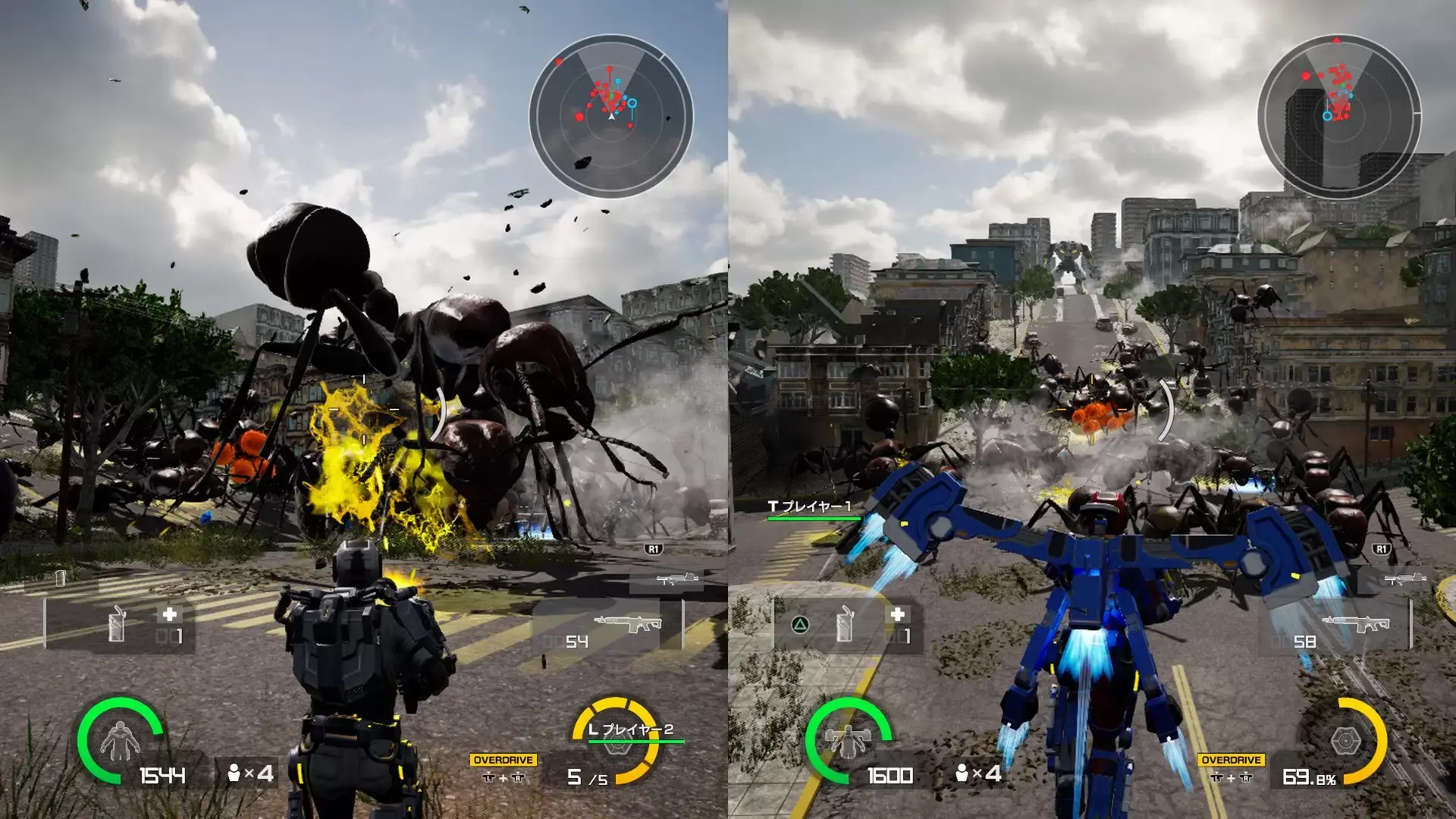
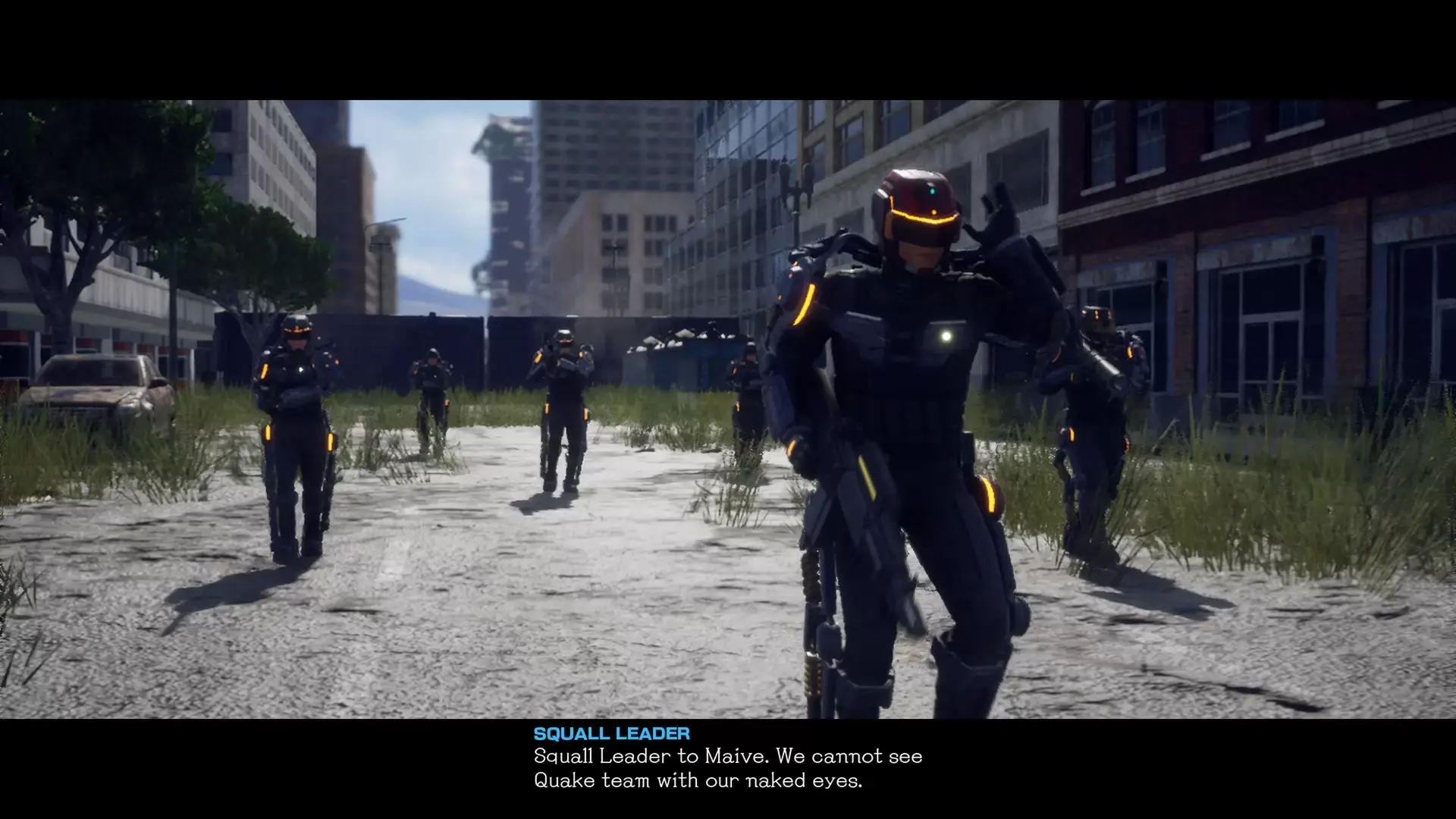
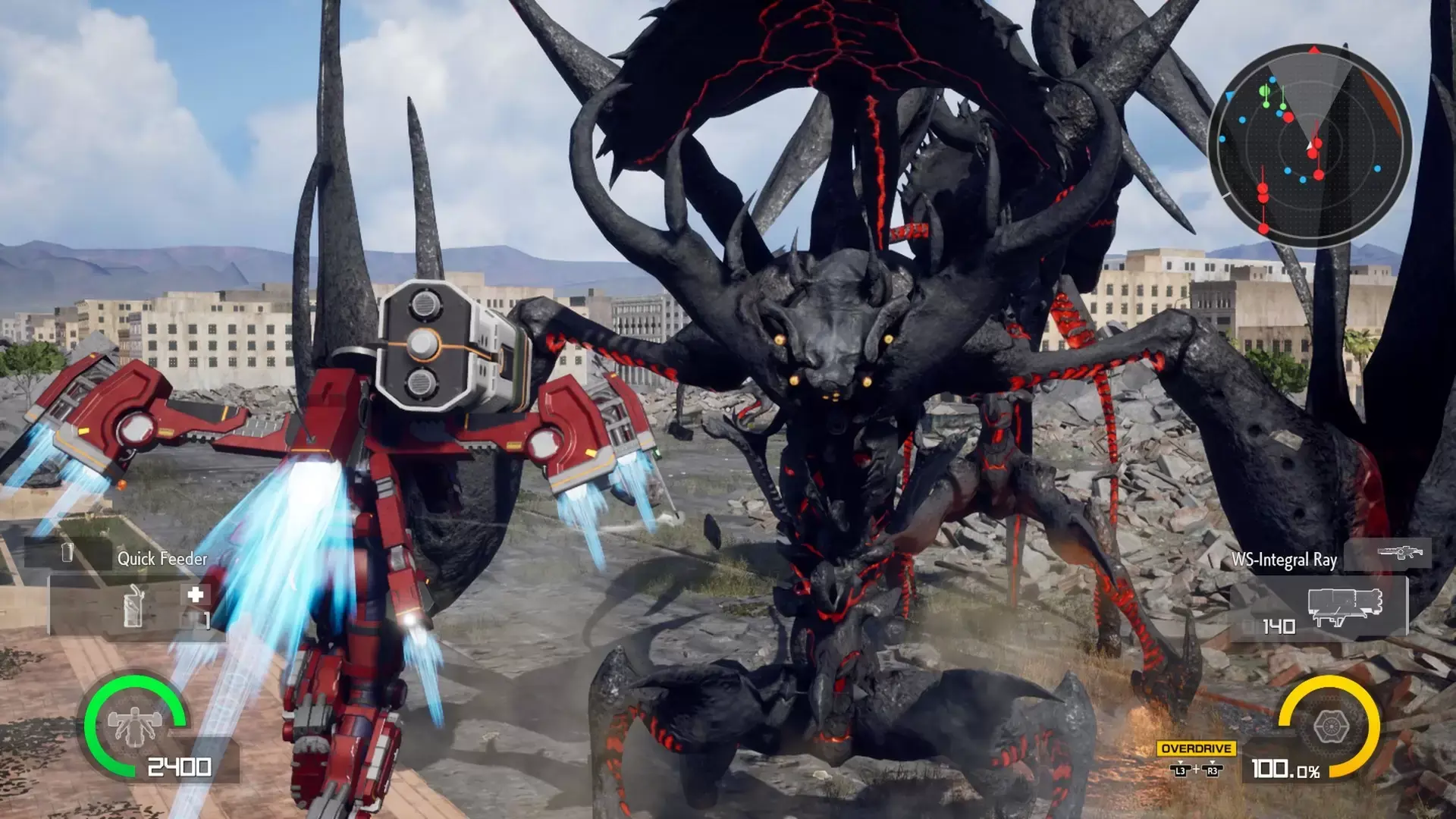
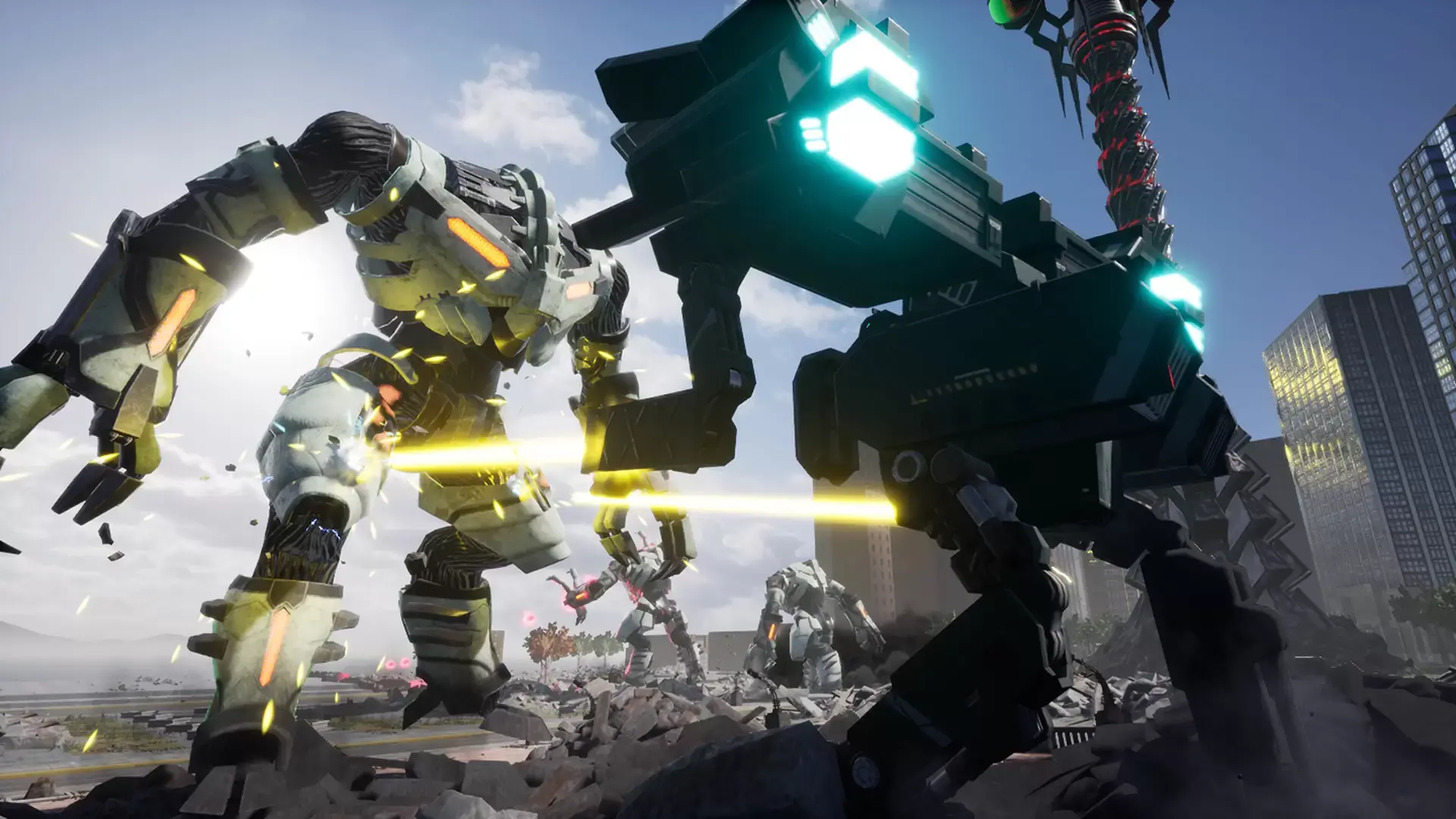
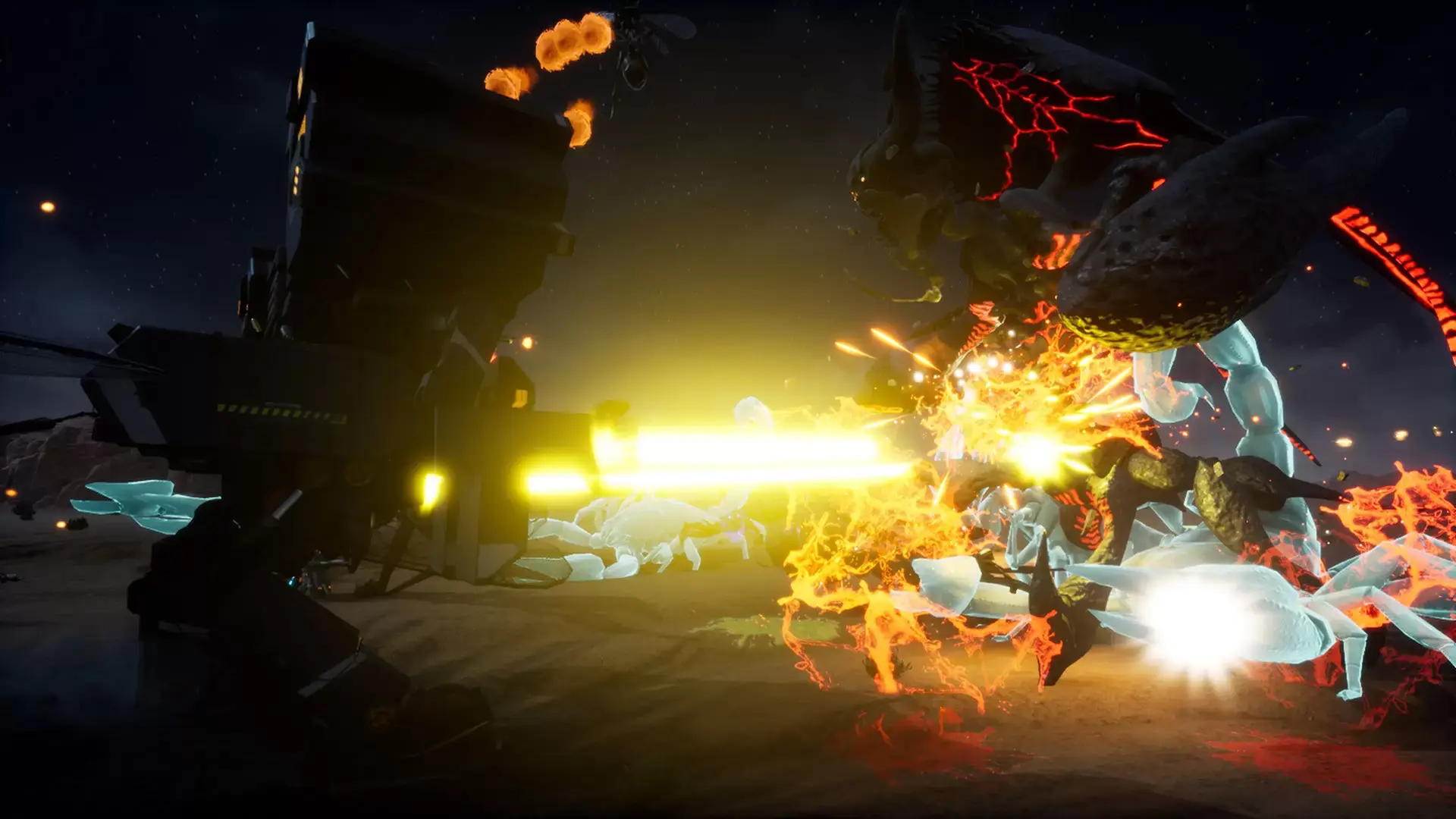
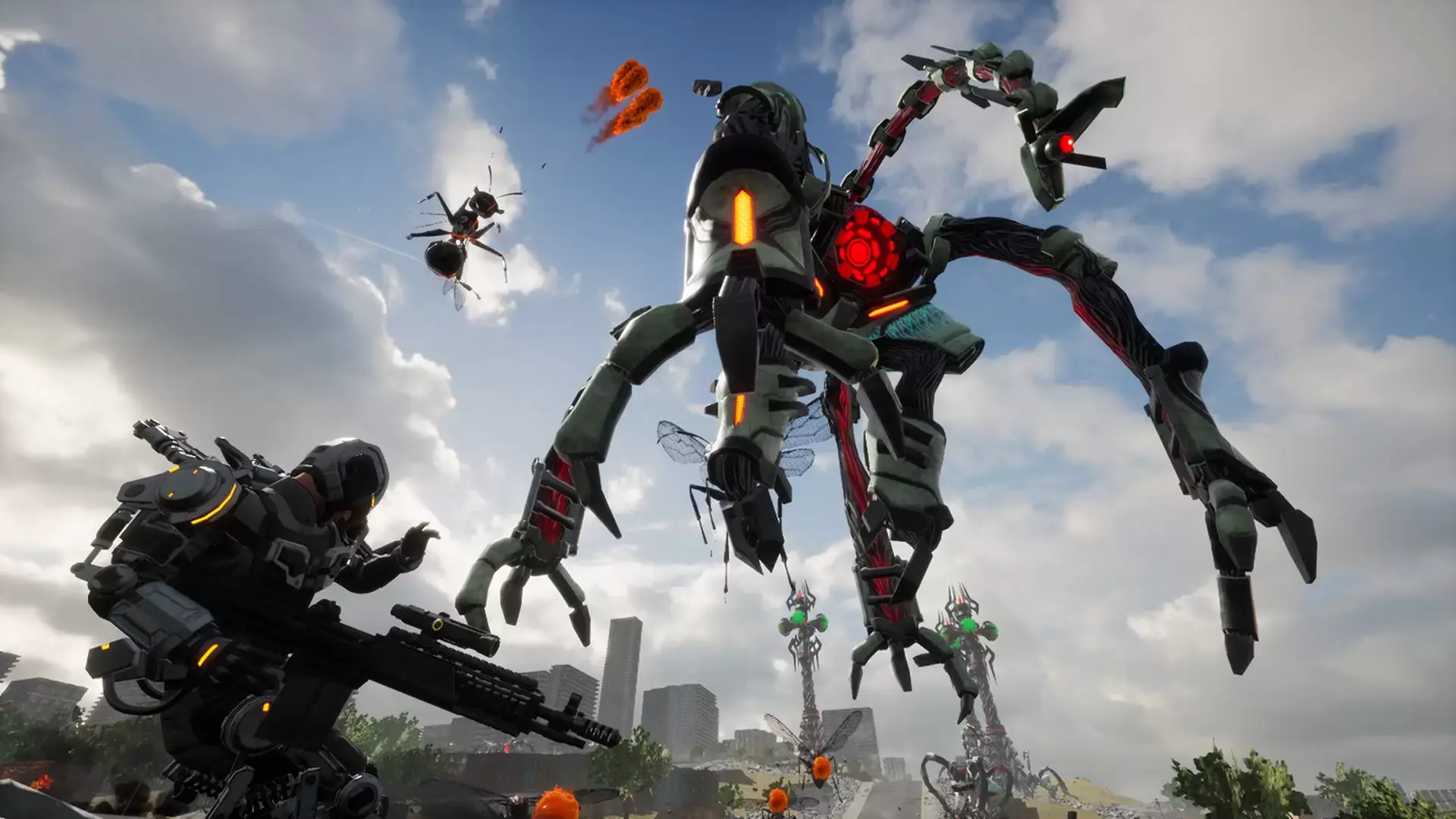
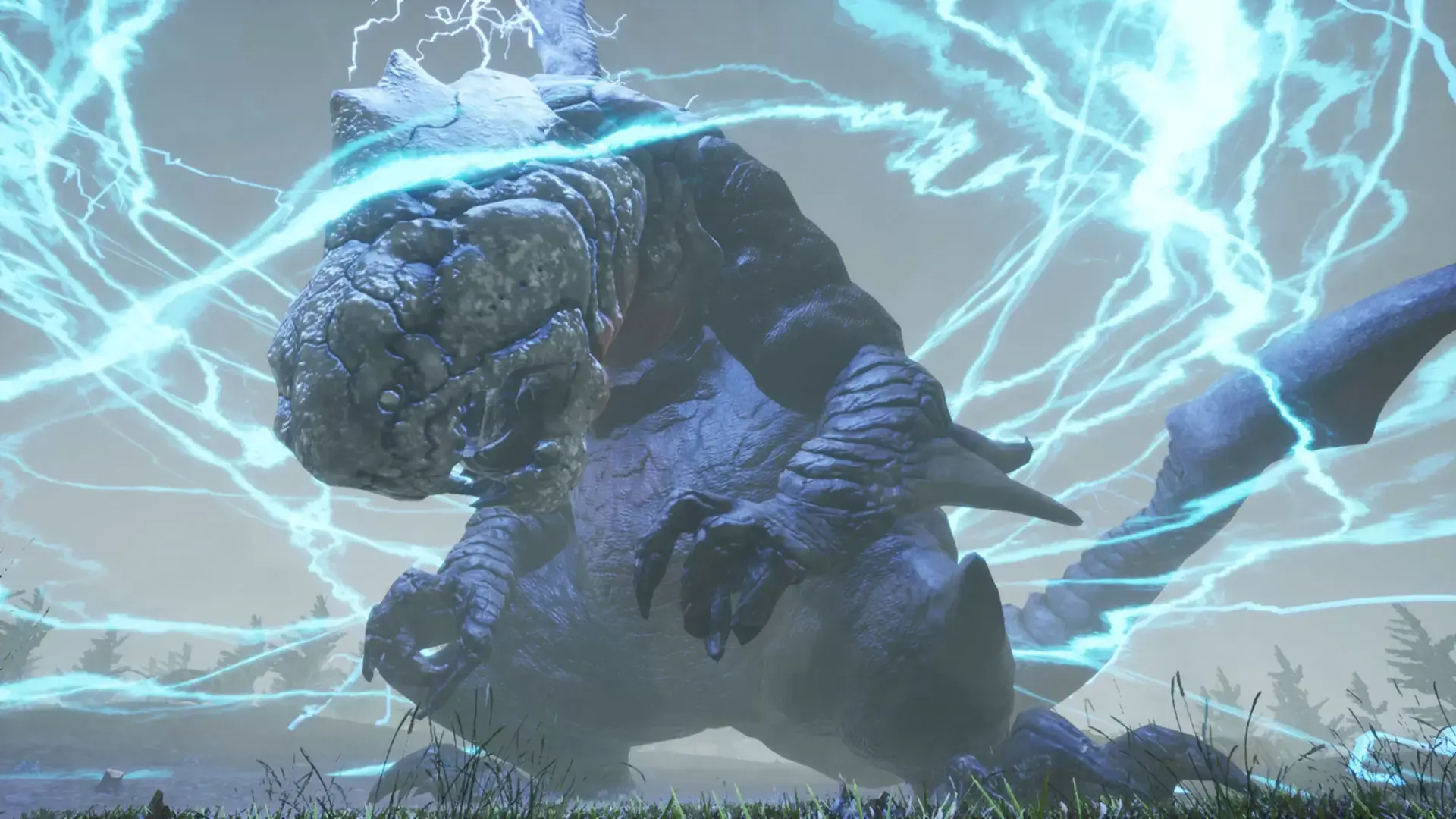
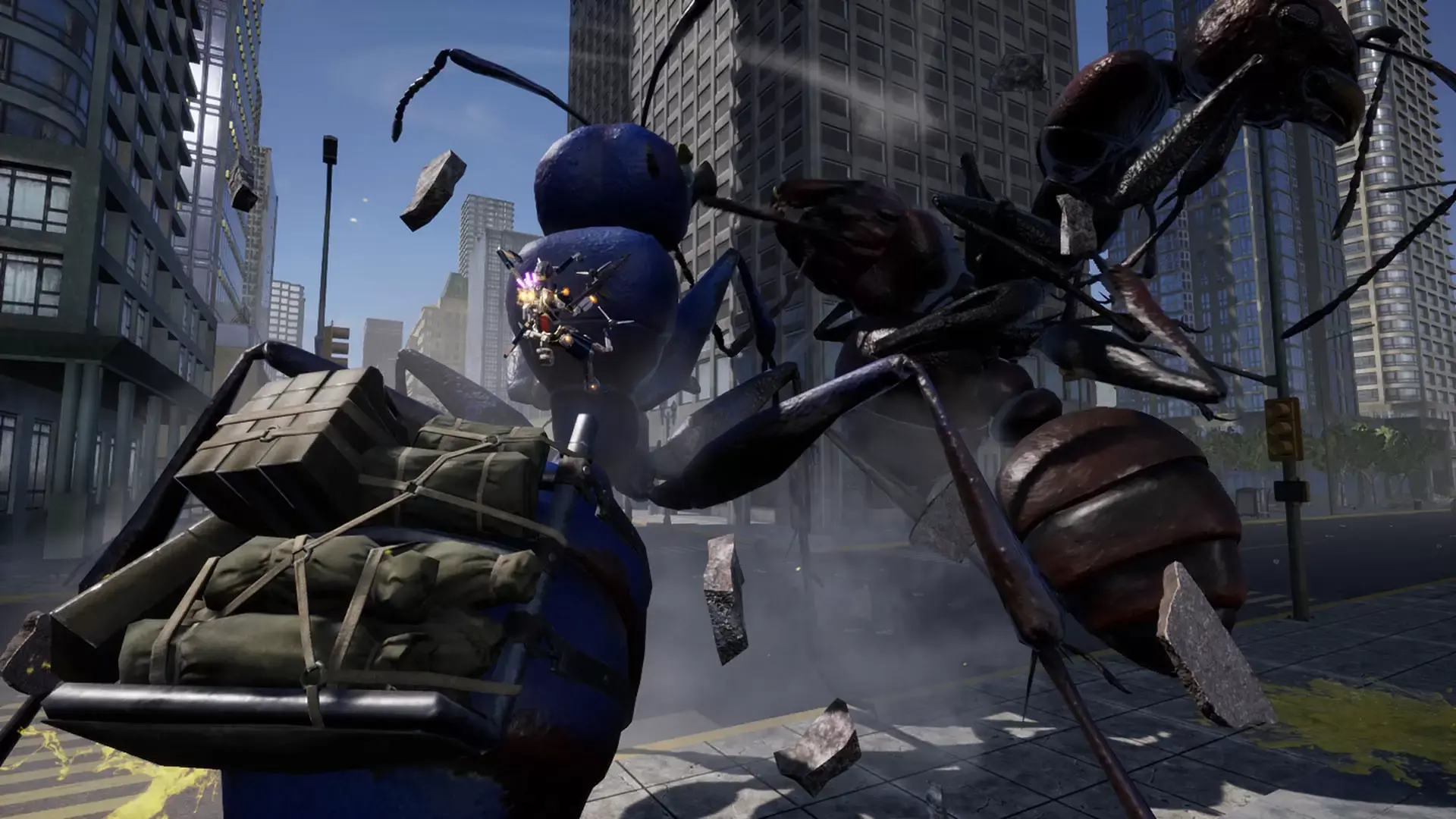
Year 2040. An action TPS where you will become one of the EDF soldiers and fight against the invaders from outer space which ruined the world. In the world settings which differs from the original "EARTH DEFENSE FORCE" series, more than 50 missions in five difficulties await for your challenge.
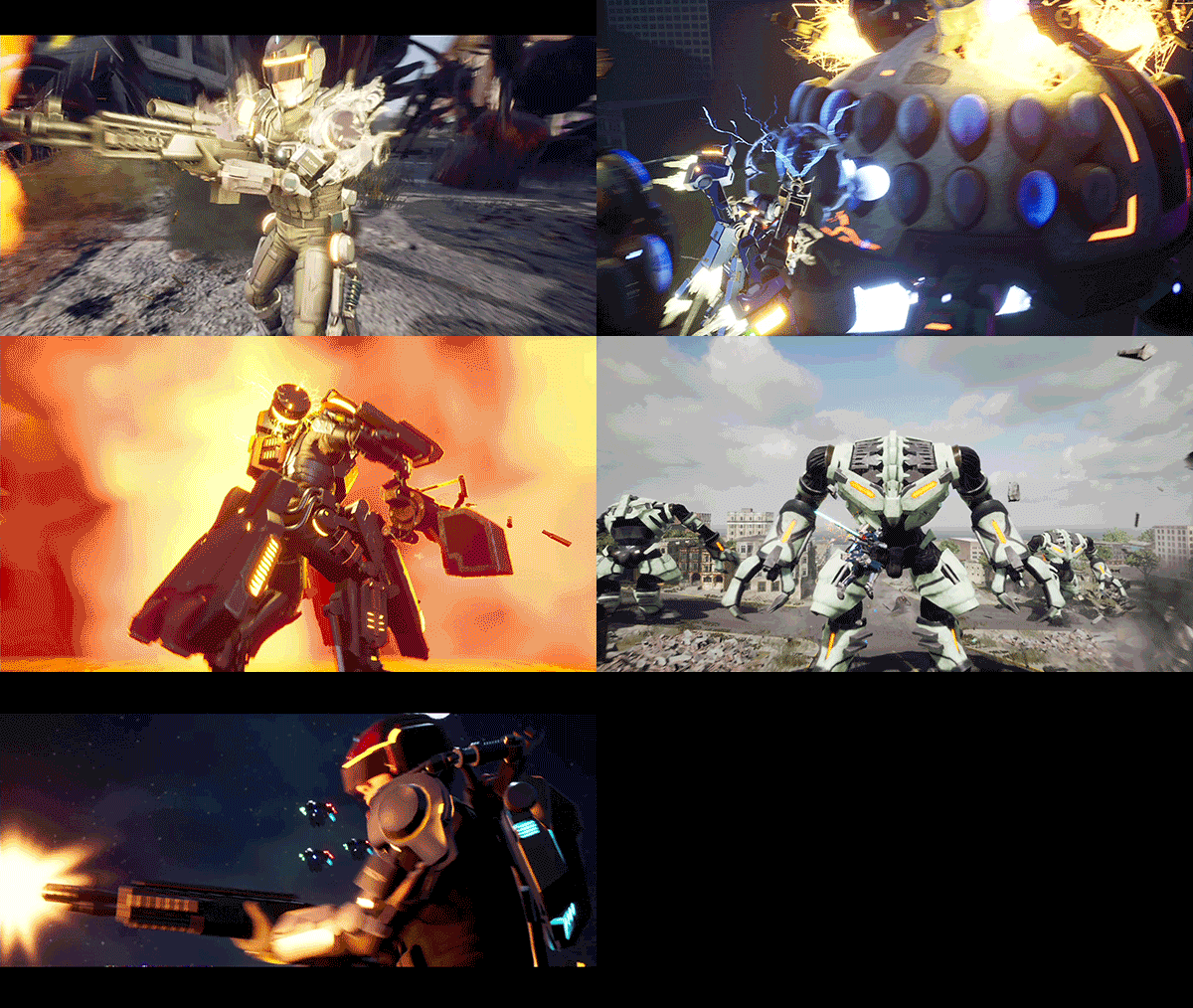
- 50+ Missions in Five Difficulties
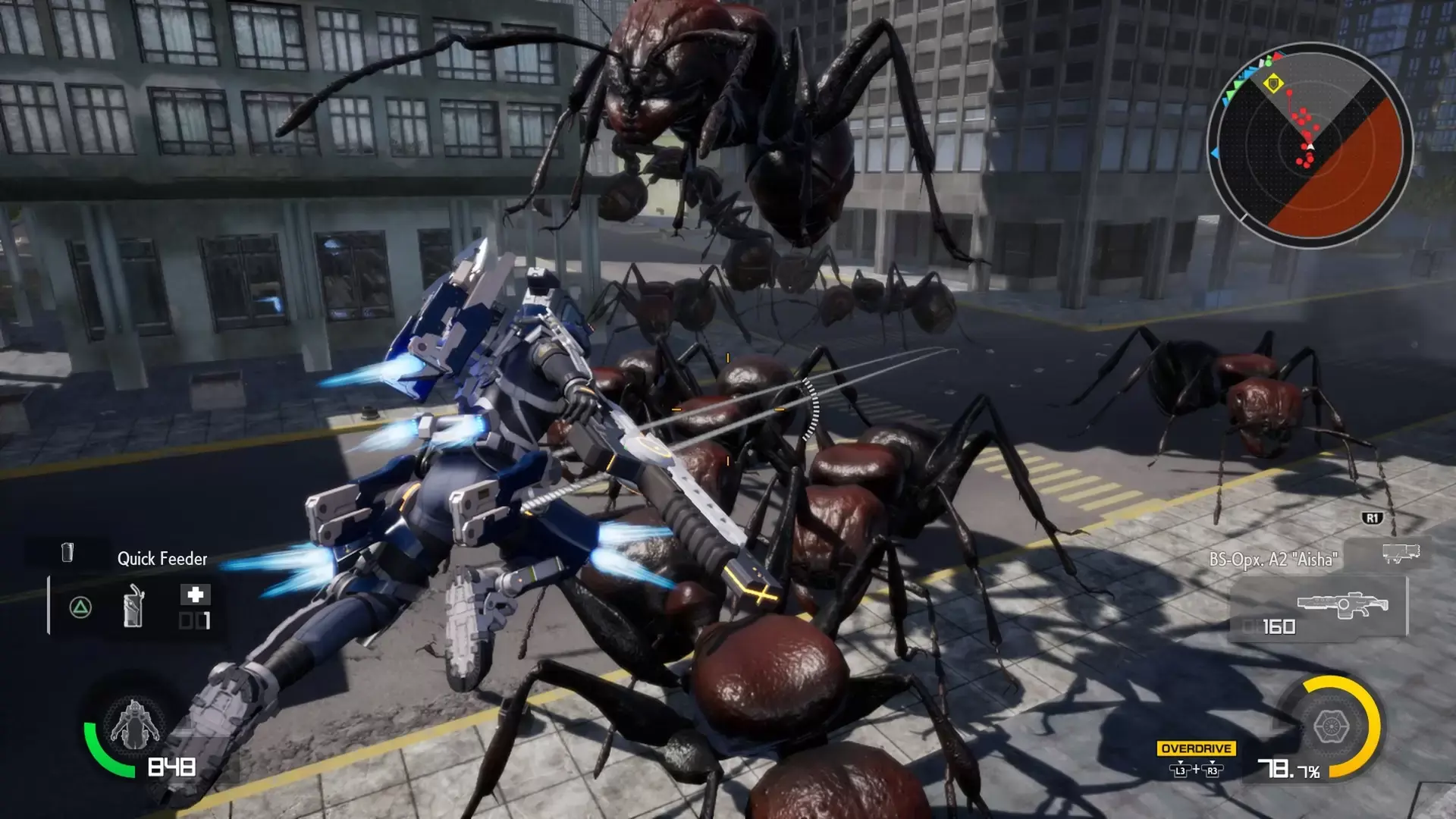
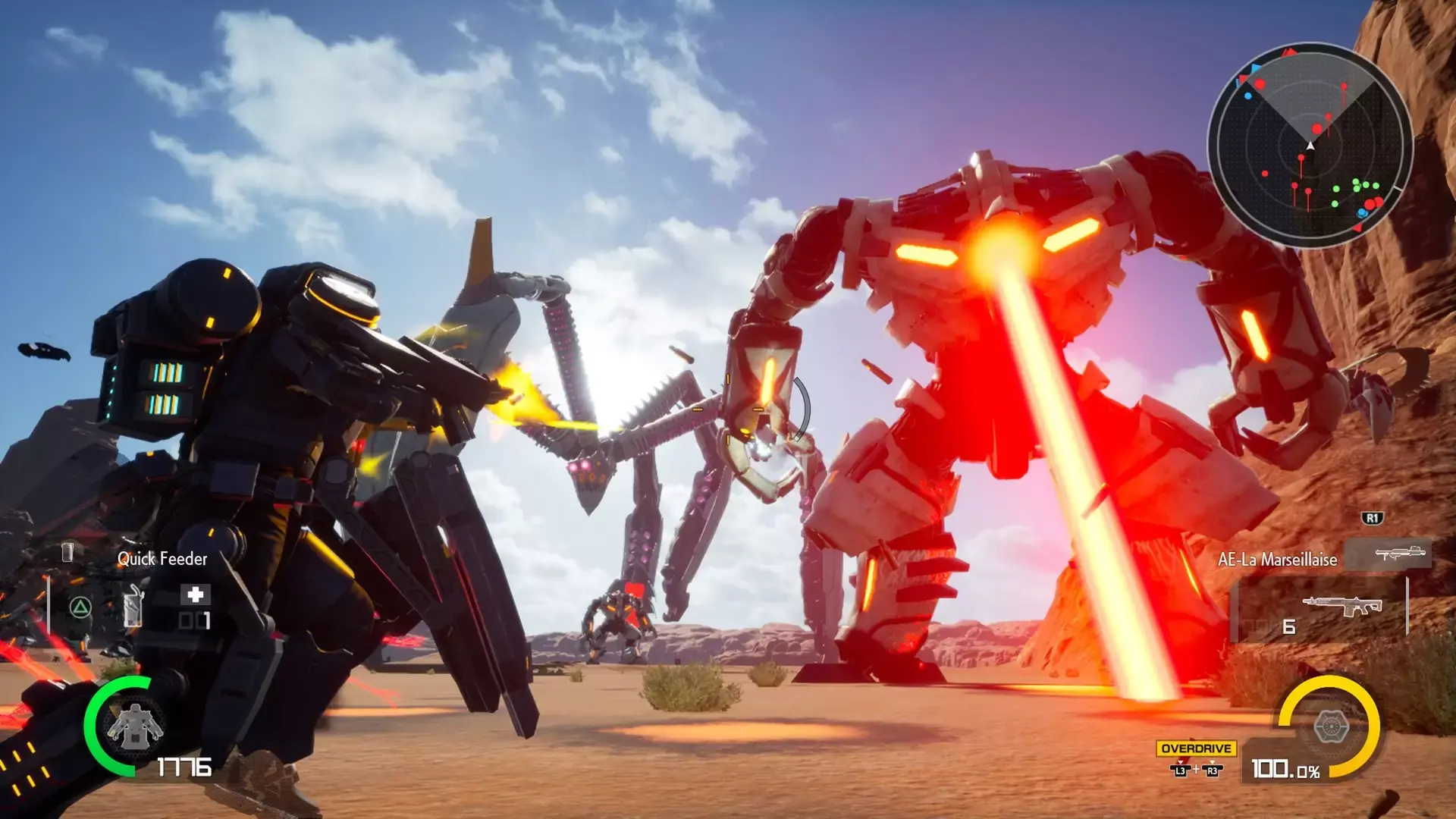
The furious battle against the invader Aggressors is full of chaos. Includes 50+ severe missions, where you must fight against gigantic enemy creatures and huge invader weapons in 5 different difficulties.
- 4 Mobile Soldiers and Weapons
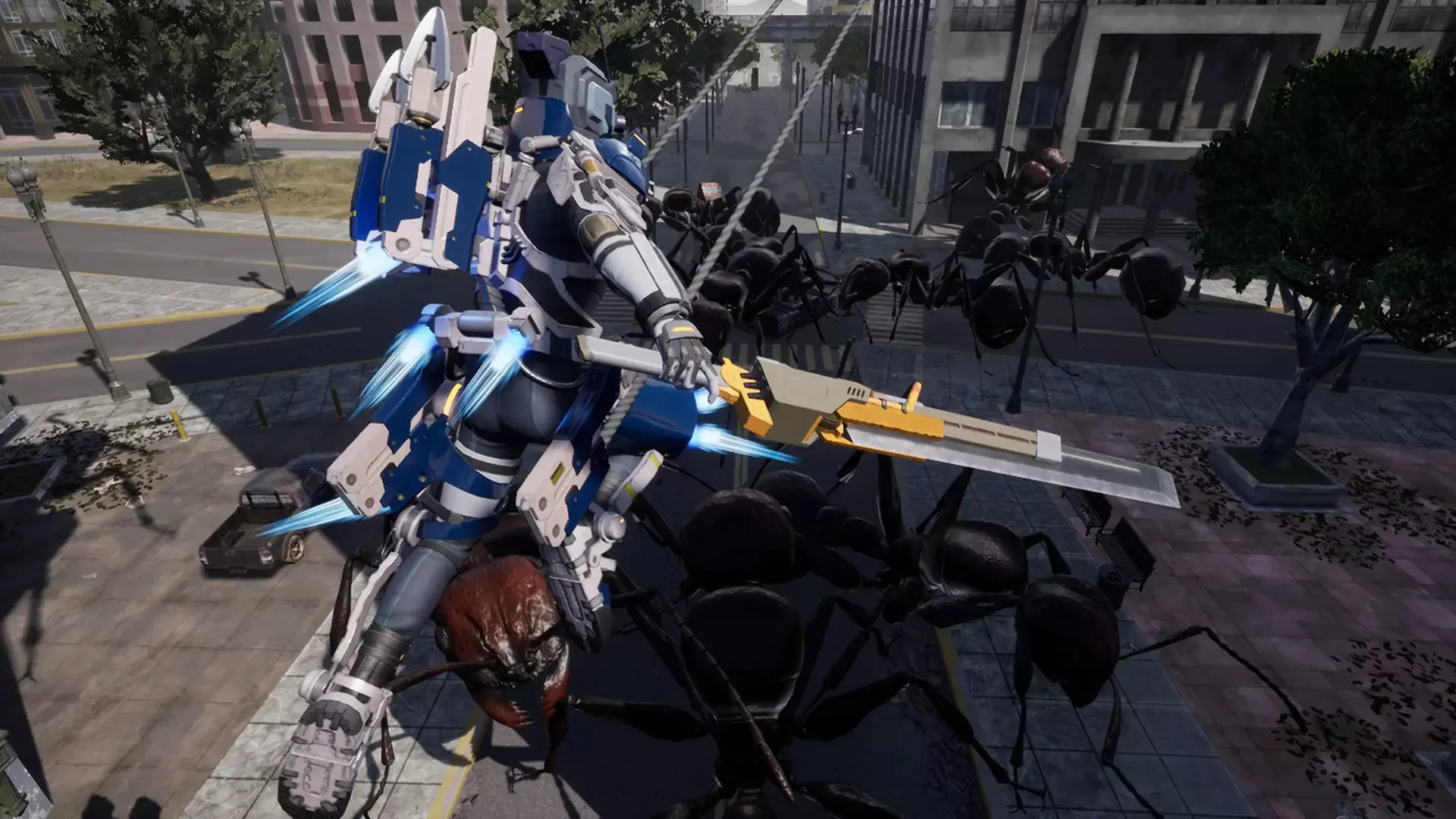
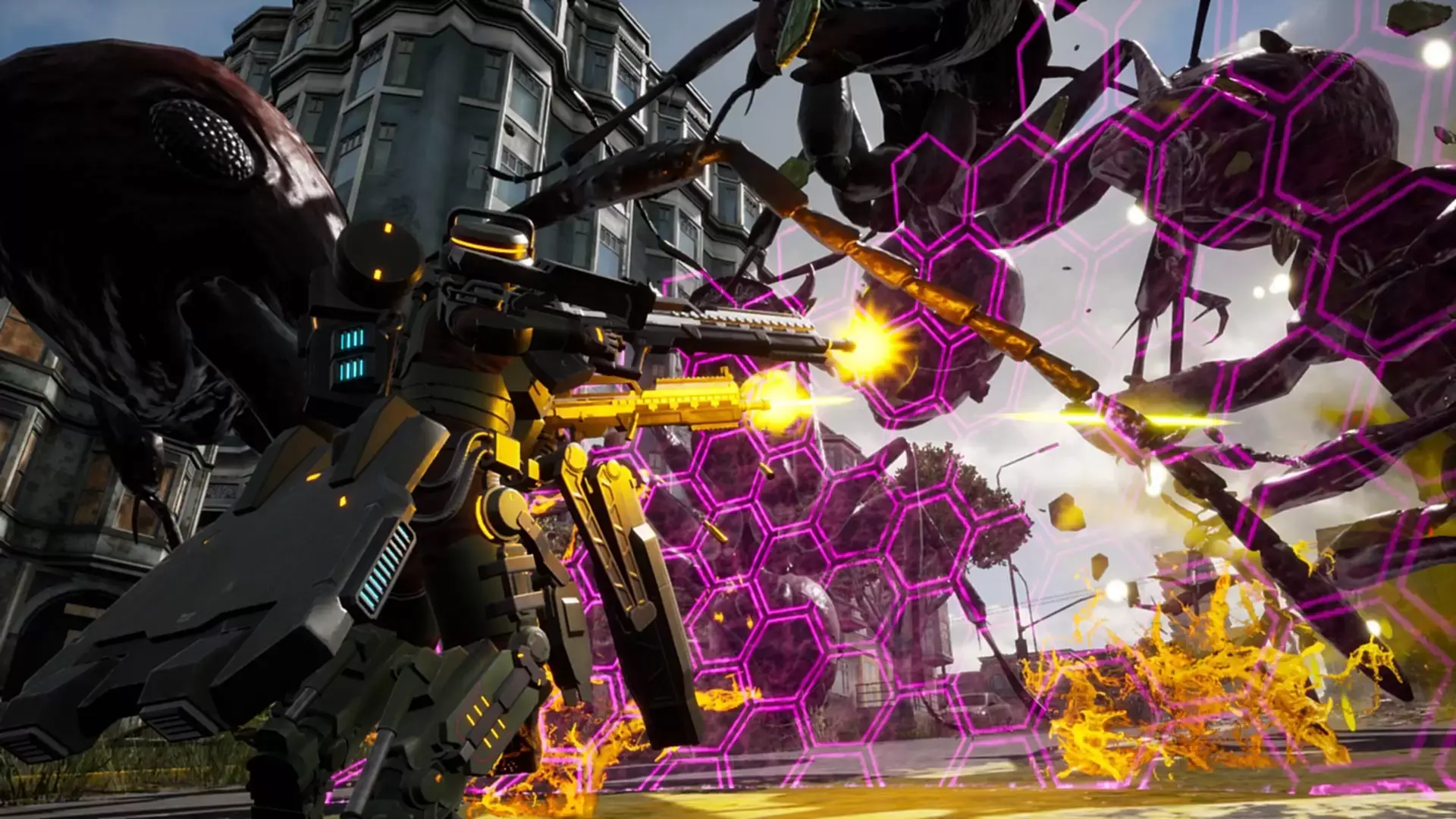
You will become the legendary mobile soldier which controls 4 different PA Gears, several hundreds weapons, arms and items. Regain hope to human beings.
- Bring Personality to the Battlefield
Includes character creation mode. You can select your favorite gender, face, hair style, weight, voice and outfit. You can also change the personality of yourself.
- Enriched Off-Line and On-Line Mode
When playing the off-line mode, the split-screen will be supported. Also, when playing the on-line mode, you can co-op with other EDF members around the world.
©2019 YUKE’S
©2019 D3 PUBLISHER
最低配置:
- 需要 64 位处理器和操作系统
- 操作系统: Windows 7 64bit, Windows 8.1 64bit Windows 10 64bit
- 处理器: Intel Core i3-8100
- 内存: 8 GB RAM
- 显卡: NVIDIA GeForce GTX 750 Ti/ Radeon HD 7790 2GB
- DirectX 版本: 11
- 网络: 宽带互联网连接
- 存储空间: 需要 24 GB 可用空间
- 声卡: DirectX 11 sound device
- 附注事项: XInput Controller
推荐配置:
- 需要 64 位处理器和操作系统
- 操作系统: Windows 7 64bit, Windows 8.1 64bit Windows 10 64bit
- 处理器: Intel Core i7-4770/AMD Ryzen 5 1400
- 内存: 8 GB RAM
- 显卡: GeForce GTX 1050 Ti / Radeon R9 280 3GB
- DirectX 版本: 11
- 网络: 宽带互联网连接
- 存储空间: 需要 24 GB 可用空间
- 声卡: DirectX 11 sound device
- 附注事项: XInput Controller
STEAM
1. 创建一个Steam账户。
2.点击左下角"添加游戏"标签,选择"在Steam上激活产品"并输入密钥



