

Bully: Scholarship Edition

game
该产品在您所在的地区不可用



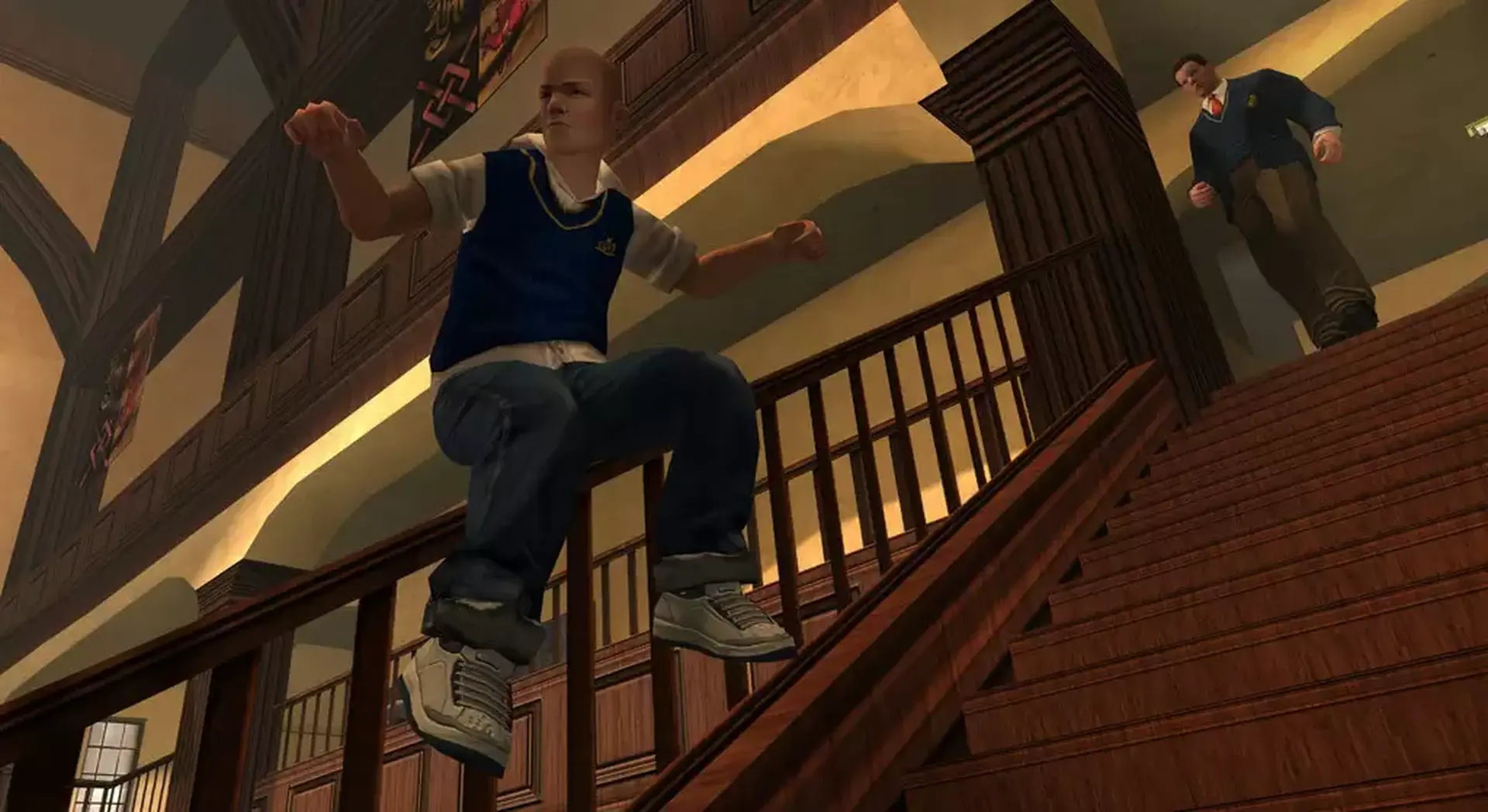


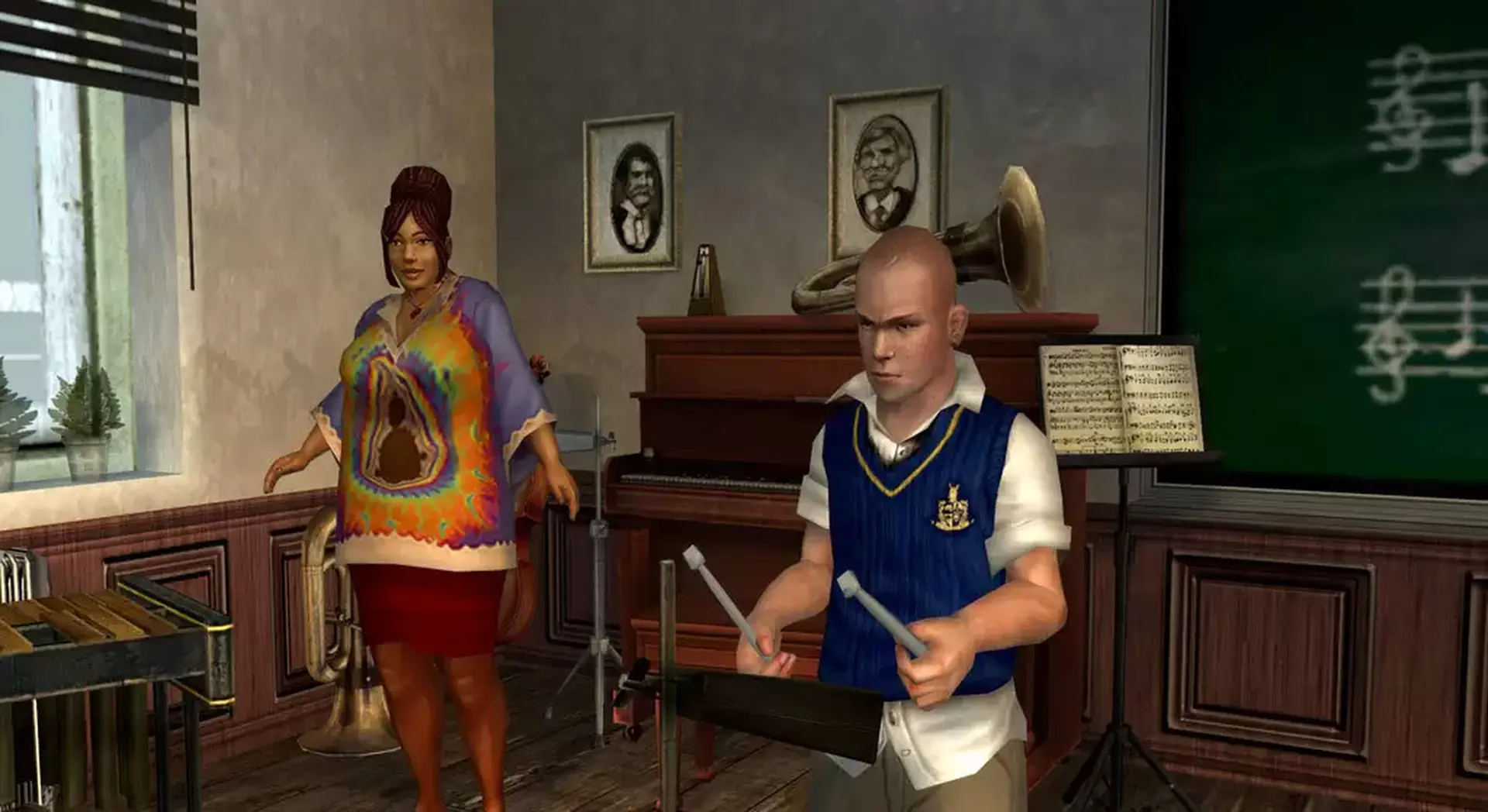

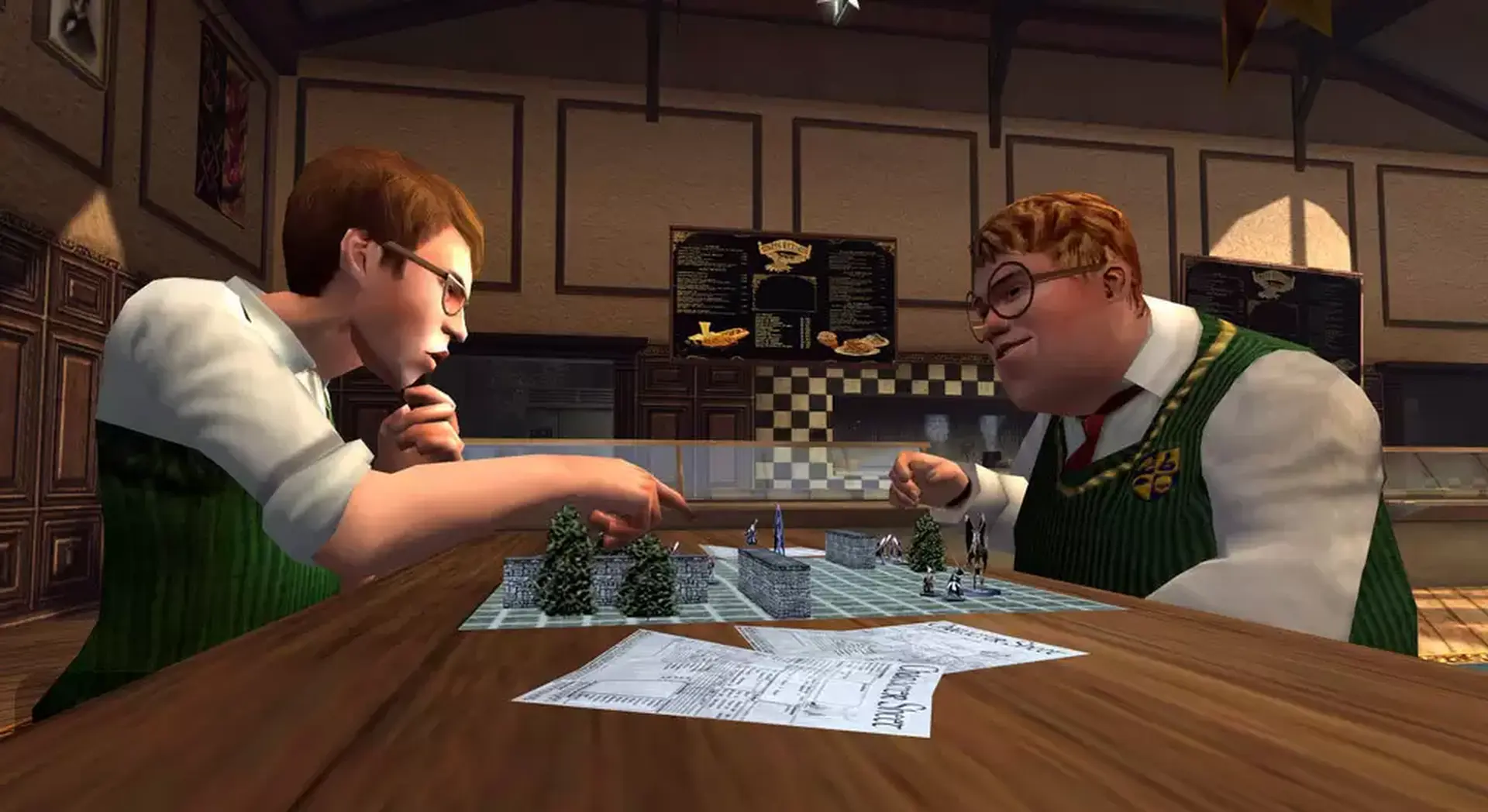

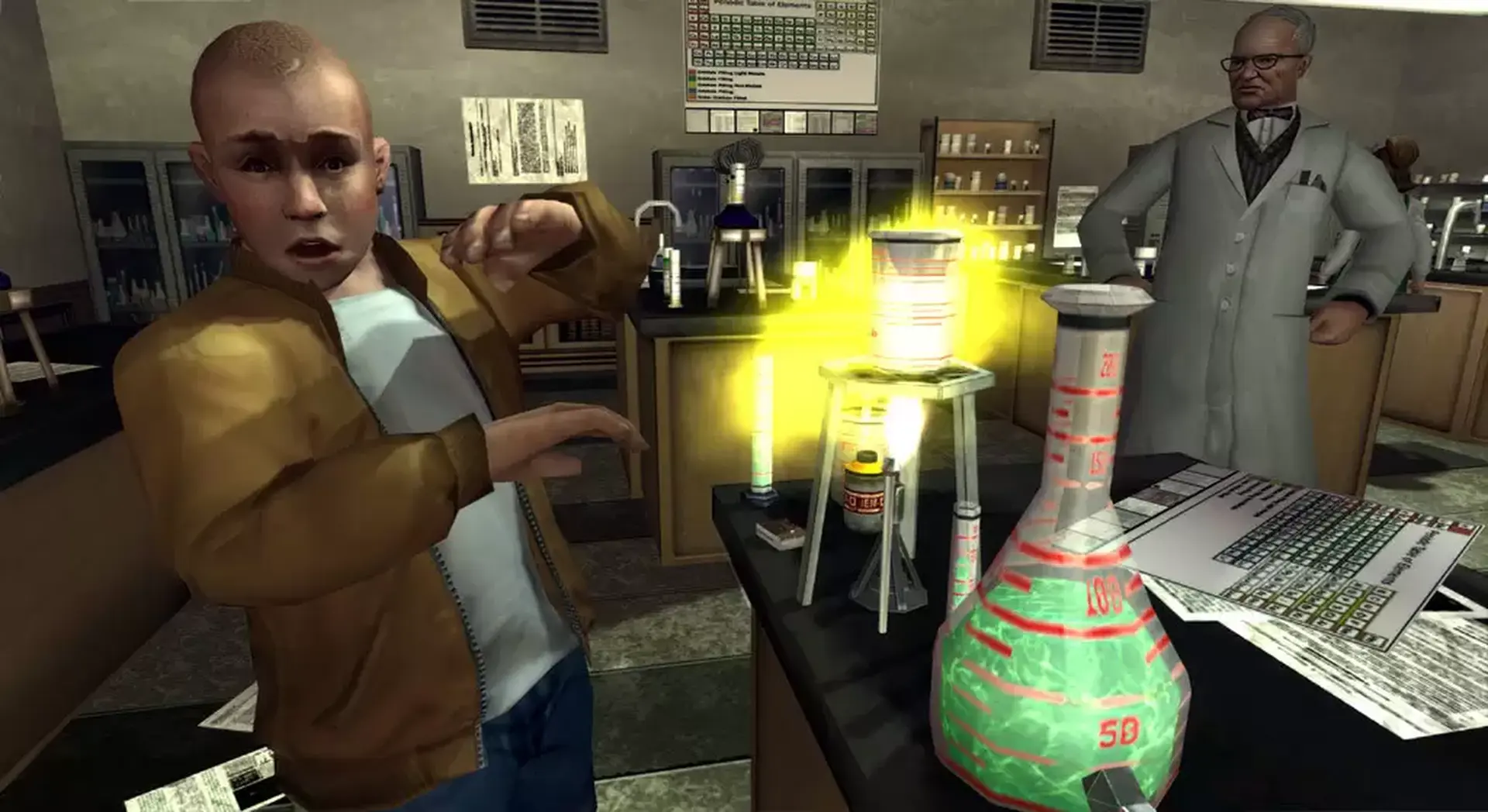
Bully: Scholarship Edition takes place at the fictional New England boarding school, Bullworth Academy, and tells the story of mischievous 15-year-old Jimmy Hopkins as he goes through the hilarity and awkwardness of adolescence. Beat the jocks at dodge ball, play pranks on the preppies, save the nerds, kiss the girl and ultimately navigate the social hierarchy in the worst school around.
Includes the complete soundtrack, featuring 26 original tracks.
After purchase and download you can locate the soundtrack in your Steam folder here:
[Steam\steamapps\common\bully scholarship edition\Bully Original Soundtrack].
The Steam folder is typically found under C:\Program Files\Steam
*This game will no longer support Windows 7 or 8 operating systems starting January 30, 2024.
- OS: Windows 10
- Processor: Intel Pentium 4 (3+ GHZ) / AMD Athlon 3000+
- Memory: 1 GB RAM
- Graphics: DirectX 9.0c Shader 3.0 supported, Nvidia 6800 or 7300 or better, ATI Radeon X1300 or better
- DirectX Version: DirectX 9.0c
- Hard Drive: 4.7 GB free space
- Sound Card: DX9-compatible
- Input: Keyboard, Mouse, Xbox 360 Controller supported
- Other Requirements; Software installations required including DirectX . Partner Requirements: Please check the terms of service of this site before purchasing this software. You must accept the license available online at rockstargames.com/eula. Non-transferable access to special features such as exclusive, unlockable, downloadable or online content, services, or functions may require single-use serial code, additional fee and/or online account registration (13+). Access to special features may require internet connection, may not be available to all users, and may, upon 30 days notice, be terminated, modified, or offered under different terms.
ROCKSTAR SOCIAL CLUB
按照以下步骤操作::
- 在我们的商店购买许可证密钥。
- 登录您现有的 Rockstar Social Club 帐户或创建一个新帐户。
- 从菜单中选择“兑换代码”(https://socialclub.rockstargames.com/activate)。
- 输入在我们商店购买的密钥,然后按“检查”。
- 按“Windows 版下载”按钮。 下载并启动安装程序 (setup.exe),然后单击“继续”。



