Aerial_Knight's Never Yield on Discord

Acerca do Jogo
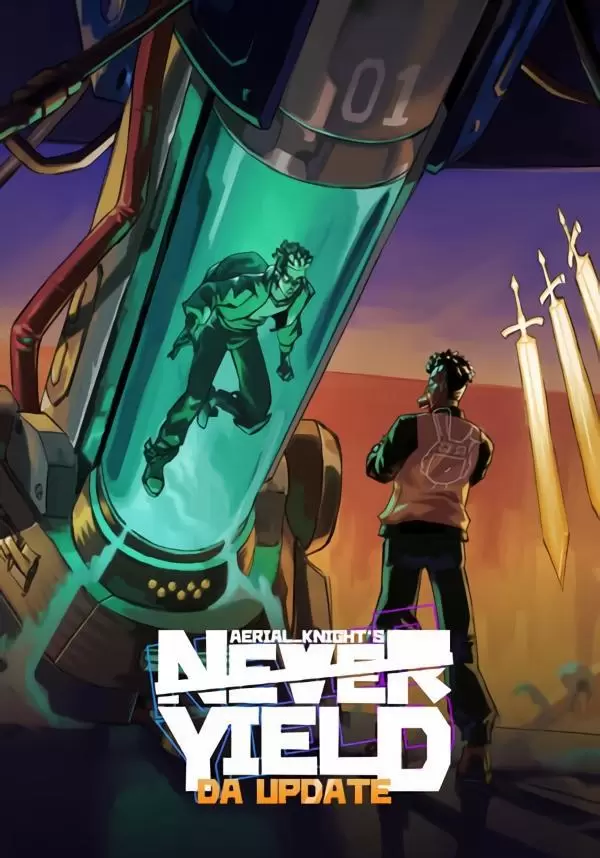
STORYTake the role of Wally. A mysterious character that has recovered what was taken from him. Hopefully, you're fast enough to outrun your enemies. Expose the truth and try to uncover the mystery of what happened to them. With an average runtime of an action movie (about an hour and a half on Normal), a first run of this action-packed adventure can be enjoyed in an afternoon. Afterwards you can improve your score.
 GAMEPLAY
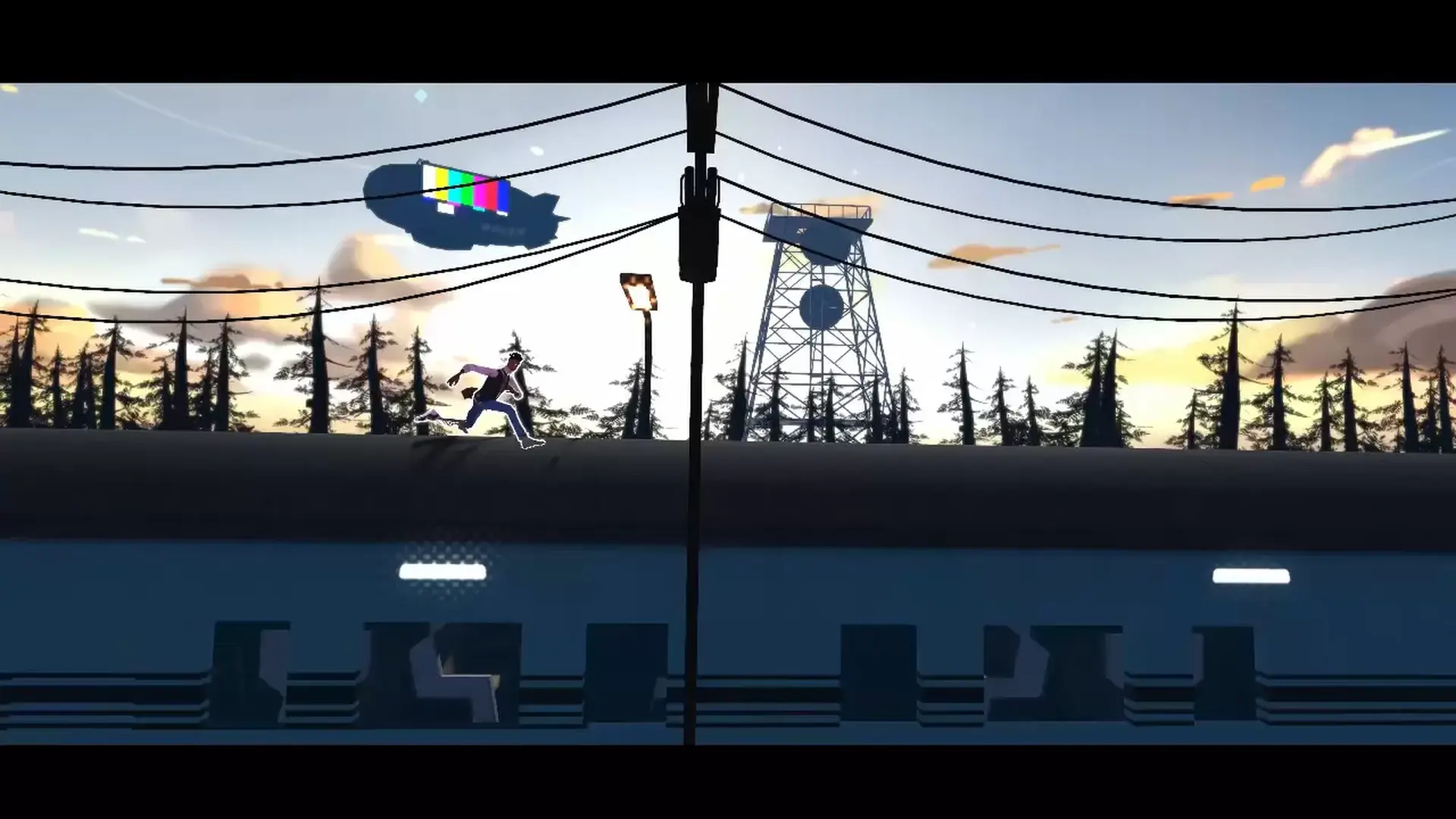
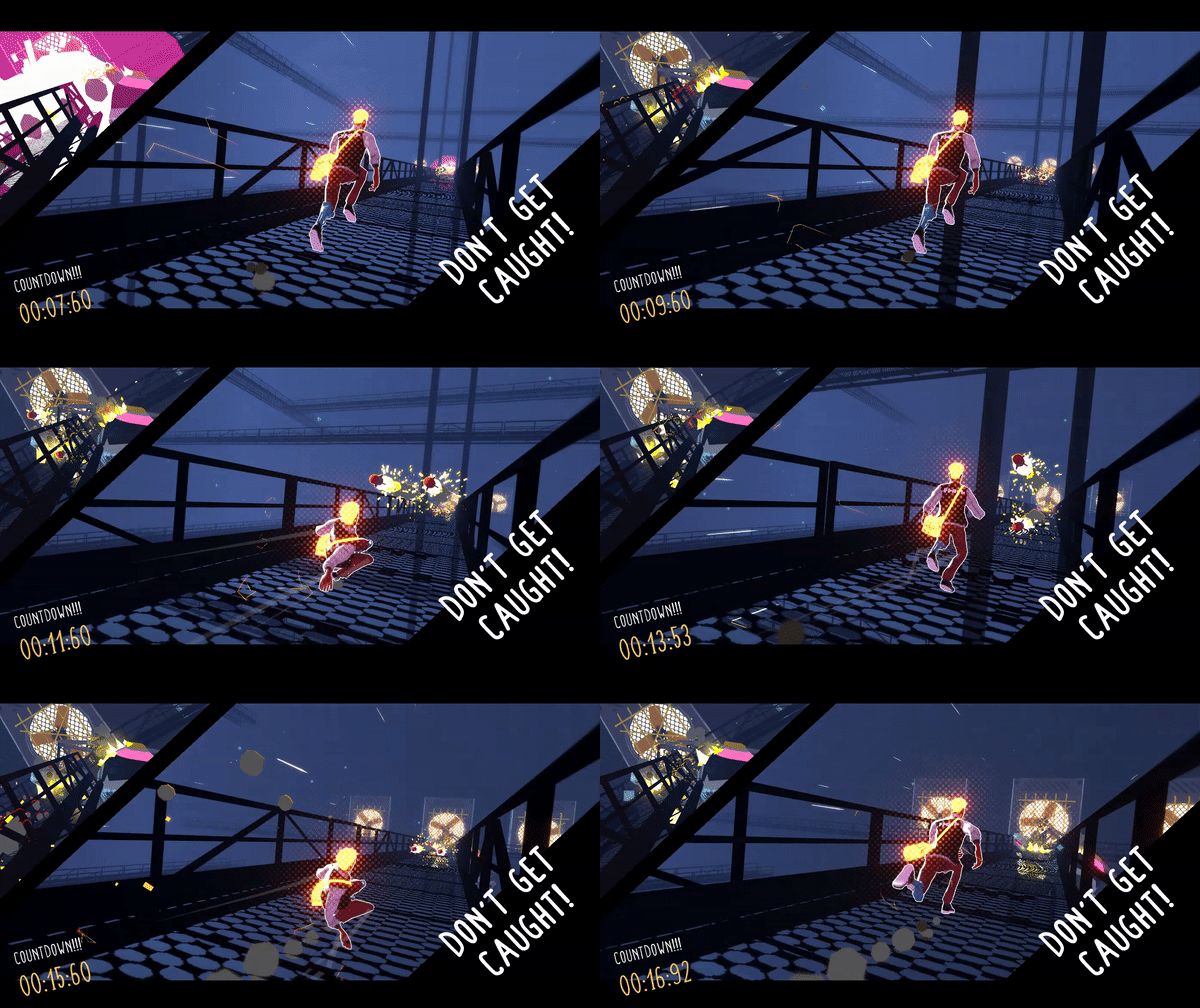
Aerial_Knight's Never Yield is a 3D side-scroller that plays much like a classic endless runner. The game has an interesting story that keeps players always in motion. Run, Jump, Slide or "Dash" for acrobatic variants leading to dope combinations and avoid the challenges that await. Aerial_Knight's Never Yield is being built for players who love to speedrun games while being an experience that casual players will enjoy as well.
 SOUNDTRACK
This Soundtrack for Aerial_Knight's Never Yield is being done by "Danime-Sama" A Detroit artist with vocals from artists from all over the world.
.gif?t=1676467283) NOTE FROM THE DEV
NOTE FROM THE DEVThis project began as just a passion project I started on my own to create something familiar but new for this generation of gamers while highlighting aspects of a culture that is often overlooked. I really hope you enjoy the game once its released and follow my journey to create new and interesting games
- Aerial_Knight
STEAM
1. Registrar conta Steam.
2. No menu "Meus jogos", clique no botão "Ativar via Steam..." e digite a chave