

Stikbold! A Dodgeball Adventure

game
249 ₽
지역:러시아
활성화:STEAM
품절
Top up your account and buy games on Steam.


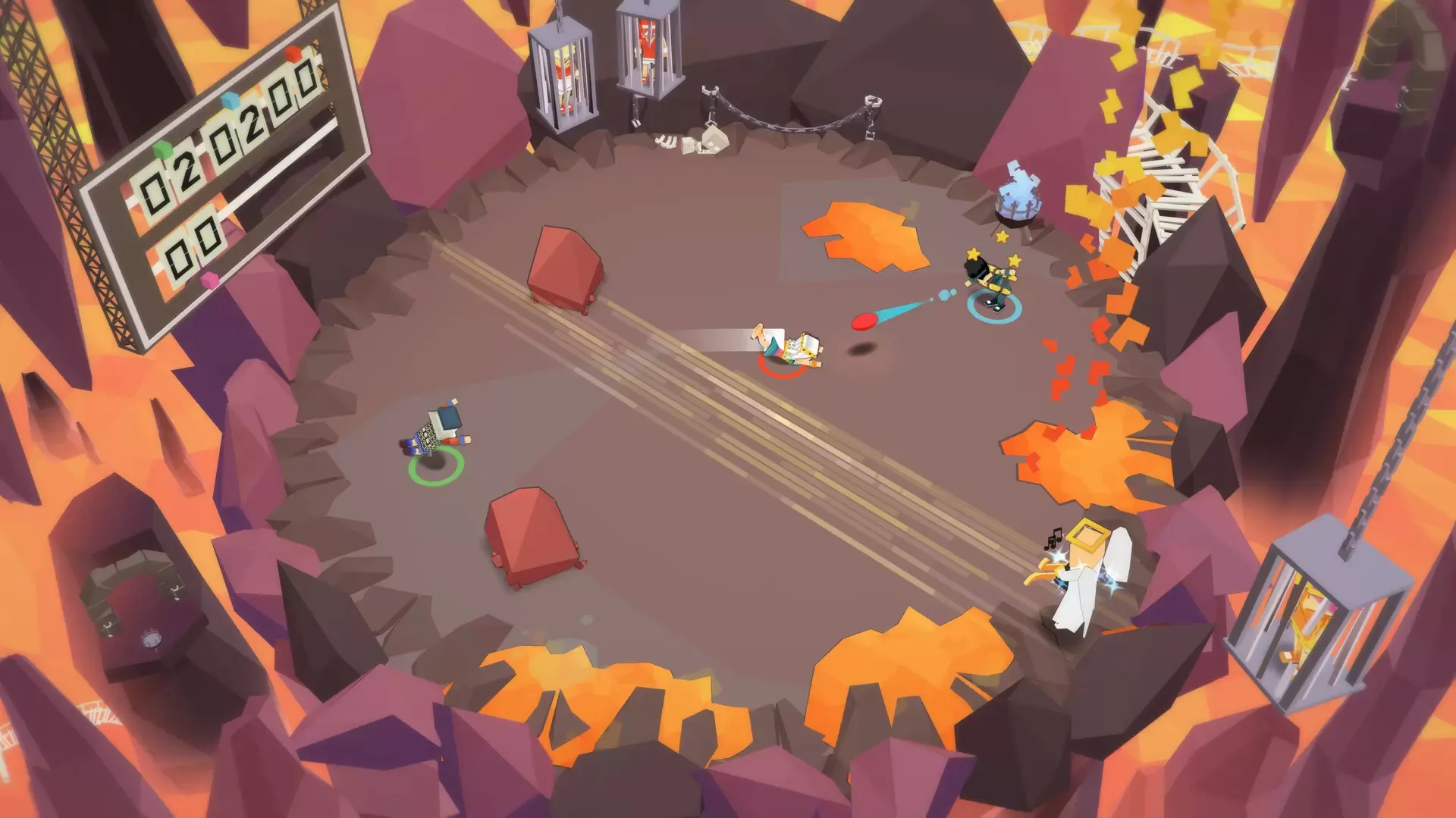
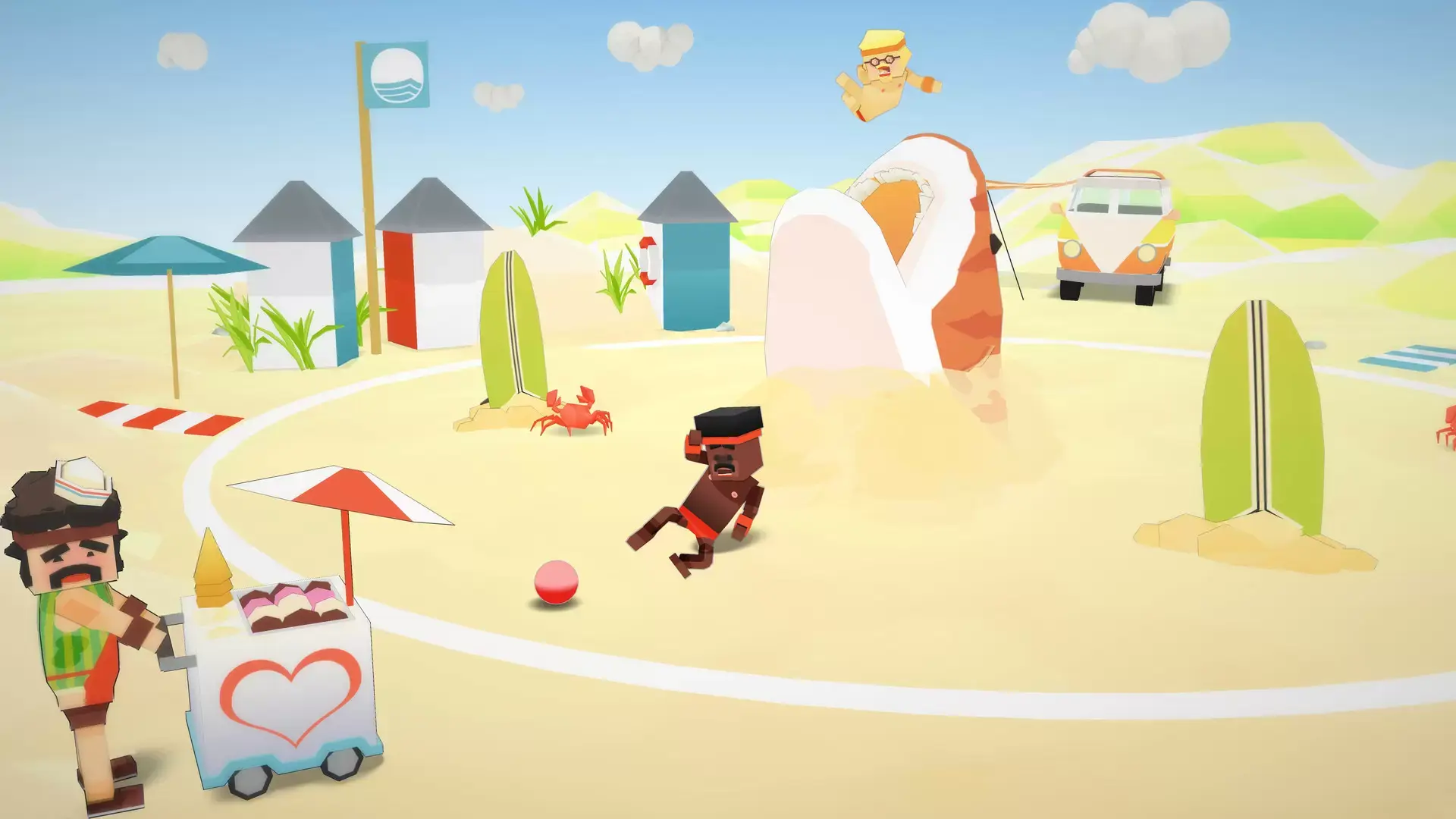


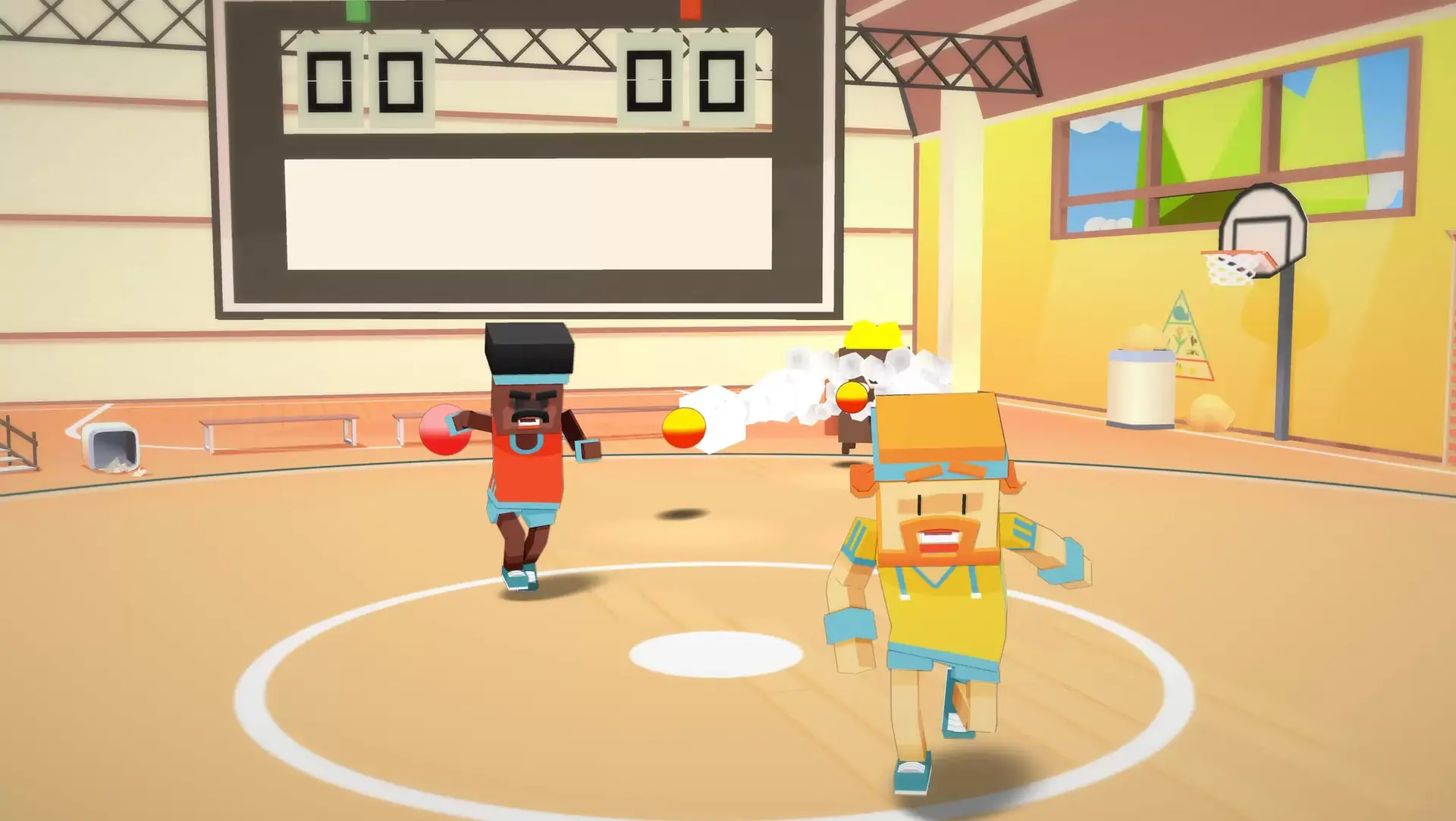
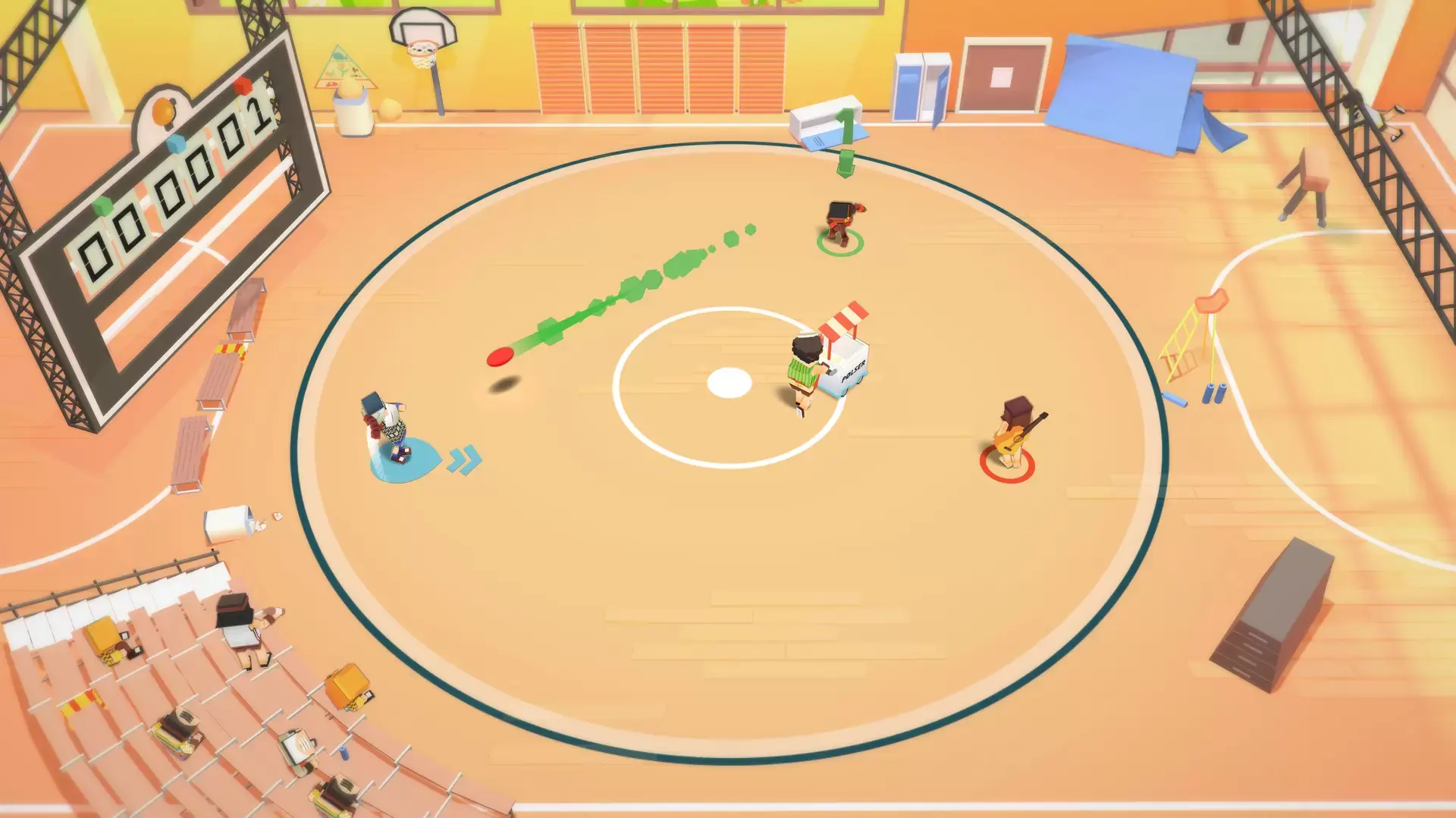
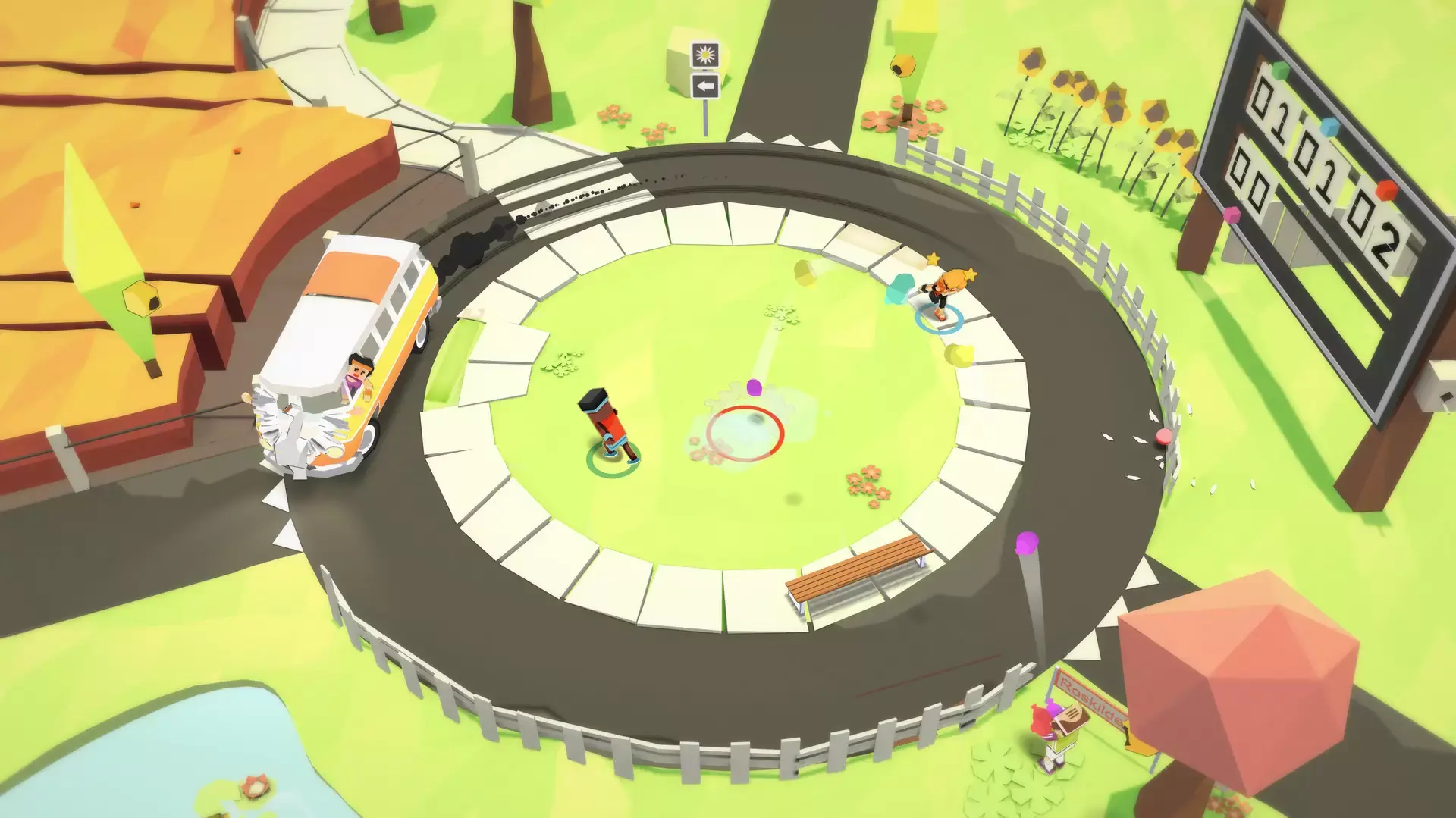
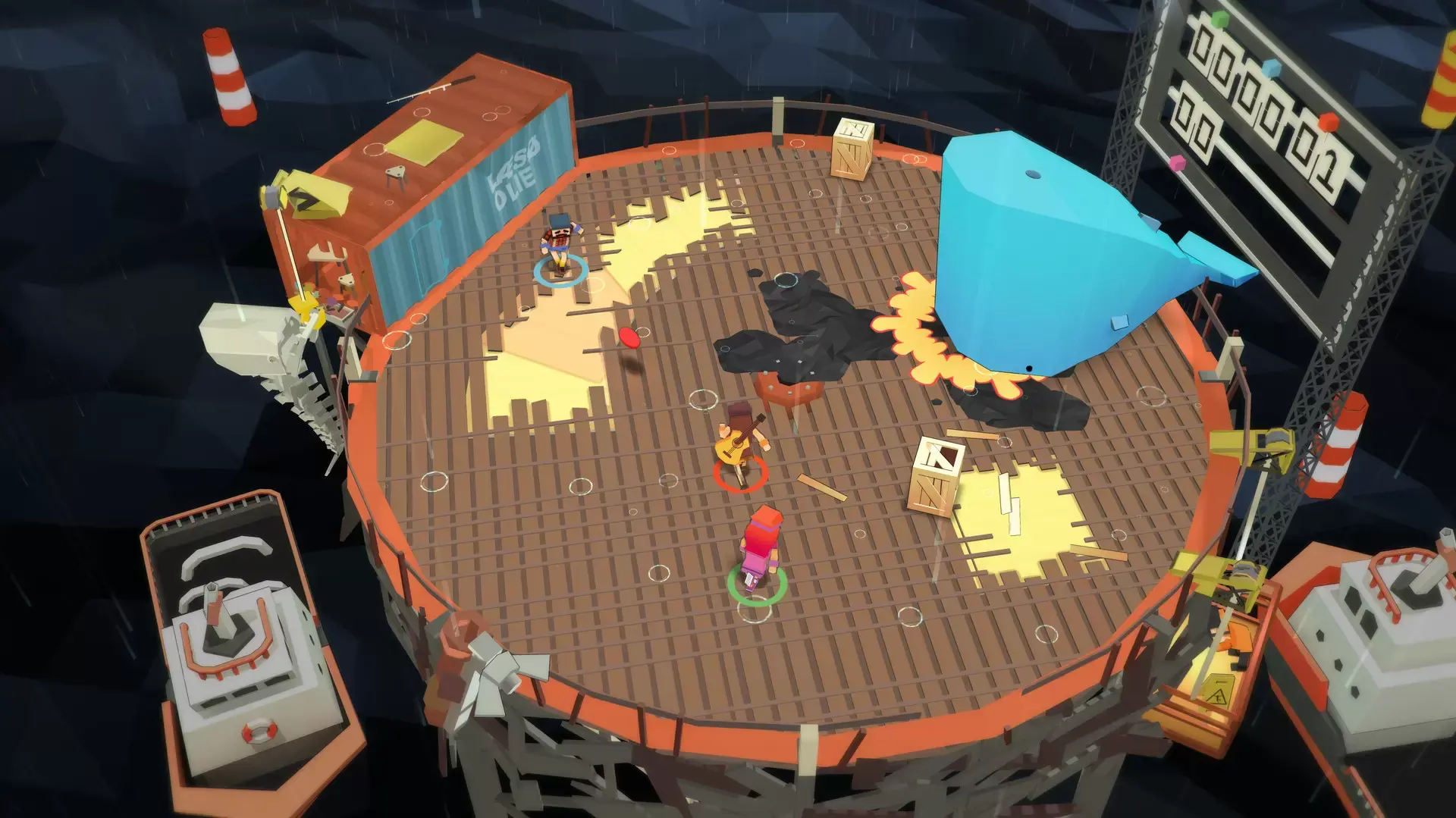

Stikbold! A Dodgeball Adventure is an over-the-top action sports game with strong resemblance to dodgeball. Inspired by classic arcade games, Stikbold! delivers rock-solid and colorful local-multiplayer action with surprising depth.
Test your skills against friends and family in the definitive living room Battle Royale. Be victorious or go out with a salty BAM!… and take your revenge from beyond!
The all new ‘Couch Overtime’ update is adds 4 hectic mini-games and a brand new level, for even more party game mayhem!
Key features:
- Epic 4-player brawls! Play a free-for-all or in teams.
- Unleash player-controlled hazards - because playing unfair is twice the fun.
- 6 different levels with unique themes, challenges and hazards.
- Reinvent the game! Experiment and personalize the game by changing the rules.
- 4 totally different mini-games for extra variety.
- Earn achievements and unlock the full roster of zany dodgeballers.
- Enjoy the original 70s disco soundtrack!
- Play the story mode solo or with friends in co-op!
최소:
- 운영 체제: Windows /7/8/8.1/10 both x86 and x64
- 프로세서: Intel Pentium Dual Core E2220 (2.4 GHz) or equivalent / AMD Athlon 64 X2 5000+(2*2.6 GHz) or equivalent
- 메모리: 2048 MB RAM
- 그래픽: GeForce GT 610 (1024 MB) or equivalent / Radeon HD 6450 (512 MB) or equivalent
- DirectX: 버전 11
- 저장 공간: 750 MB 사용 가능 공간
권장:
- 운영 체제: Windows /7/8/8.1/10 both x86 and x64
- 프로세서: Intel Core i3-2100 (2*3.1 GHz) or equivalent / AMD Athlon 64 X2 6000+ (2*3 GHz) or equivalent
- 메모리: 4096 MB RAM
- 그래픽: GeForce GTS 450 (1024 MB) or equivalent / Radeon HD 2900 XT (1024 MB) or equivalent
- DirectX: 버전 11
- 저장 공간: 750 MB 사용 가능 공간
최소macOS:
- 운영 체제: Mac OS X Lion 10.7.5
- 프로세서: 2.4 GHZ intel core 2 Duo
- 메모리: 8 GB RAM
- 그래픽: NVIDIA GeForce 320M 256 MB
- 저장 공간: 750 MB 사용 가능 공간
권장macOS:
- 운영 체제: Mac OS X Lion 10.7.5
- 프로세서: 2.4 GHz Intel Core i5
- 메모리: 8 GB RAM
- 그래픽: Intel Iris 1536 MB
- 저장 공간: 750 MB 사용 가능 공간
STEAM
1. Steam 계정을 등록
2. "나 게임" 메뉴에서 "Steam을 통해 활성화..." 버튼을 클릭하고 키를 입력

game
Curse of Pirates
10%
419 ₽
465 ₽
game
Gecko Gods
10%
639 ₽
710 ₽
game
Gunboat God
499 ₽
game
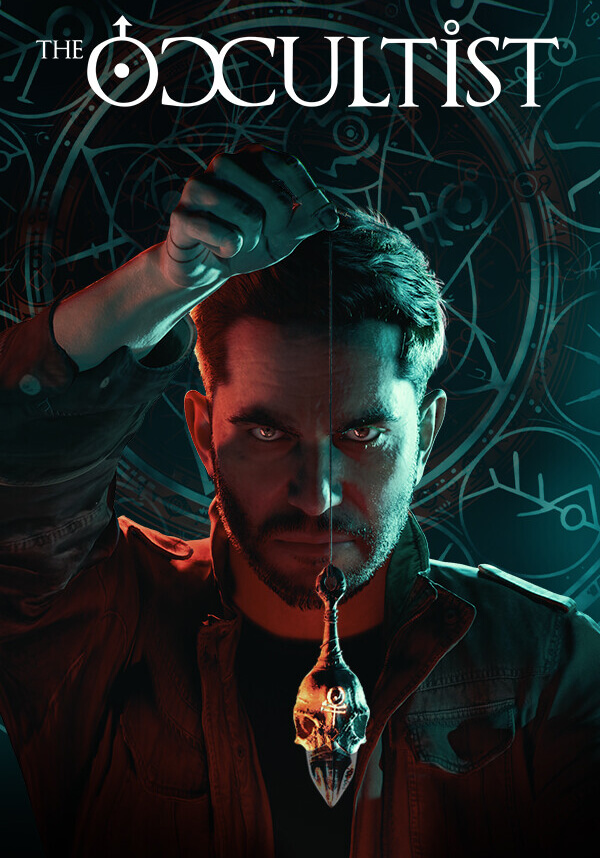
The Occultist
1099 ₽
game
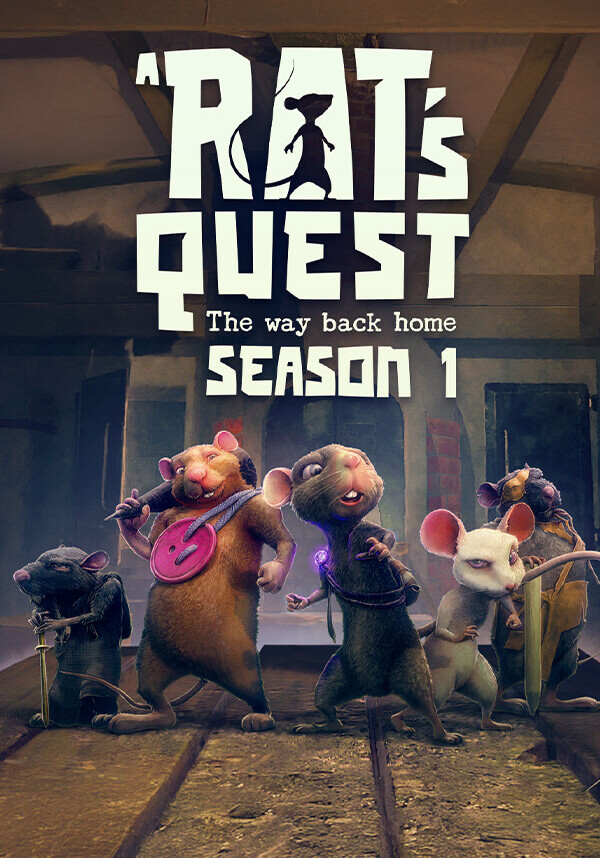
A Rat's Quest - The Way Back Home | Season 1
1090 ₽

game
Truck Mechanic: Dangerous Paths
855 ₽

game
TaVRn's Takedown - Naheulbeuk
710 ₽

game
1348 Ex Voto
1130 ₽

game
Mama's Sleeping Angels
374 ₽

game
Haunted Lands
240 ₽

game
ITER-8
499 ₽

game
Planet of Lana II
710 ₽

game
Super Battle Golf
300 ₽
game
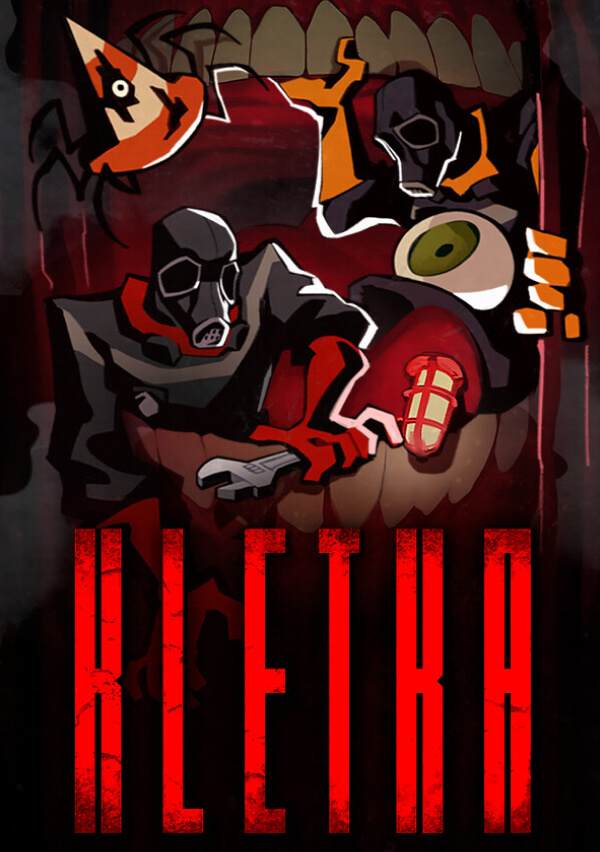
KLETKA
365 ₽
game
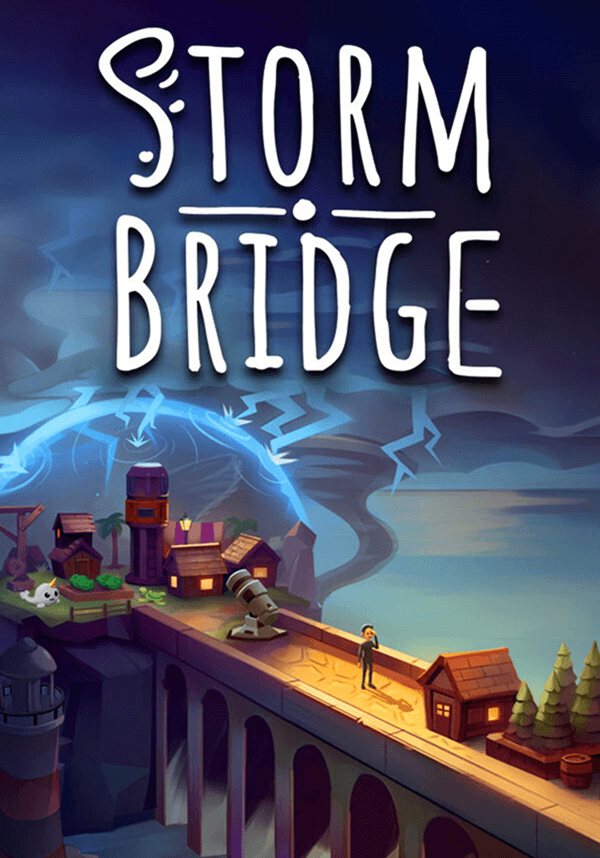
Stormbridge
40%
330 ₽
550 ₽



