

Space Grunts
game
545 ₽
지역:러시아
활성화:STEAM
있음

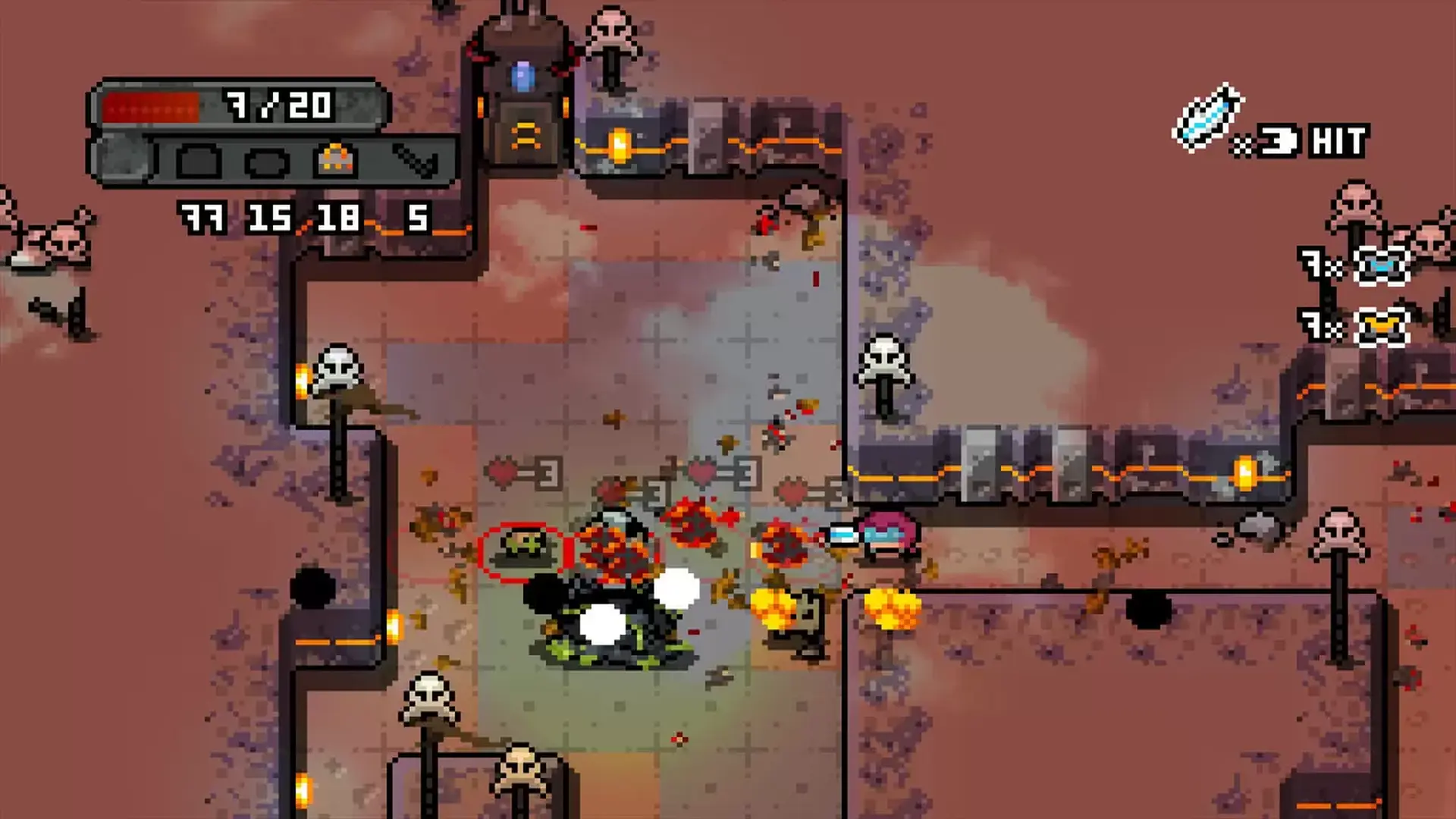
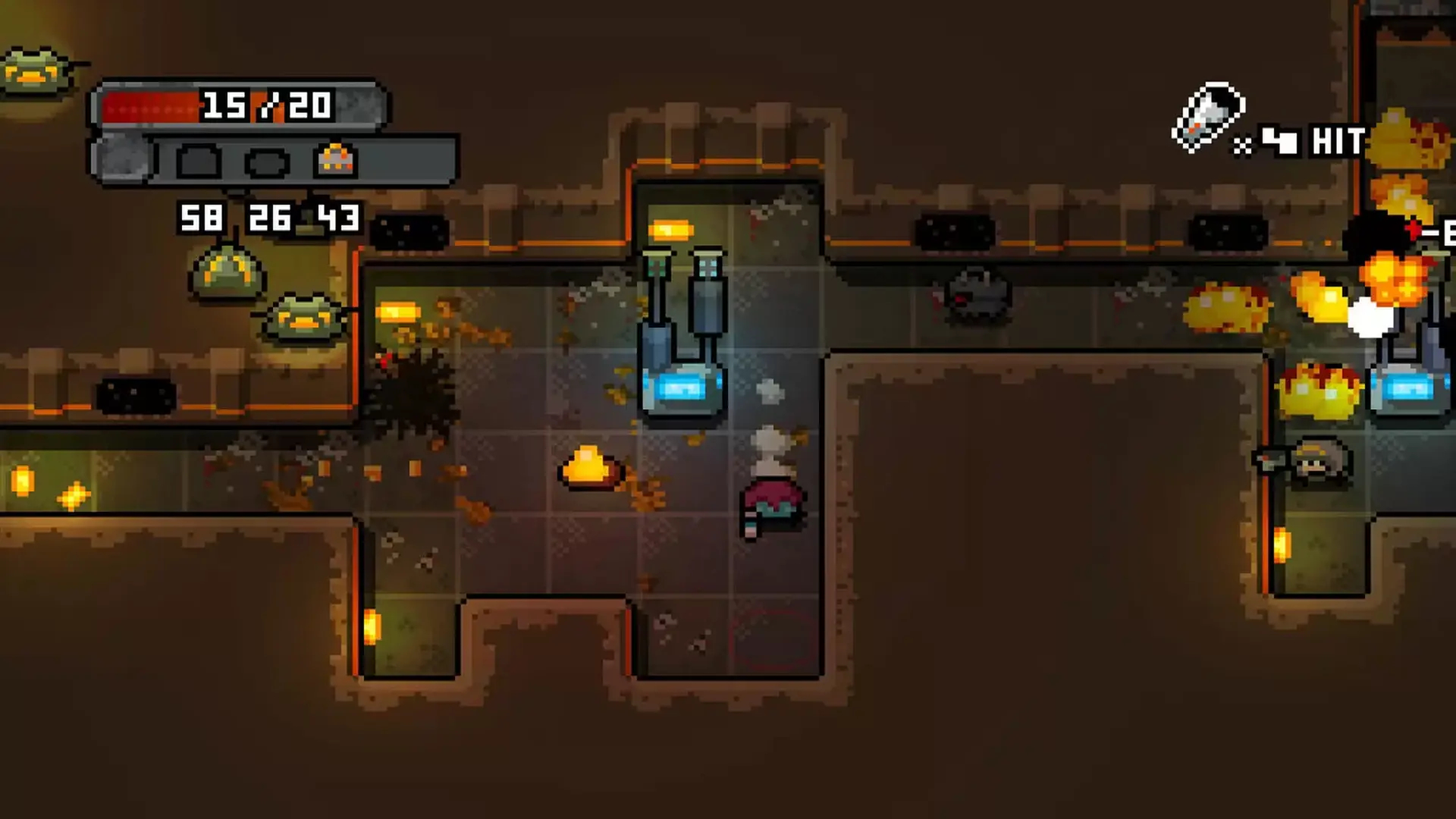
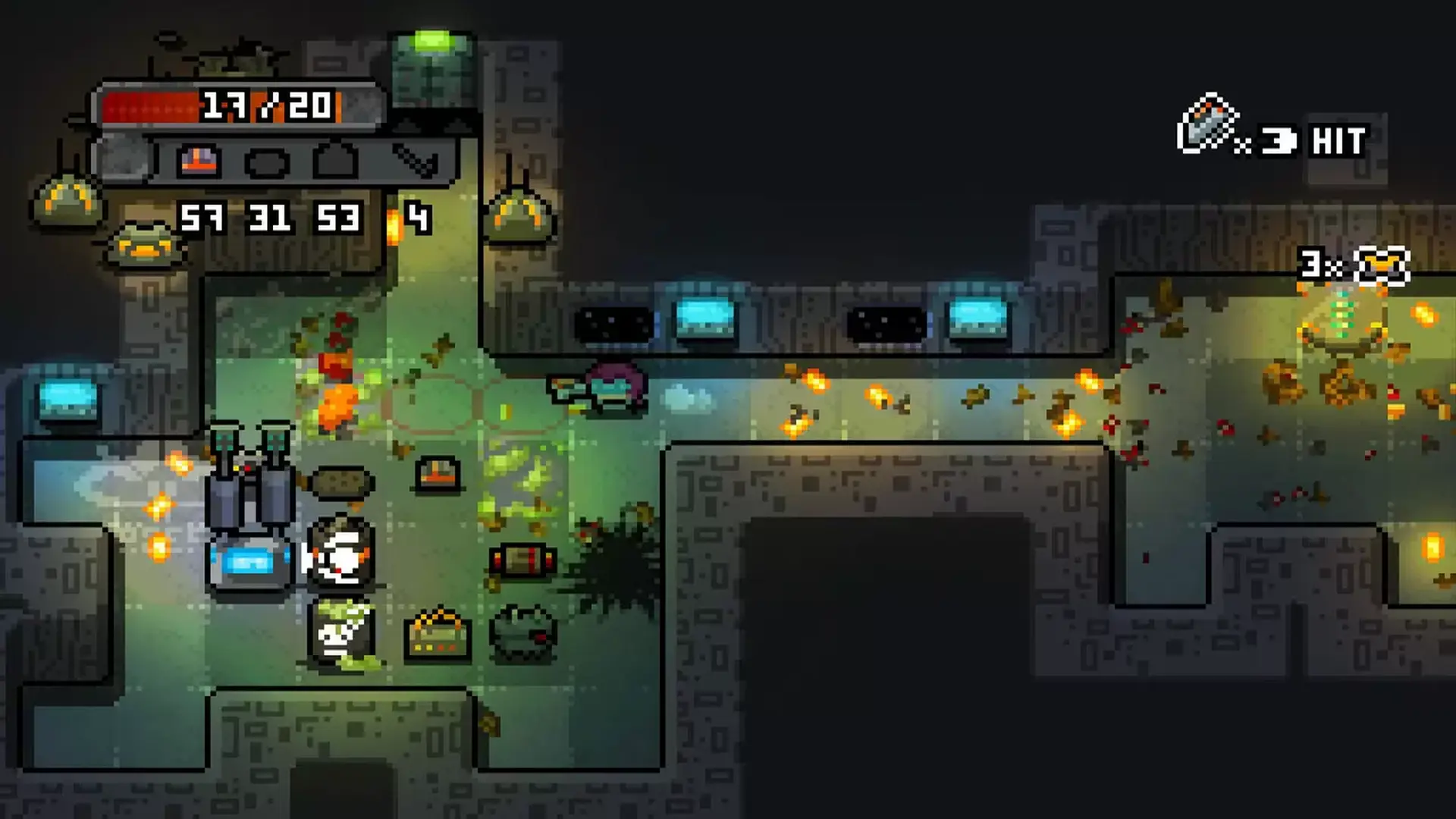
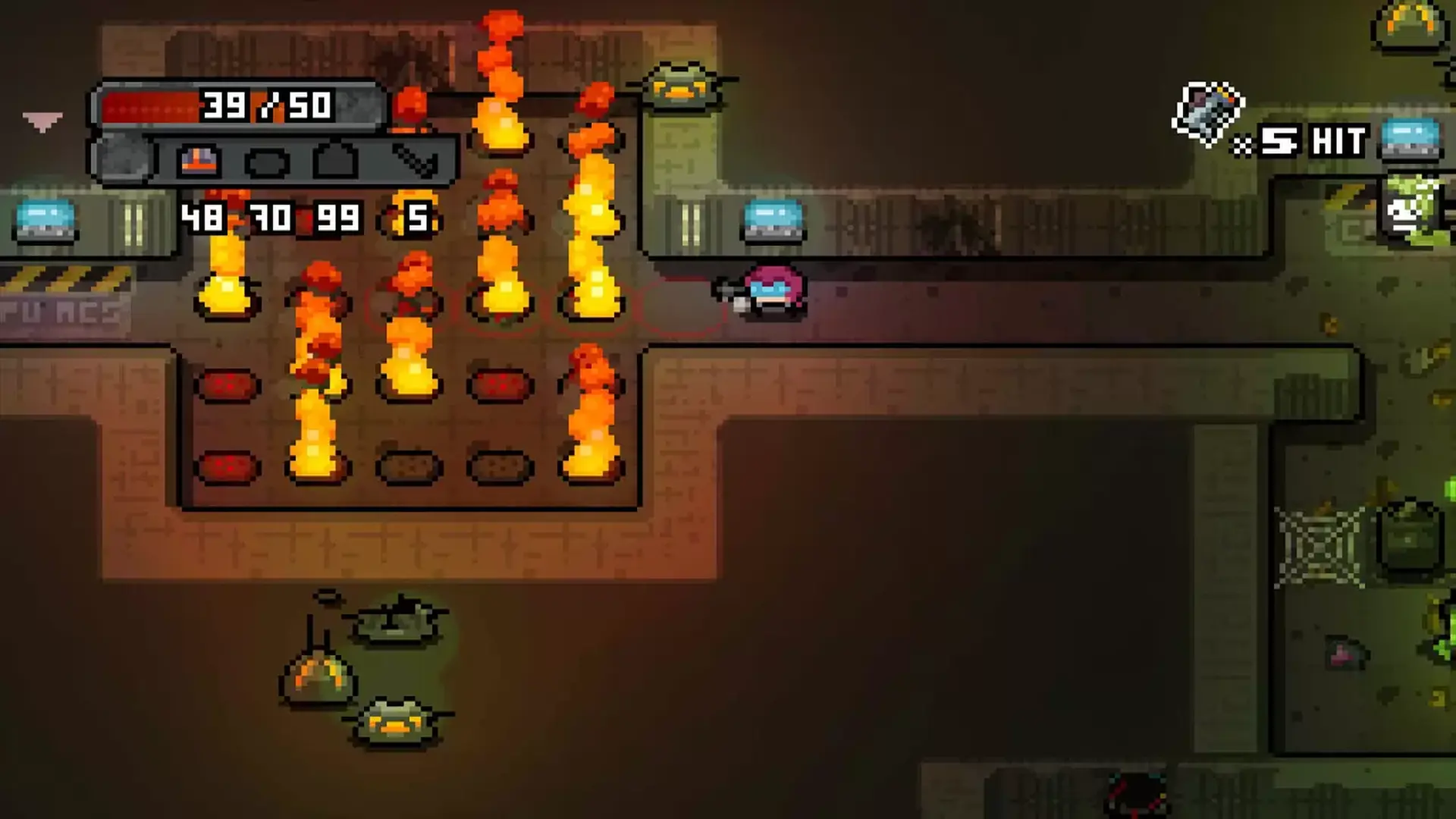
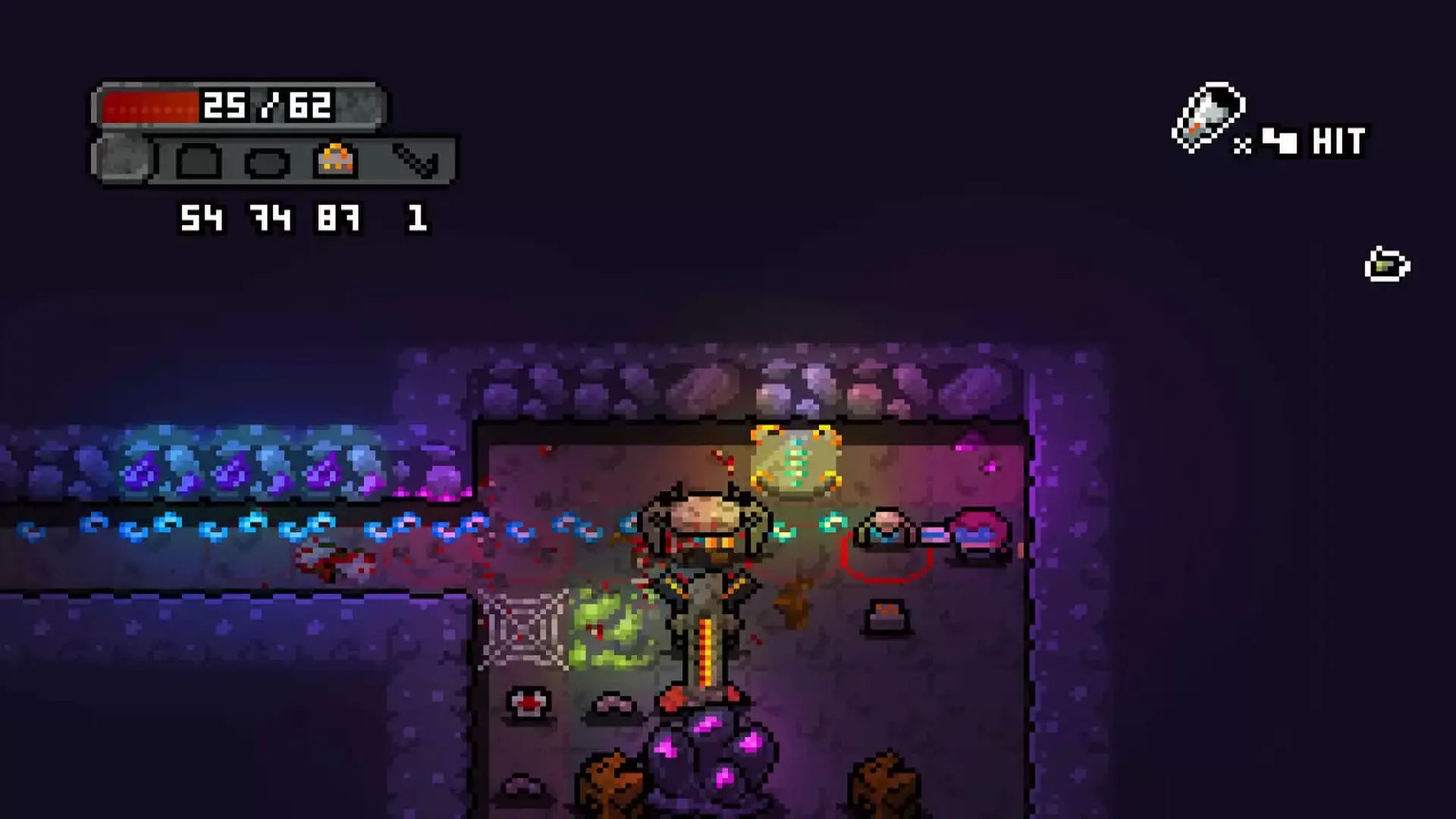
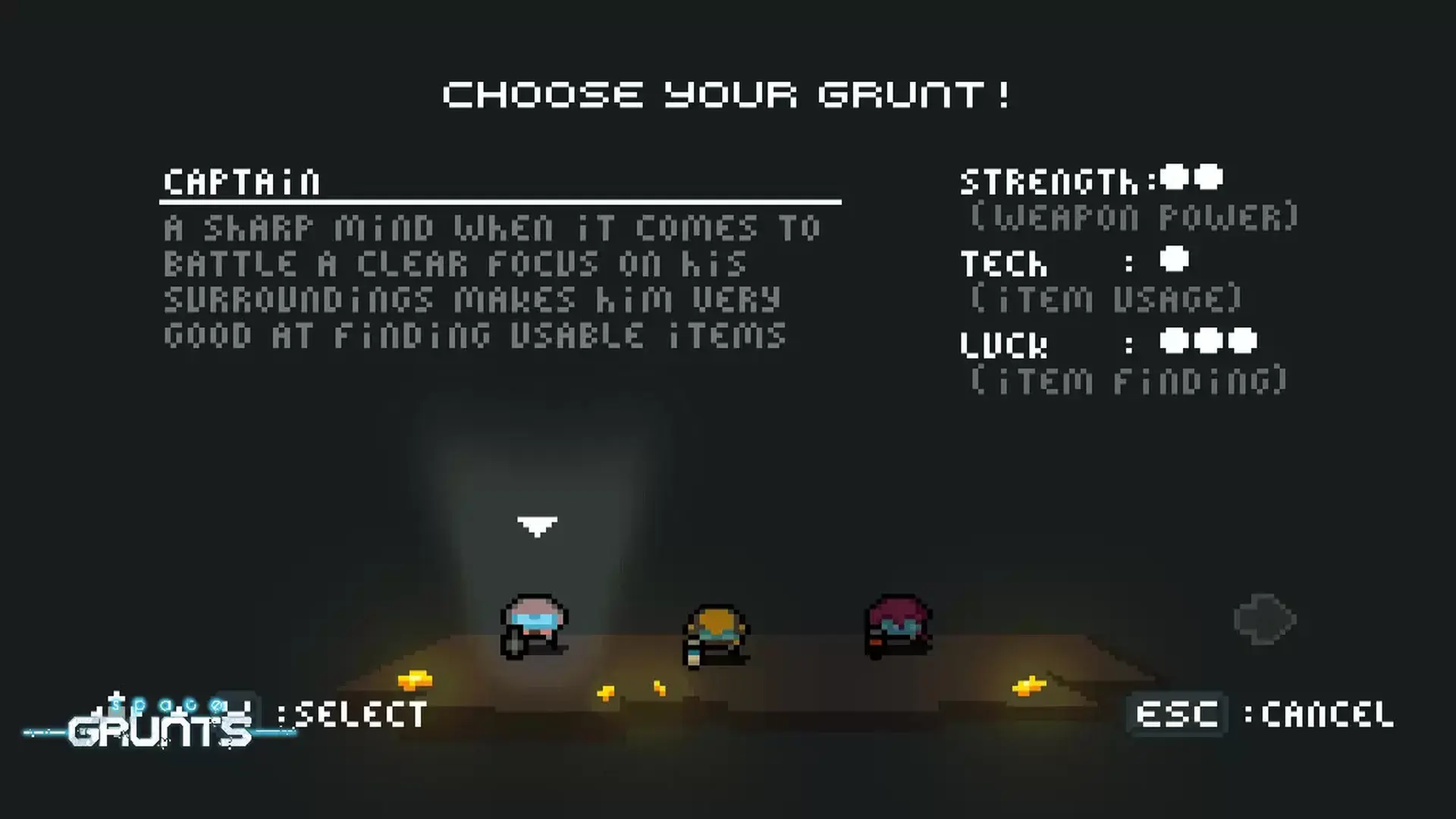
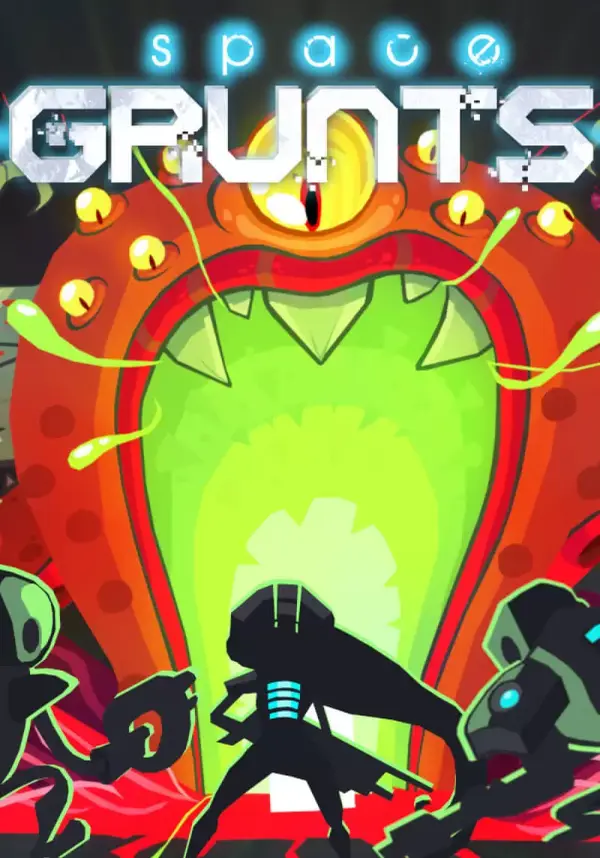
The year 2476, Earth's space-federation has been building moon-bases across the galaxy. One of those moon-bases has been sending a distress signal. Space Grunts are a group of intergalactic ""problem"" solvers, sent to investigate..
Pick your type of Space Grunts: Leader, Enforcer or Tech junky, which will have an impact on items, weapons and environment. And start your mission: find your way into the moon-base, and figure out what has happened. You'll have to fight your way through aliens, robots, security drones and base-systems. Find the lower levels of the moon-base, and get to the core of the problems.
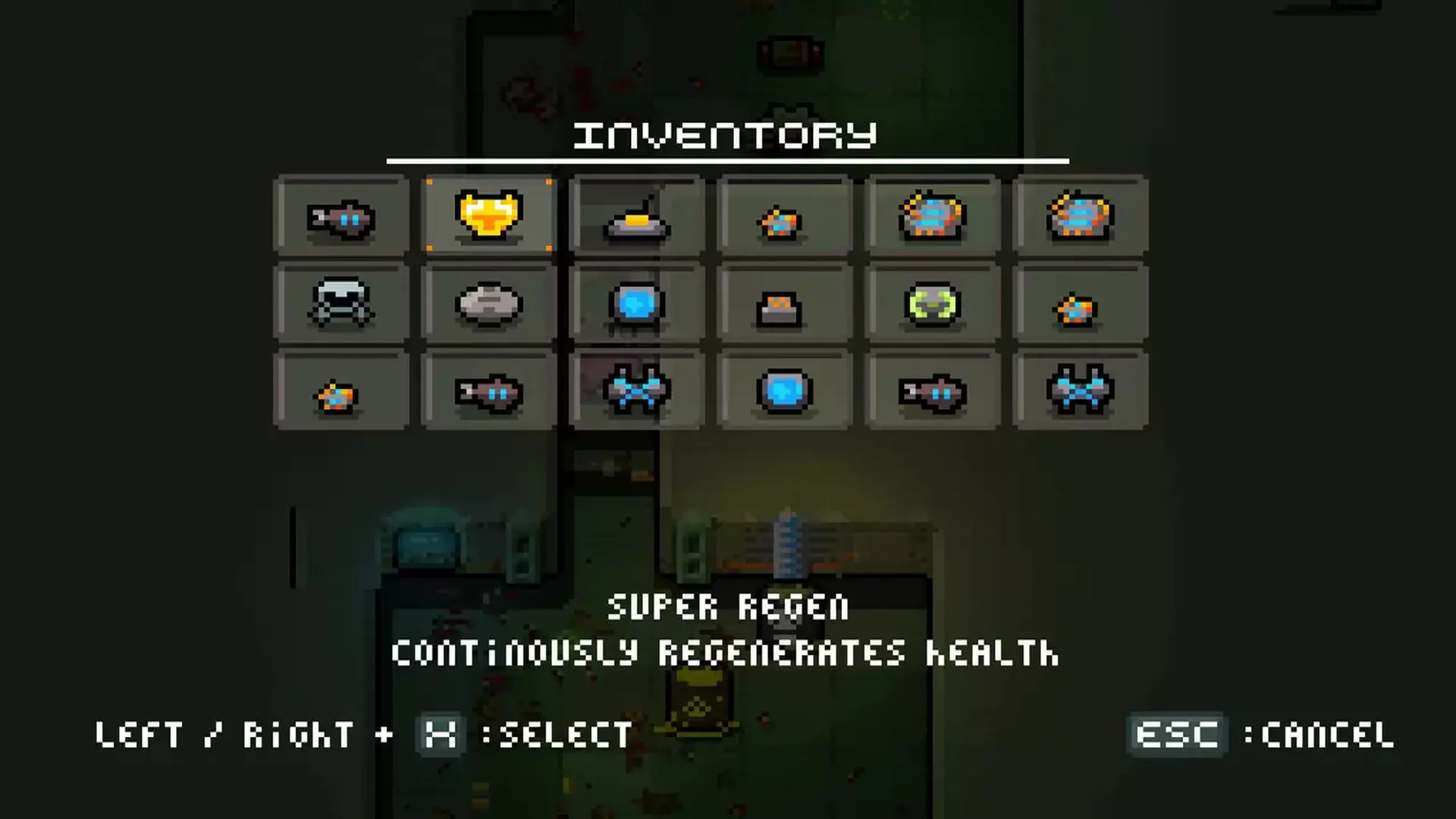
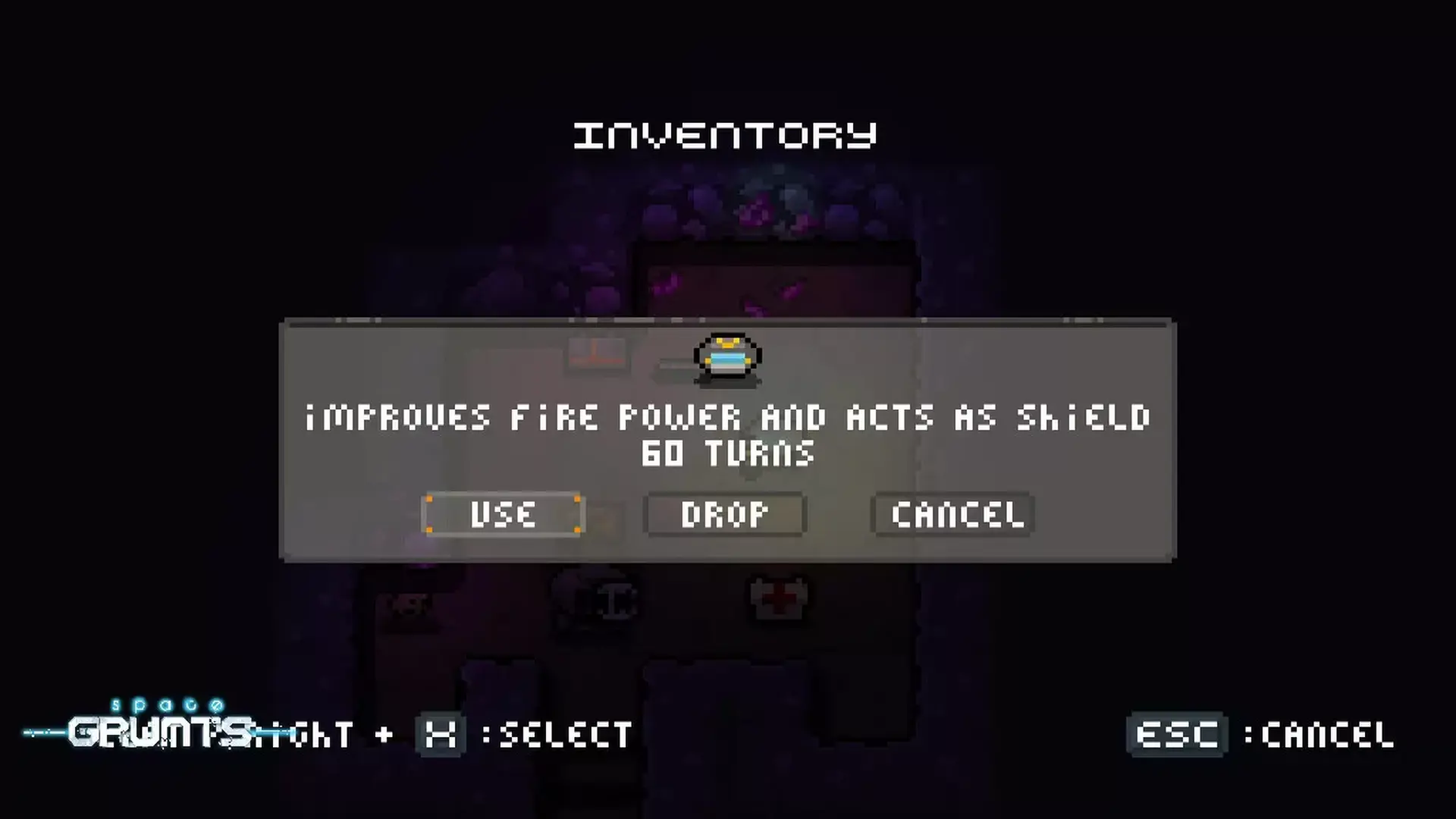
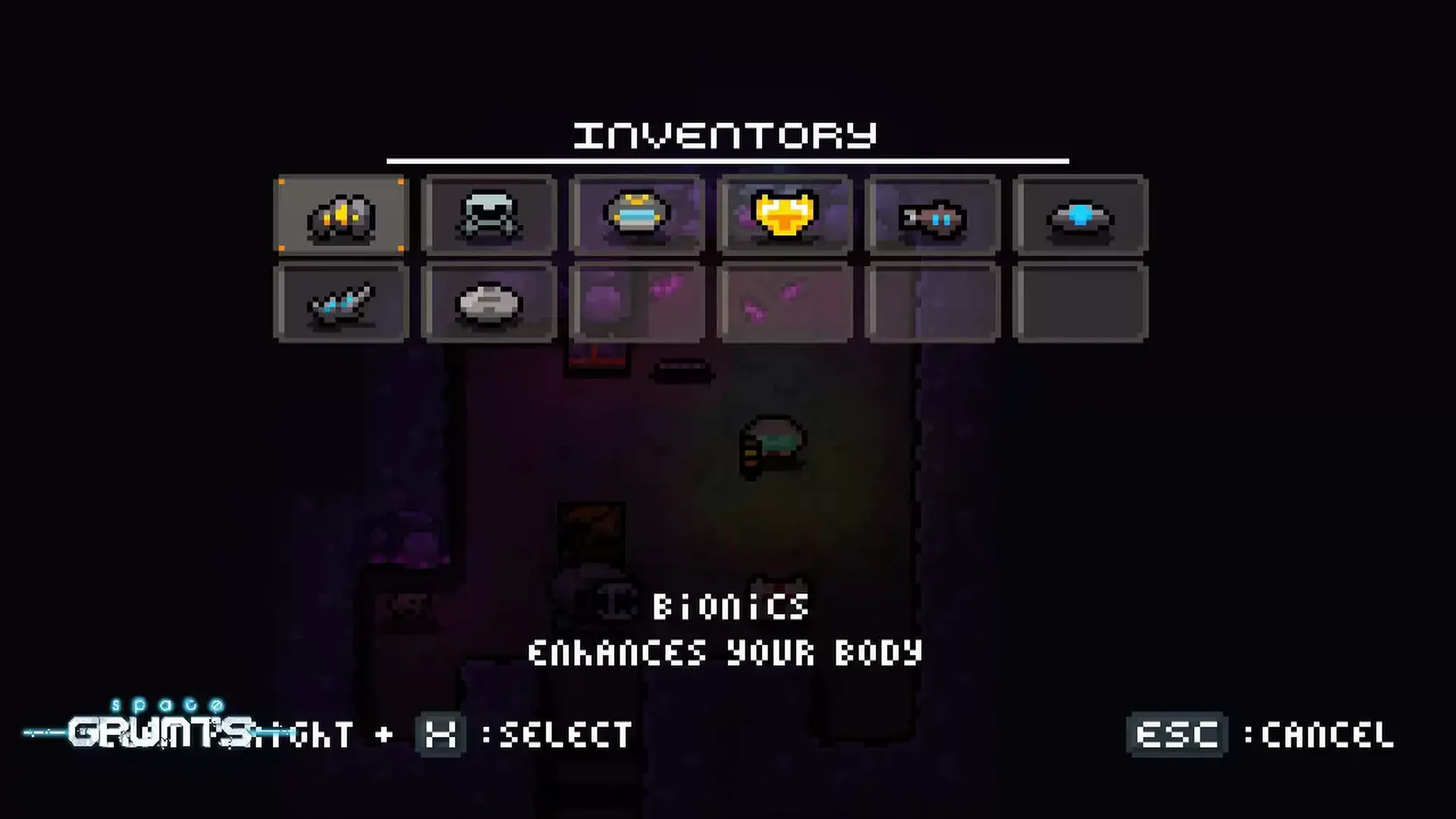
Consumables - A large collection of consumables can be found all over the moon base from weapon enhancers, to destructive toys, armor, explosives, system-hacks, and more. Use the items wisely to advance deeper into the moon-base.
Weapons - Starting with three standard Grunt weapons, you will be able to enhance them for more fire-power and range. On your way you'll also find alternate weapons, and melee weapons.
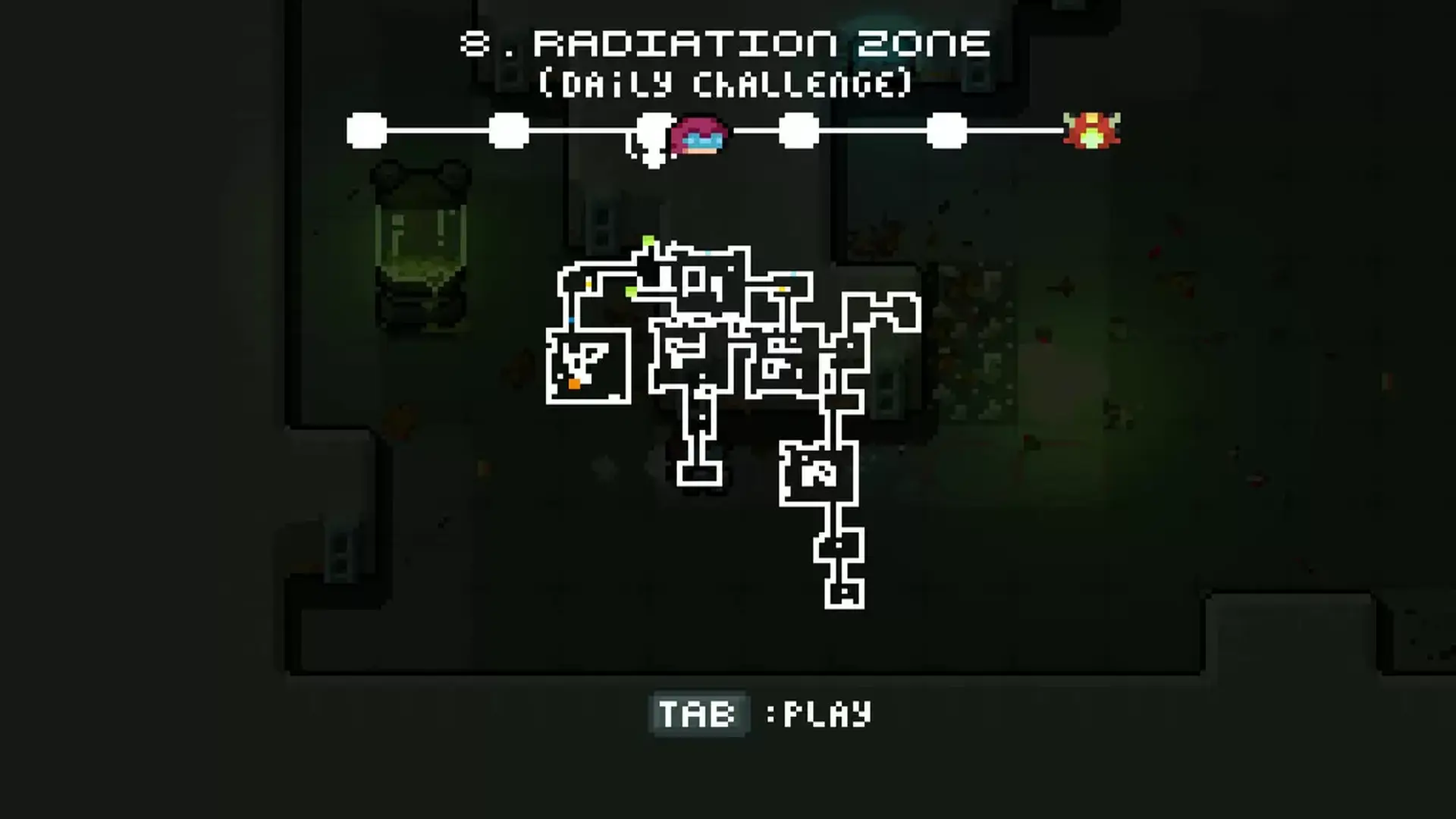
Secrets - There are various ways to complete the game, anomalies leading to weird places, underground routes, and mysterious items to transport you to other area's of the moon-base. On top of these there are secret rooms and area's located all over the base, so never a dull moment!
Can you find the core of the problems?
- Windows
- OS *: Windows 7 or higher
- Processor: 2.0 ghz Dual Core
- Memory: 2 GB RAM
- Graphics: Intel HD3000 or higher with OpenGL 2.1 support
- Storage: 200 MB available space
- Sound Card: OpenAL supported sound card
- macOS
- OS: OSX Lion or newer
- Processor: 2.0 ghz Dual Core
- Memory: 2 GB RAM
- Graphics: Intel HD3000 or higher with OpenGL 2.1 support
- Storage: 200 MB available space
- Sound Card: OpenAL supported sound card
- Linux
- OS: Ubuntu 12
- Processor: 2.0 ghz Dual Core
- Memory: 2 GB RAM
- Graphics: Intel HD3000 or higher with OpenGL 2.1 support
- Storage: 200 MB available space
- Sound Card: OpenAL supported sound card
STEAM
1. Steam 계정을 등록
2. "나 게임" 메뉴에서 "Steam을 통해 활성화..." 버튼을 클릭하고 키를 입력

game
Curse of Pirates
10%
419 ₽
465 ₽
game
Valorborn
924 ₽

game
Good Luck
200 ₽
game
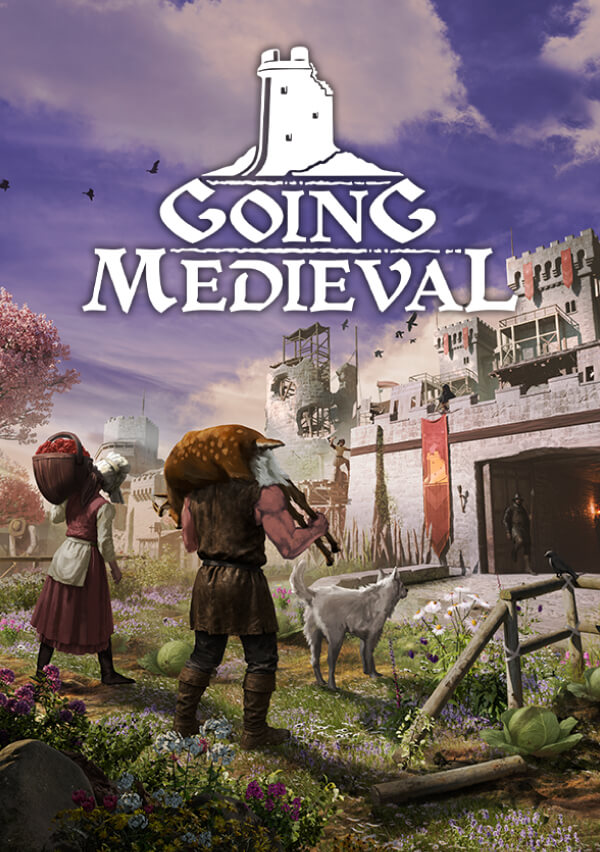
Going Medieval
1100 ₽
game
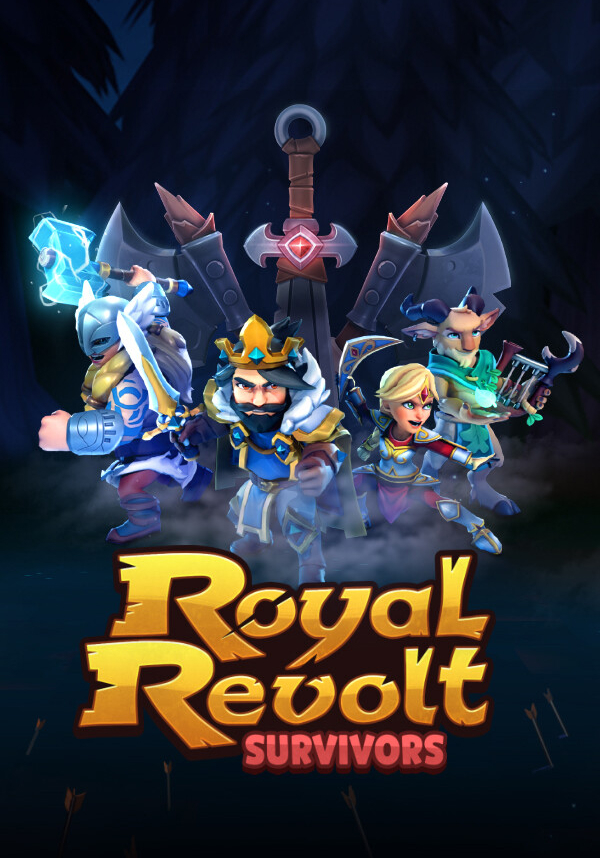
Royal Revolt Survivors
385 ₽
game
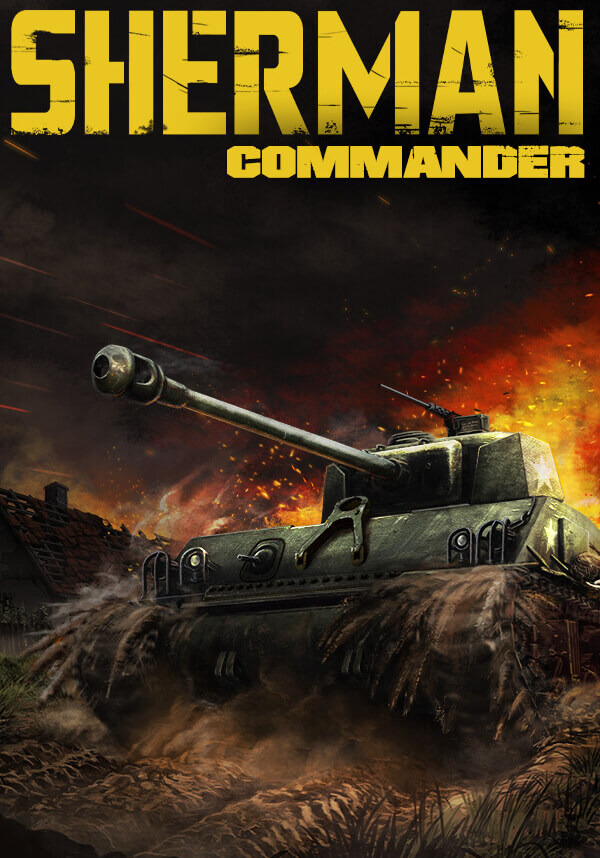
Sherman Commander
1499 ₽
game
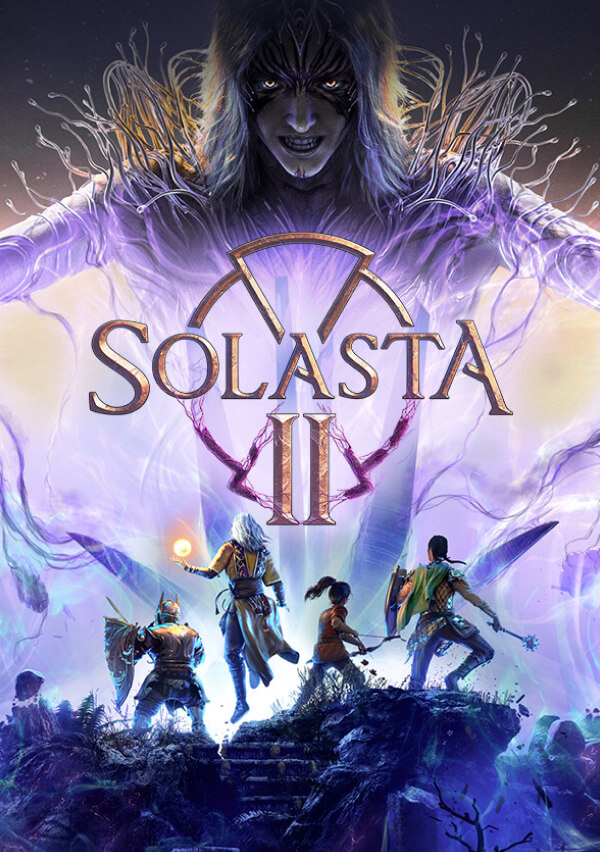
Solasta II
1549 ₽

game
ITER-8
499 ₽
game
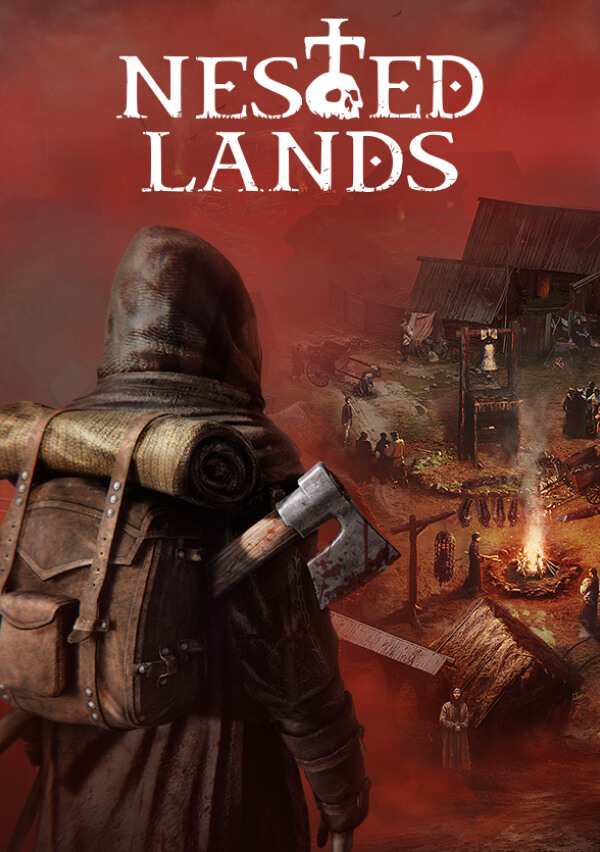
Nested Lands
10%
495 ₽
549 ₽
game
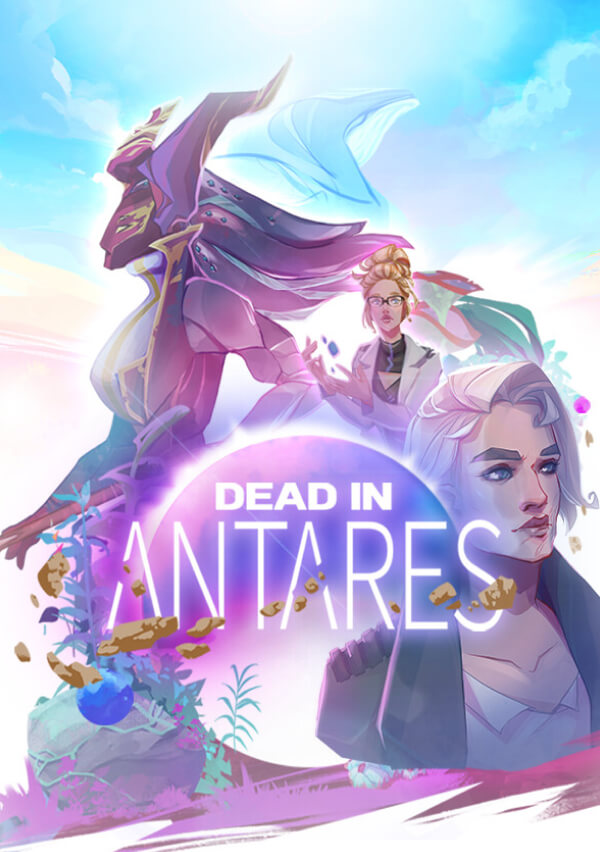
Dead in Antares
1199 ₽
game
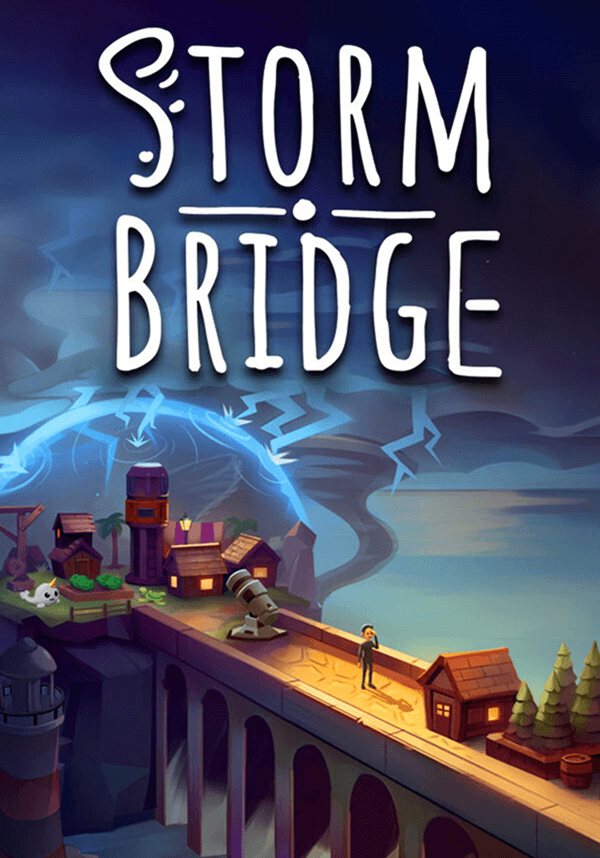
Stormbridge
40%
330 ₽
550 ₽
game
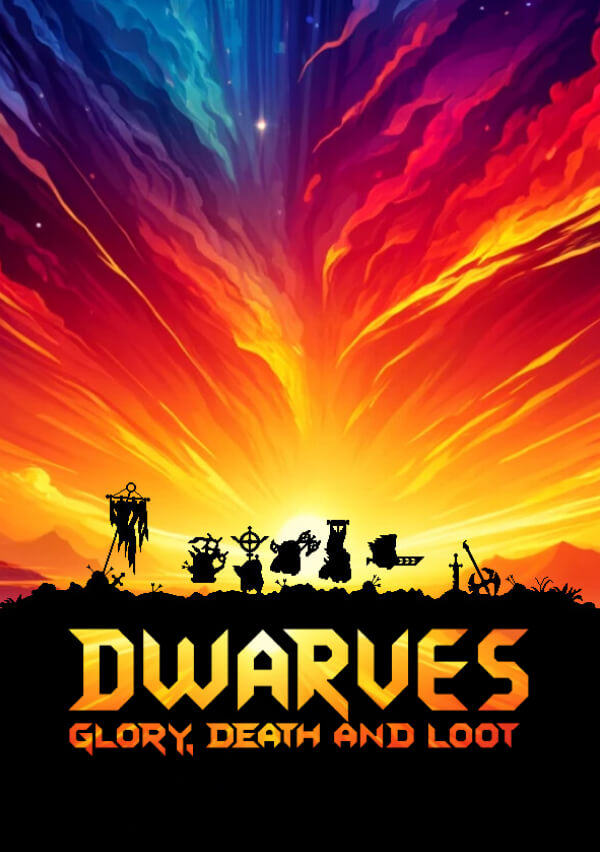
Dwarves: Glory, Death and Loot
550 ₽
game
Elengard: Ascension
1099 ₽
game
Deep Fringe
710 ₽
game
DuneCrawl
710 ₽



