

Odysseus Kosmos and his Robot Quest: Digital Deluxe Set (DLC)
dlc
본 제품은 귀하의 지역에서 사용 불가능합니다
이 부가 기능을 실행하려면 기본 게임버전이 필요합니다.




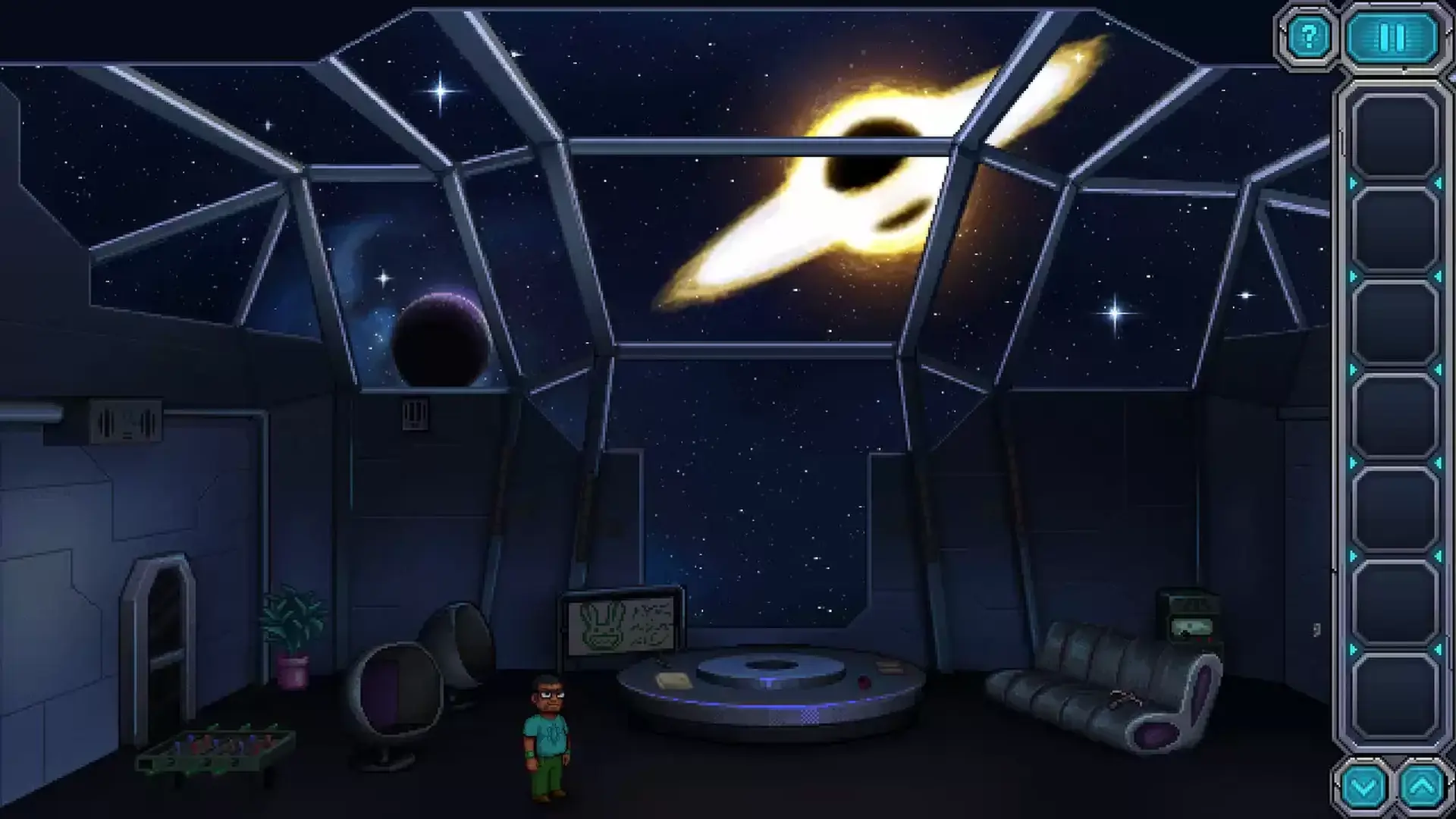


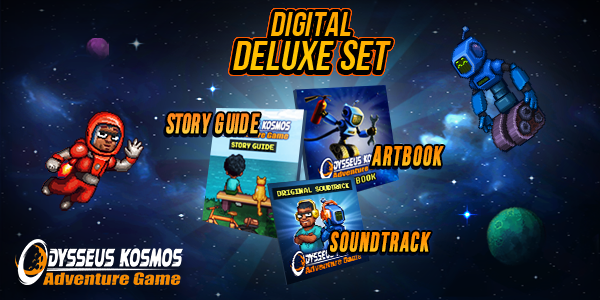
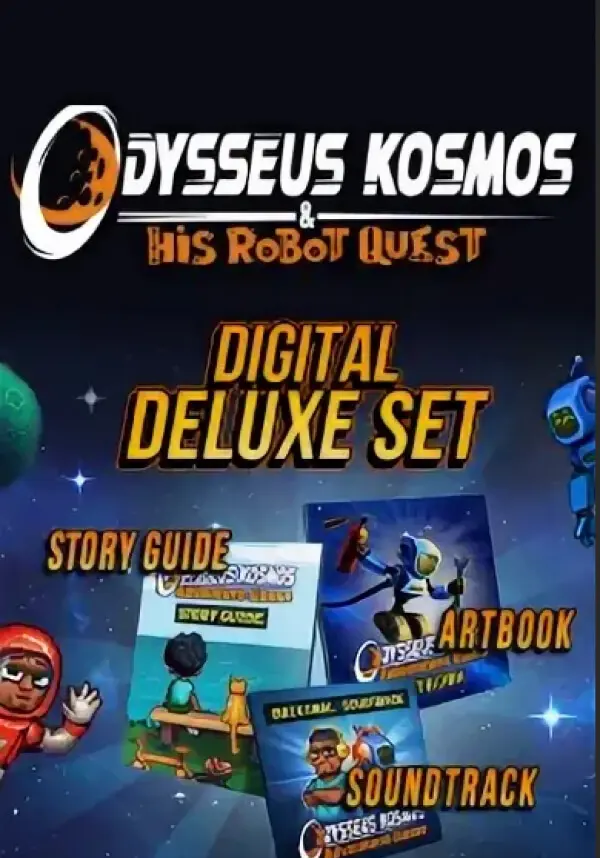
What's inside this Digital Deluxe Set? Let’s find out!
Digital Art Book
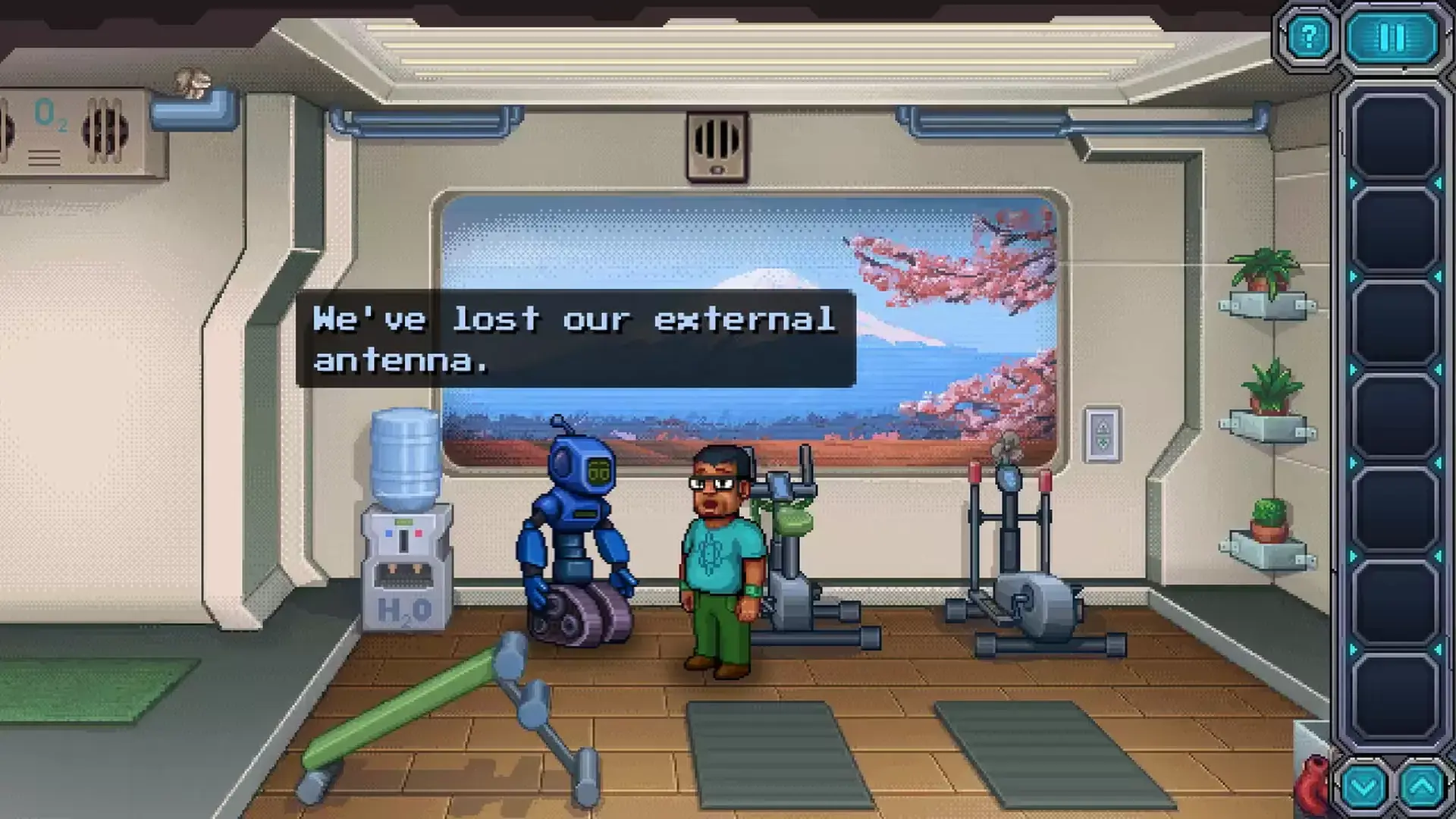
Odysseus Kosmos and his Robot Quest is the game that pays homage to good old adventure games of the golden era and the elements of sci-fi in popular culture. This digital art book (pdf format) contains pages full of concept art and sketches — everything that helped create the fascinating (and occasionally tragic or humorous) world of Odysseus Kosmos.
You can expect to see works made by such artists as Roman Gecerov, Sergey ‘Yoksel’ Dobrecov and other talented individuals who helped define the game’s look.
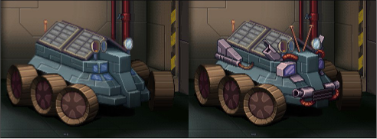
Digital Guide Book
Have you ever found yourself confused with the complexity of sci-fi stories? All the technical jargon, parallel universes, etc. Fear not, as this guide book (pdf format) will give you a detailed look at the timeline of Odysseus Kosmos and his Robot Quest. It contains illustrated pages that introduce readers to some of the key events from the actual game. Why did humanity leave Earth? What is StarGaze and what was their role in launching San Francisco? These and many other questions will be answered in the digital guide book, so don’t miss your chance to get it and brag to your friends about it!

Original Soundtrack
Odysseus Kosmos and his Robot Quest’s OST offers 20 tracks (mp3, 320 kbps) inspired by the Soviet space race era. Based heavily on the dialogues and personalities of the main characters, it dramatically evolves with the game’s plot itself. A brainchild of Princess & Ivan Holodov (Crematorium Sound Design project), it gives the pixelated universe of Odysseus Kosmos that specific nostalgic feel when space travel was the biggest news around the world.
최소:
- 메모리: 2 GB RAM
- 저장공간: 200 MB 사용 가능 공간
STEAM
1. Steam 계정을 등록
2. "나 게임" 메뉴에서 "Steam을 통해 활성화..." 버튼을 클릭하고 키를 입력



