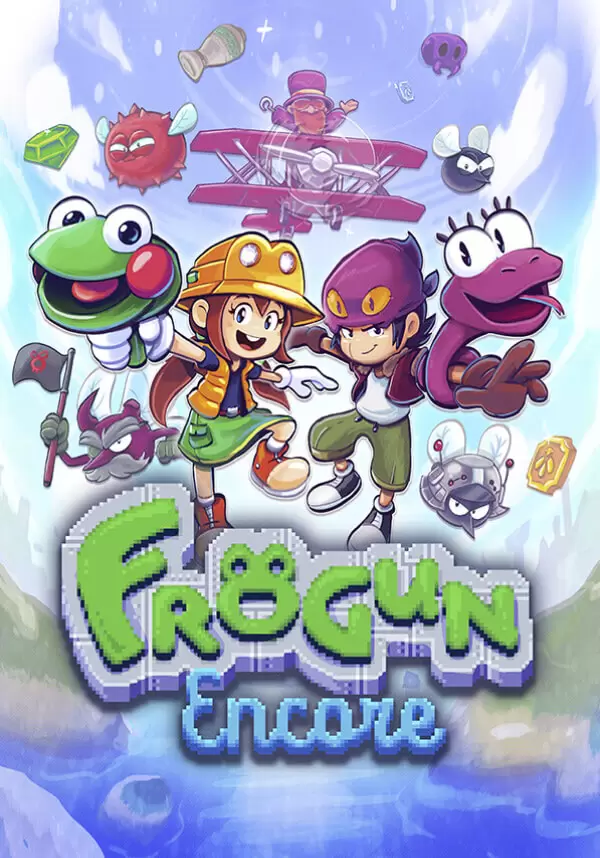
Frogun Encore
game
본 제품은 귀하의 지역에서 사용 불가능합니다







Check out the original!
https://store.steampowered.com/app/1575470/Frogun
게임 정보
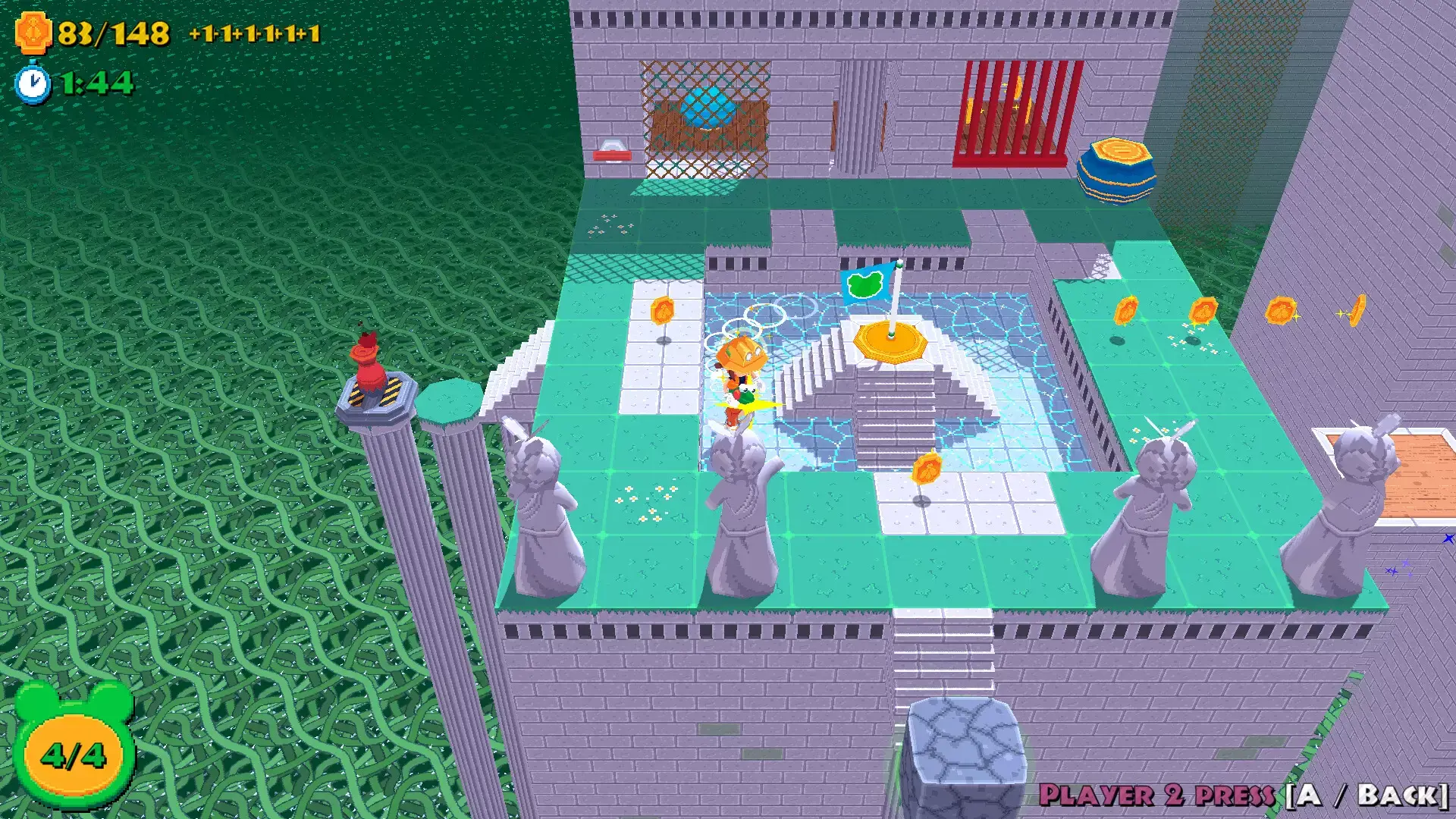
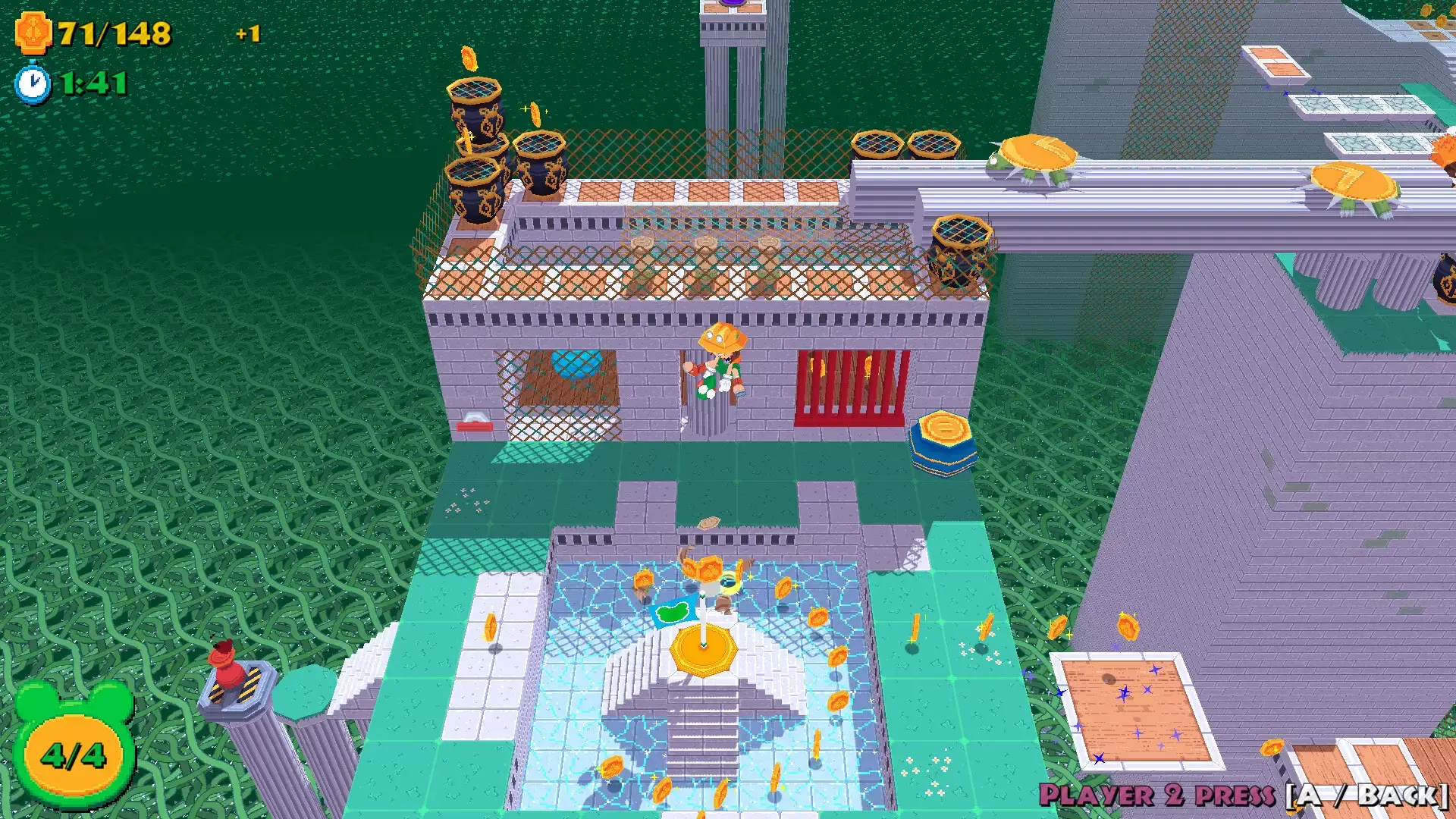
Note: a controller is required for local co-op multiplayer.Frogun ENCORE is a dashing standalone expansion/sequel to indie hit FROGUN! Explore the world with your trusty Frogun in this cute, lowpoly adventure!

Three whole years have passed since Renata defeated Beelzebub, and her small vacation in Jake's town is cut short when the fly bois attack again! It seems one of Beelzebub's loyal followers has an evil scheme in motion to bring him back, and Renata, Jake and Hatter will have to travel the whole world to foil his plans.
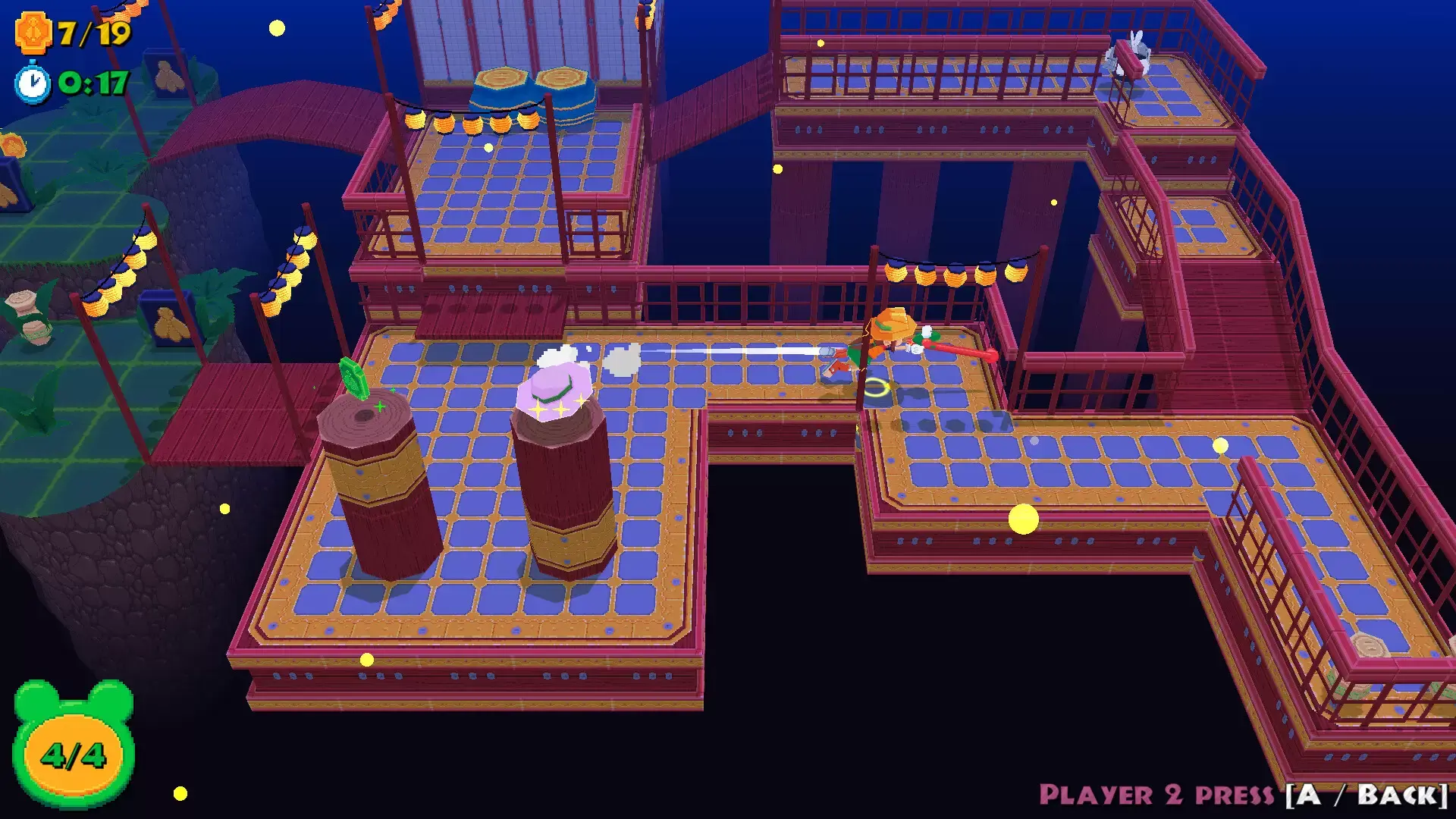
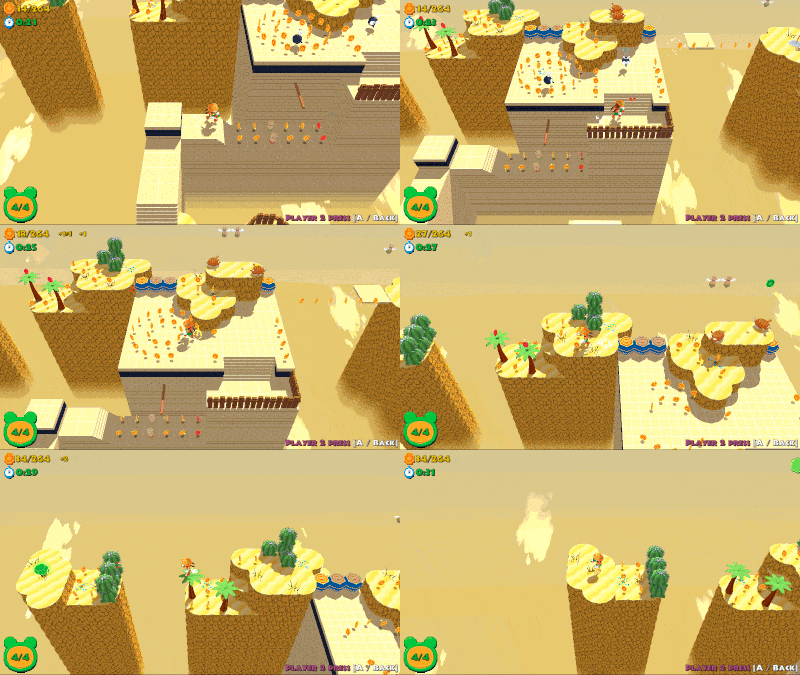
Join Renata on a brand new FROGUN adventure in this fast-paced classic 3D platformer! Building off of the original gameplay, FROGUN Encore features a slew of new movements, like the double jump, sling catapult and toss jump! Plus, experience FROGUN in true couch co-op. Have Jake pop in at any time to explore together the perilous ruins!
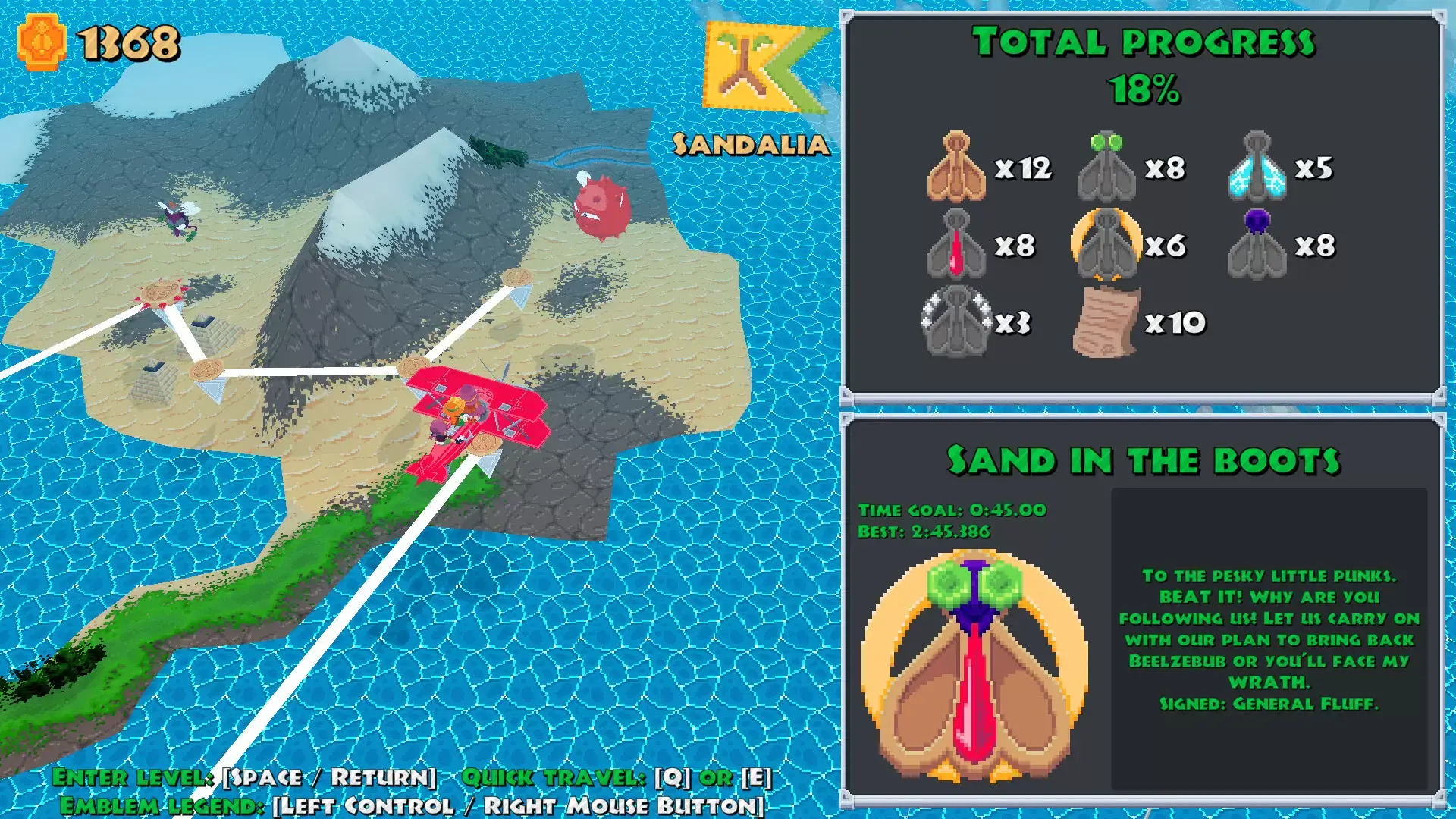
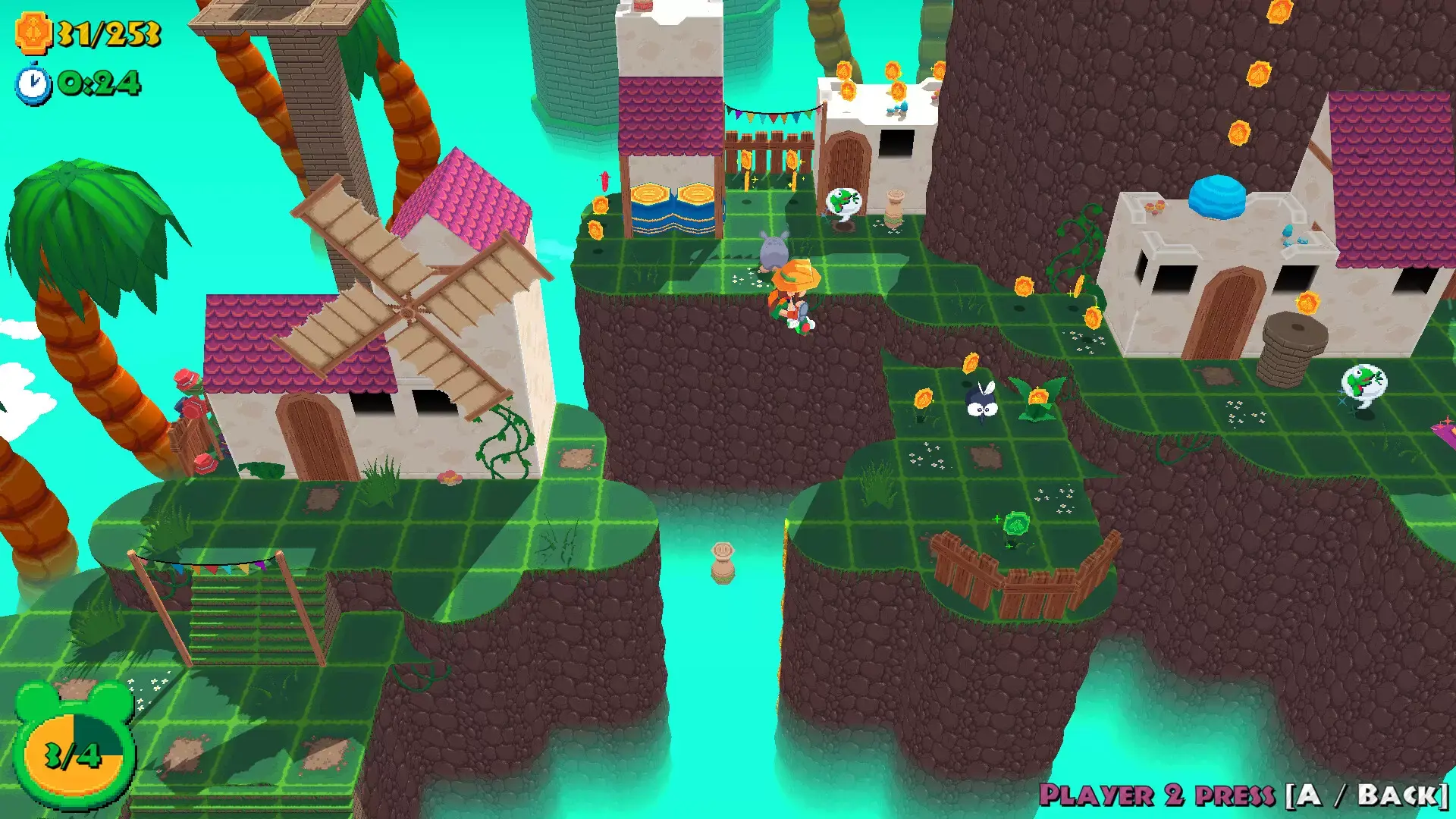
As Renata (and Jake!) navigate the world in all new environments, collect notes and all sorts of treasure and retrieve all fly emblems.

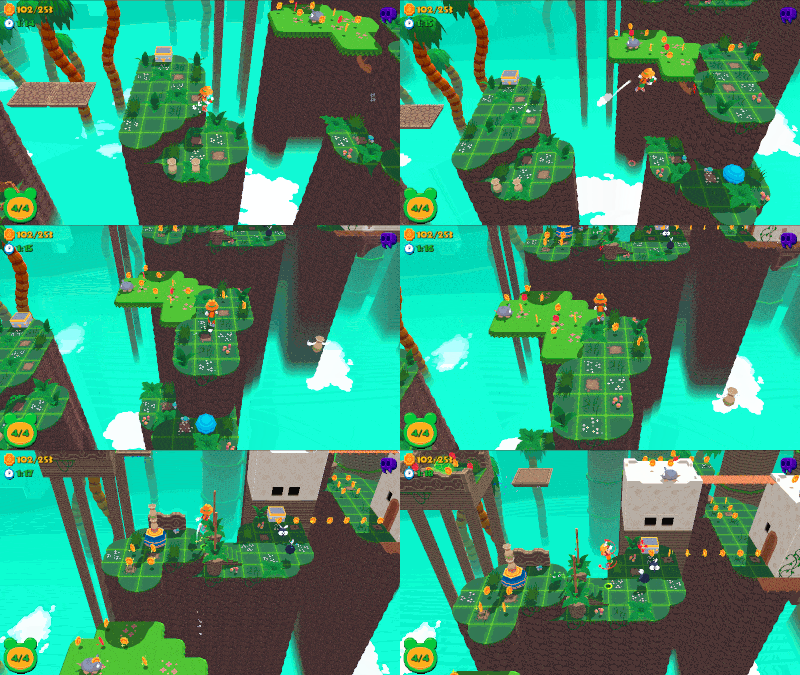
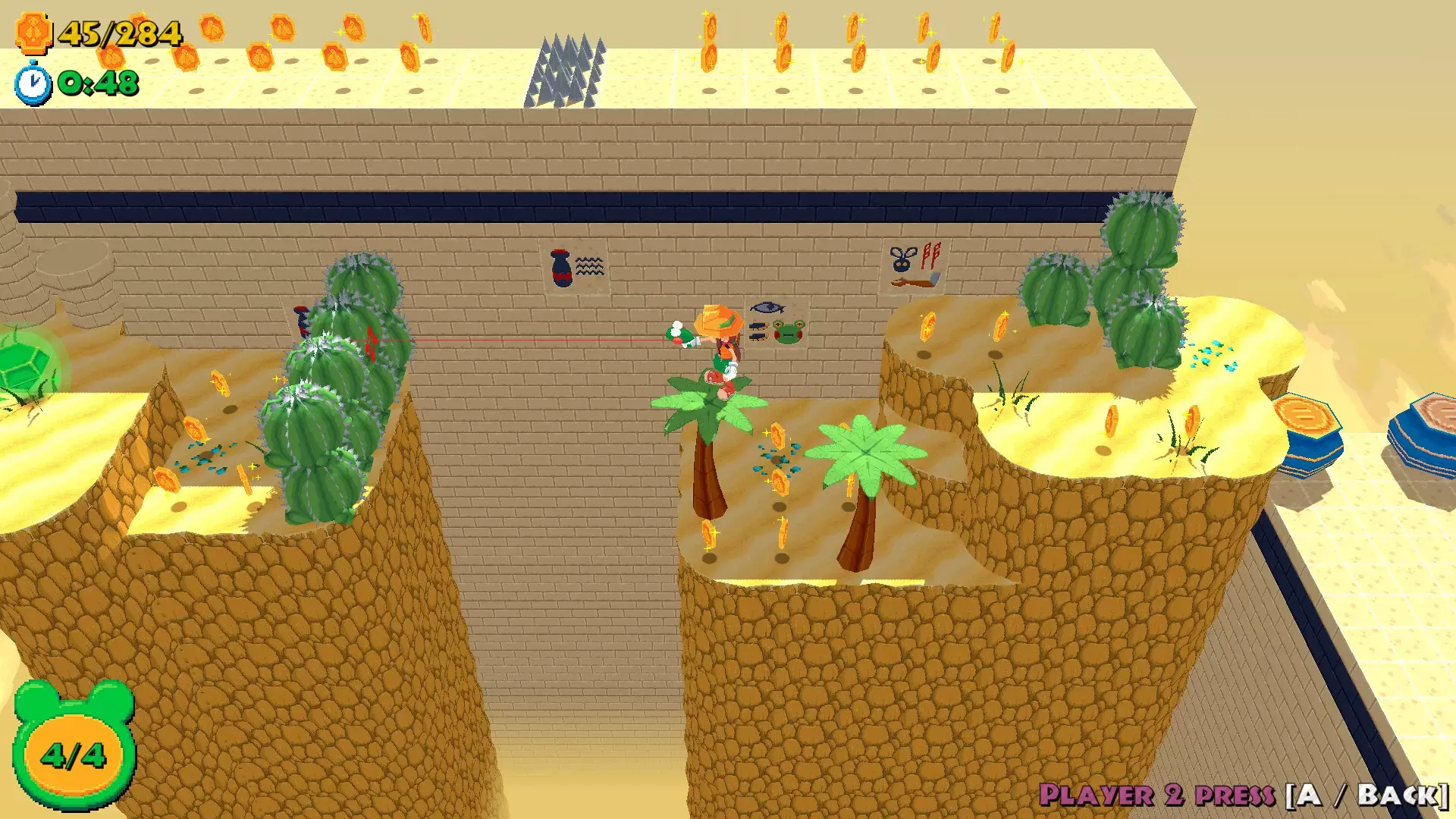
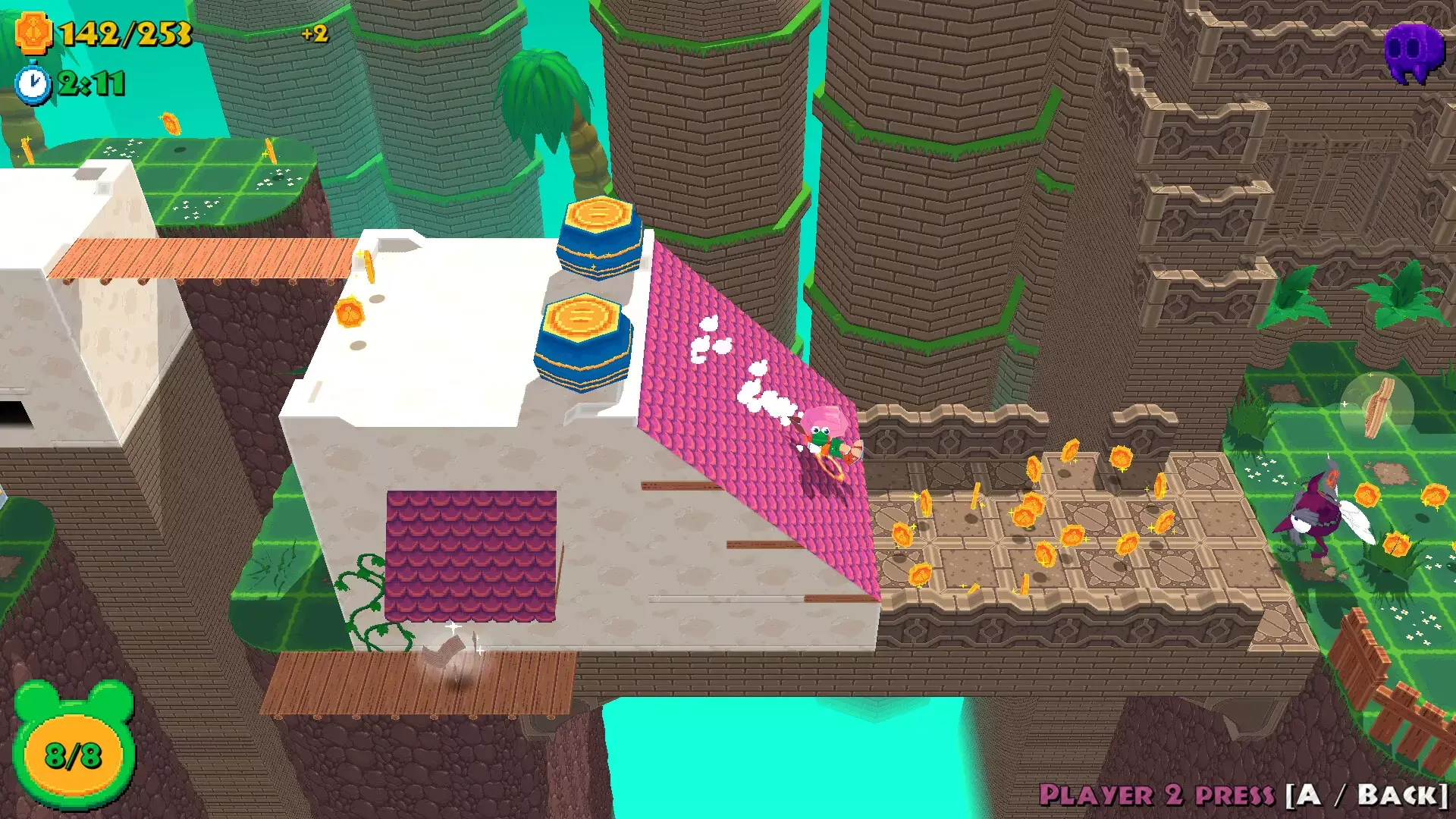
-Explore colorful levels as you trek across the world - explore whimsical areas and environments in stylish lowpoly aesthetic
-Expanded fluid movement ; jump, double jump, swing on ledges and poles, grapple, and use your trusty Frogun to navigate the environment in new, unique ways!
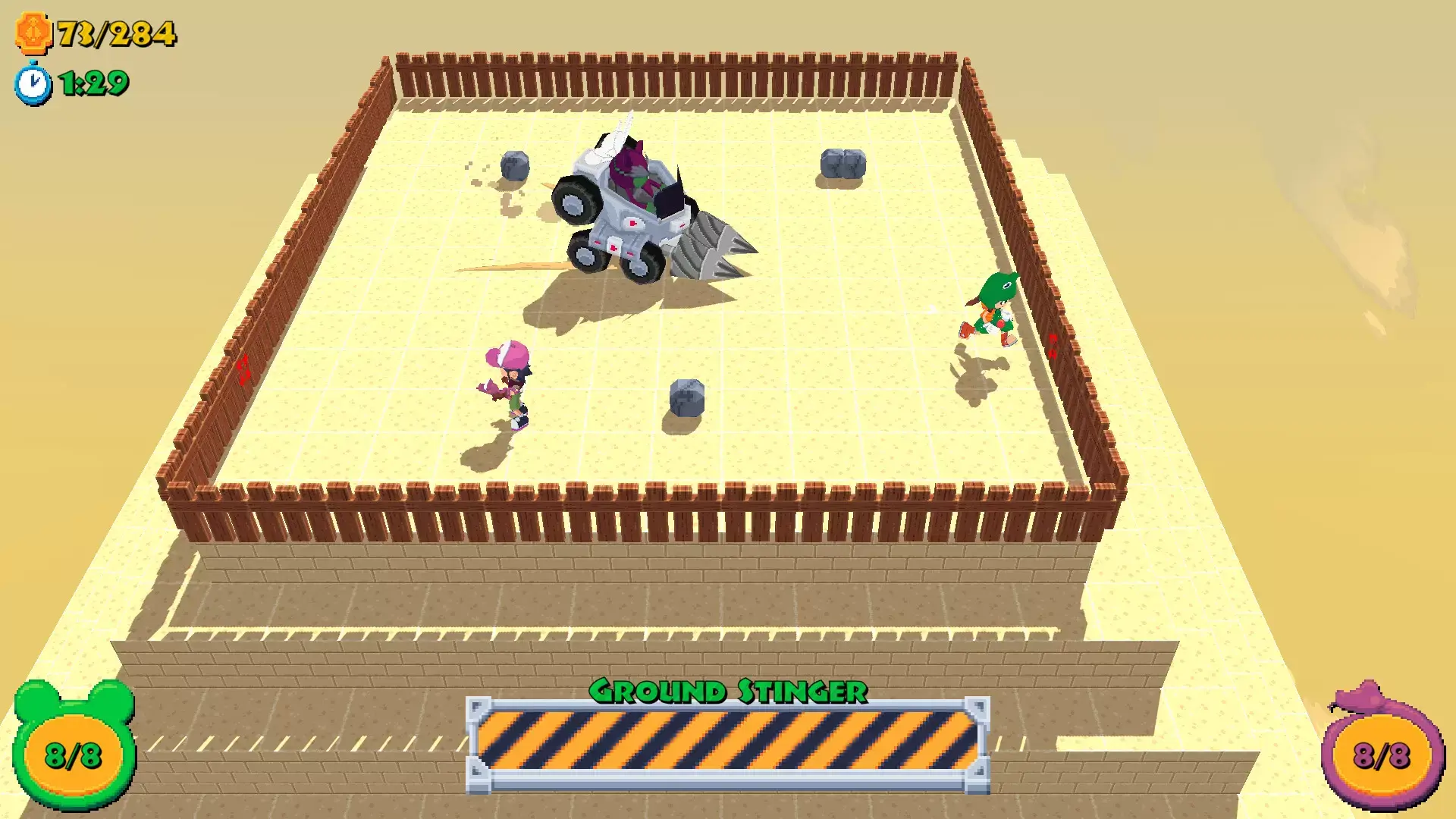
-Fight big bosses
-Find secret areas or shortcuts by mastering advanced jumping & grappling mechanics! How nimble are you?
-Collect emblems by fulfilling level challenges, and discover the stories of other adventurers through hidden diary notes
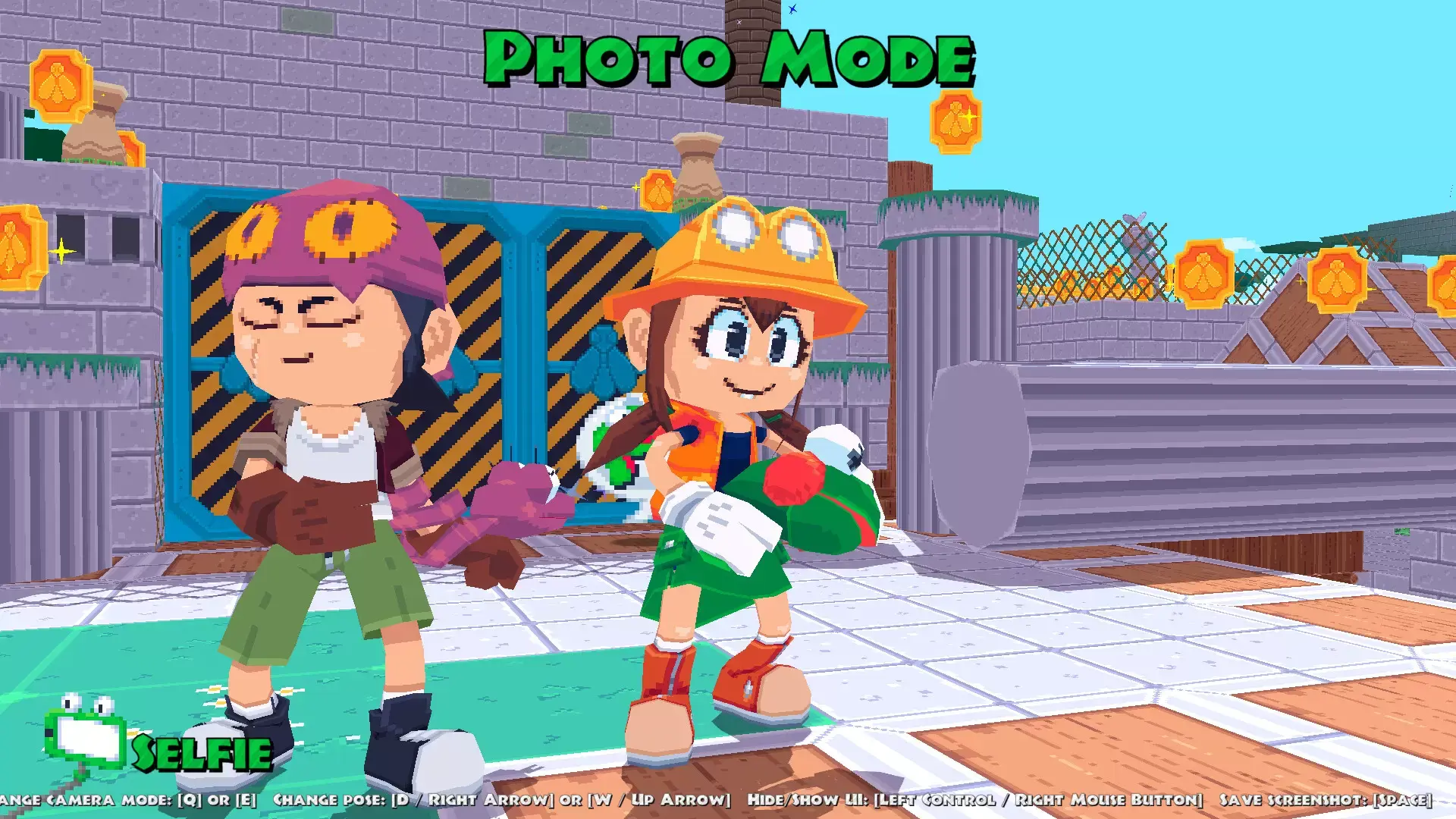
-Unlock hats for your characters and show off your swag!
-A poseable photo mode to let you show off your creativity!
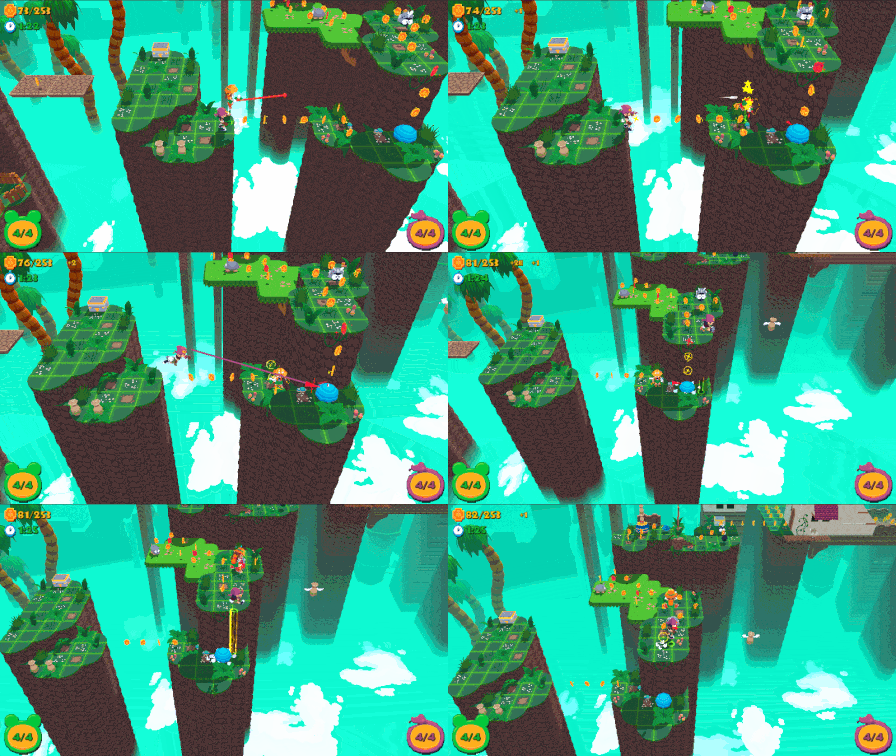
-True Co-Op; play with your best friend and cooperate or race together towards the end of each level!
최소:
- 64비트 프로세서와 운영 체제가 필요합니다
- 운영 체제 *: Windows 7
- 프로세서: Intel Celeron G1820 / AMD Athlon II X3 455
- 메모리: 2 GB RAM
- 그래픽: NVIDIA GeForce 820M 1GB VRAM
STEAM
1. Steam 계정을 등록
2. "나 게임" 메뉴에서 "Steam을 통해 활성화..." 버튼을 클릭하고 키를 입력