More Pixel Pulps!
More Pixel Pulps!
Informazioni sul gioco
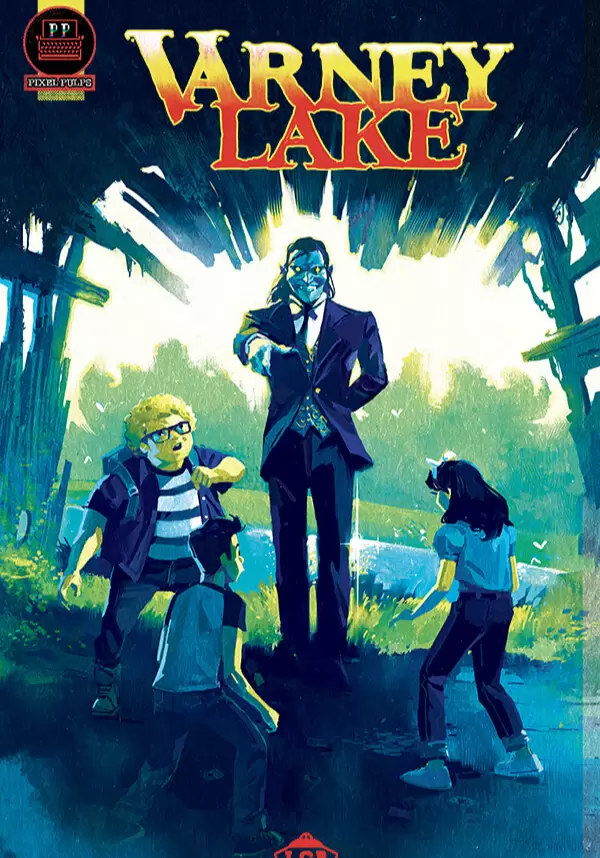
What really happened at Varney Lake? 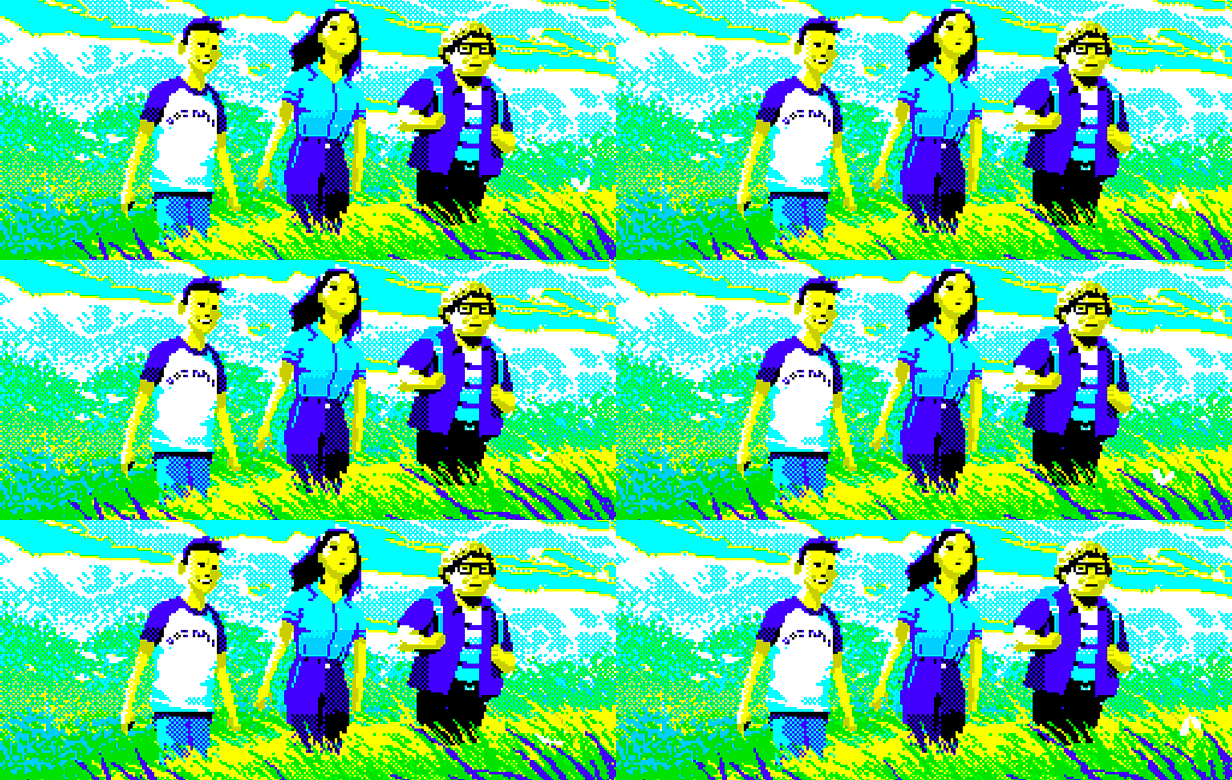 1954.
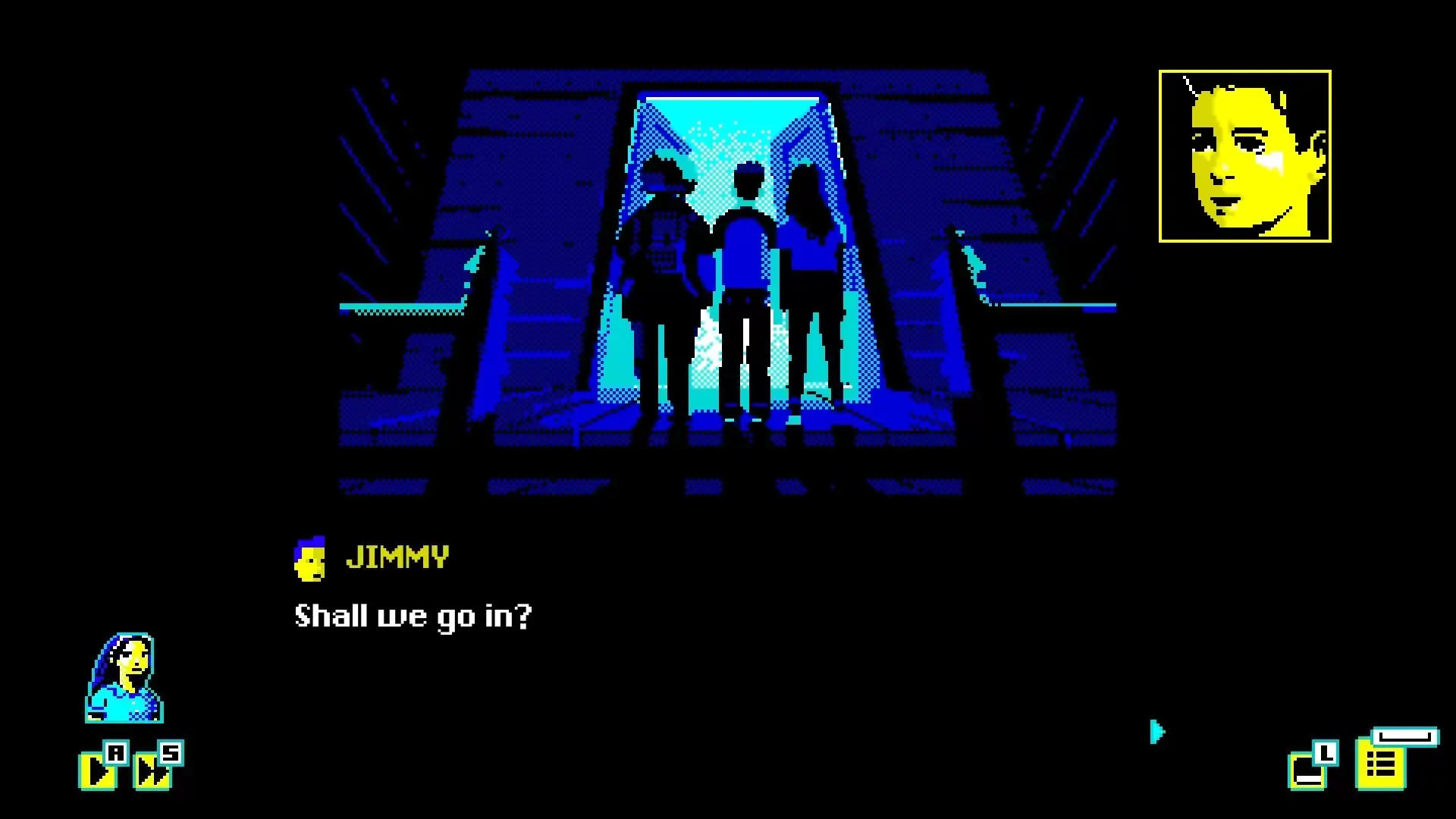
1954. During the long, hot summer, Jimmy, Doug and Christine are spending their fourth vacation together at Varney Lake. Teenage crushes, pranks and card tricks, long days of adventure, a pipe dream of saving the local drive-in from demolition; they’re kids, coming of age.
Until they find the Vampire.
 1981.
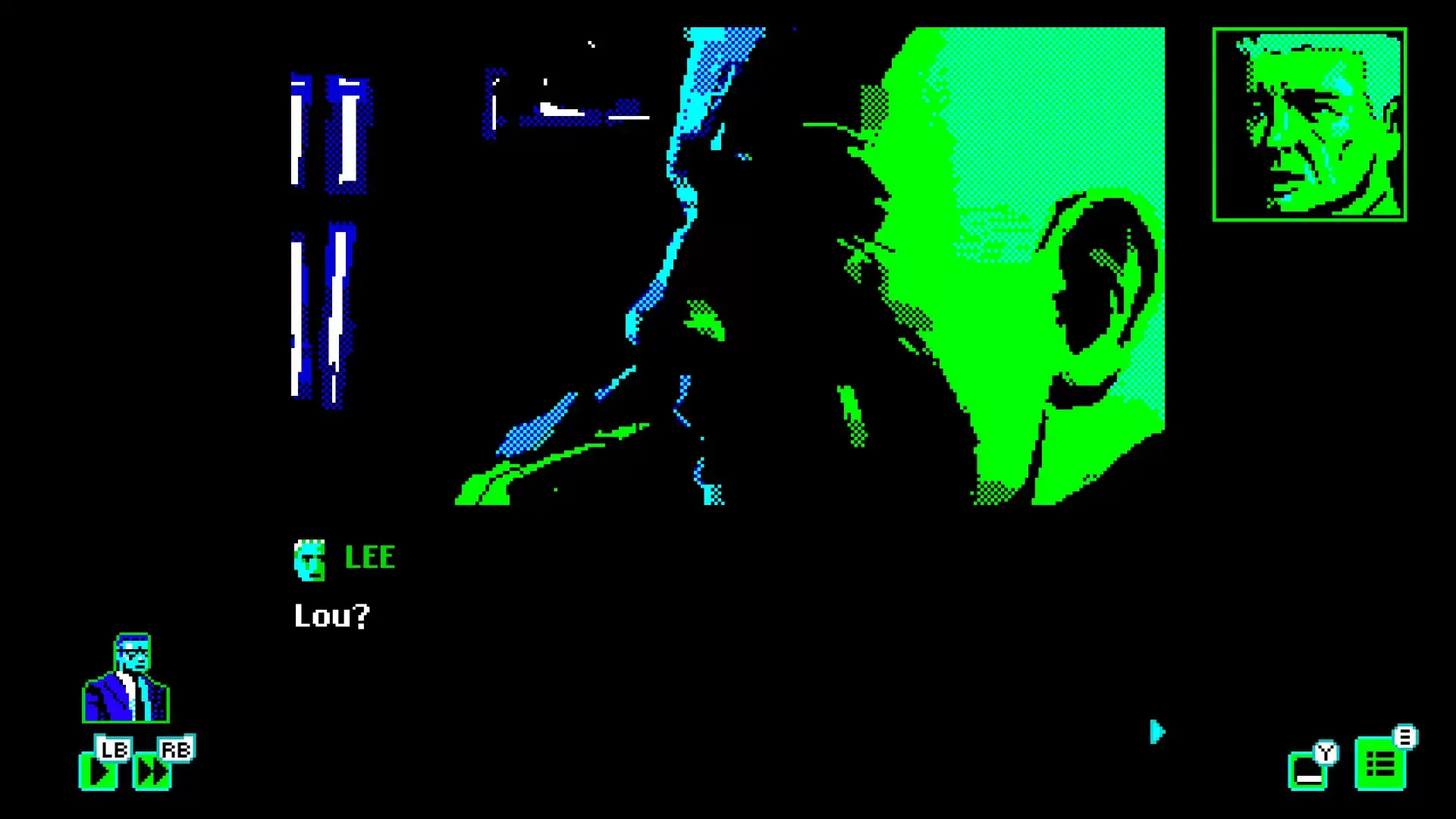
1981. Lou Hill, paranormal investigator, has a lead on a mind-blowing case. Will he be able to convince the now 40-something Christine and Jimmy to tell him the truth about that Summer? Do they even know themselves?
And what really happened to Doug?
 FeaturesVarney Lake
, is for anyone who enjoys fine storytelling and engaging puzzles:
- Search for the truth in the nostalgic, branching narrative
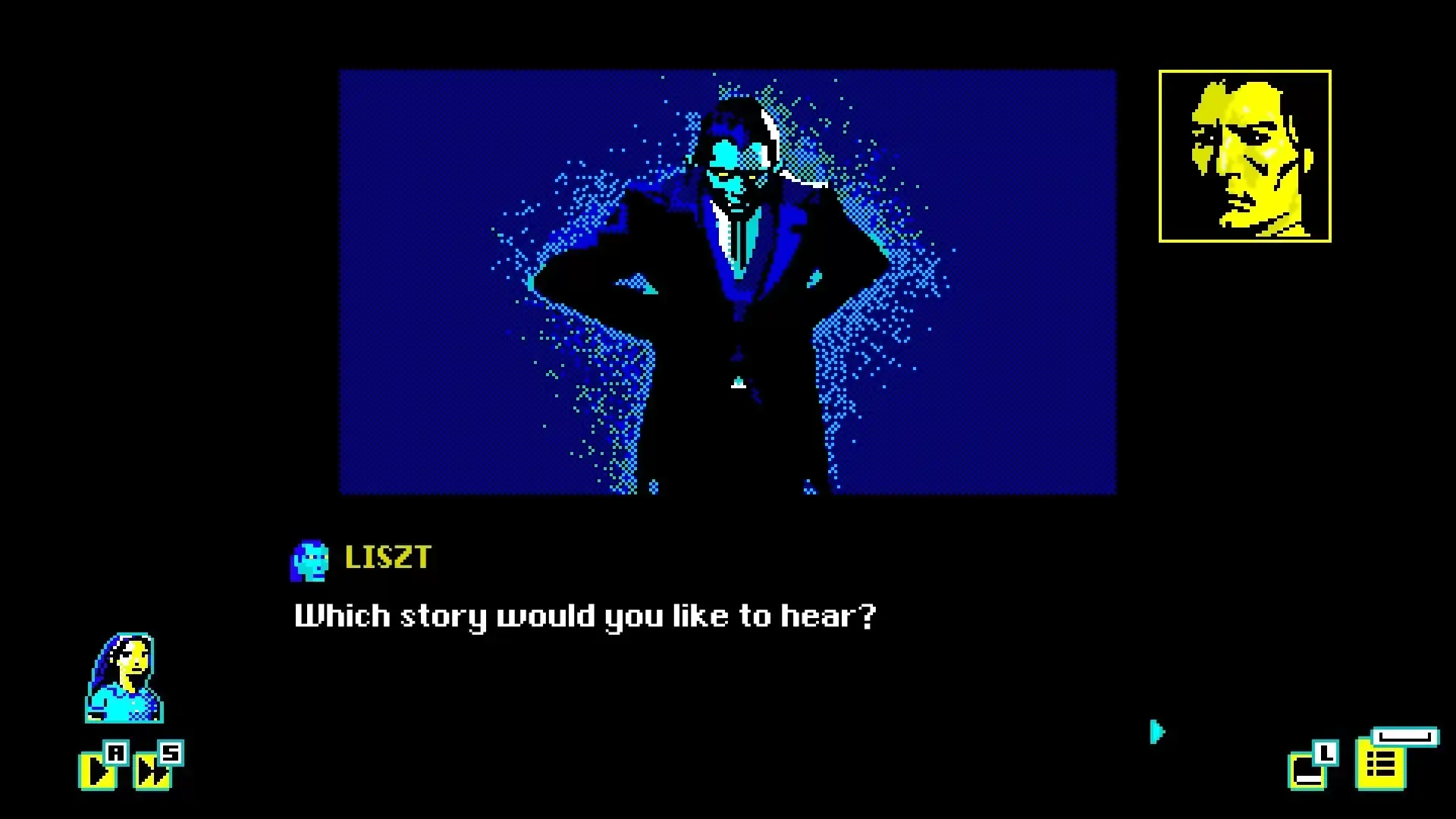
- Immerse yourself in the story with its rich, evocative illustrations
- Witness the fate of Varney Lake’s characters in ‘Choose Your Own Adventure’ style gameplay
- Solve accessible, brain-tickling puzzles along the way
- Learn more of Lou Hill, the Pixel Pulps' recurring investigator
The follow-up to Mothmen 1966 Varney Lake is the second of the Pixel Pulps; a new series of interactive adventures created by novelist Nico Saraintaris and artist Fernando Martinez Ruppel. Pixel Pulps tell gripping stories inspired by mid-20th century pulp fiction and illustrated by 80s home computer-inspired graphics. The Pixel Pulps Collection comprises three games:
Mothmen 1966,
Varney Lake, and
Bahnsen Knights.
STEAM
1. Registrare un account Steam.
2. Nel menu "I miei giochi", fai clic sul pulsante "Attiva tramite Steam..." e inserisci la chiave