The site language may differ from the one you are using.
Select the language:
Apply
close

RoboCo

game
Piattaforma:
PC
data di uscita:
03 novembre 2022
Editore:
Sviluppatore:
Genres:
comprate
Questo prodotto non è disponibile nella vostra regione
Piattaforma:
PC
data di uscita:
03 novembre 2022
Editore:
Sviluppatore:
Genres:
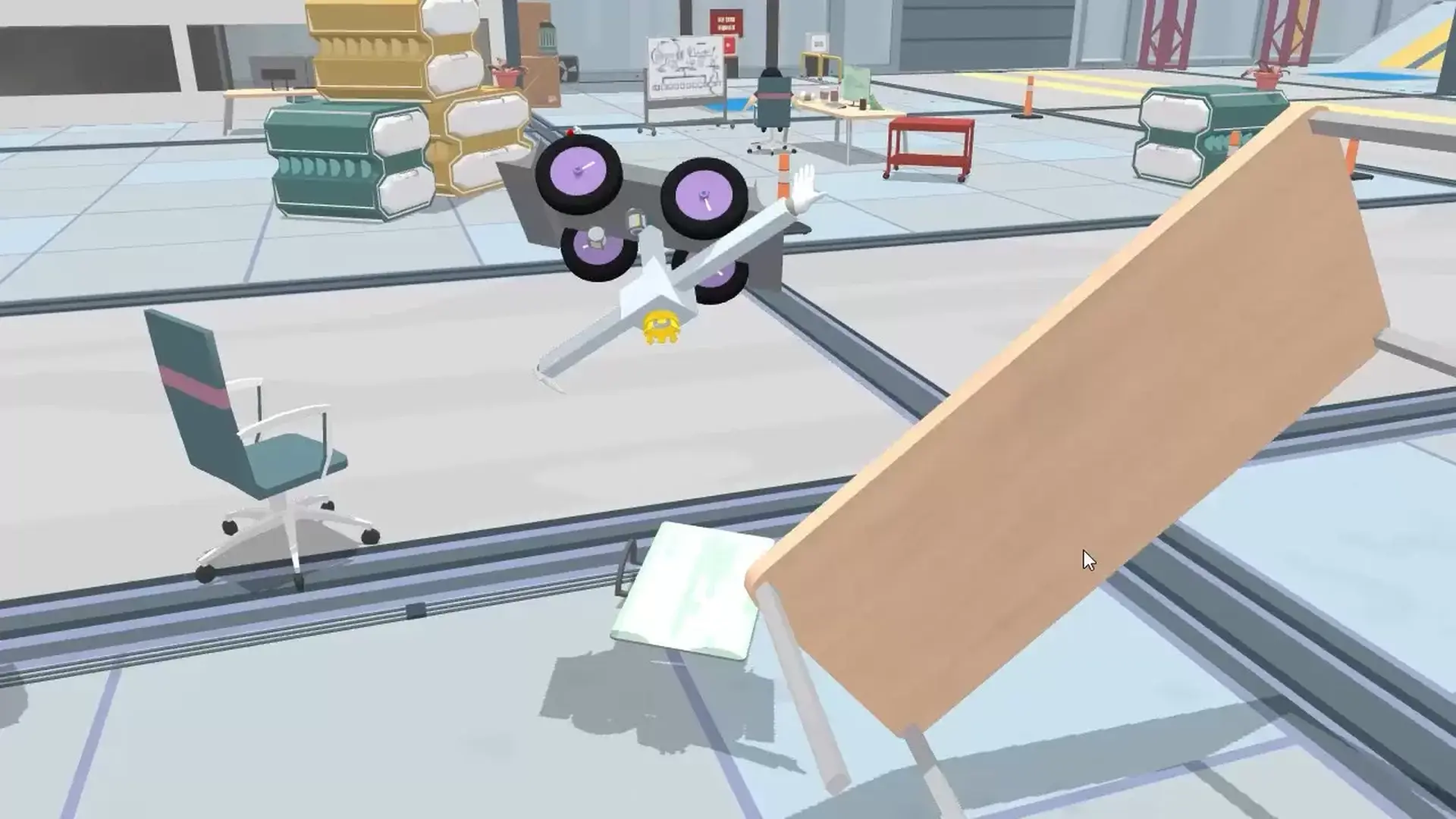


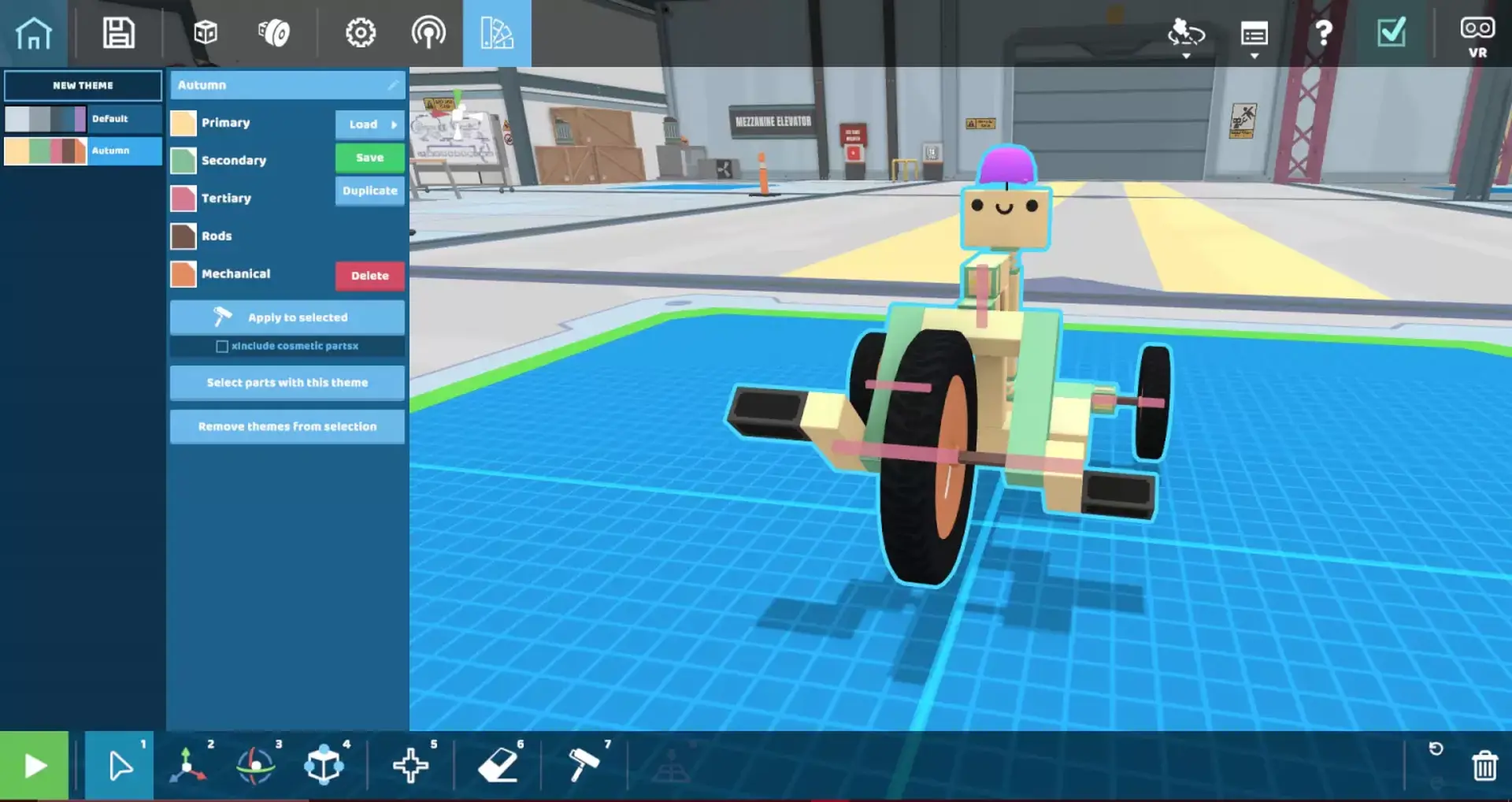
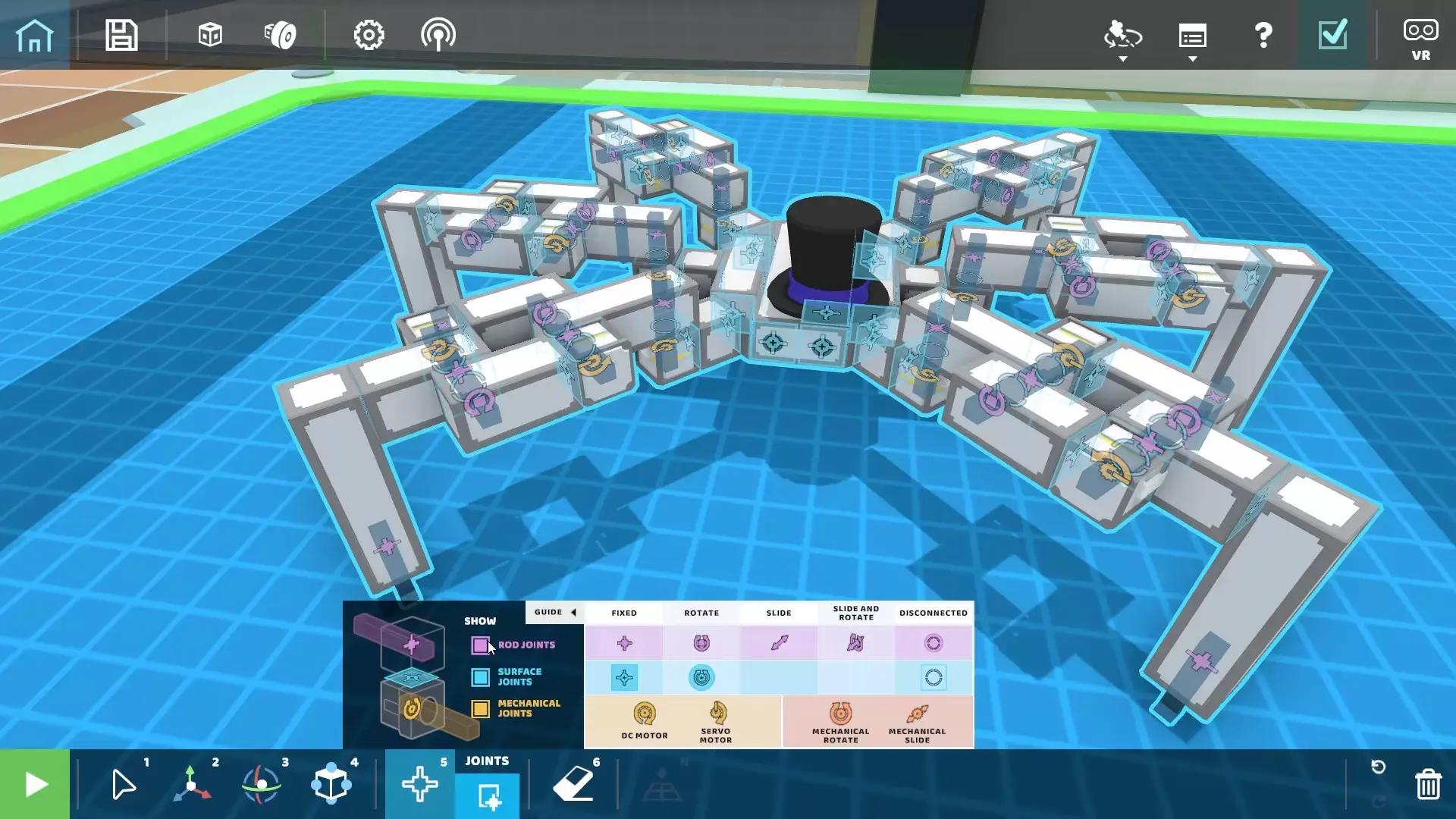
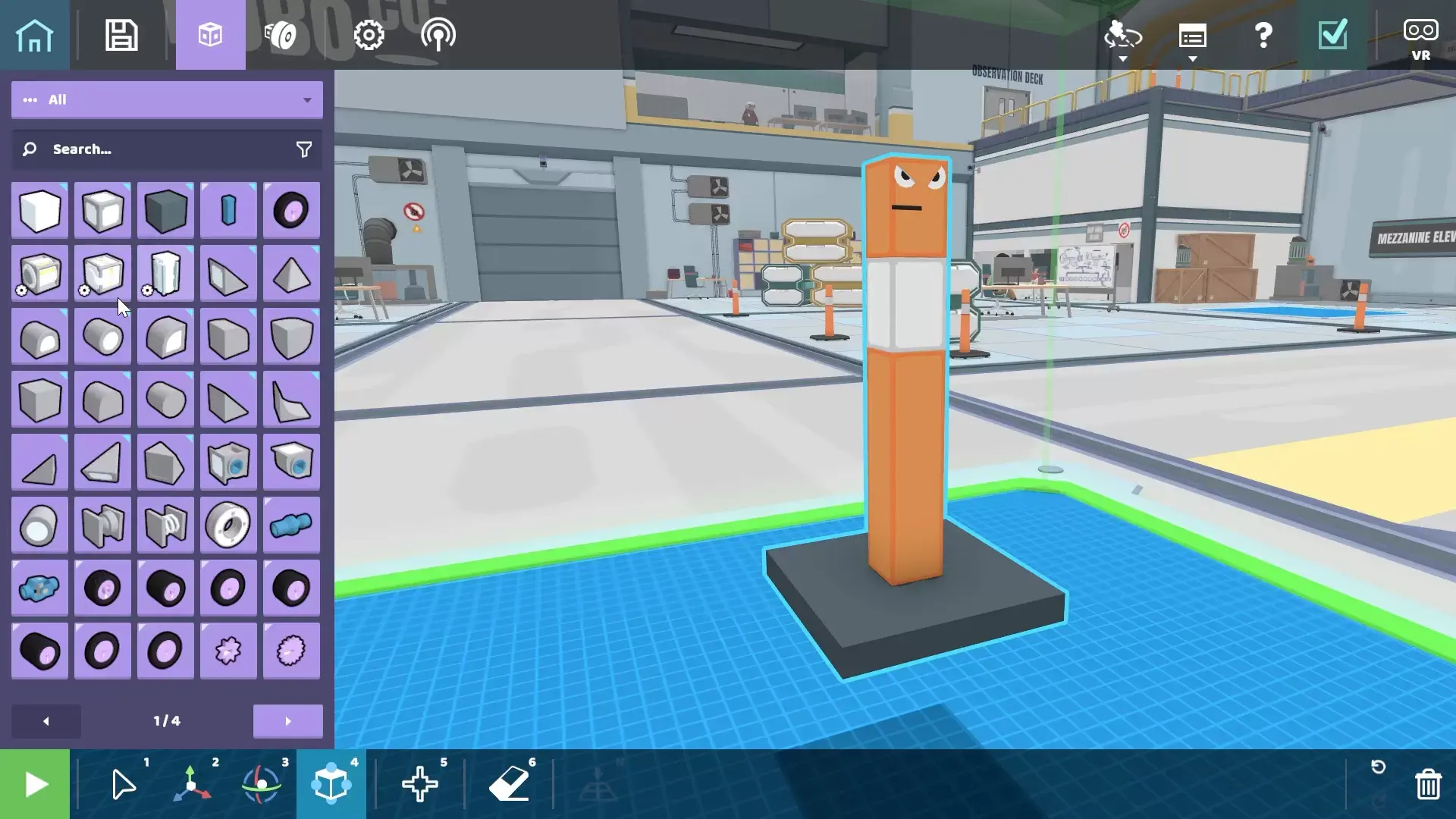
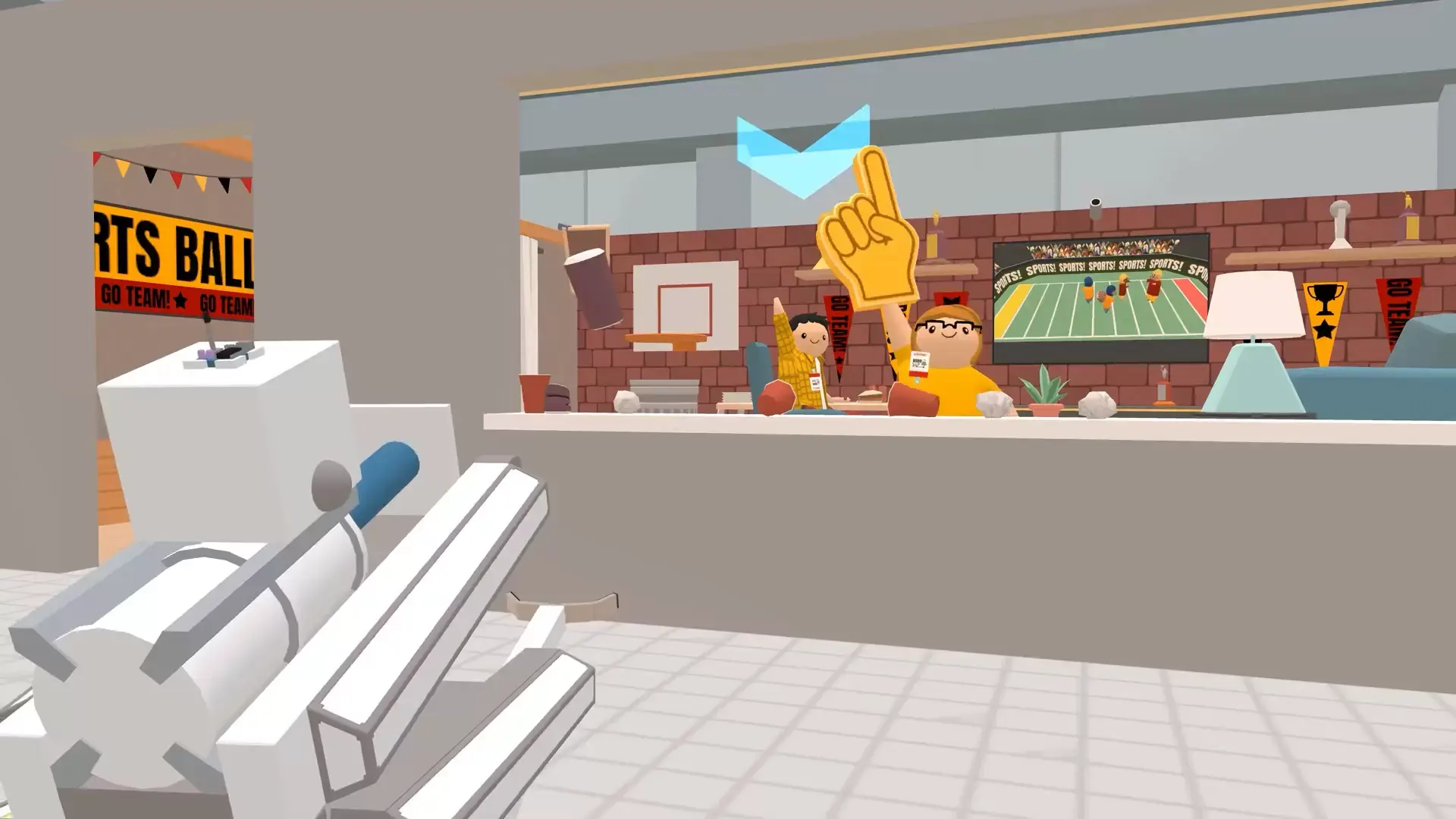
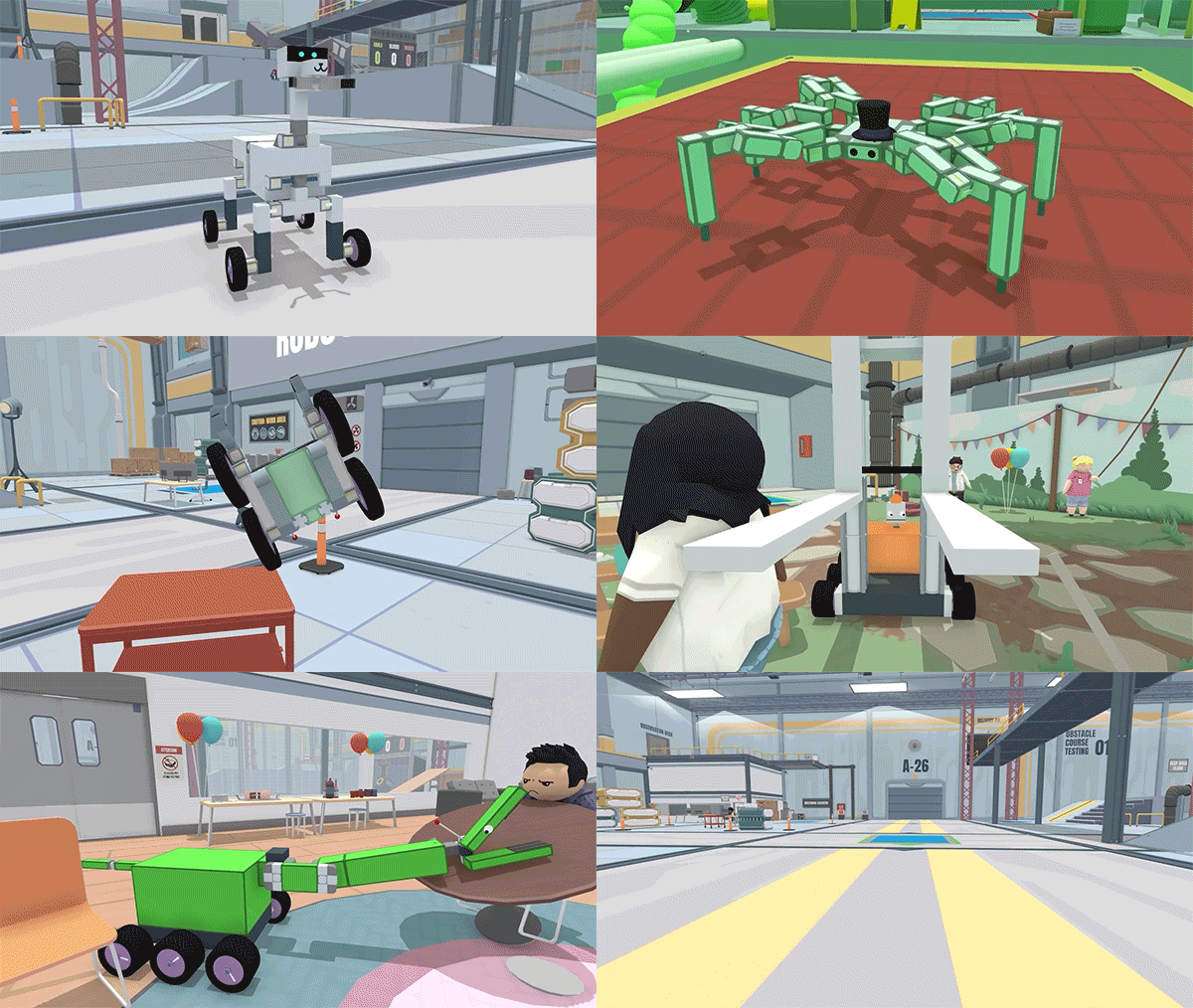
RoboCo is a wholesome sandbox game about designing and building robots to serve the needs of squishy, hapless humans in the world of tomorrow! Create any robot you can imagine in the creative sandbox mode or take on unique challenges.


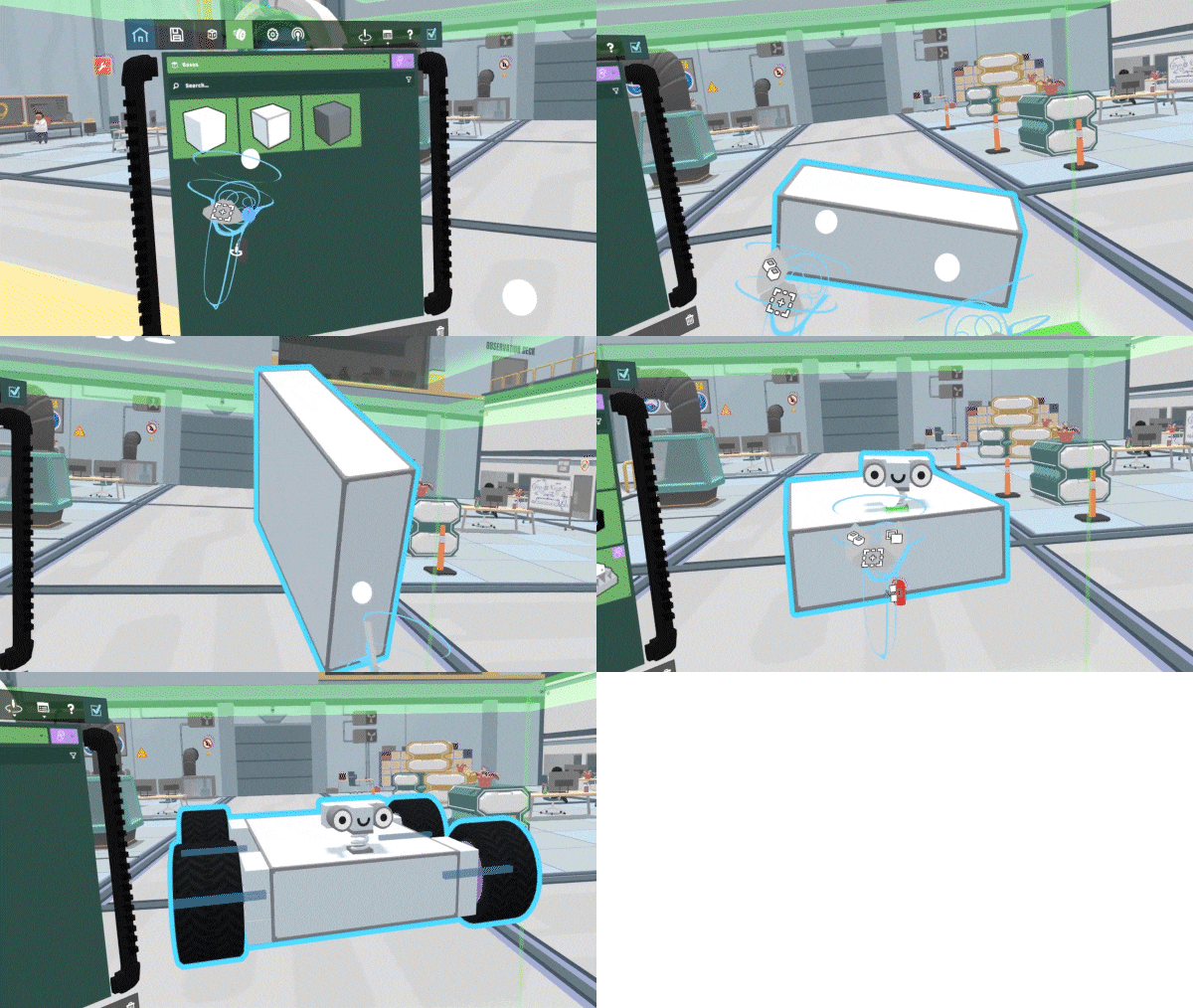
Snap together an expansive variety of parts to bring the machines of your dreams to life. Hook up controls, customize how your robots move and operate, then add fun cosmetics like googly eyes and hats!


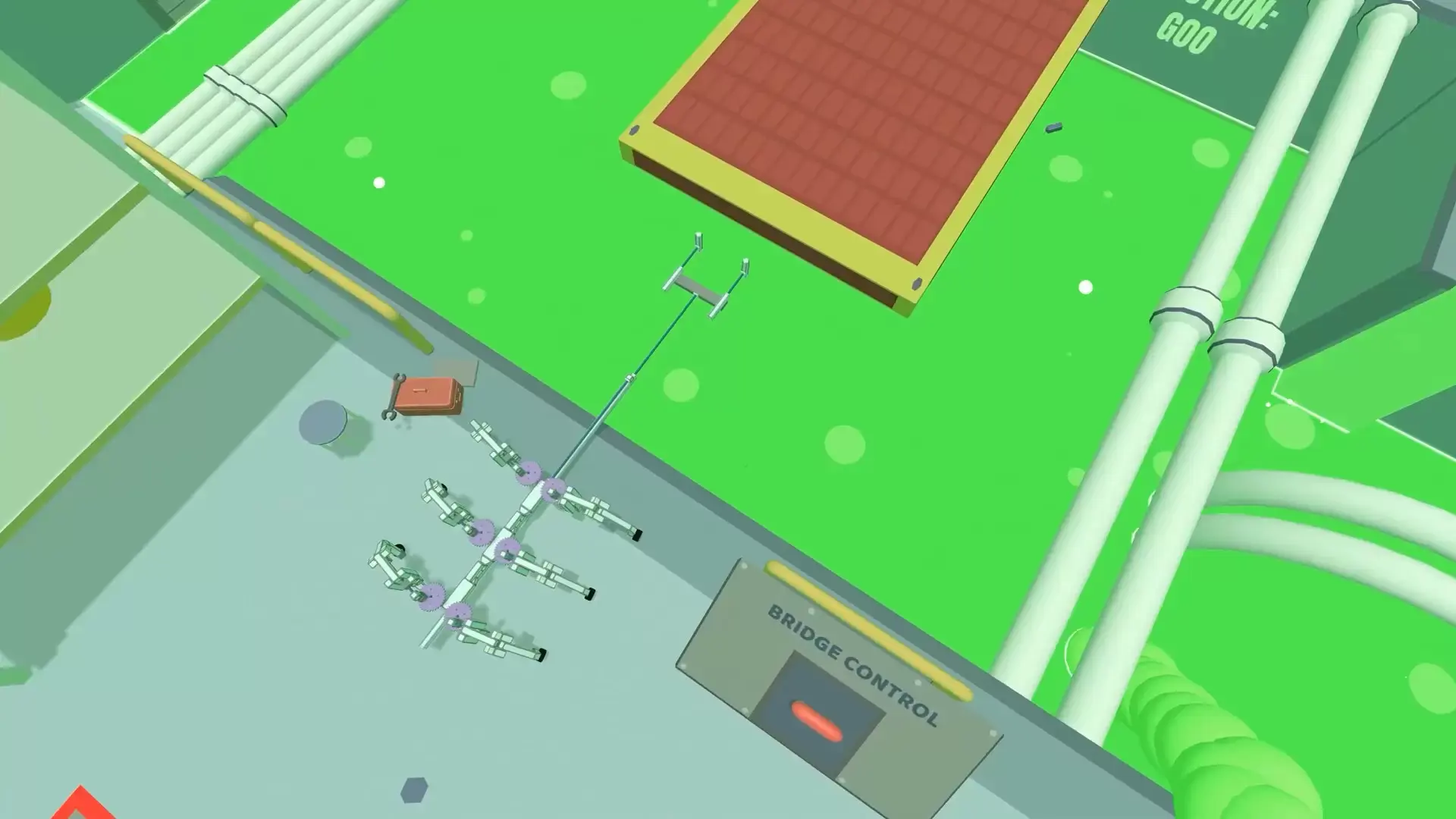
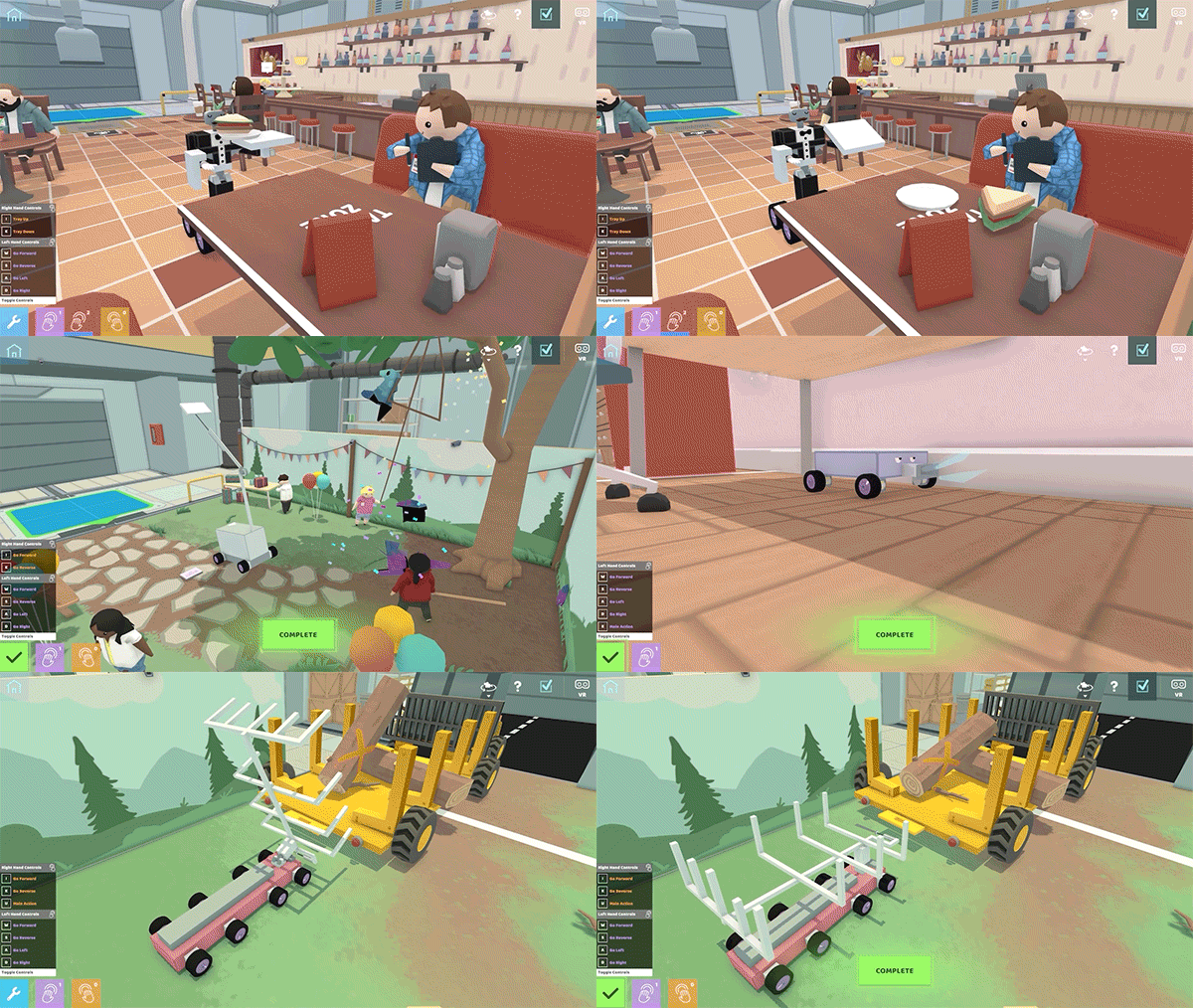
Put your engineering skills to the test in our tricky, open-ended challenges. Build custom robots to complete tasks like delivering sandwiches to hungry diners, preparing a romantic dinner, and showing off your robot dance moves!


Tired of controllers? You have the option to use the powerful and easy-to-learn Python language to automate your creations and let your robots conquer the challenges while you kick back and relax!


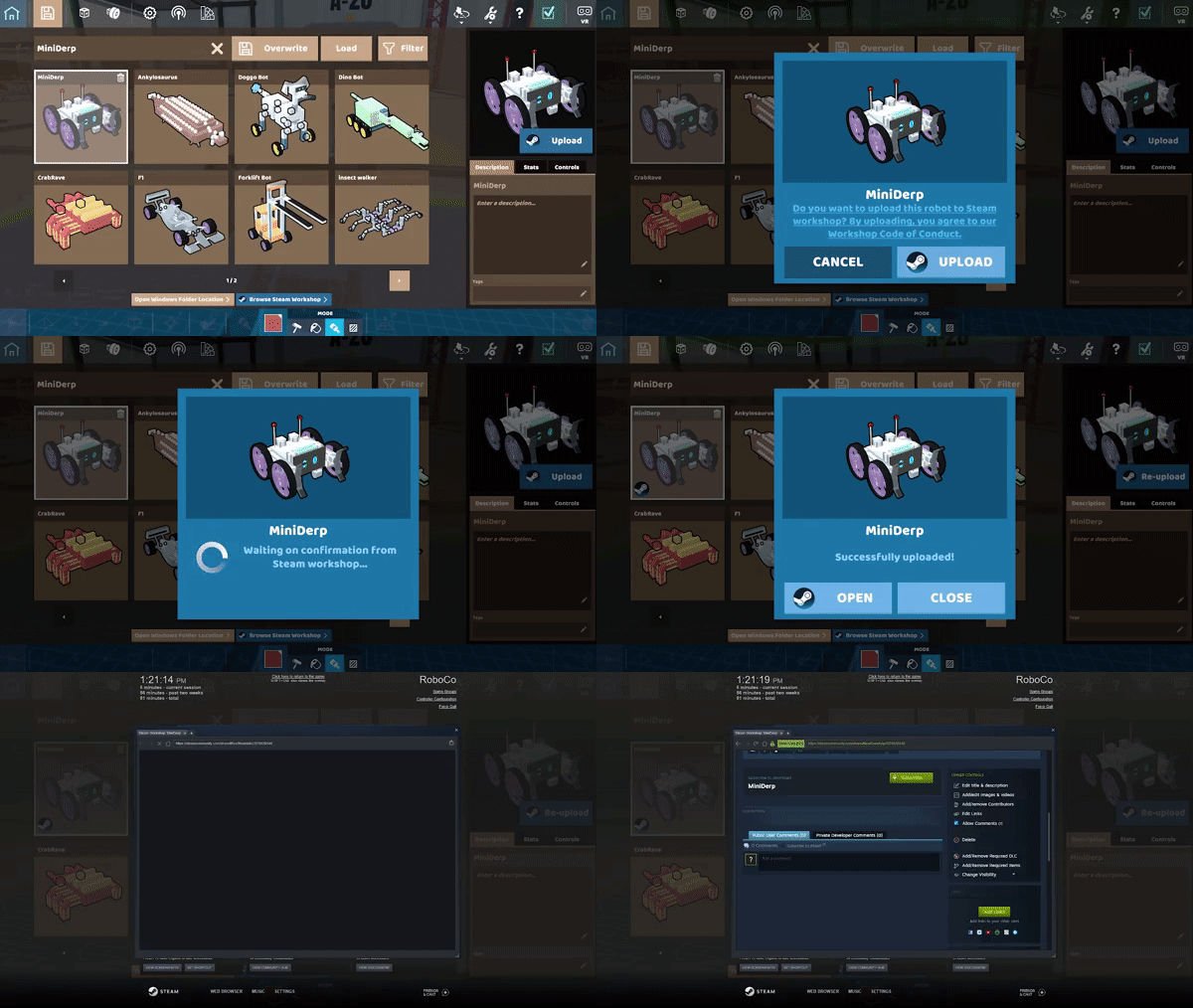
Using Steam’s built-in community workshop features, you can share your masterpieces with other robotics geniuses, or download others’ robots for inspiration and remixing!


Designed from the ground up to support both desktop and VR play, seamlessly switch between both modes with the click of a button!

Minimale :
  • Système d'exploitation et processeur 64 bits nécessaires
  • Système d'exploitation : Windows 7 (Windows 8 for Optional Python Scripting Features)
  • Processeur : Intel Core i5-3570 or AMD equivalent
  • Mémoire vive : 8 GB de mémoire
  • Graphiques : NVIDIA GeForce GTX 750 or AMD equivalent
  • DirectX : Version 11
  • Espace disque : 2 GB d'espace disque disponible
  • Notes supplémentaires : Will not support the future VR mode
STEAM

1. Registrare un account Steam.

2. Nel menu "I miei giochi", fai clic sul pulsante "Attiva tramite Steam..." e inserisci la chiave