


LEAVES - The Return
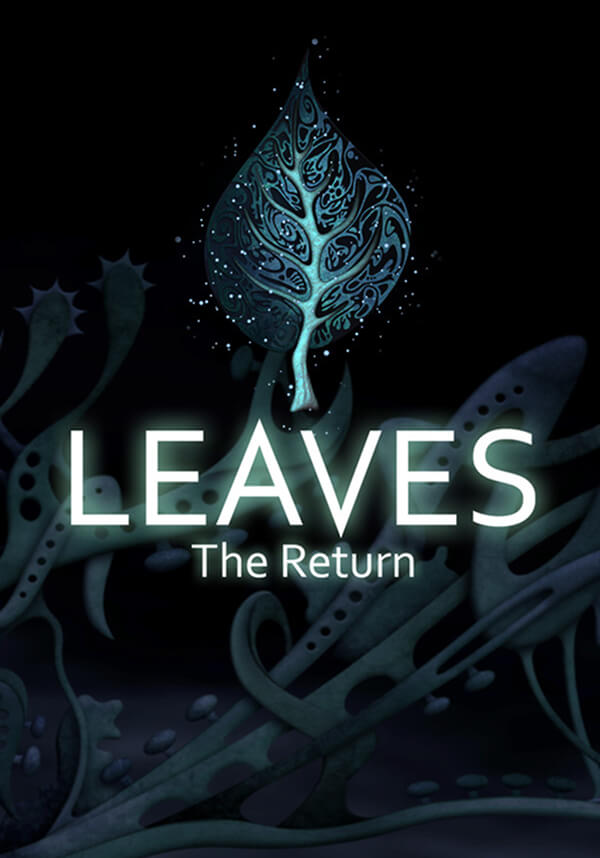

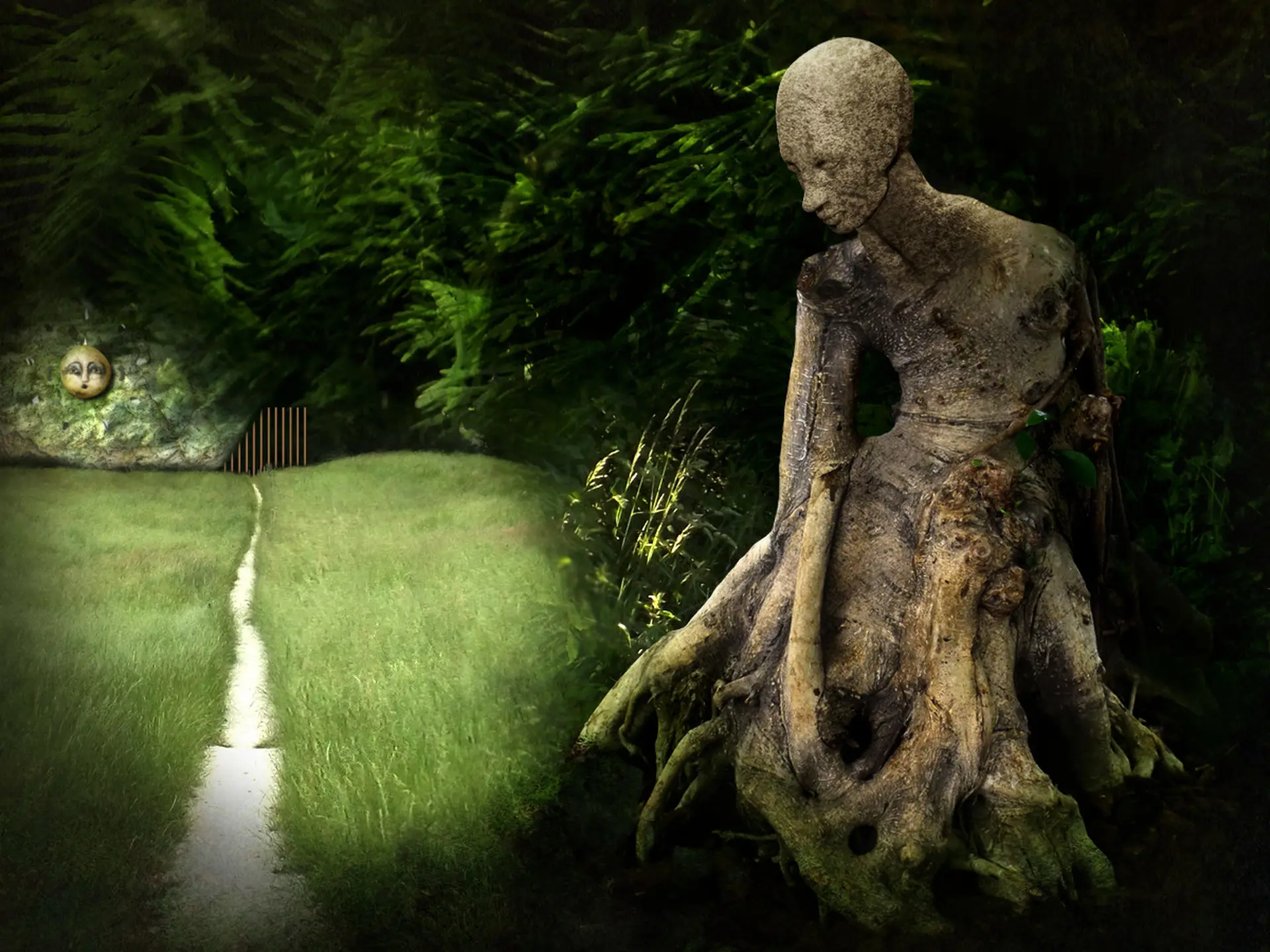
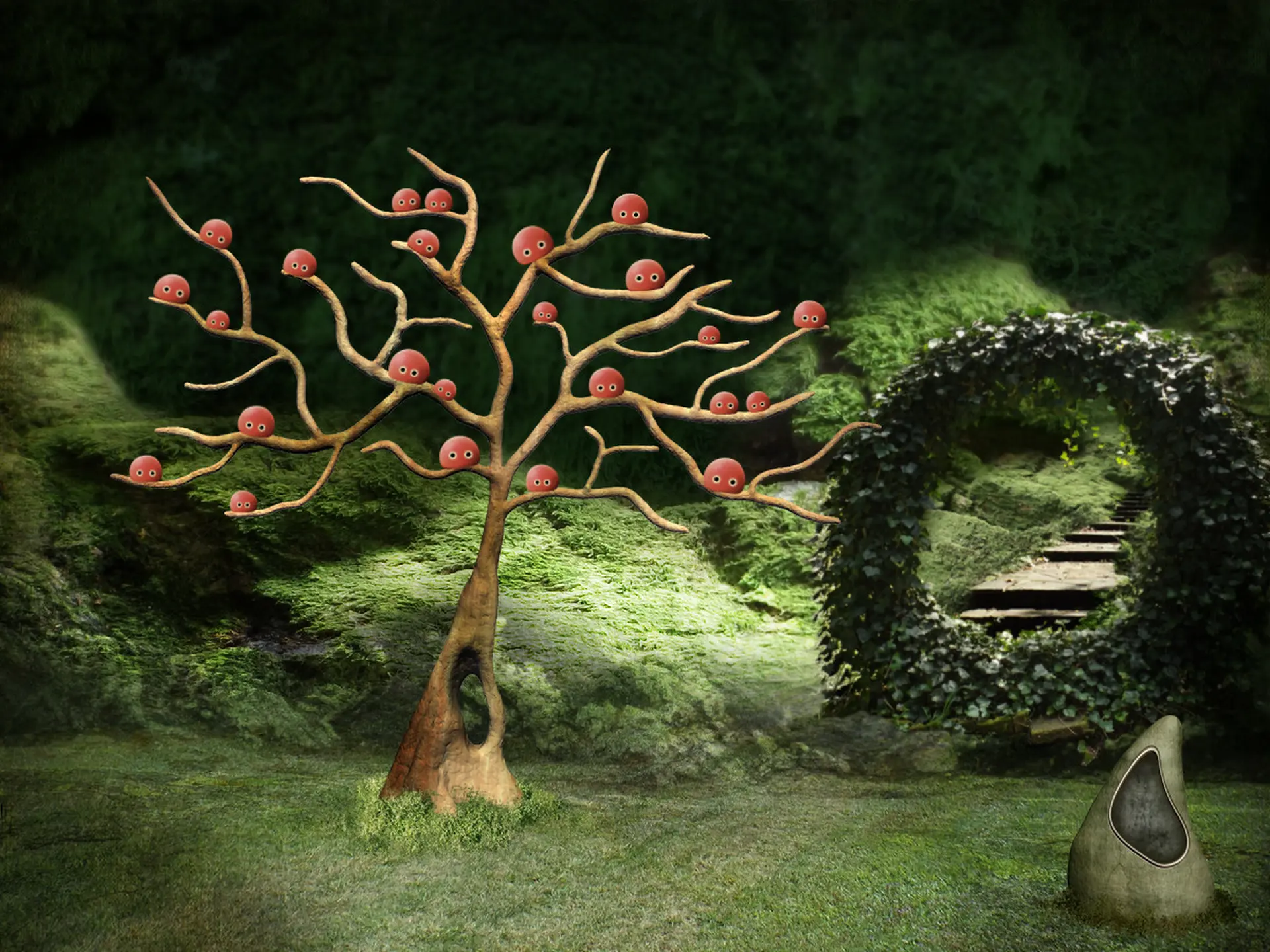
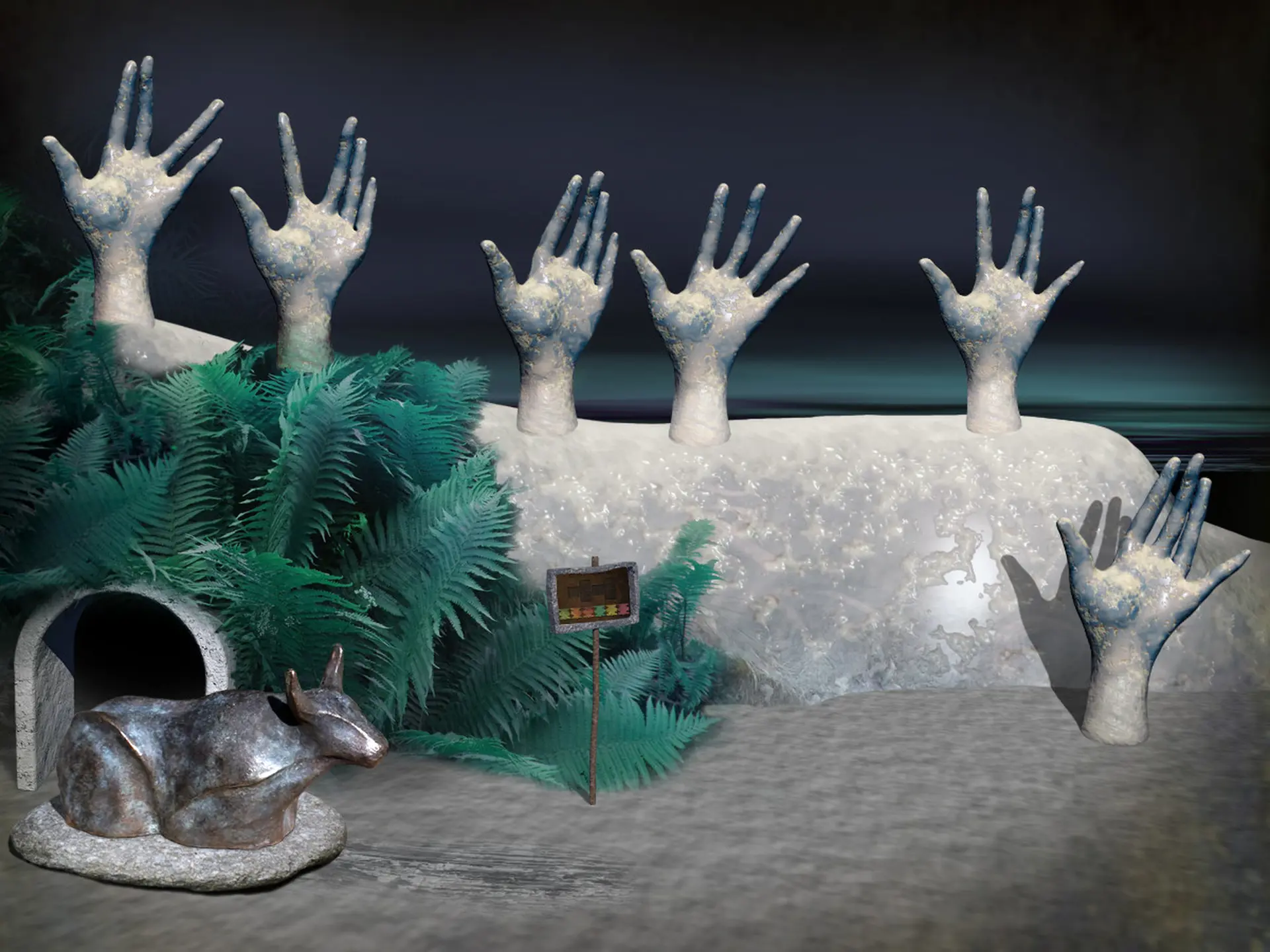
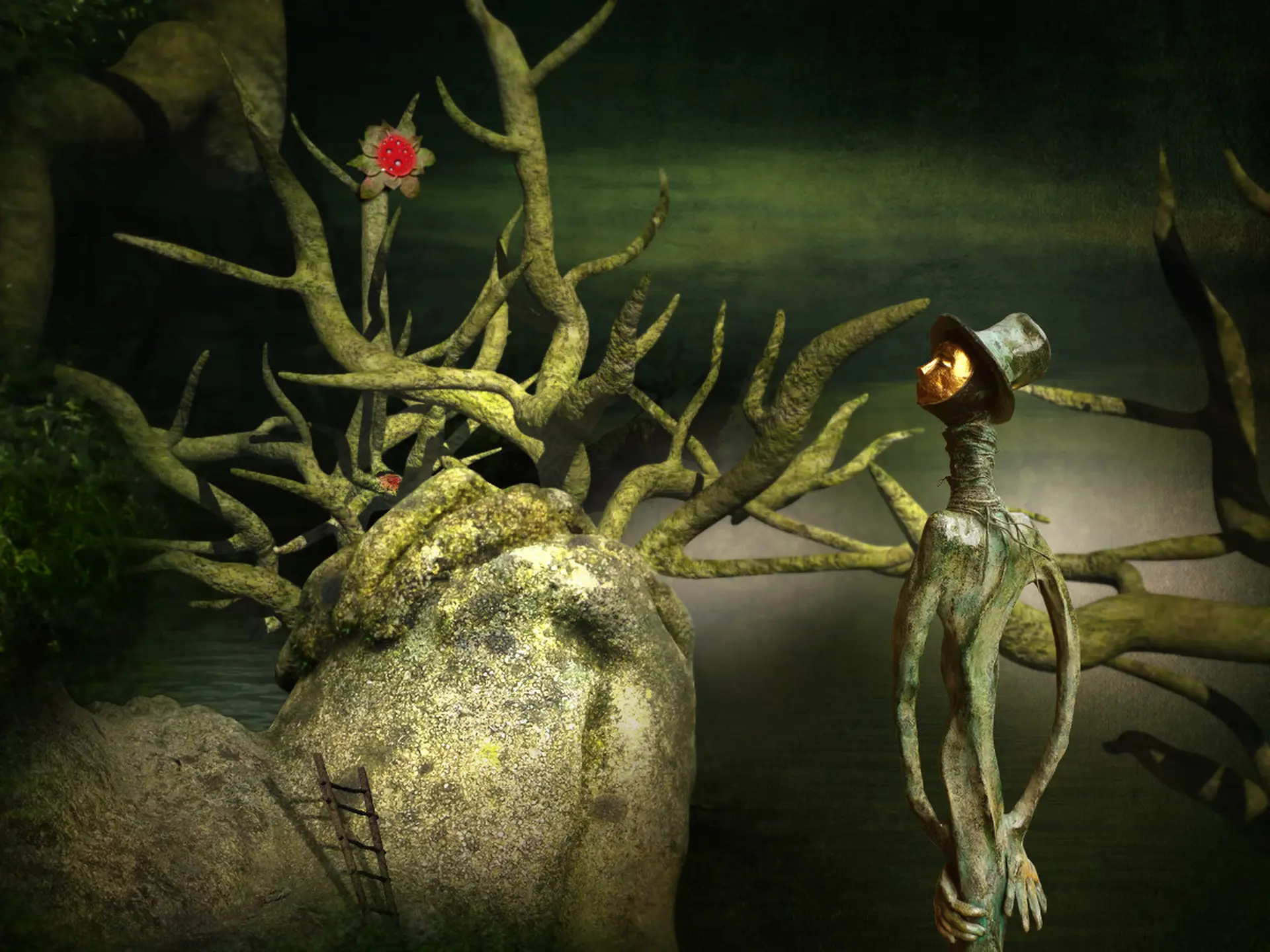
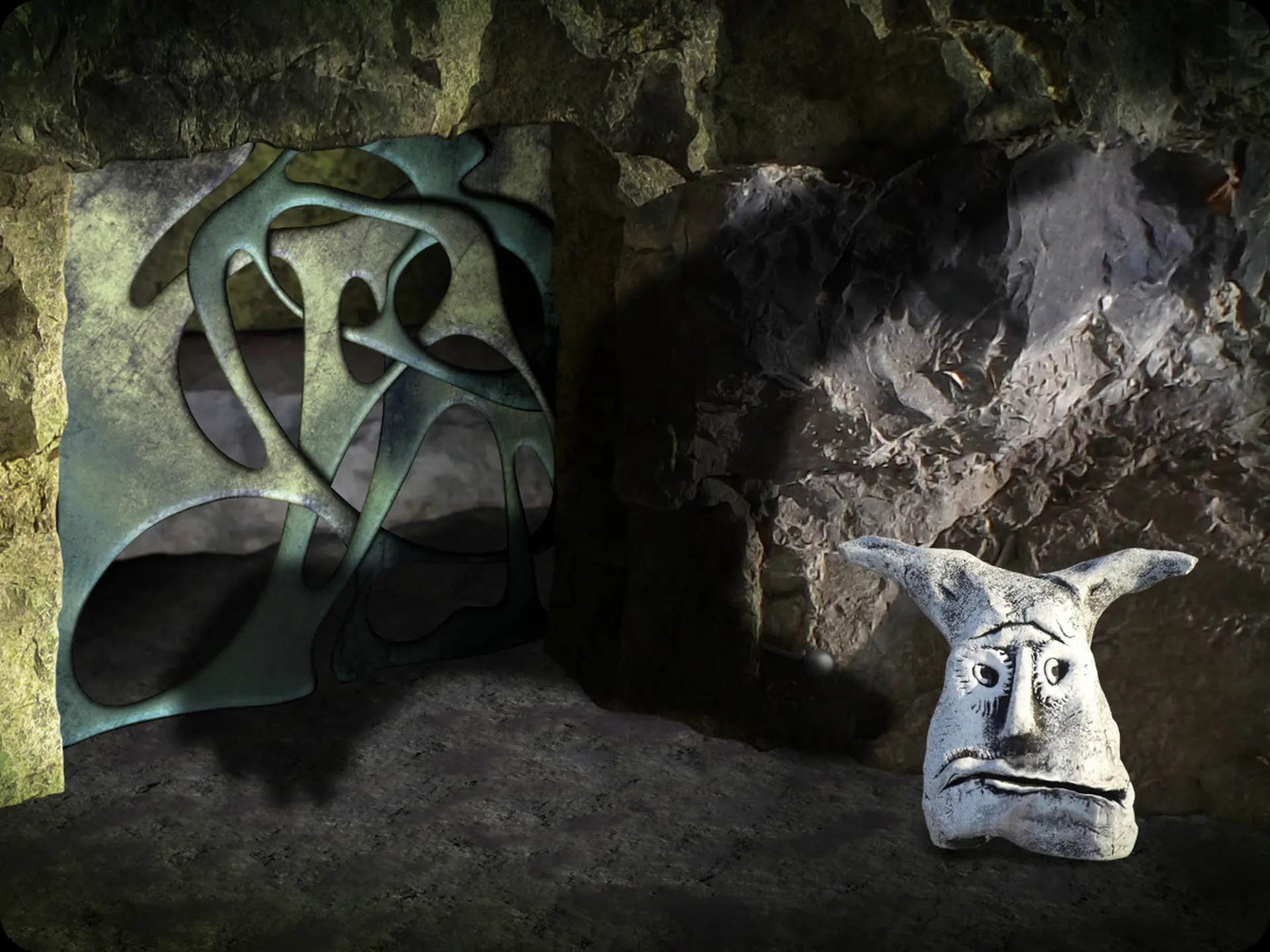
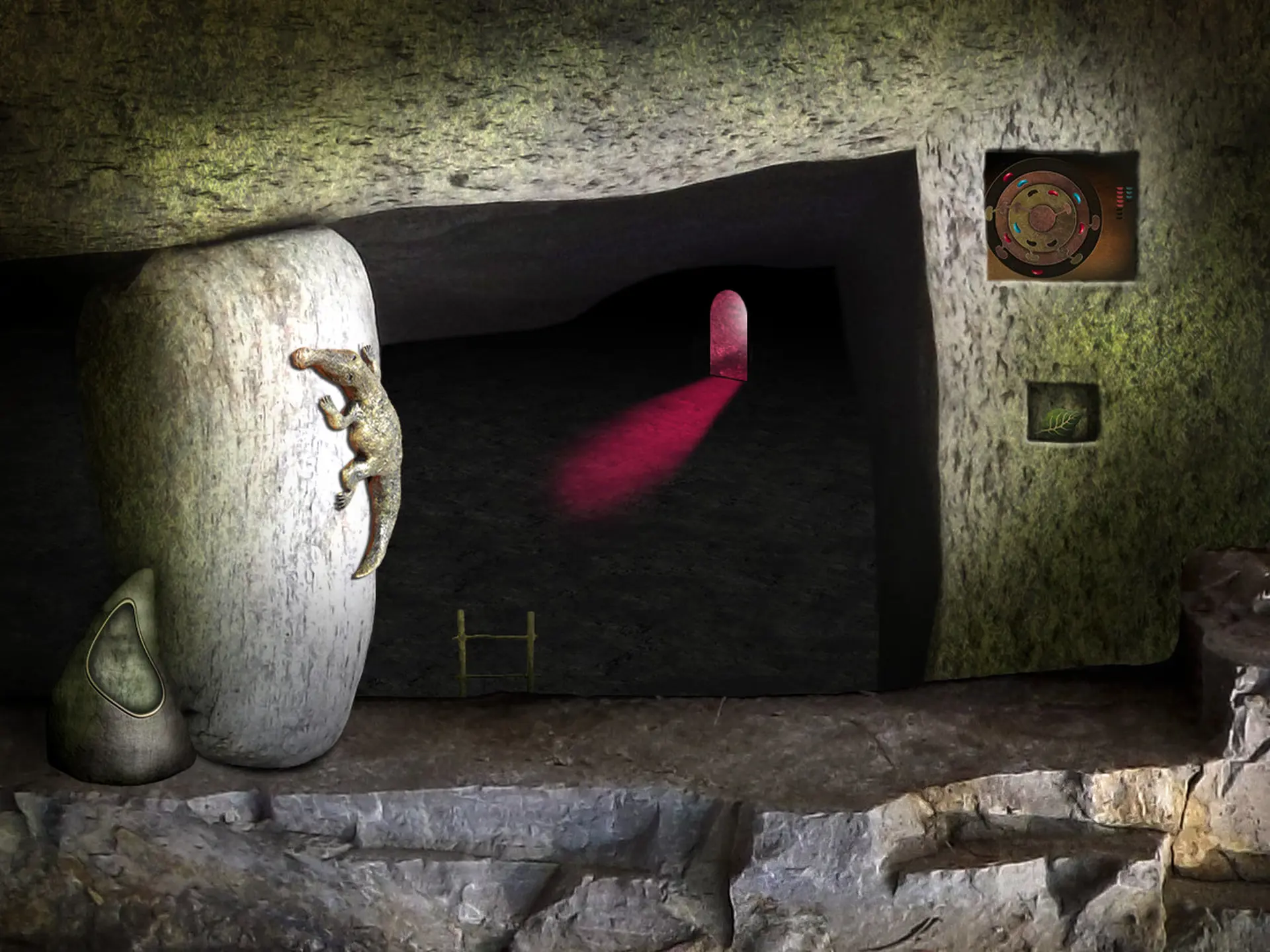
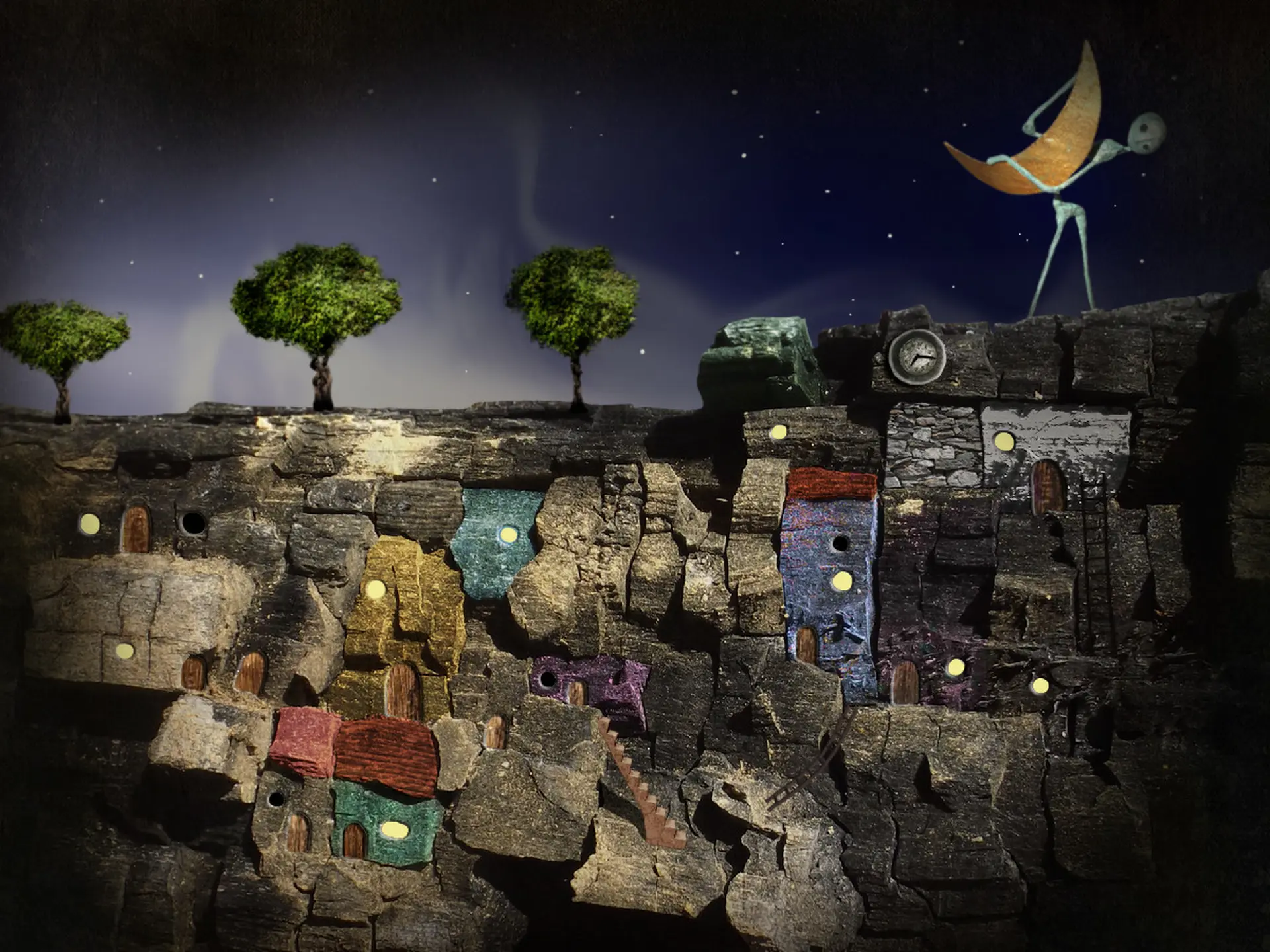
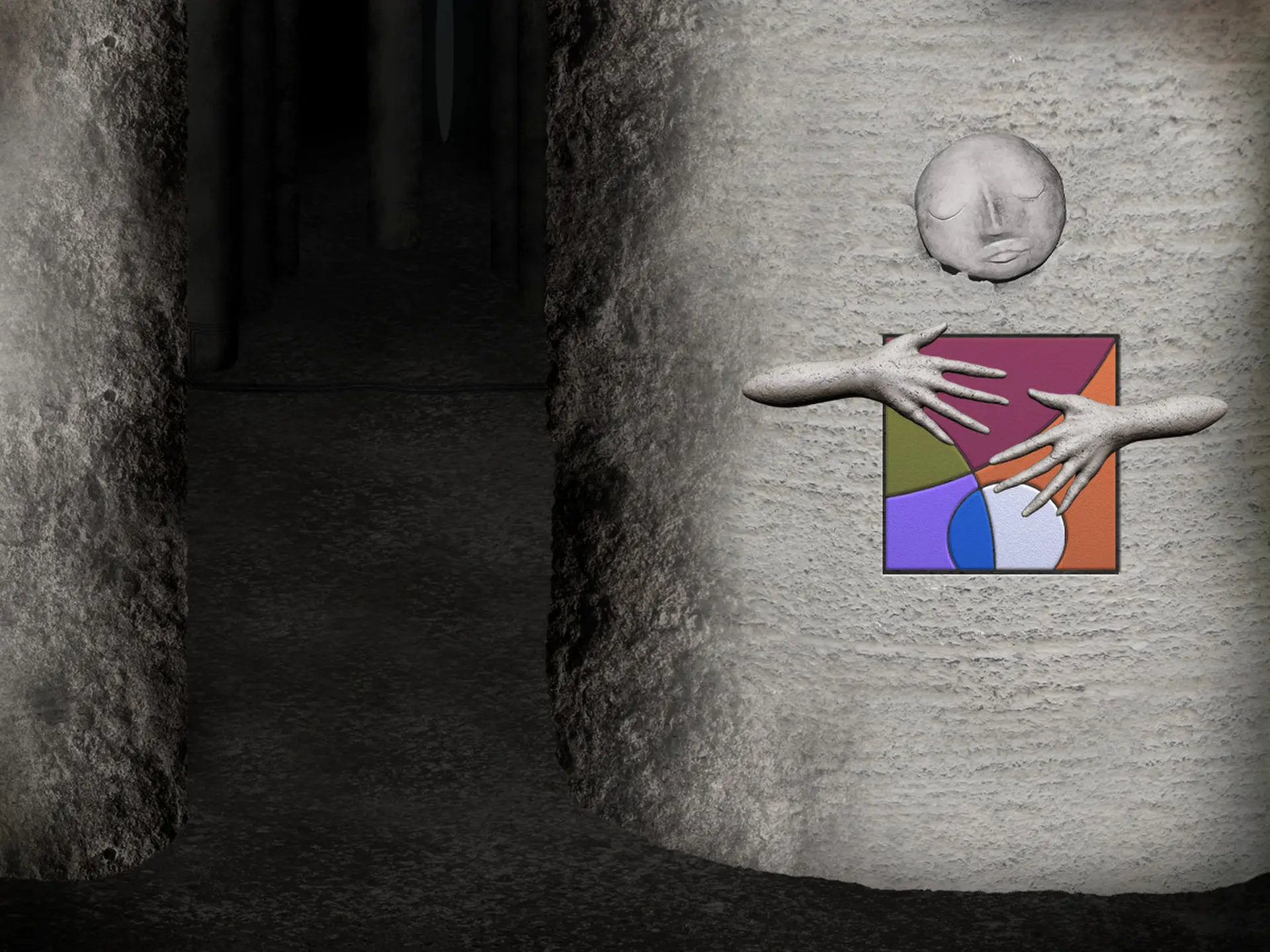
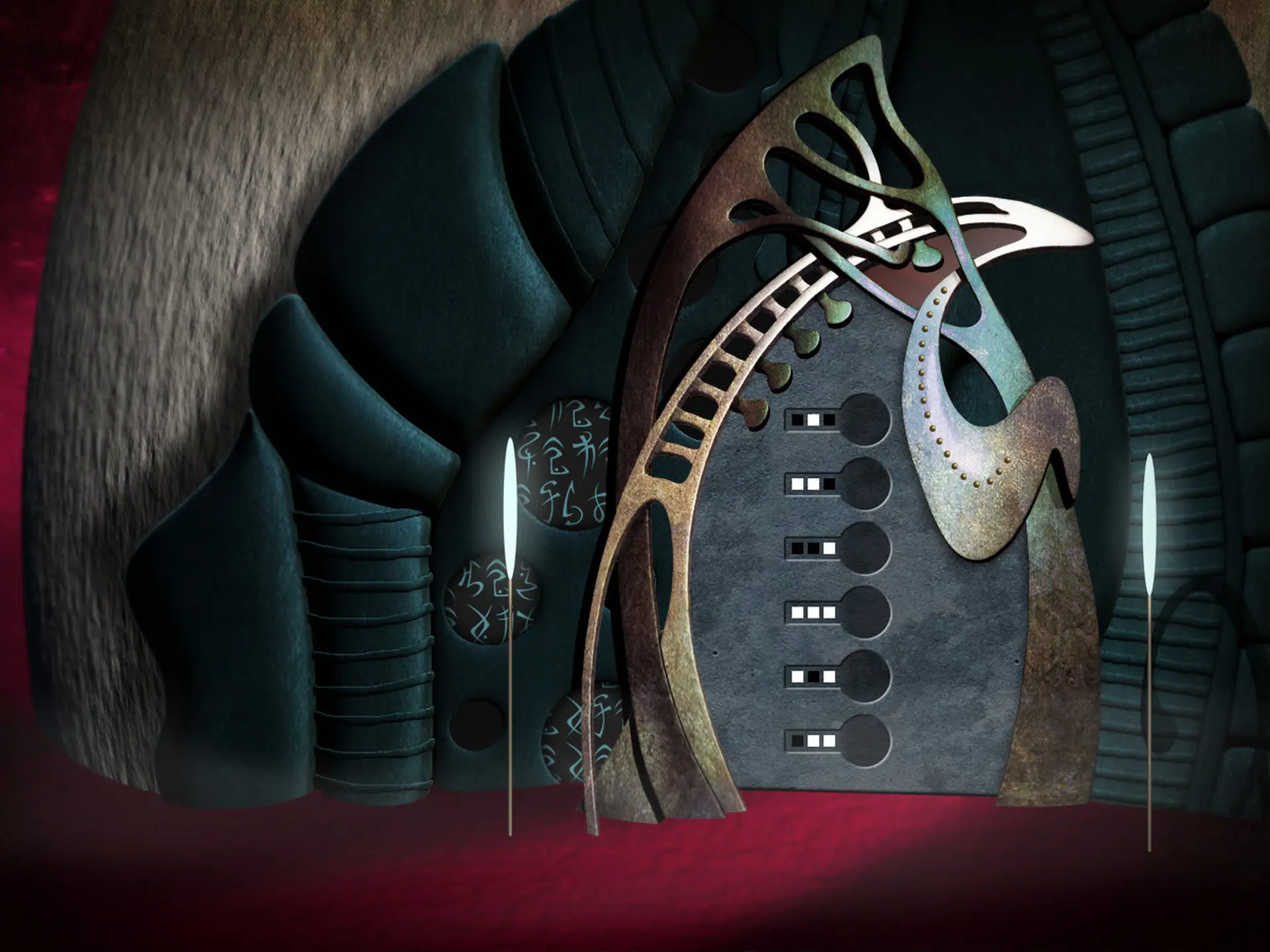
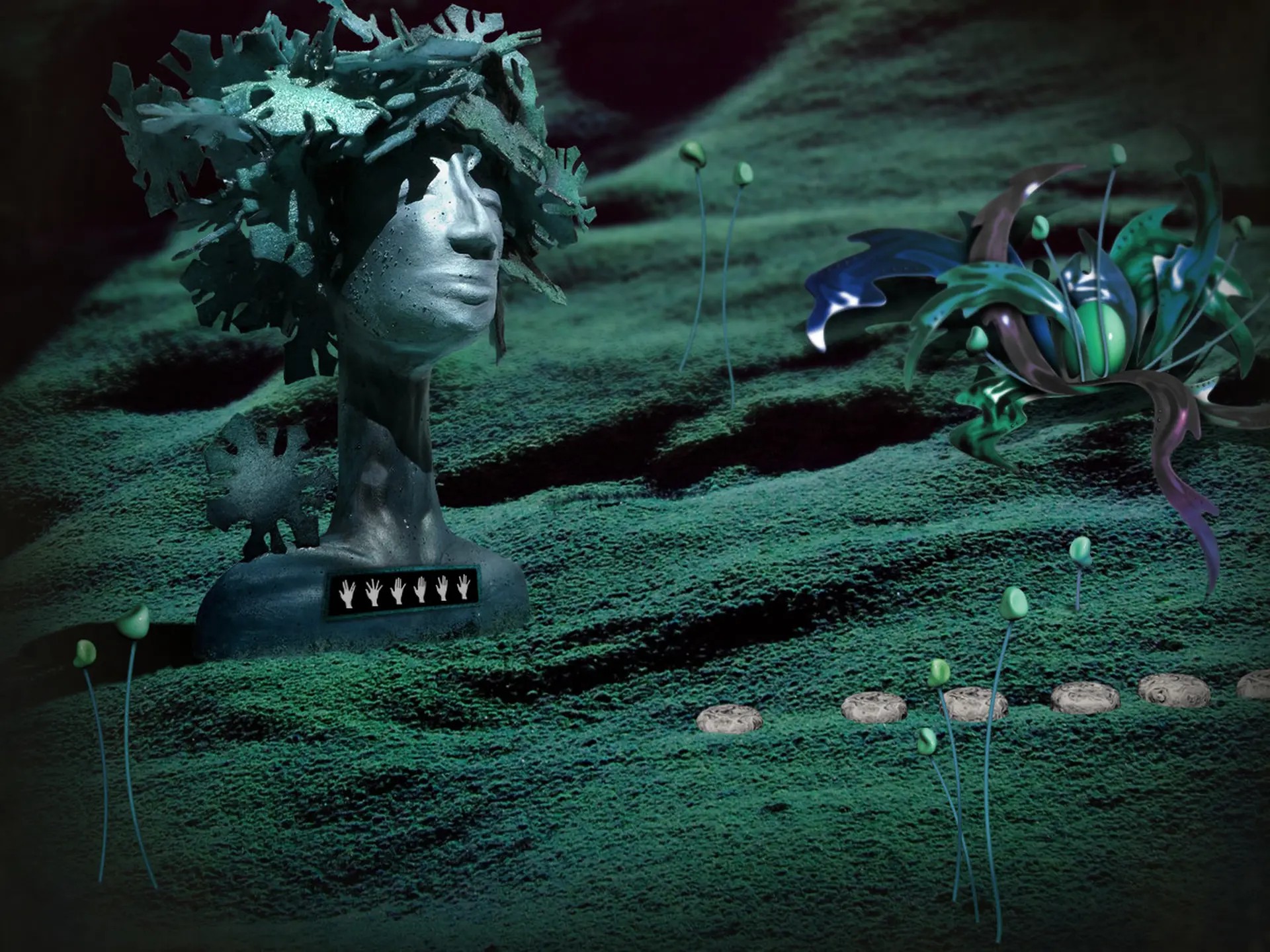
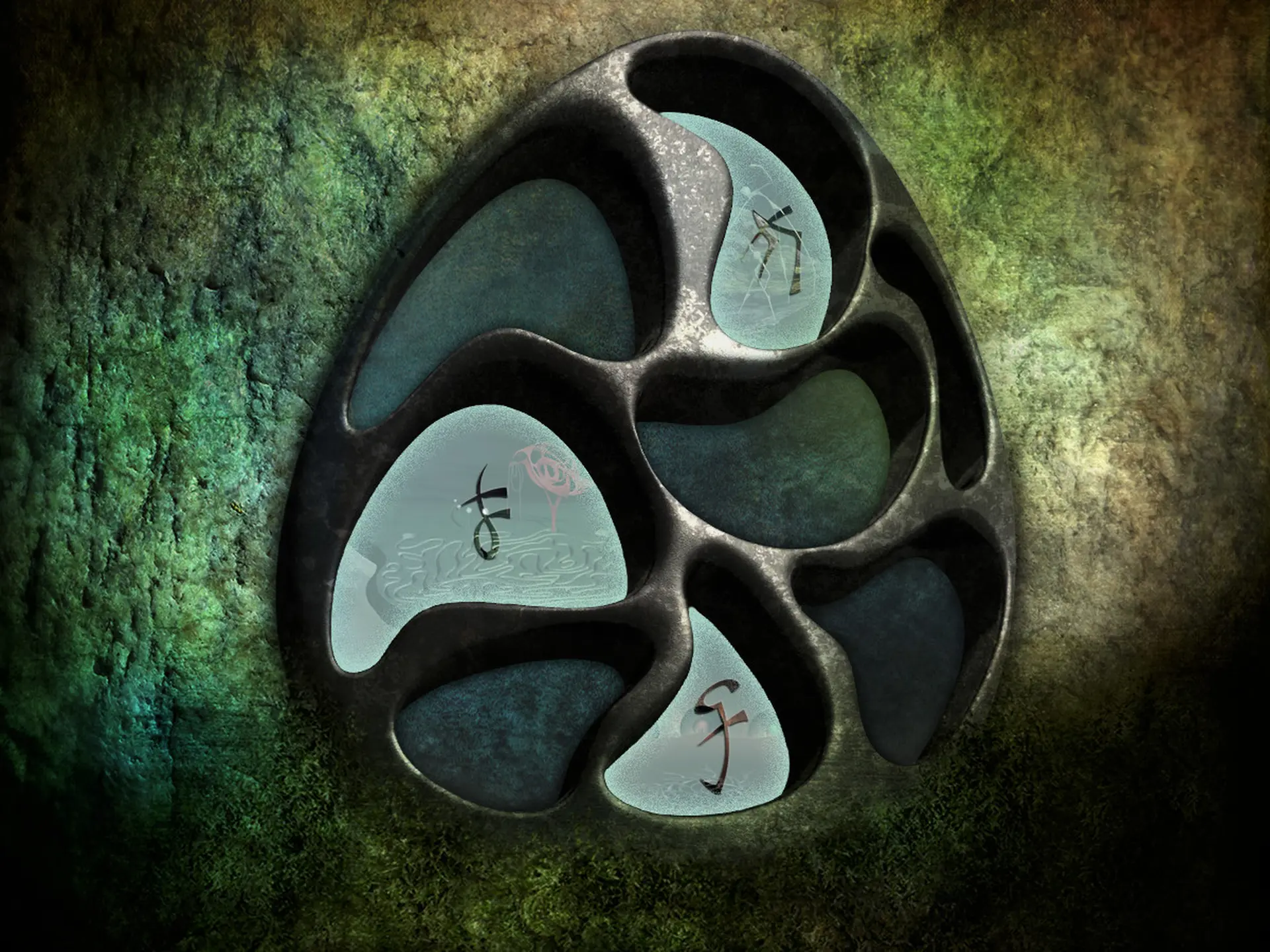
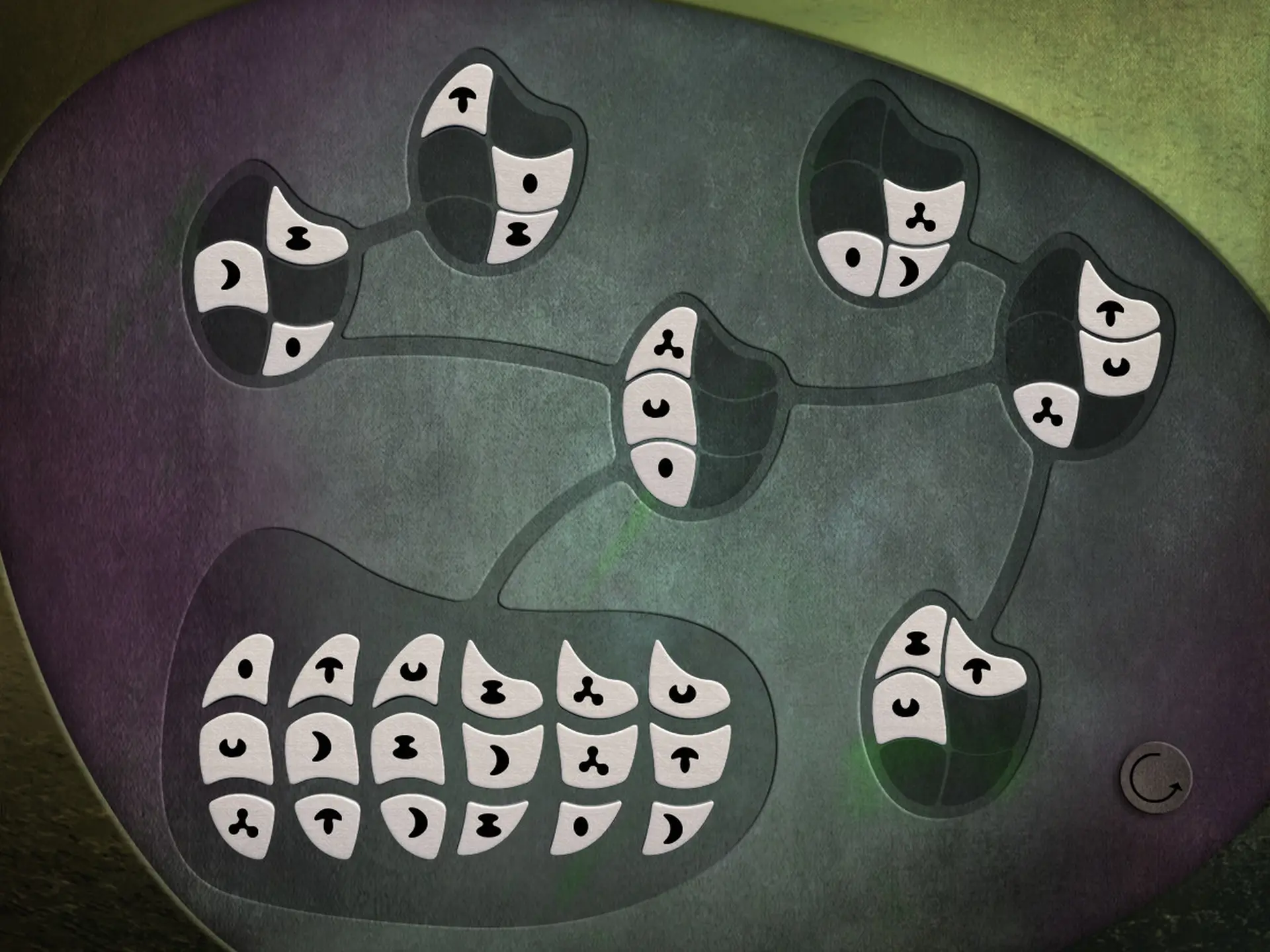
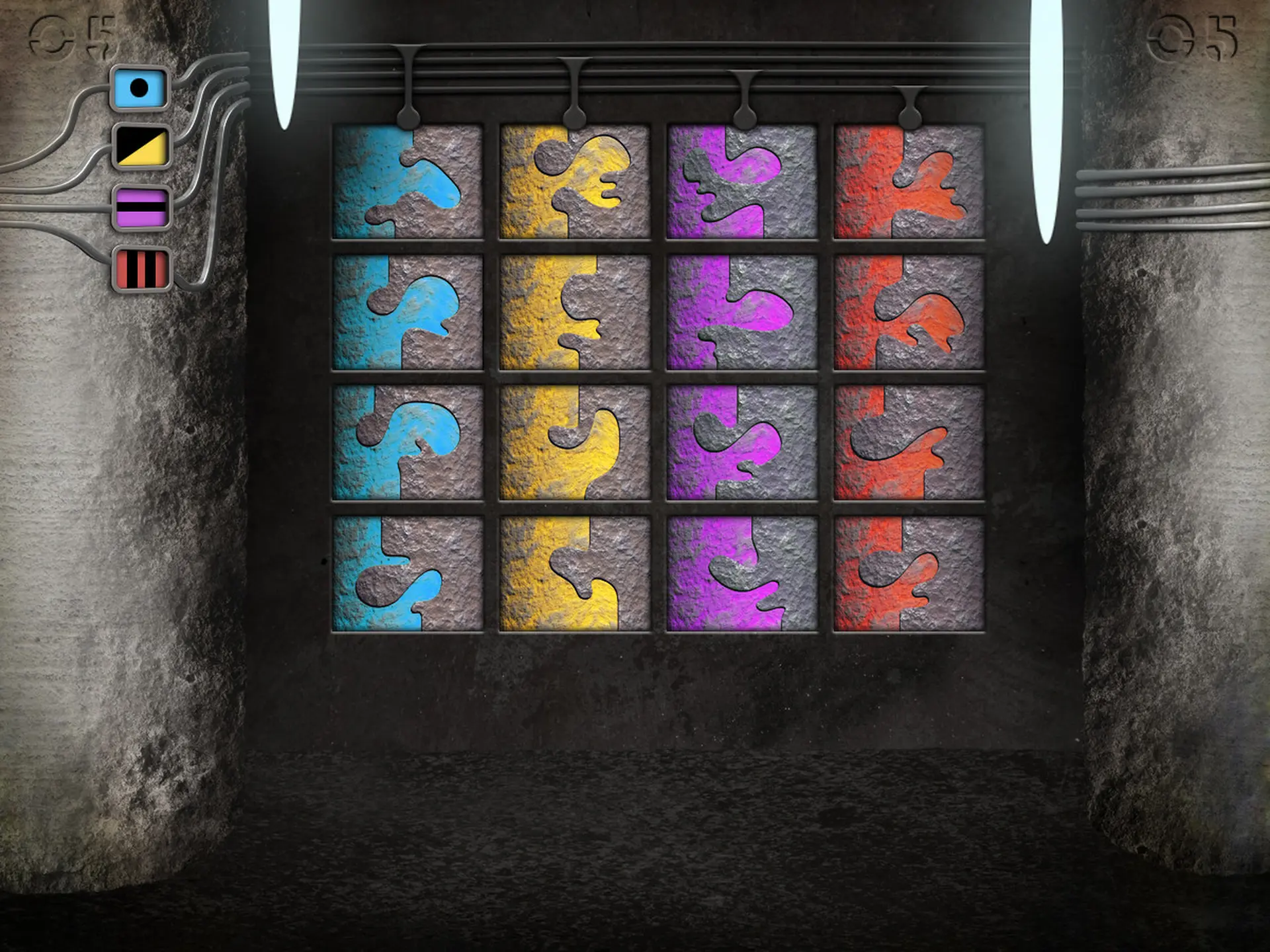
"LEAVES - The Return" is an artistic exploration and puzzle-adventure filled with real sculptures in a surreal dreamscape. This sequel to "LEAVES - The Journey" is a stand-alone addition and playable without any knowledge of the first part.
Collect and combine, solve a plethora of puzzles and mini games that will challenge your wit and skill.
The Stony Mountains are as welcoming as ever, if the Treefruities were not in trouble. Holding on to the leaves of their home tree once again proves to be more difficult than you would think when their home tree is rocked by a giant fit of sneezing and scatters the leaves all across the lands of Mononino.
Help the Treefruities to get their lost leaves back and look forward to this amazing journey. Explore the fantastic new landscapes added to Mononino where strange creatures and secrets are still waiting to be discovered.
FEATURES
- Artistic puzzle design in the tradition of games like Samorost, Machinarium und Rhem
- Challenging puzzles and unique mini games
- Explore four new vast worlds
- Atmospheric soundtrack by award winning composer Gary Marlowe and Daniel Hoffknecht
© 2017 Daedalic Entertainment GmbH. Daedalic and the Daedalic Logo are trademarks of Daedalic Entertainment GmbH. All rights reserved.
ZAR 21, LEAVES: The Journey and the LEAVES: The Journey Logo are trademarks of ZAR 21 GmbH. All rights reserved.
Windows
Minimum:
- OS : Windows XP SP2 or better
- Processor: 2Ghz Pentium T4200
- Memory: 1 GB RAM
- DirectX: Version 9.0c
- Storage: 500 MB available space
macOS
Minimum:
- OS: MAC OS X 10.8
- Processor: 2Ghz
- Memory: 1 GB RAM
- Graphics: OpenGL 3.2 compatible
- Storage: 500 MB available space
1. Registrare un account Steam.
2. Nel menu "I miei giochi", fai clic sul pulsante "Attiva tramite Steam..." e inserisci la chiave



