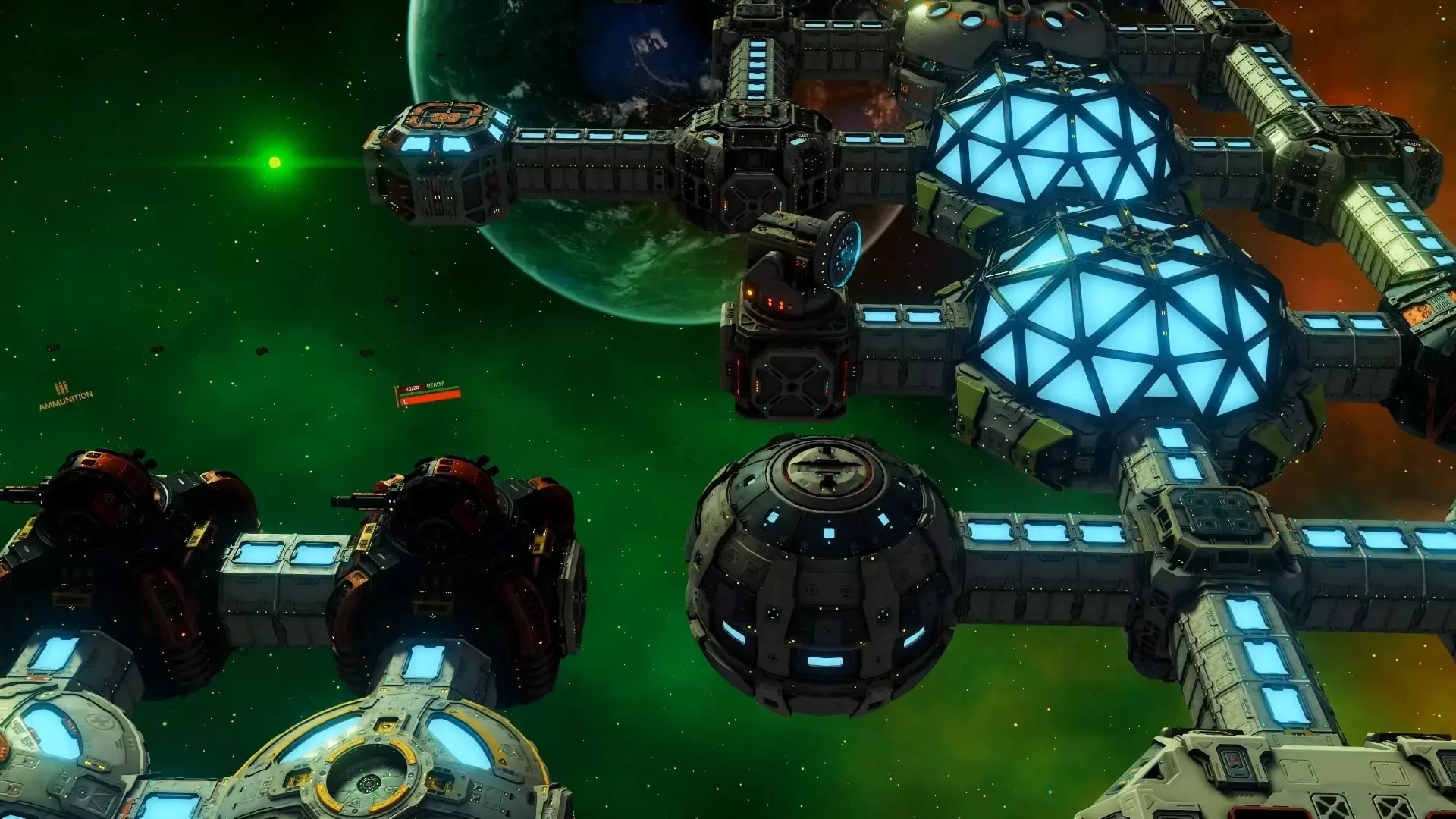
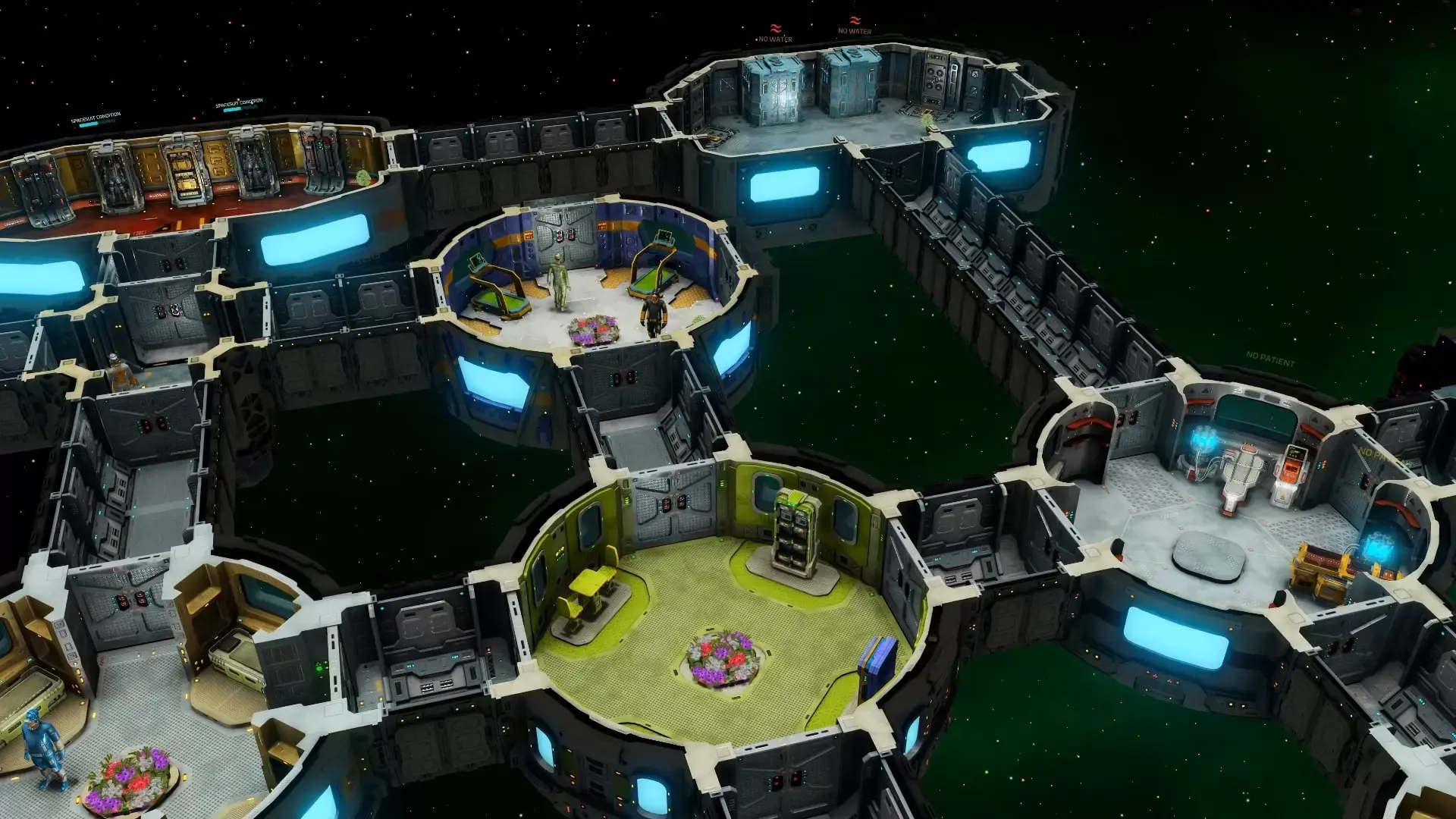
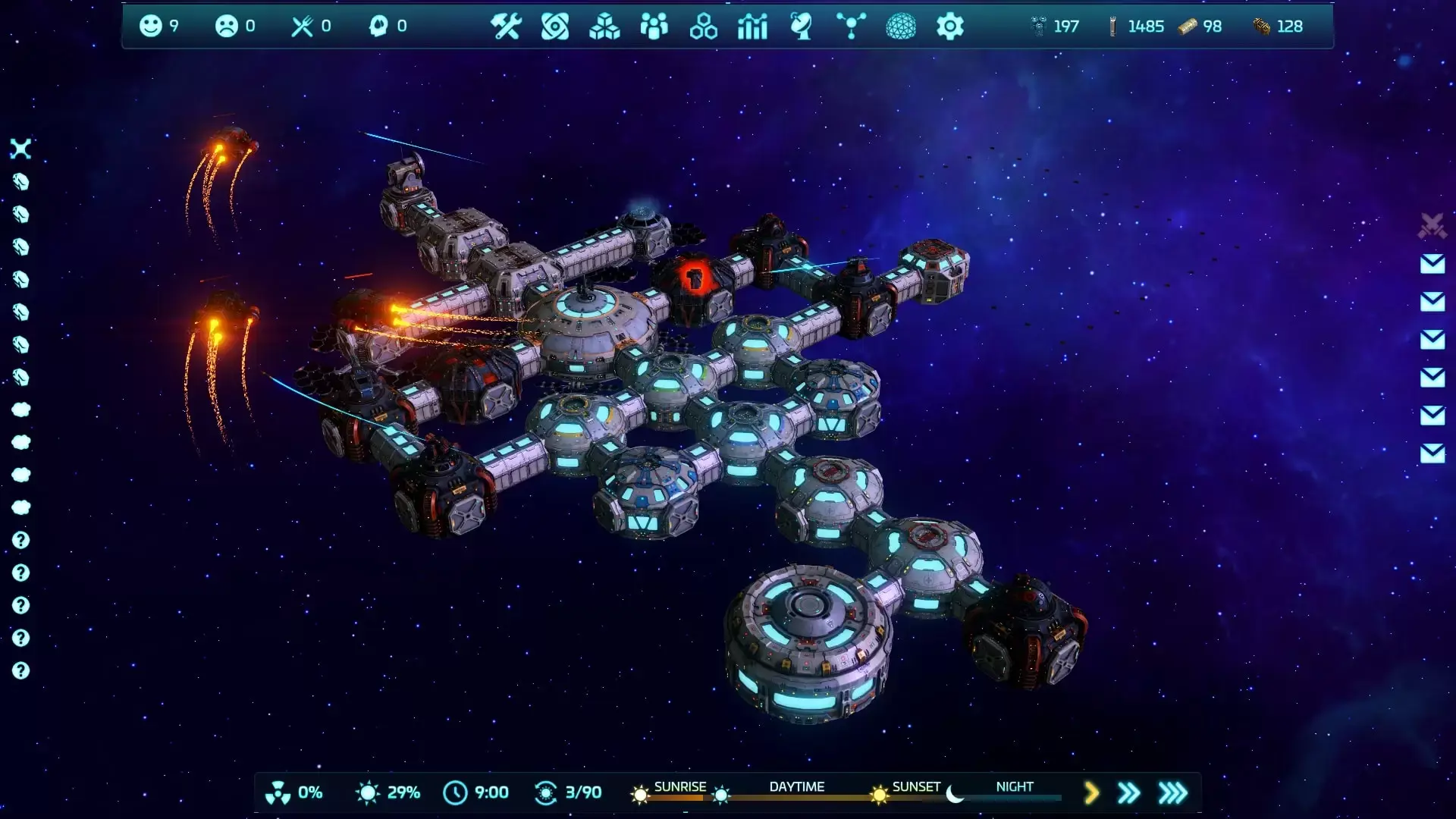
Base One is a base building management strategy game with an RPG twist. After a large wormhole tears the moon apart and causes unprecedented levels of natural disasters, the Earth Global Union create the "Solution" space exploration program in order to explore the wormhole for a new home. As a member of the "Solution" program, it is up to you to expand the fleet, find valuable minerals and new planets to inhabit - and maybe even save the Earth from ecological destruction!
- Take command of the EGU fleet of space stations located in unexplored corners of space.

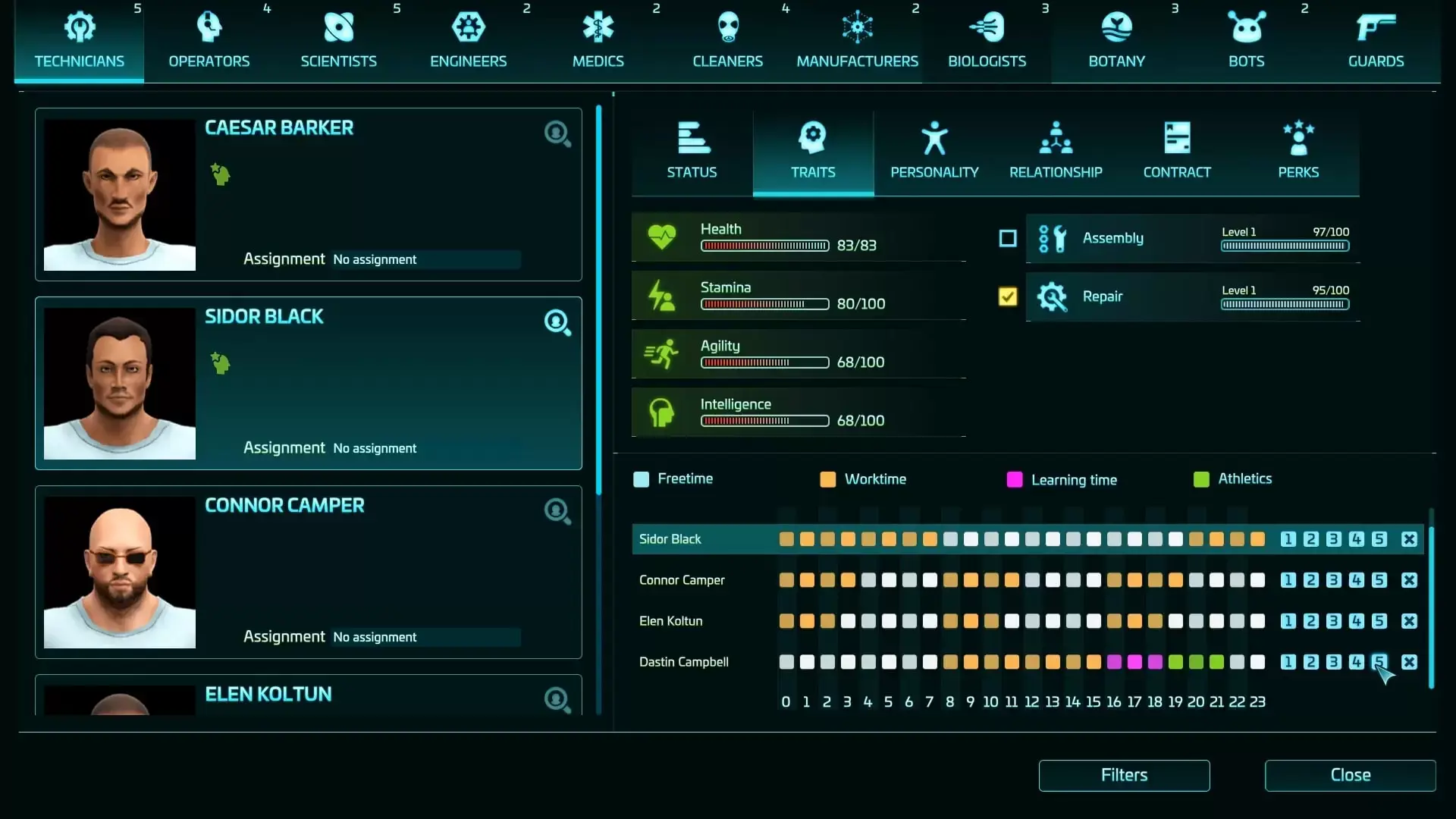
- Select a wide range of crew members with their own unique perks, characteristics and traits to best tackle specific tasks on the space stations.
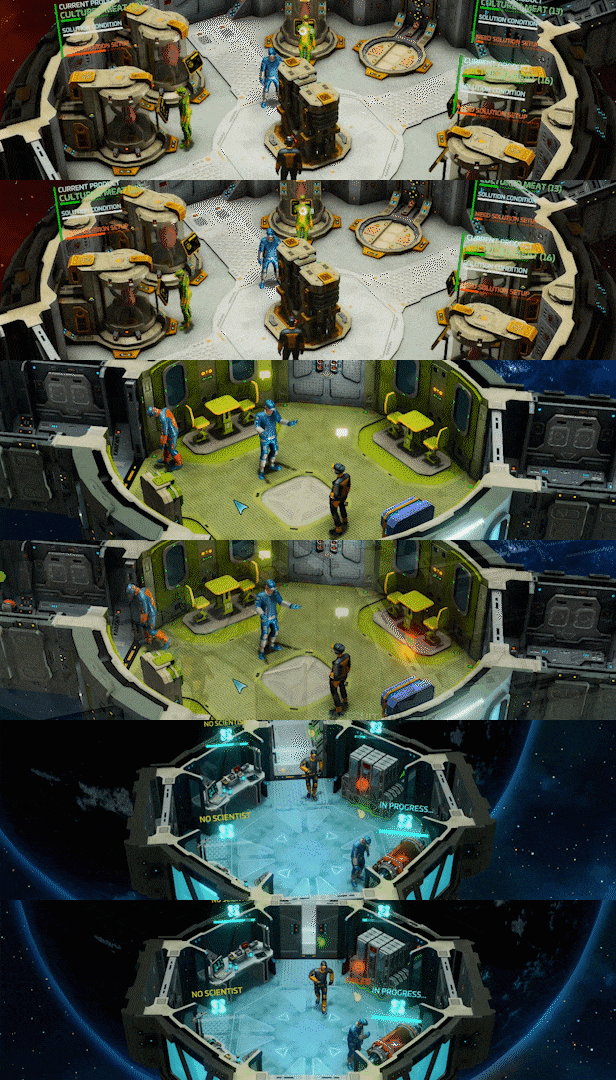
- Monitor the space station network's shared resources - power, heating, oxygen and water supply. Juggling these finite supplies across each station is critical for survival!
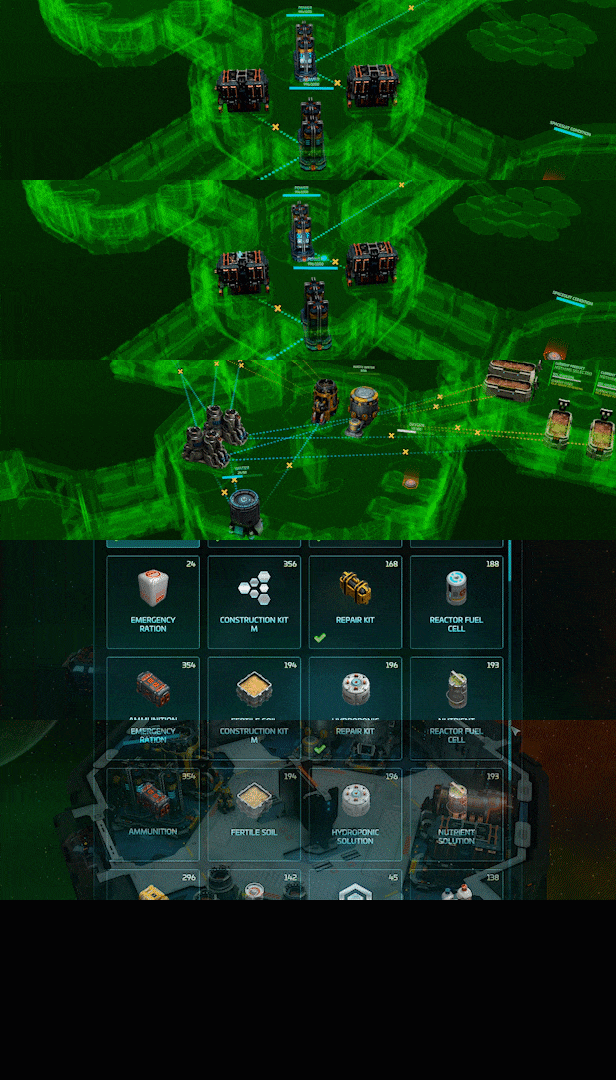
- Upgrade your artillery to make quick work out of whatever asteroid comes your way along. Keep space pirates at bay with the best military expertise EGU can provide!
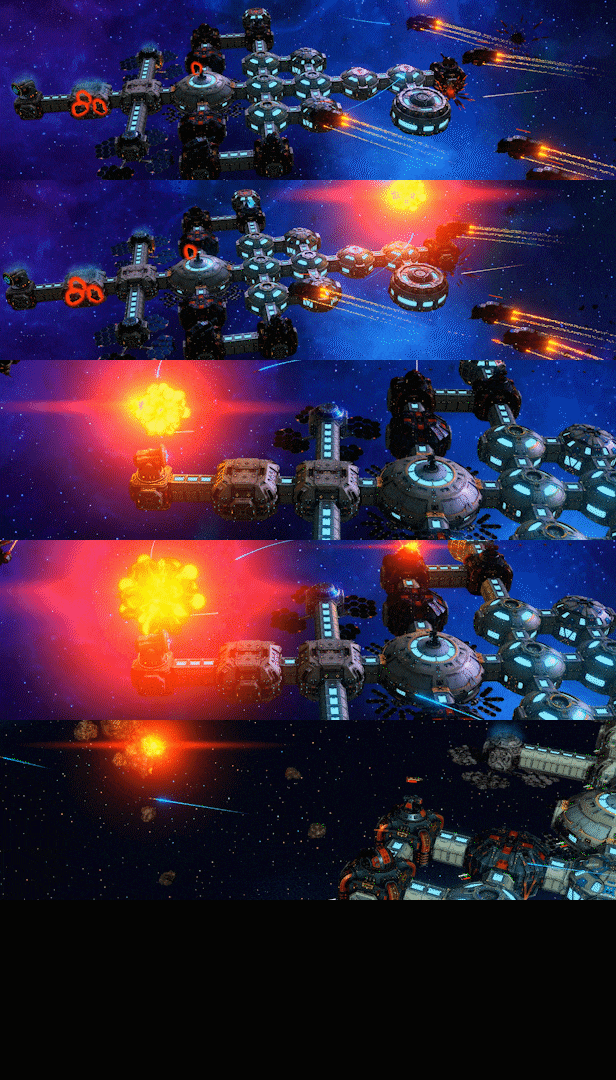
Build your own "Solution" expedition, listen to the various tales the crew have in store for you and explore undiscovered systems. Also included is a Custom Game mode for the more experienced player who want to build their own campaign with their own conditions and quests.
The "Solution" is in your hands, Captain!
Disclaimer: Mac systems with the M1/M2 processor are not supported currently.
STEAM
1. Registrare un account Steam.
2. Nel menu "I miei giochi", fai clic sul pulsante "Attiva tramite Steam..." e inserisci la chiave