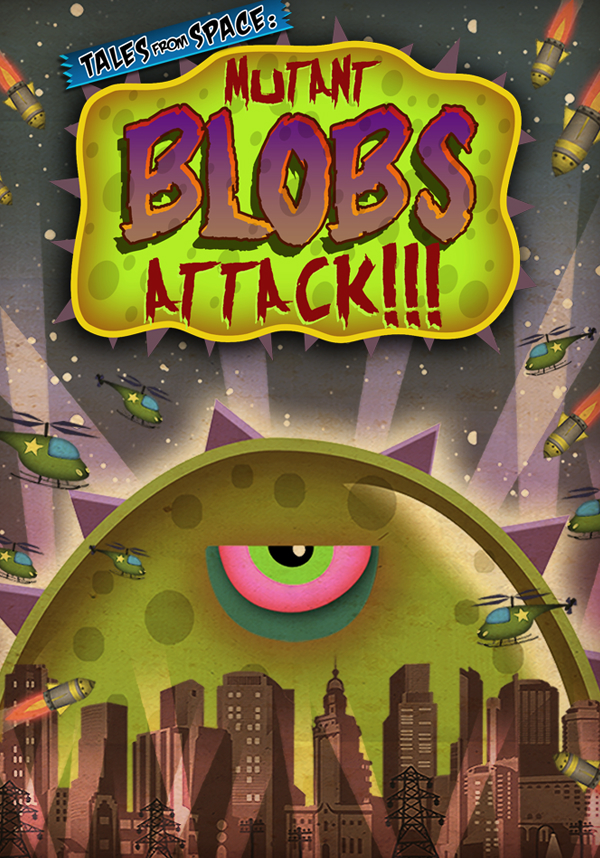
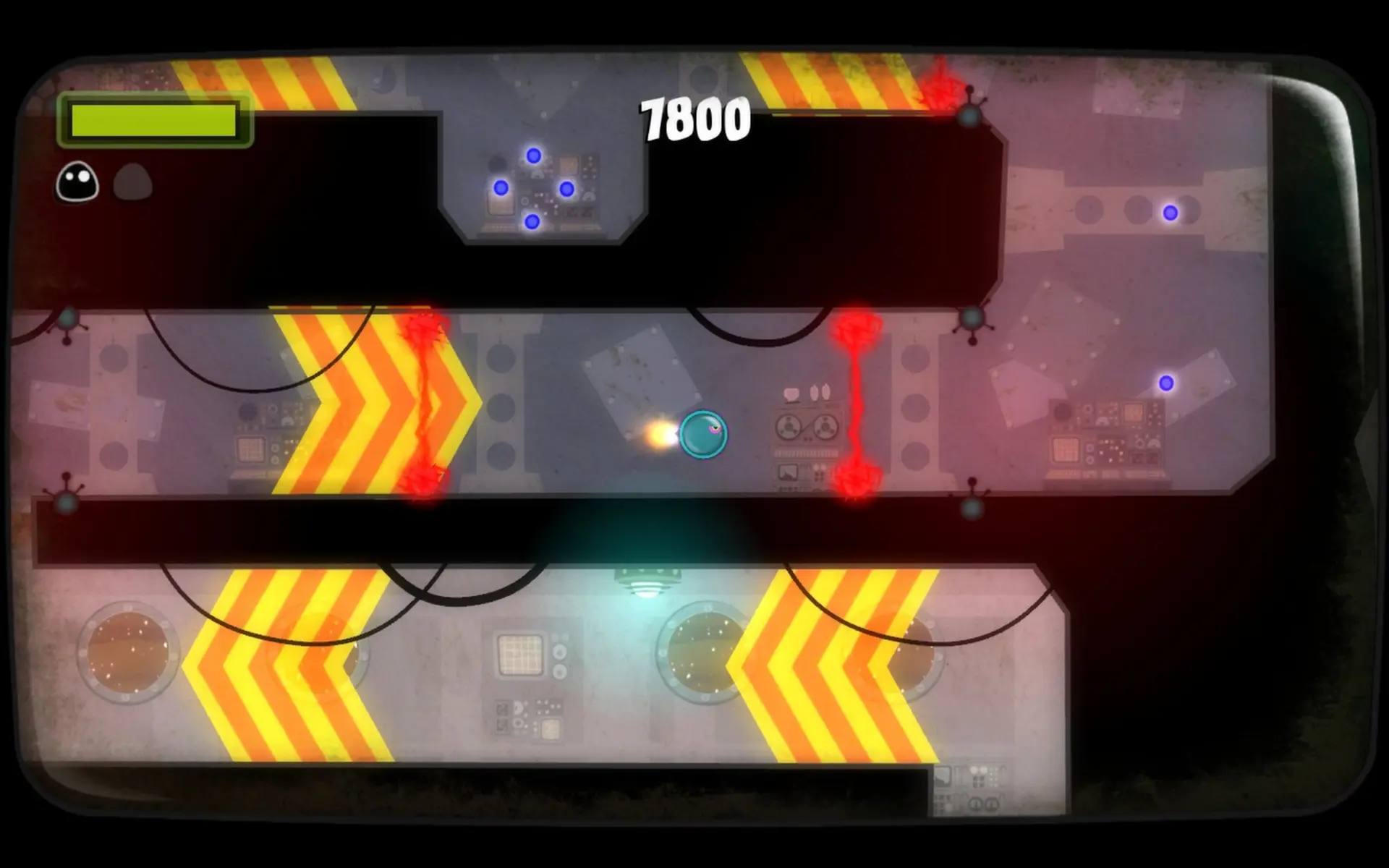
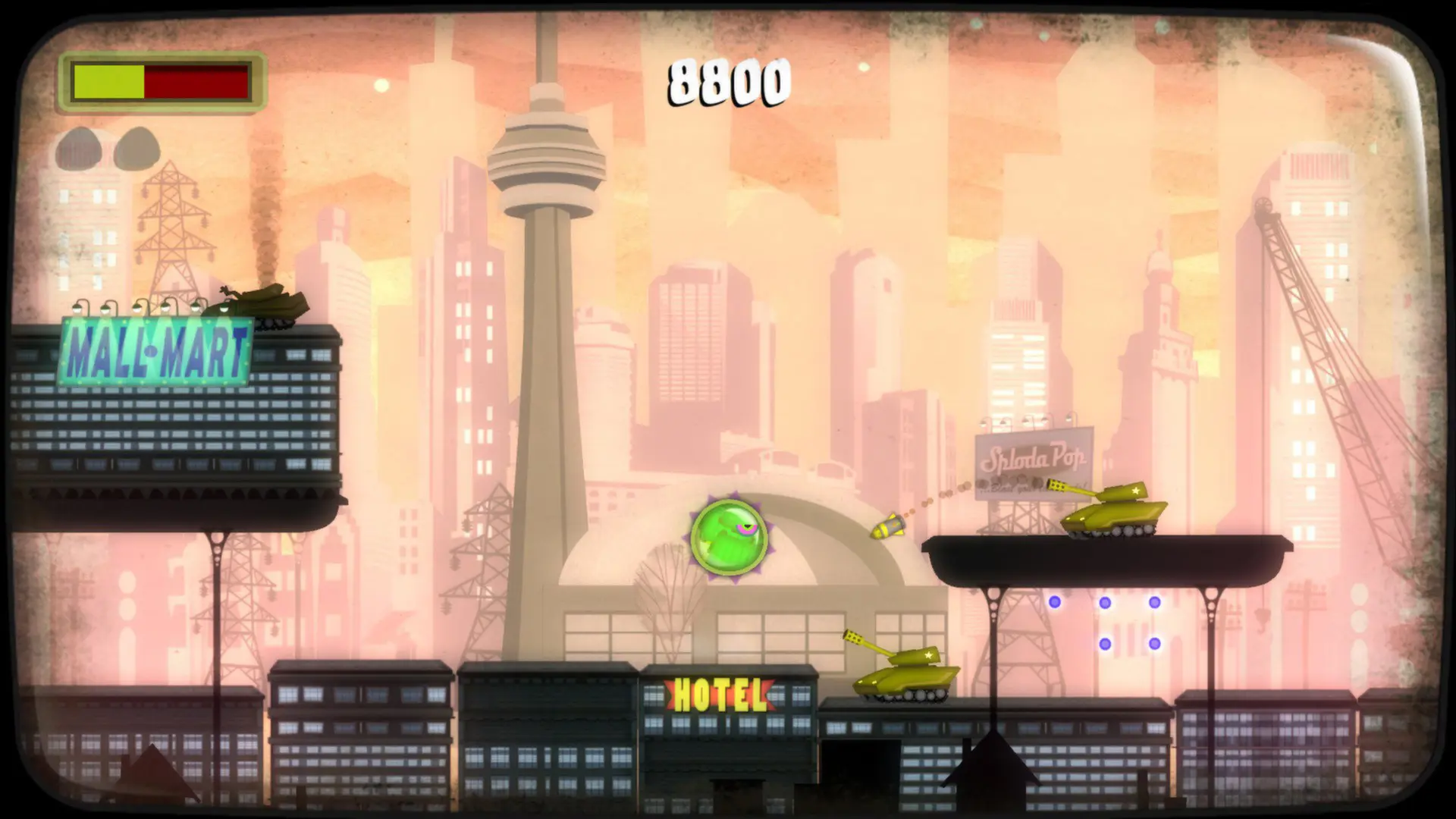
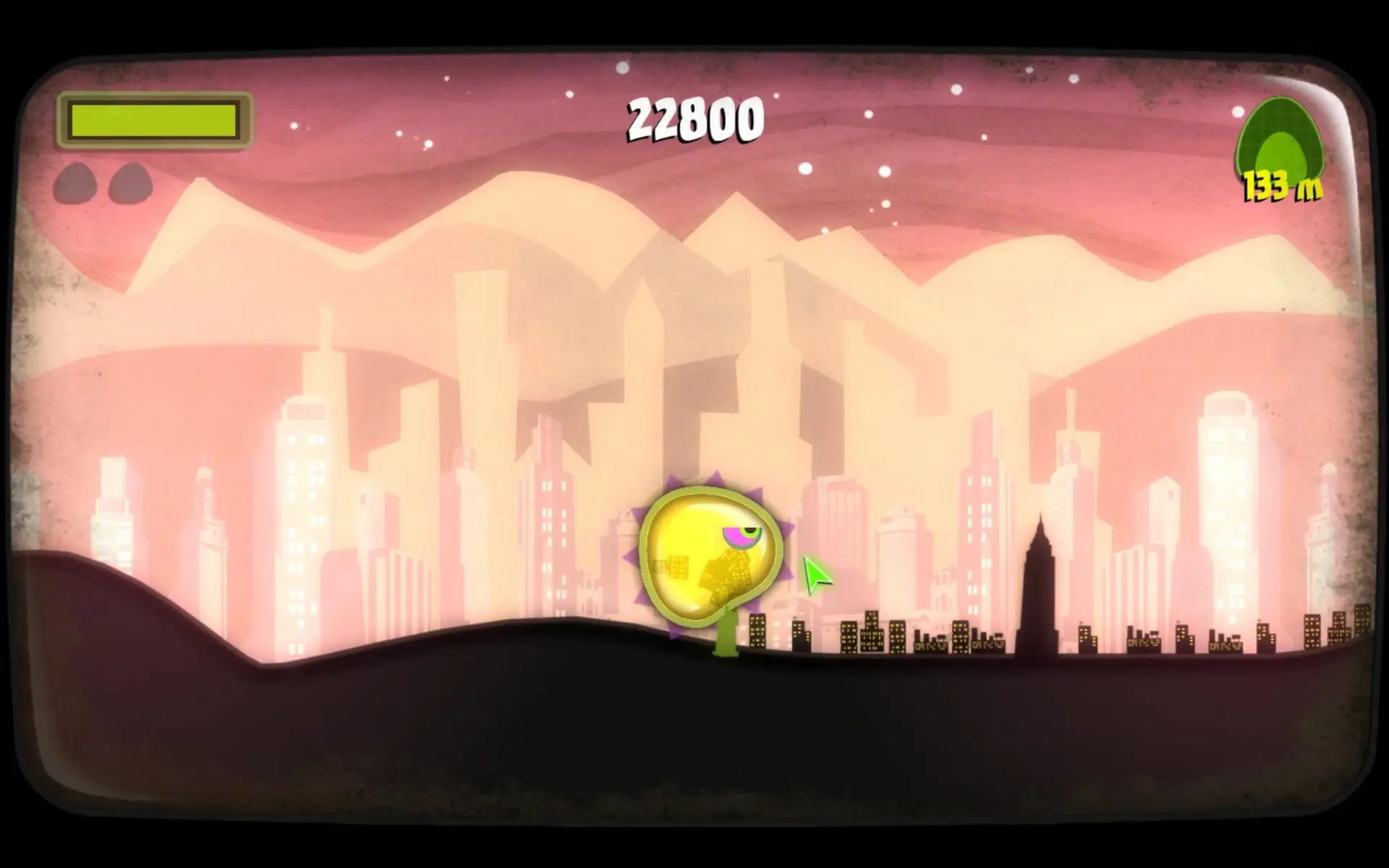
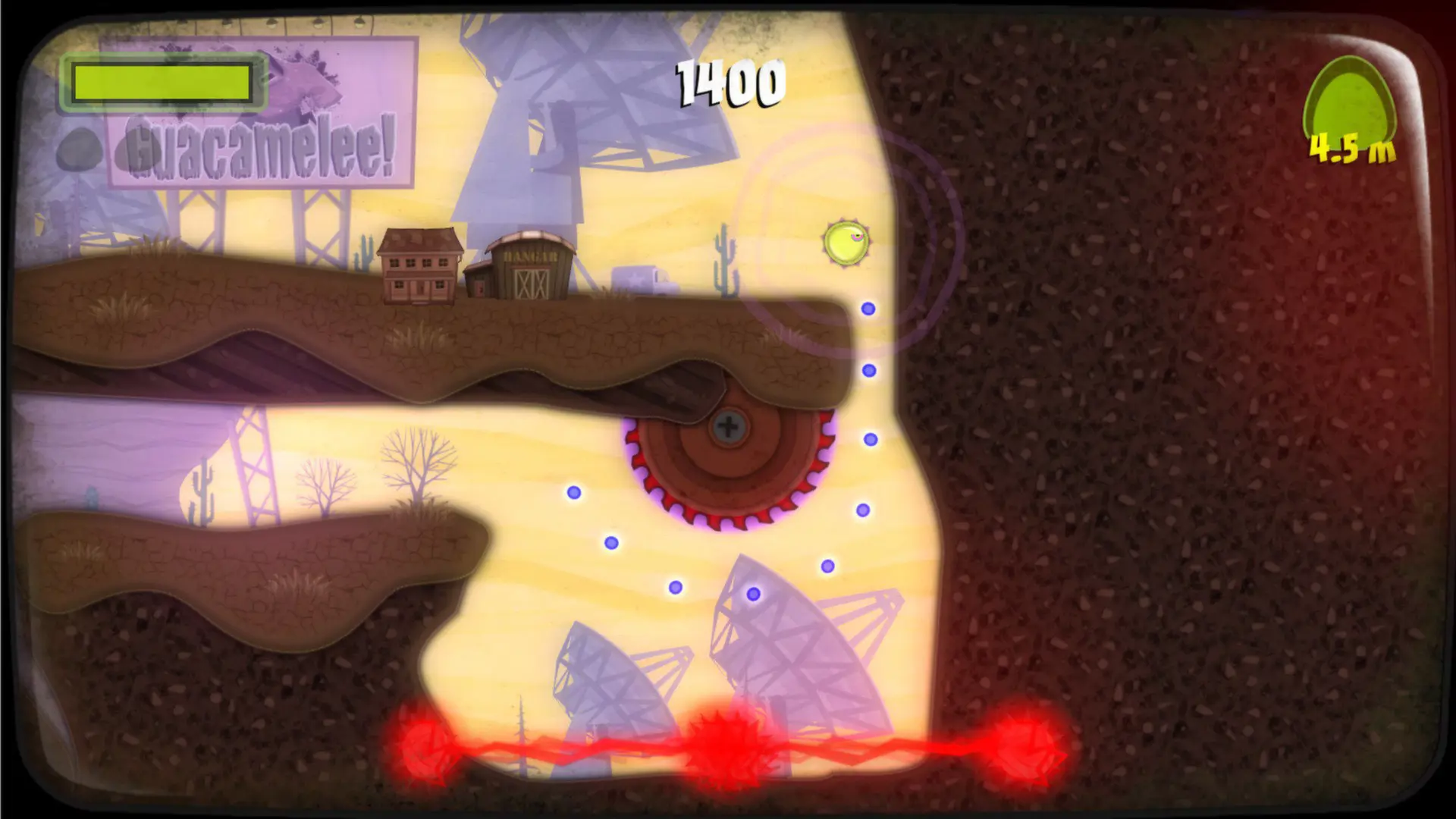
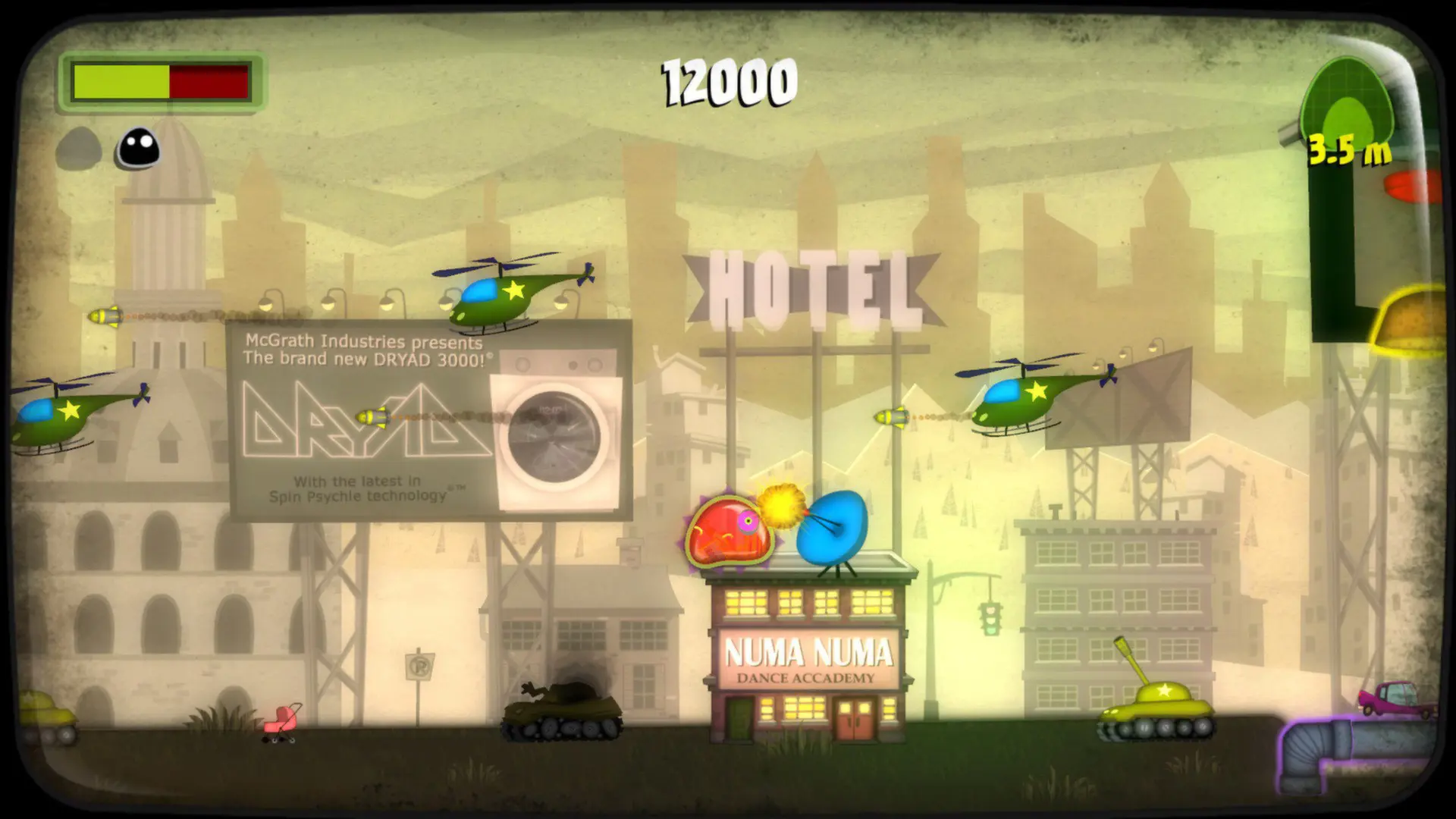
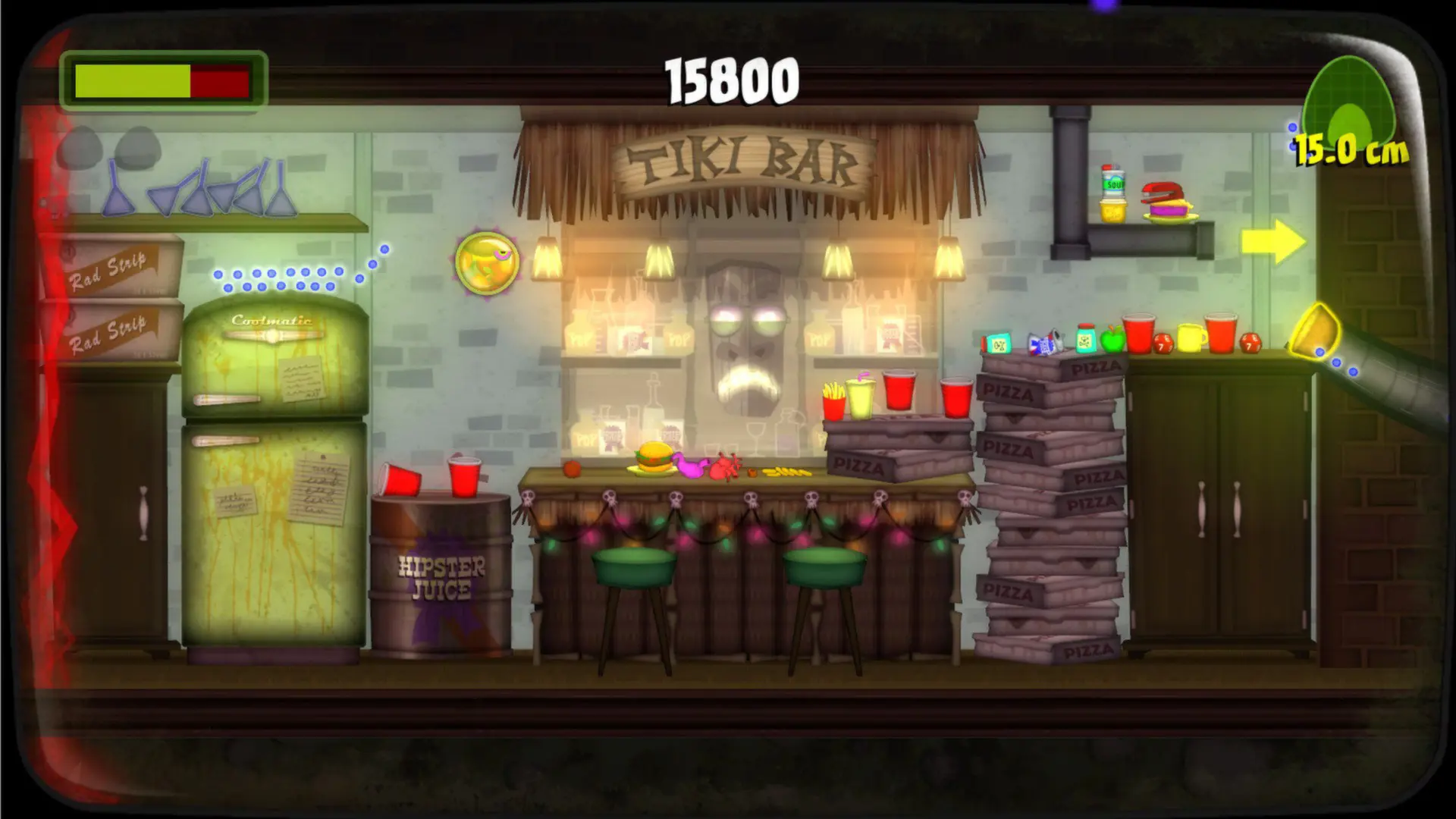
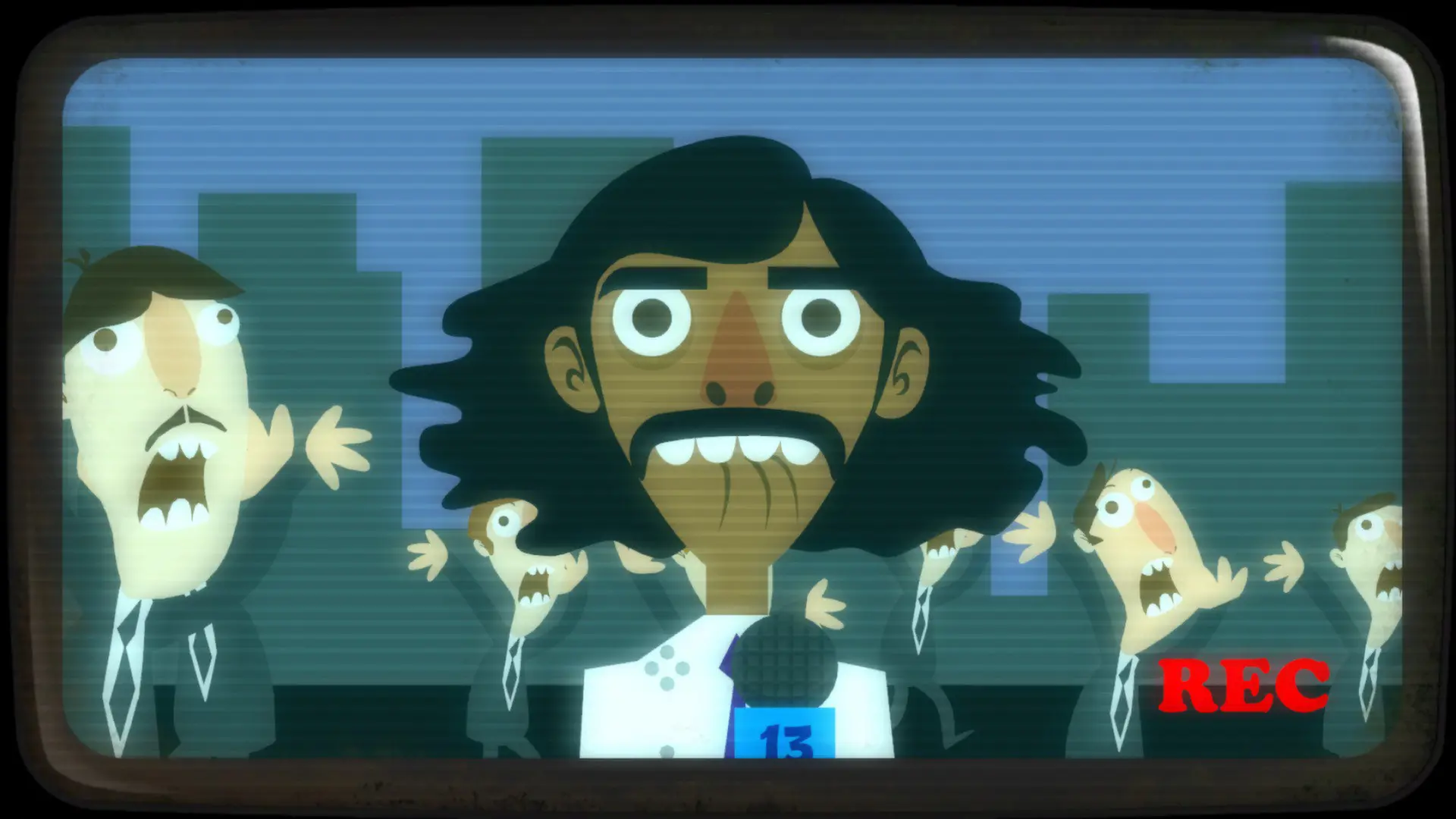
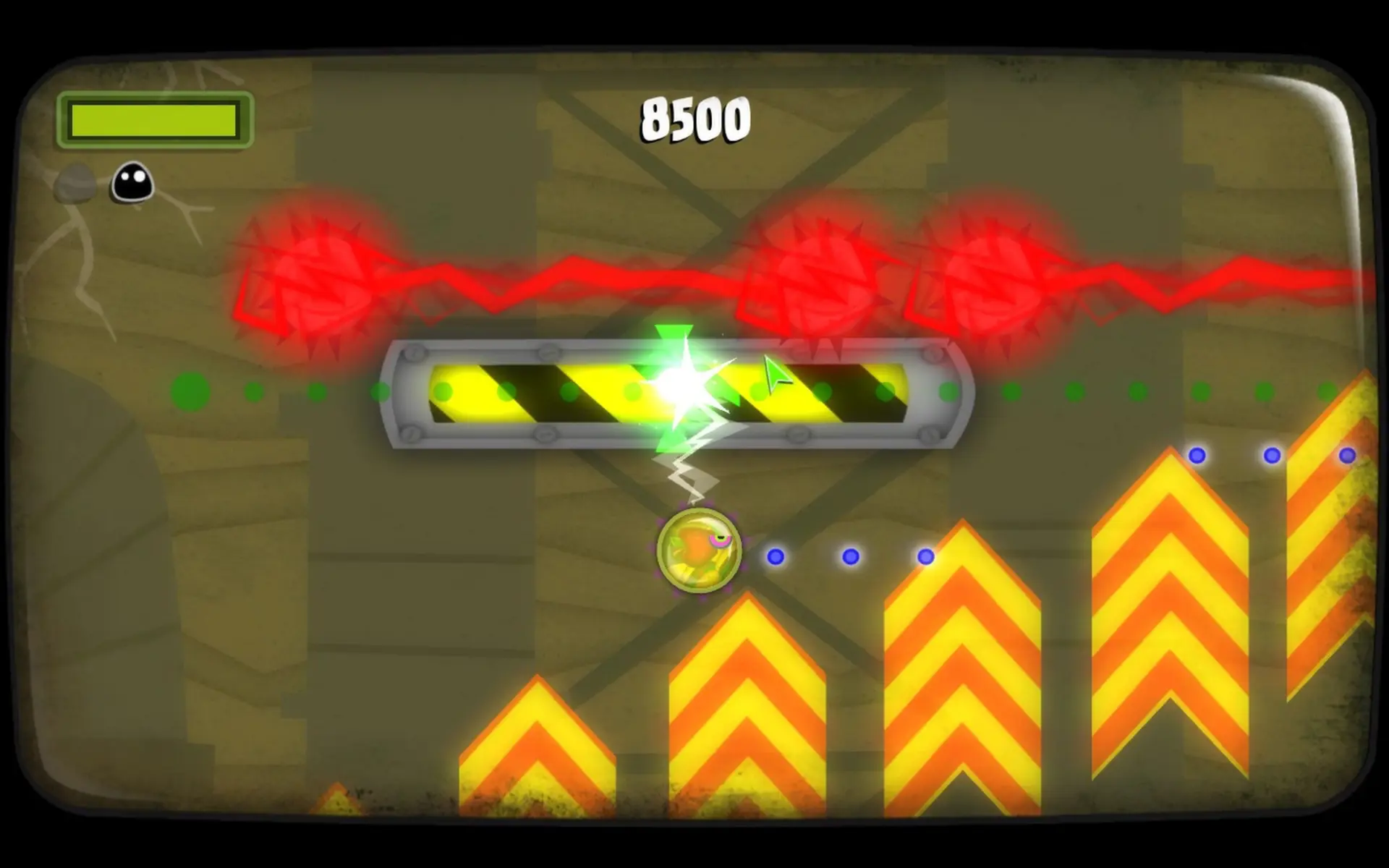
A classic adventure from the creators of Guacamelee!... Tales from Space: Mutant Blobs Attack is a sci-fi puzzle-platformer of cataclysmic proportions! You’re an ill-tempered blob that grows in size by swallowing everything in its path. Evolve from a tiny captive into a world-eating giant. Gain freakish abilities like magnetism, telekinesis, and rocket boosting. Use your mutant blob powers to devour the pathetic humans and all of civilization!
Key Features:
- 24 levels featuring a wide range of retro 50s-inspired environments.
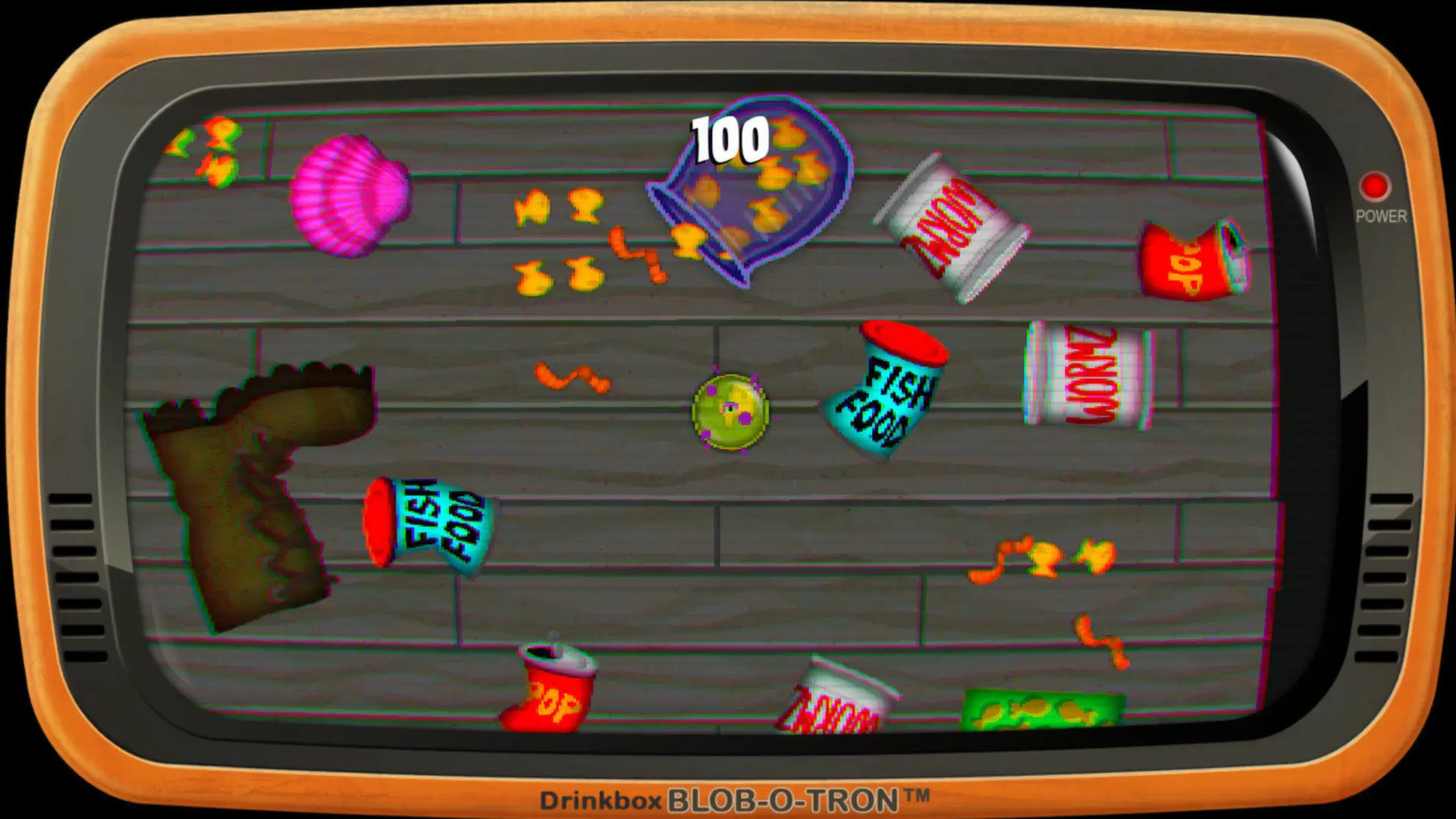
- 5 top-down bonus levels.
- Mind-boggling growth! Absorb everything you touch and grow to massive proportions.
- Jump, slam, roll, and rocket through the air! Push and pull your weight against metal! Move objects with telekinesis!
- Leaderboards and achievements. Can you become the golden blob!?
Pathetic humans beware!
Tales from Space: Mutant Blobs Attack © 2012 DrinkBox Studios Inc. All Rights Reserved. Developed and Published by DrinkBox Studios Inc. DrinkBox, DrinkBox Studios, the DrinkBox Studios design, "Tales from Space: Mutant Blobs Attack", "Tales from Space", "Mutant Blobs Attack" and any and all associated design(s) are trademarks and/or registered trademarks of DrinkBox Studios Inc.
STEAM
1. Create a Steam account.
2. Click on the "Games" tab, choose "Activate a Product on Steam" and enter the key