DELUXE EDITION
The Deluxe edition includes the digital version of :
* Starlink Game
* 5 Starships : Zenith, Neptune, Pulse, Lance, Nadir
* 9 Pilots : Mason, Judge, Chase, Hunter, Shaid, Levi, Razor, Eli, Kharl
* 15 Weapons: Flamethrower, Frost Barrage, Shredder, Levitator, Volcano, Imploder, Nullifier, Iron Fist, Alt. Freeze Ray, Crusher, Super Gatling, Shockwave, Alt. Gauss, Hailstorm, Alt. Meteor
About the Game
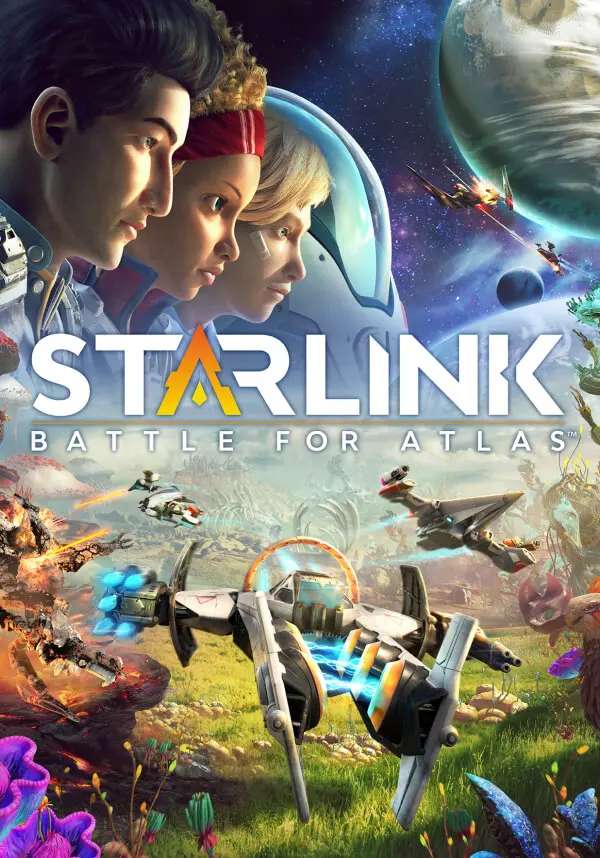
Lead a group of interstellar pilots dedicated to free the Atlas Star System from Grax and the Forgotten Legion.
Start your adventure with the full original Starlink: Battle for Atlas™ Initiative team.
Included :
* Starlink Game
* 4 Starships : Zenith, Neptune, Pulse, Lance
* 6 Pilots : Mason, Judge, Chase, Hunter, Levi, Razor
* 12 Weapons : Flamethrower, Frost Barrage, Shredder, Levitator, Volcano, Imploder, Iron Fist, Alt. Freeze Ray, Crusher, Super Gatling, Shockwave, Alt. Gauss
A STAR SYSTEM TO EXPLORE
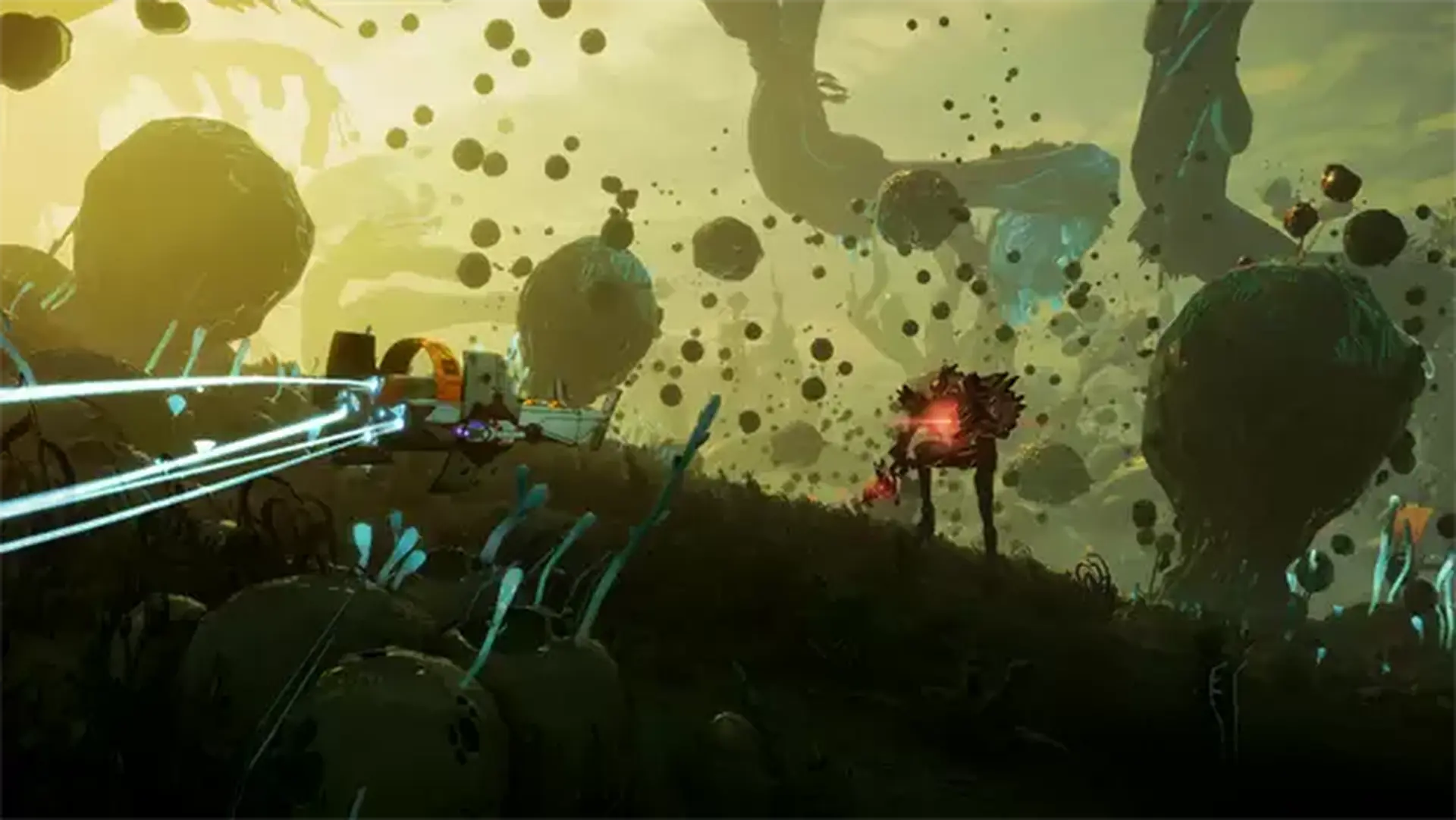
Travel seamlessly through the exotic alien worlds of the Atlas star system and discover its seven planets with their own ecosystem and wildlife.
A WHOLE NEW GAMEPLAY EXPERIENCE
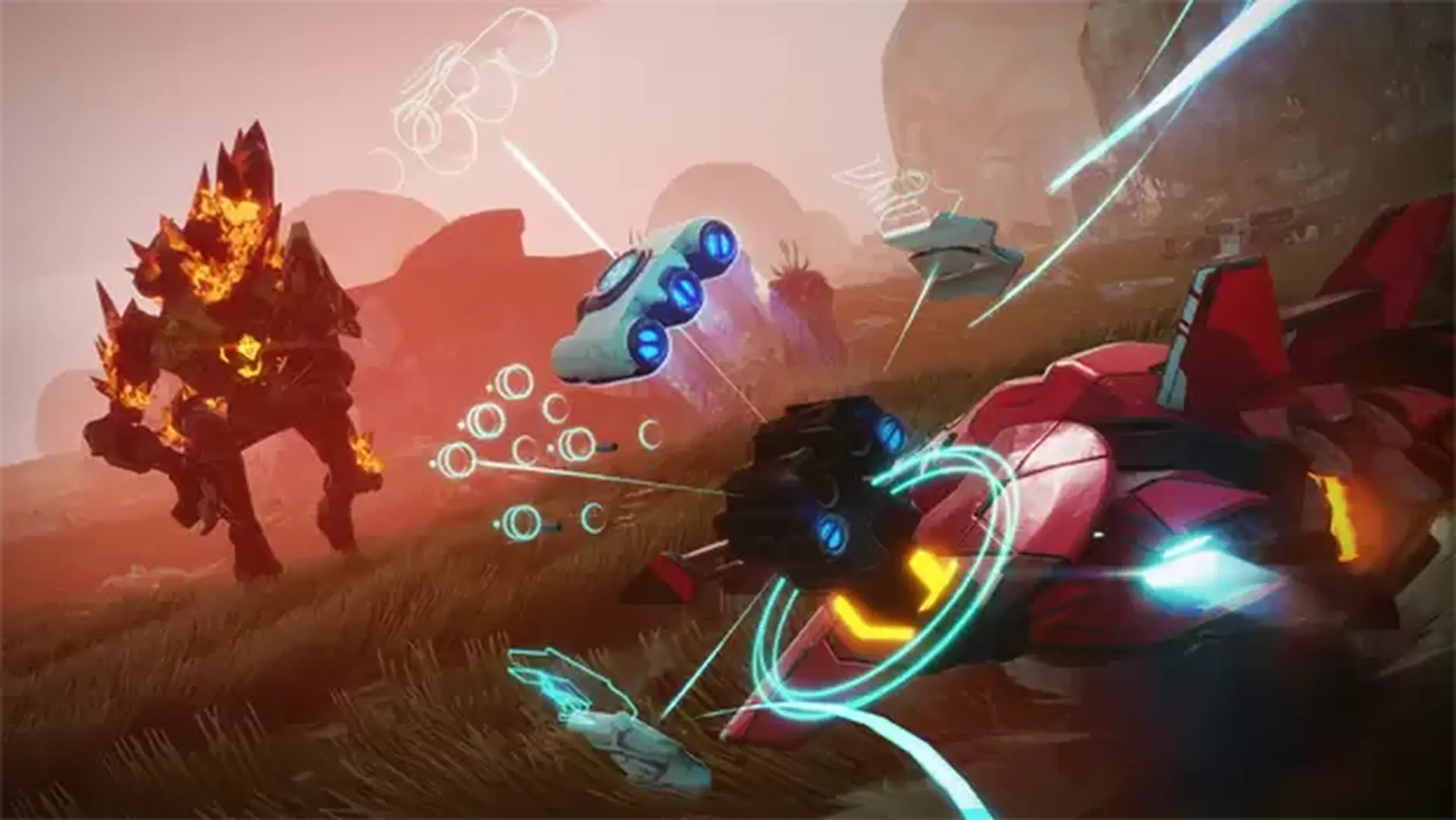
Mix and match pilots, starships and weapons to create the ship of your dreams and customize it to adapt to defeat the enemy.
DEEP RPG MECHANICS
Experience a deep gameplay with RPG mechanics, equip mods on your weapons and starships, unlock pilots abilities and make alliances with factions.