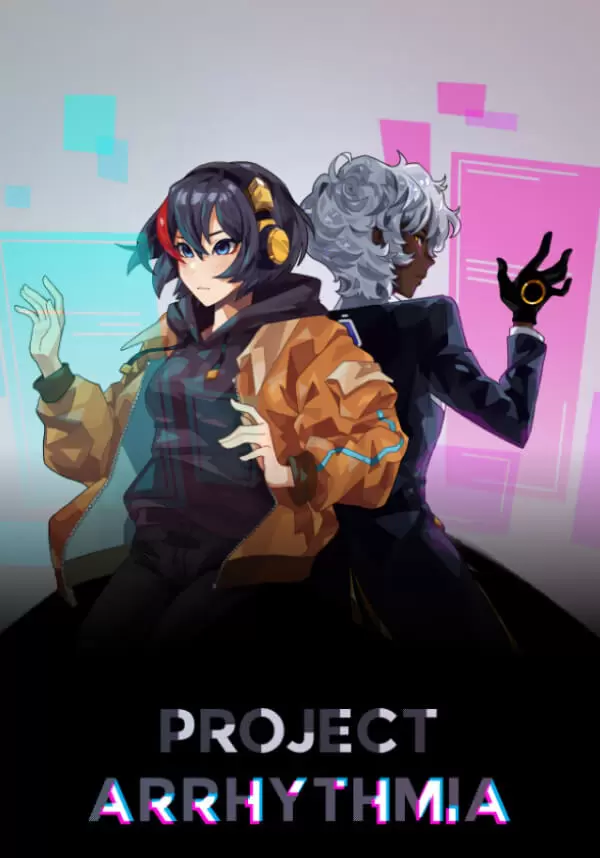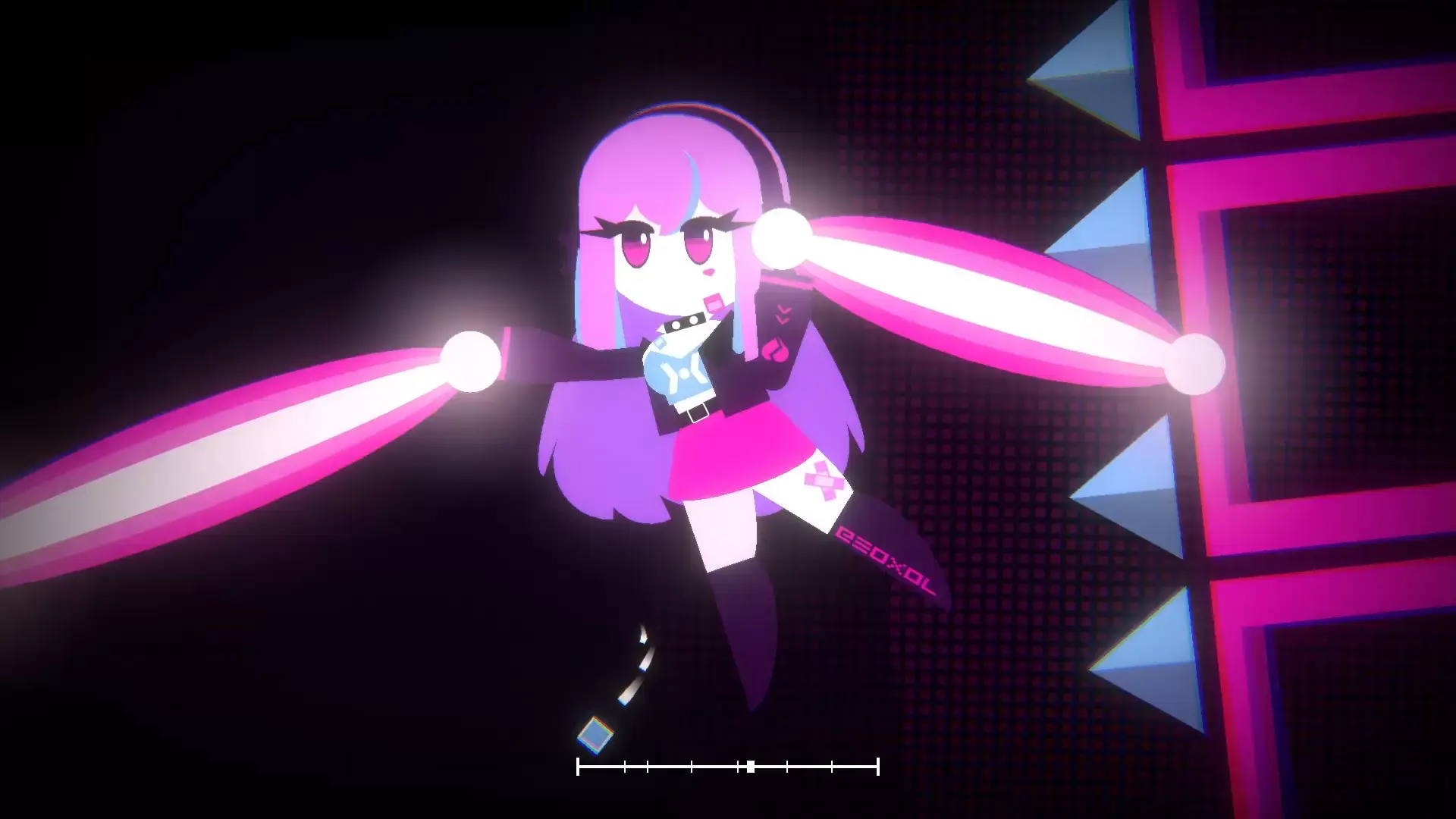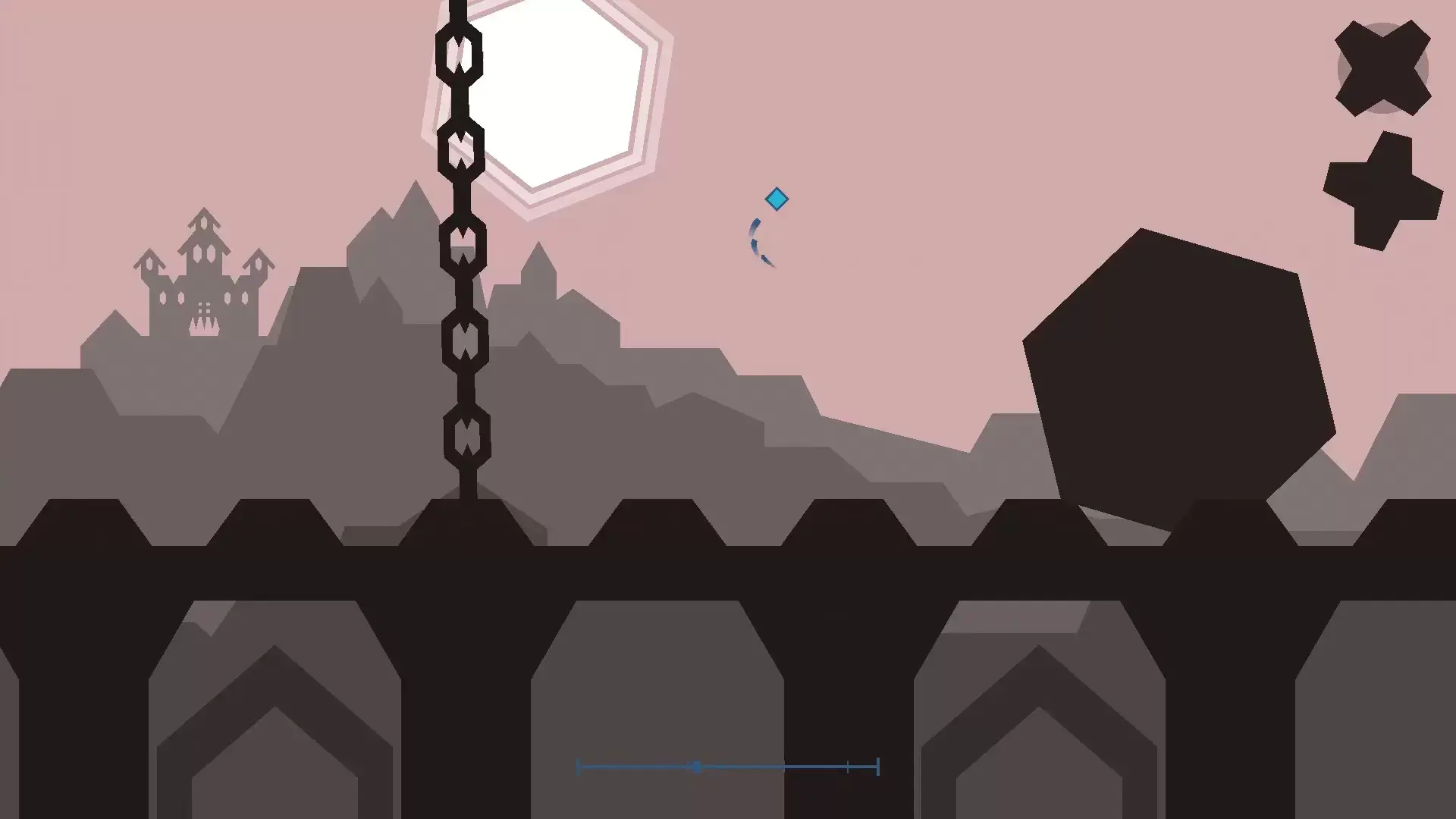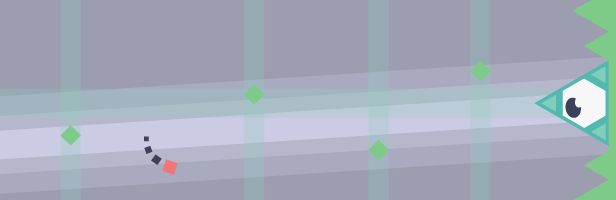
"Project Arrhythmia" is a musical bullet-hell in which all things beautiful are deadly. A cacophony of lights, music, pulses and blocks, Project Arrhythmia features tight bullet-hell style gameplay where up to 4 players in local co-op must navigate their way through evolving scenes and obstacles, all timed to the beat.
STORY
Set in 205X, a mysterious disease called the “Tokyo Flu” has been ravaging the world. A lone computer programmer, Anna Schroeder, attempts to find the cure with her trusty supercomputer-companion HAL. Stumbling upon various different “Projects”, the duo decide to investigate the efficacy of a cure through the usage of a pulse and rhythm based interface.
Not yet implemented in the gameCURRENT FEATURES
- Dodge The Beat: Stages consist of mesmerizing, musically timed scenes, each one telling a story. Feel the rhythm and feel your way around the hazards! Anna will judge how you do.
- Challenge Your Friends: Up to 4 players supported in local co-op mode.
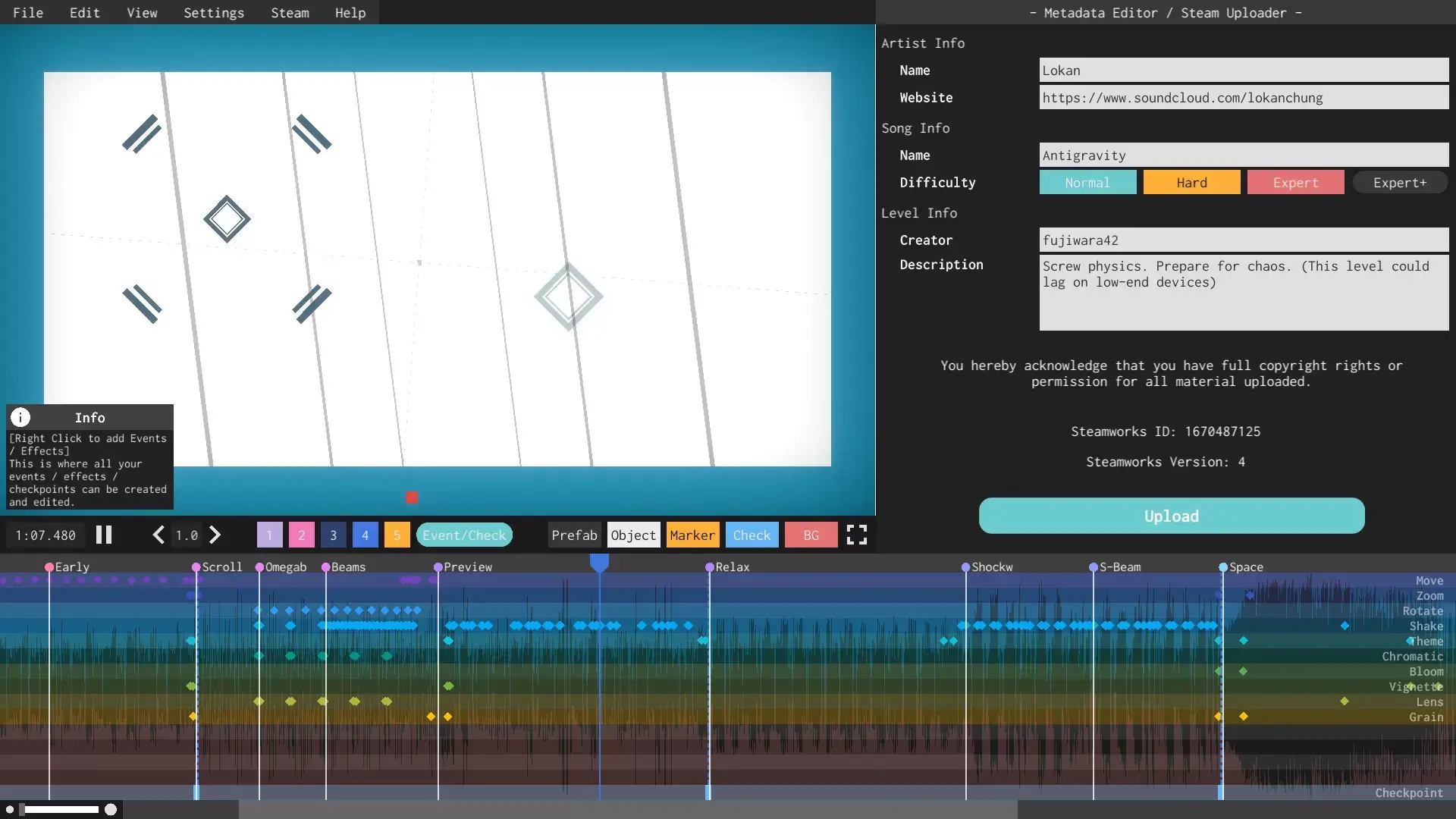
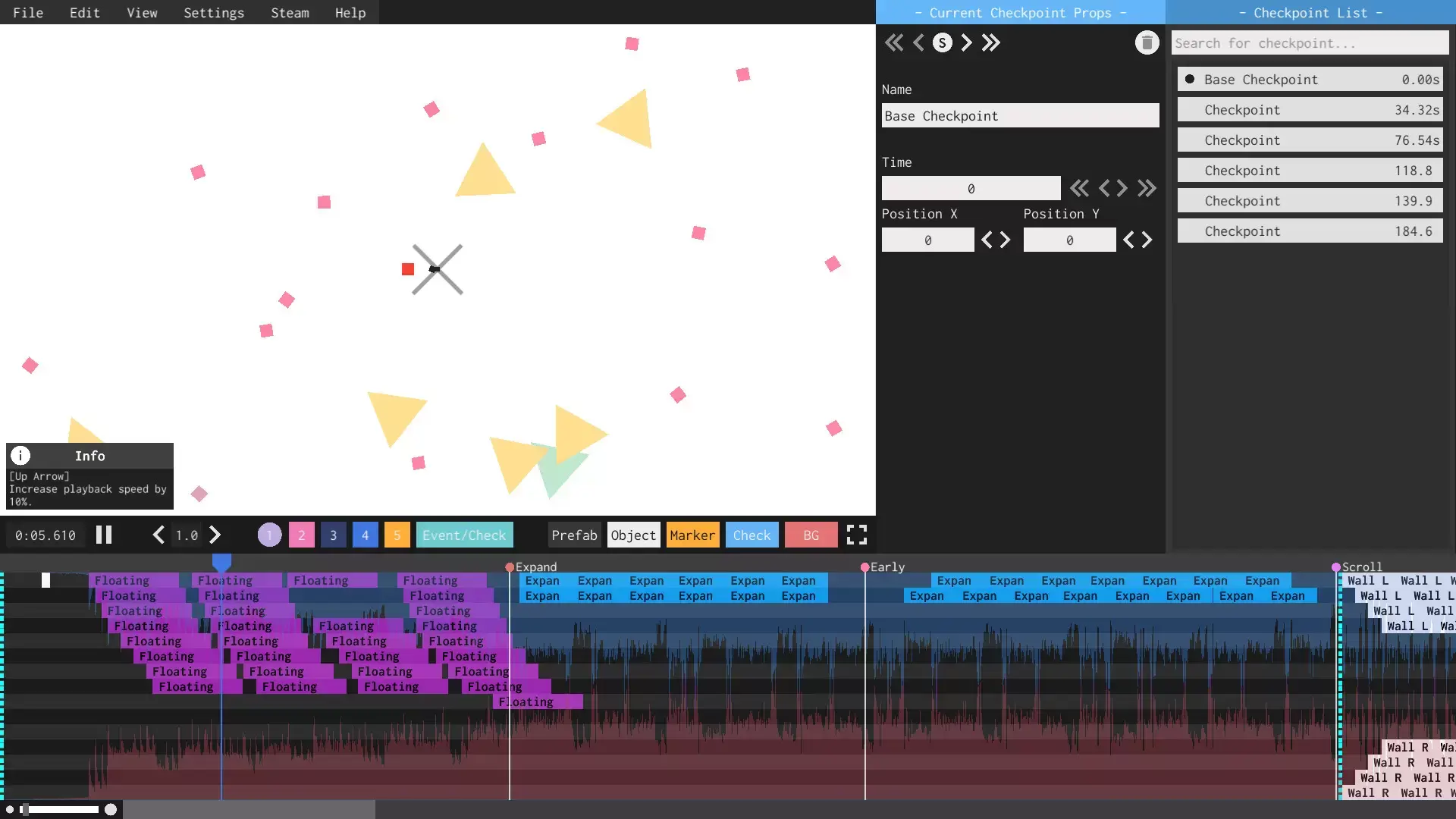
- Robust Level Editor: Carefully designed level editor allows users to create their own levels and challenges, to whatever music they wish.
- Huge Community: Wealth of user created content exists, fully integrated into the game through the usage of the level editor and user made levels.
UPCOMING FEATURES
- Story Mode: Over 20+ hand crafted heart pounding levels interwoven with an engaging story.
- Full Community Integration: Voting system for levels, better search, straight importing of levels and more
- Cross-Platform Modding Support
STEAM
1. Enregistrez un compte Steam.
2. Dans le menu "Mes jeux", cliquez sur "Activer via Steam..." et entrez la clé