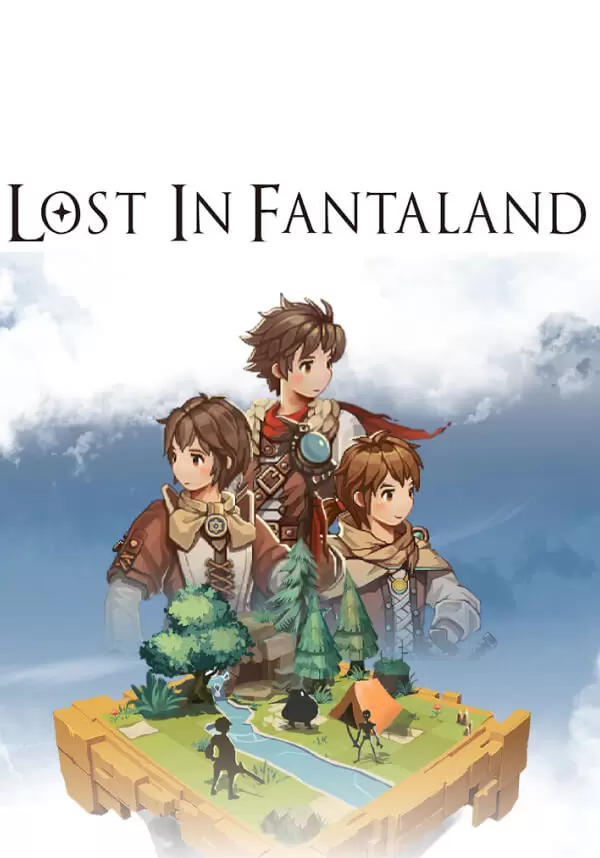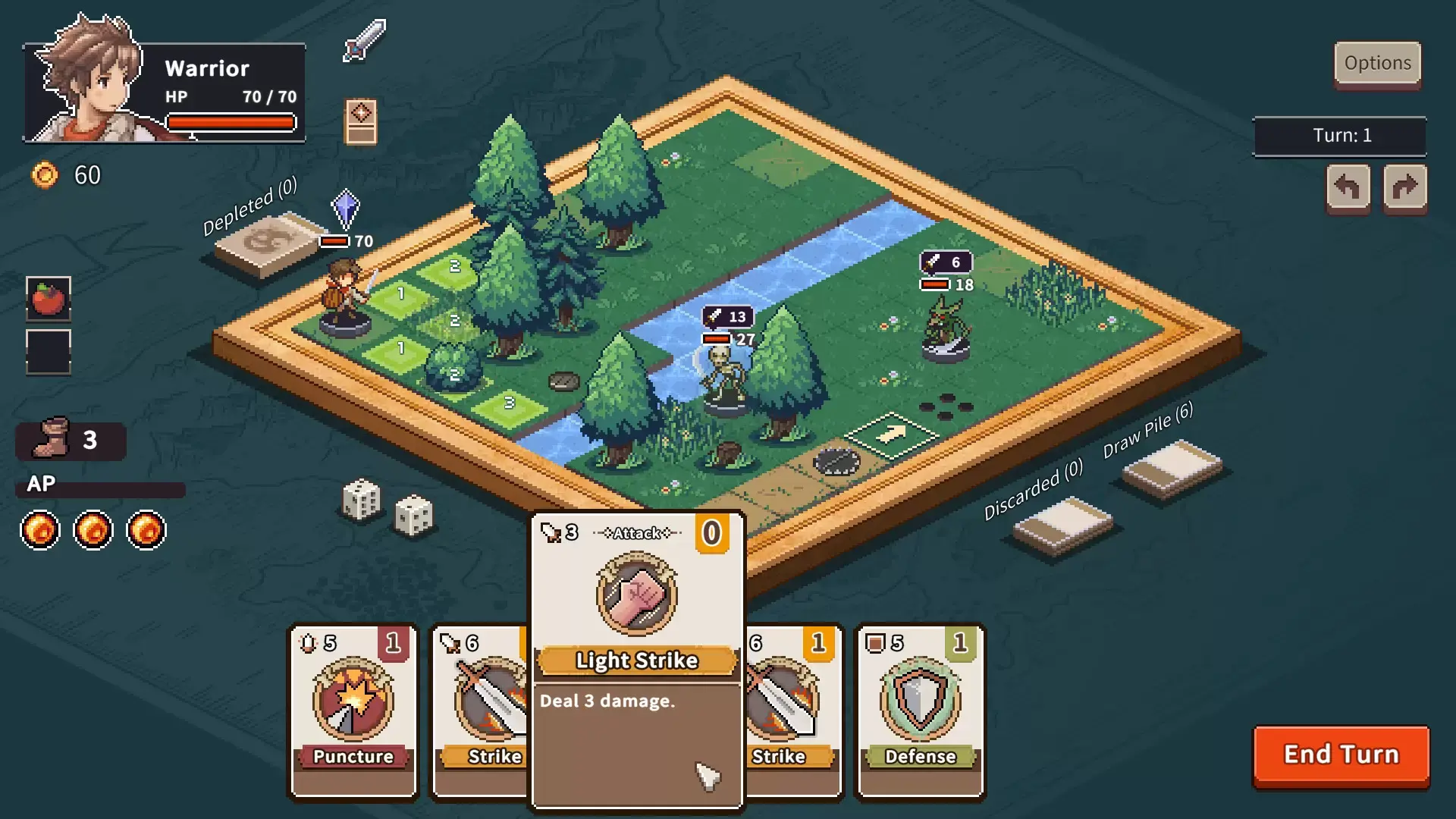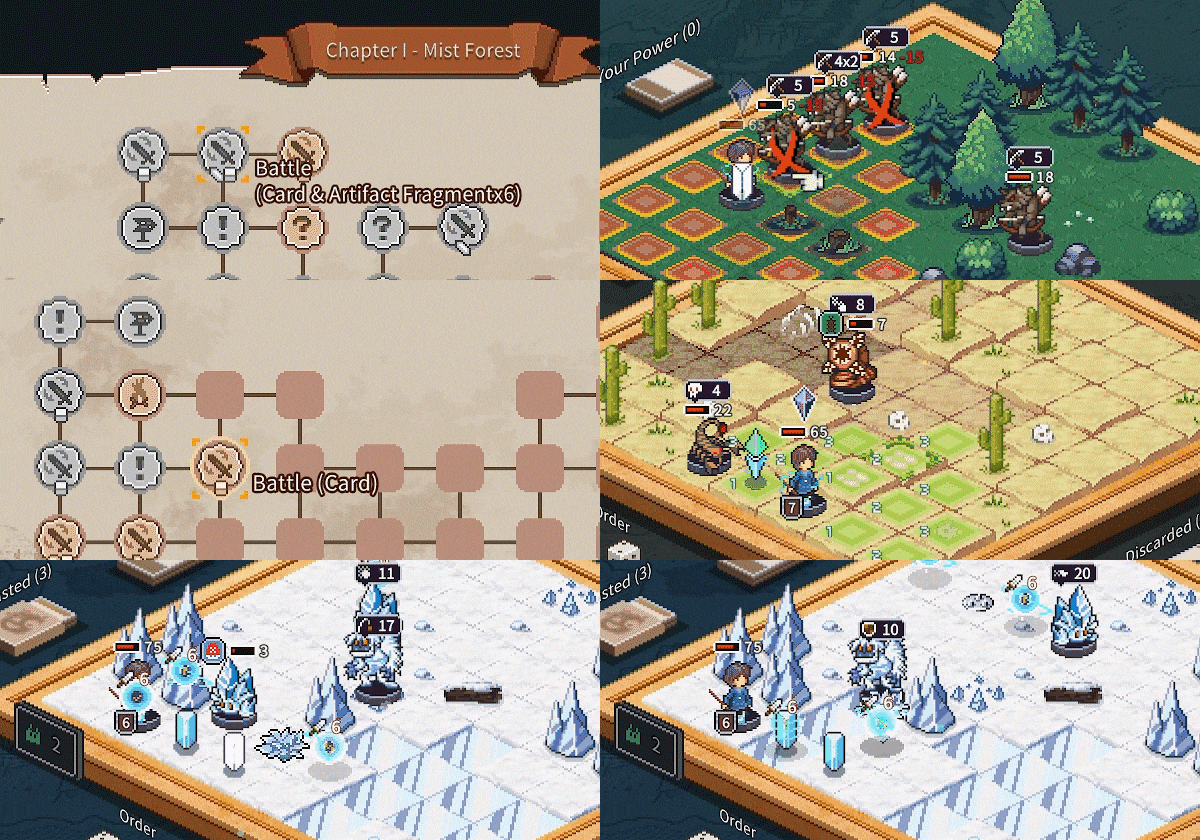
Lost in Fantaland is a Roguelite game with deck-building at its core, deeply integrated with board-game strategy mechanics.
You will choose one of six unique characters and embark on a randomly generated adventure. Use your creativity to build your deck, collect a wide variety of items and artifacts, defeat enemies, and uncover the secrets of this world!
Innovative Multi-Card Play + Deck Building
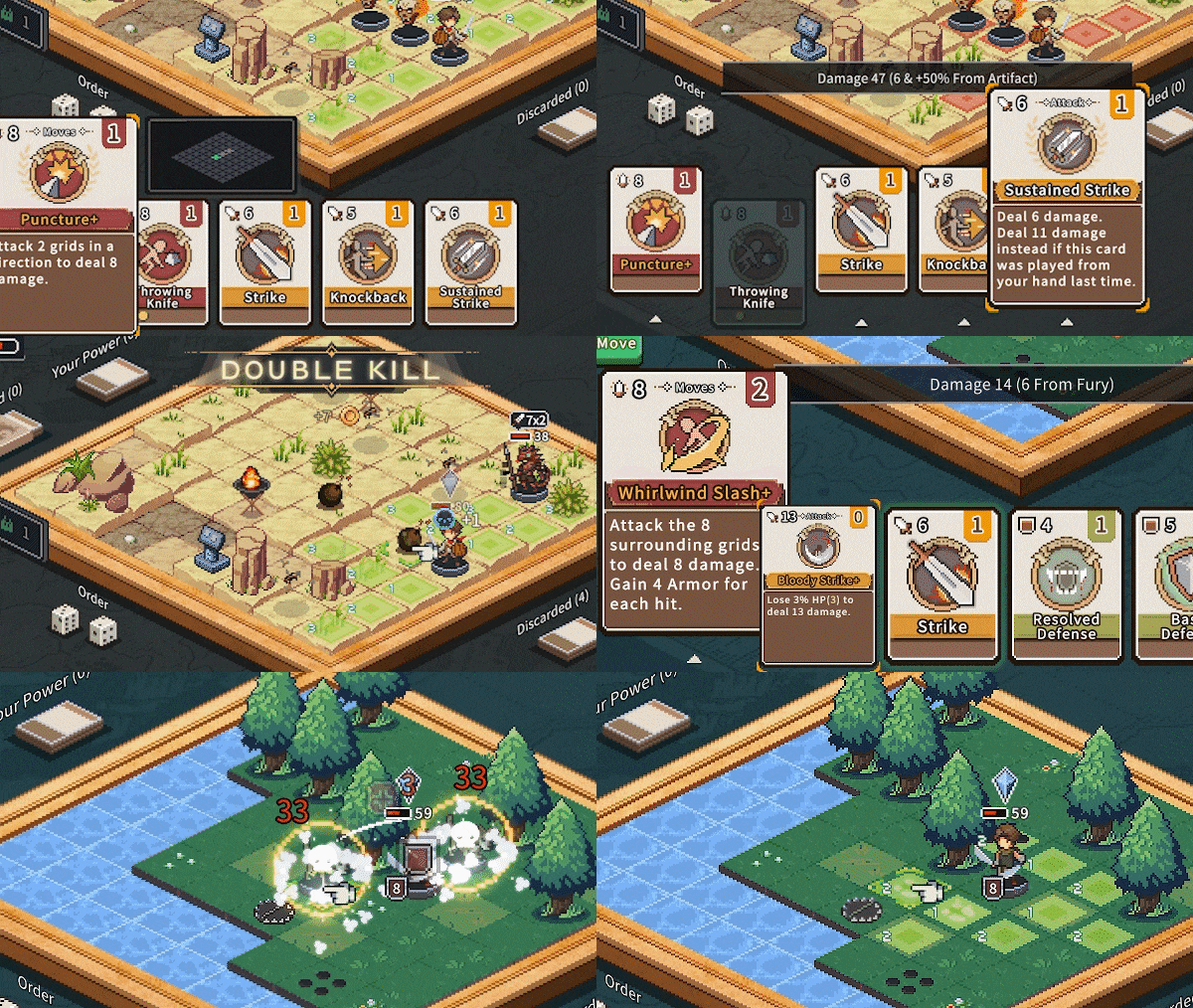
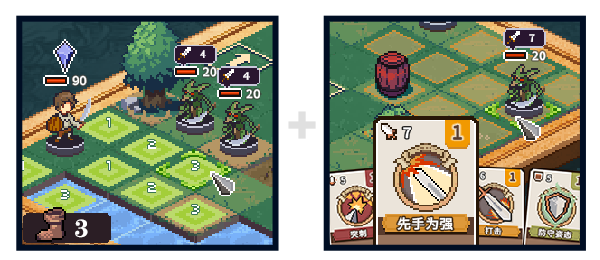
You can combine and play multiple cards at once! Build your unique deck and wipe out enemies in one swift move!
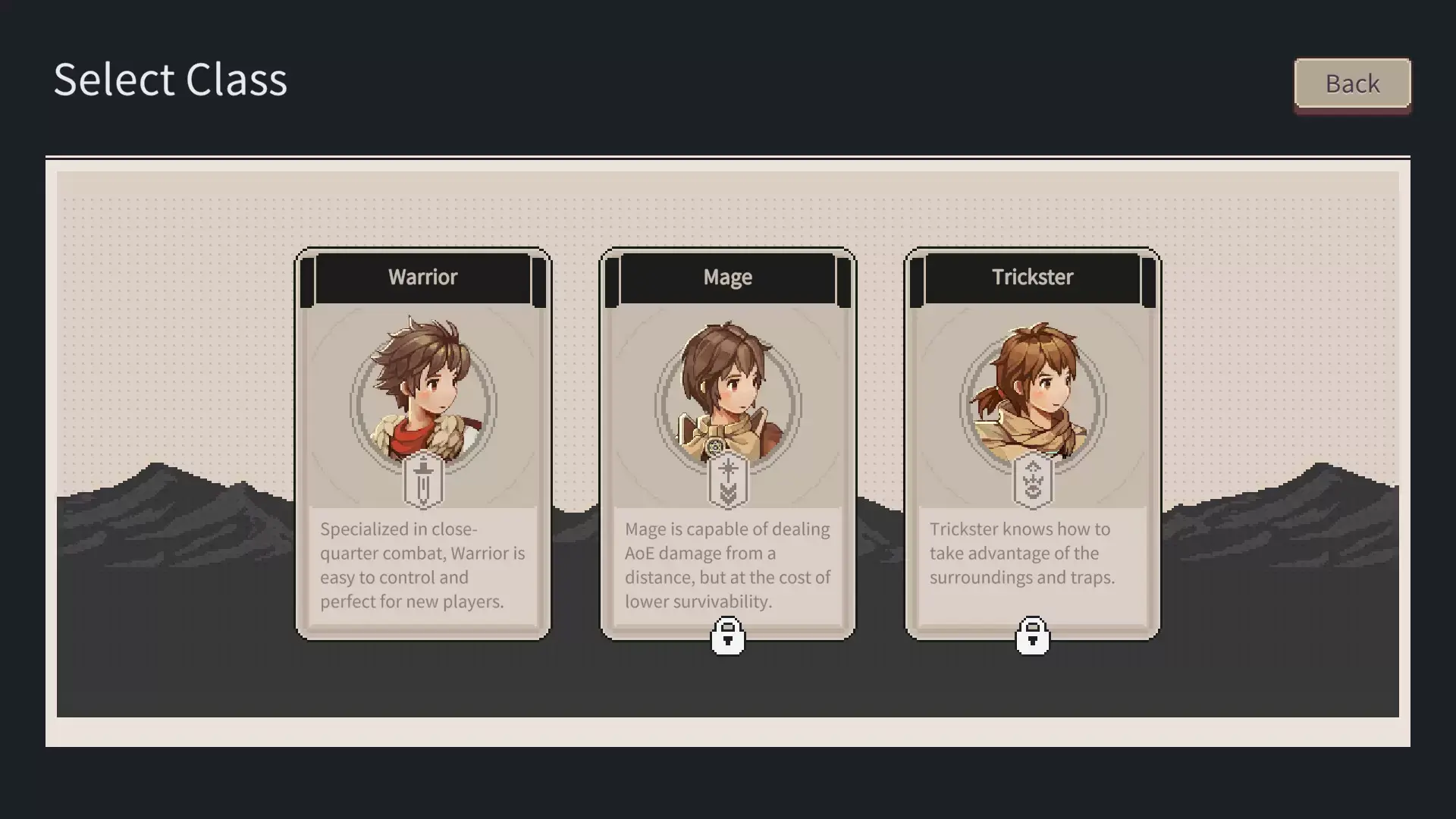
Three main classes and six characters offer a diverse and rich experience.
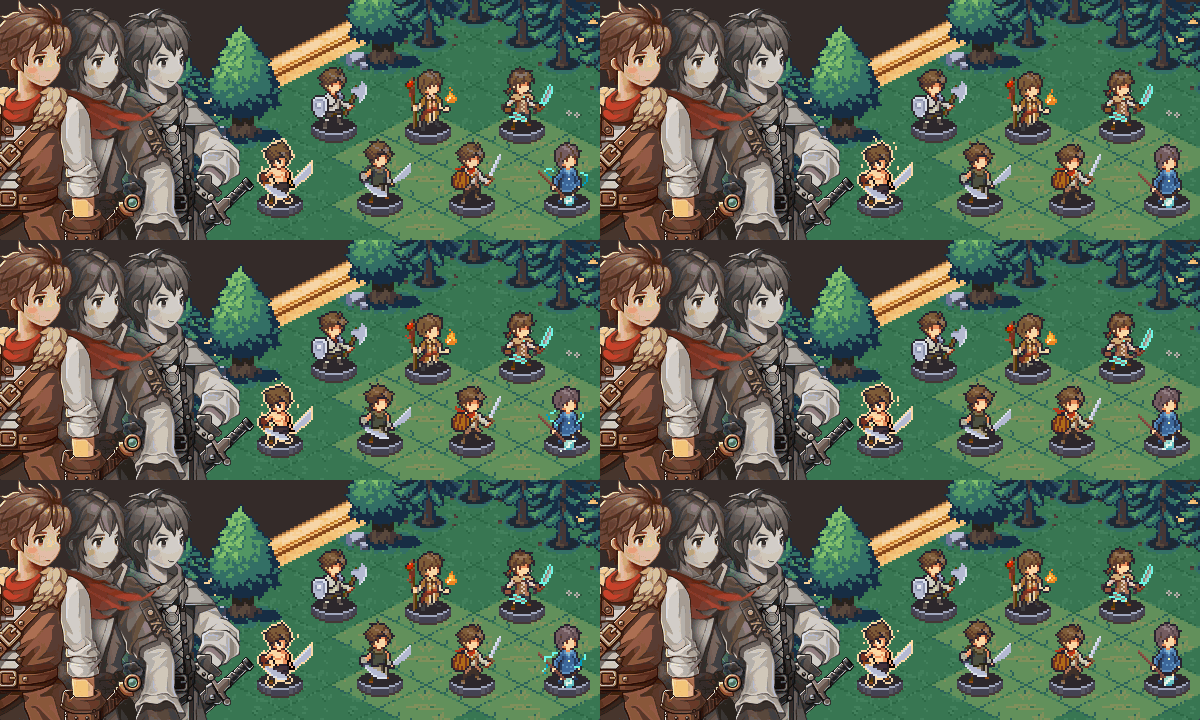
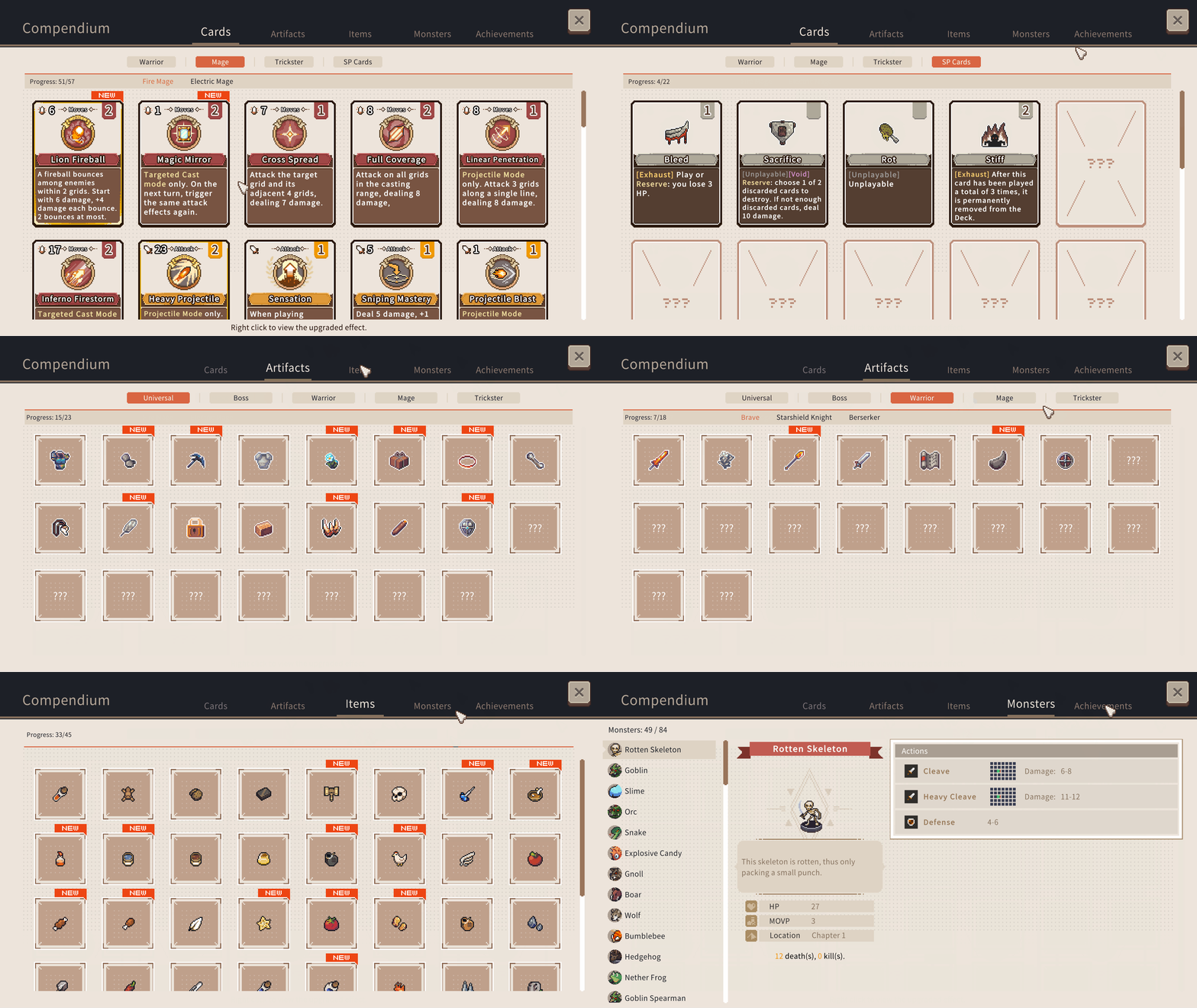
Each character has their own unique deck and artifacts! With over 300 cards and 100+ artifacts, every game offers a fresh and exciting experience!
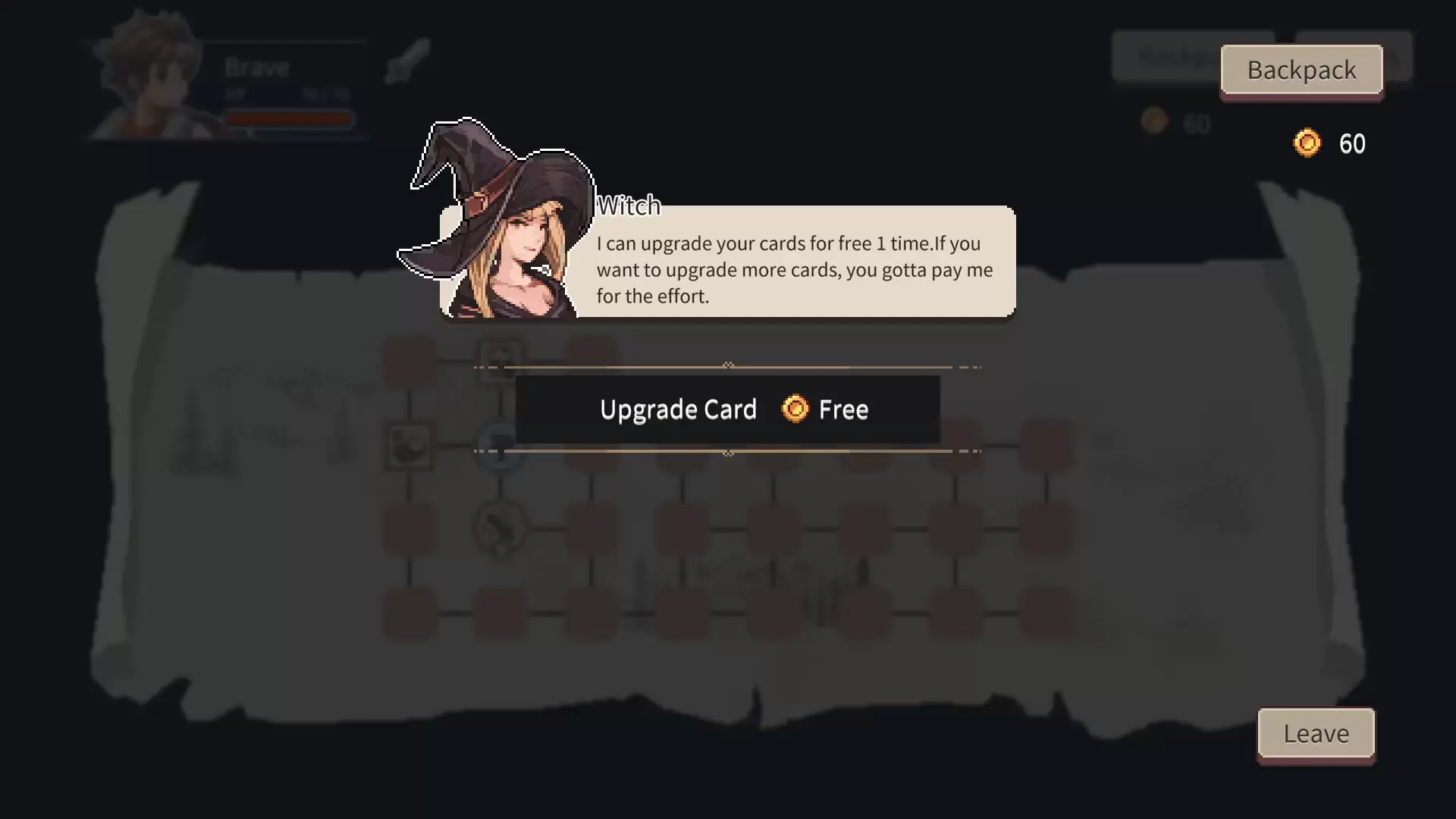
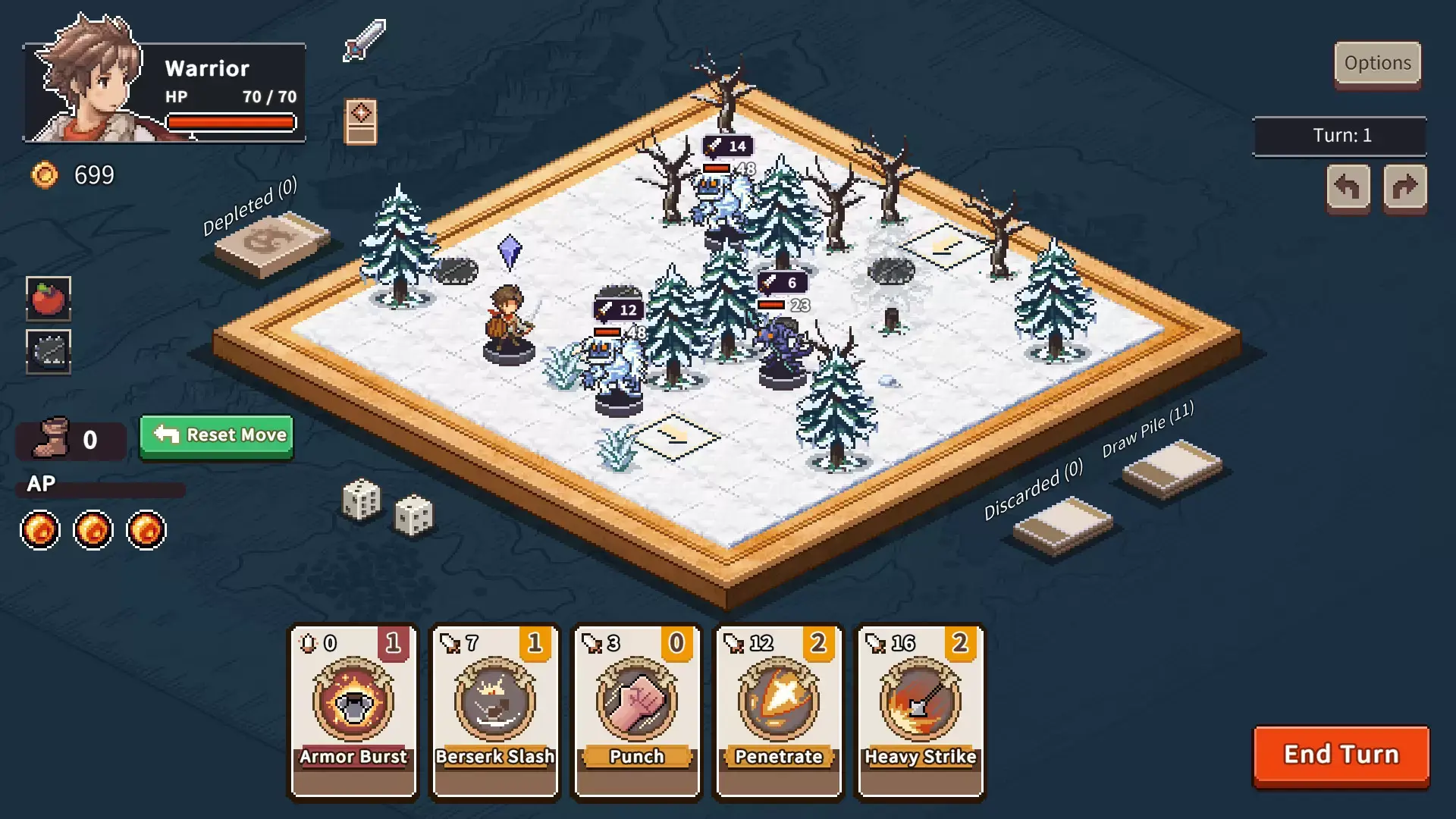
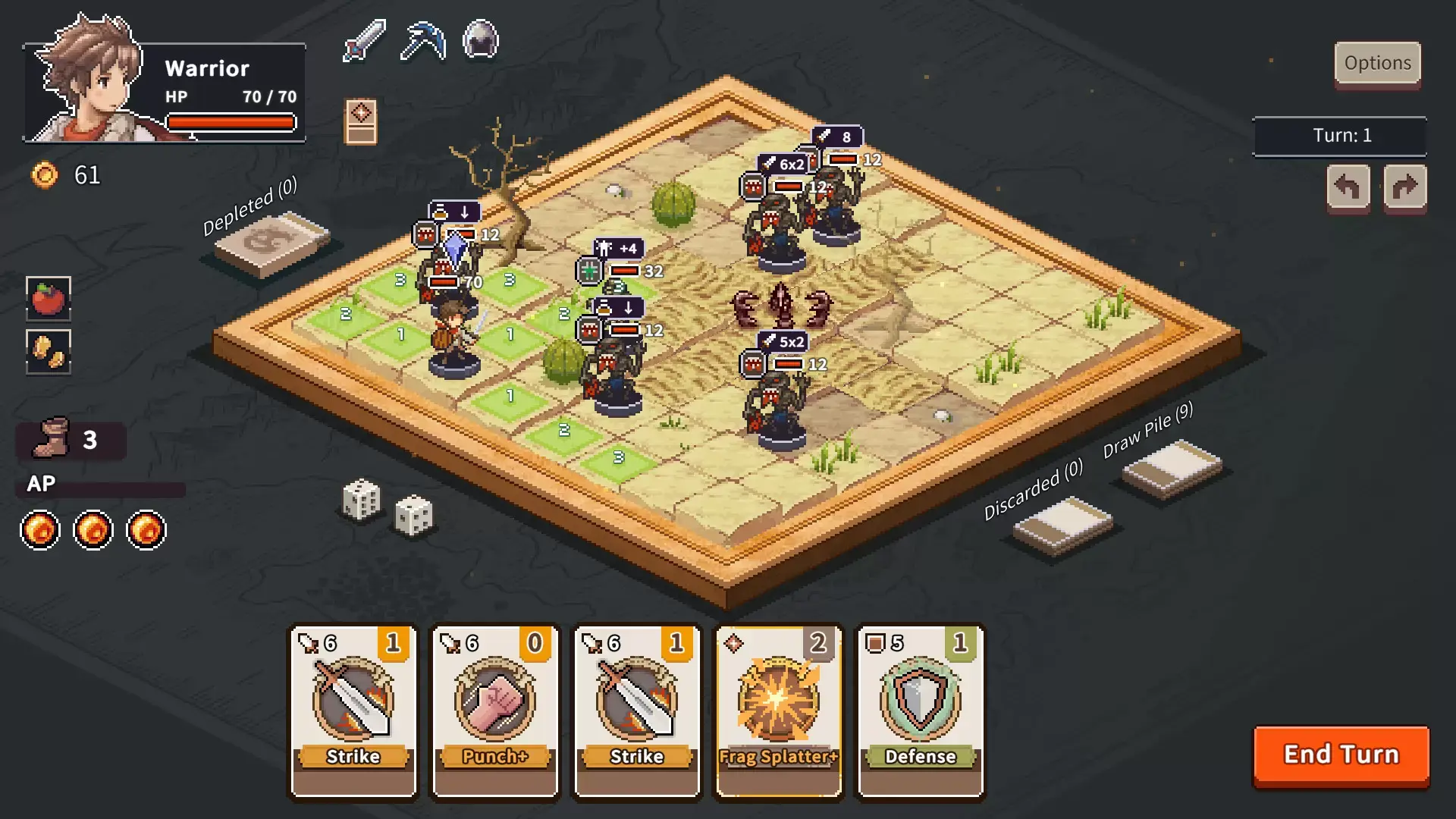
Random maps and adventure encounters
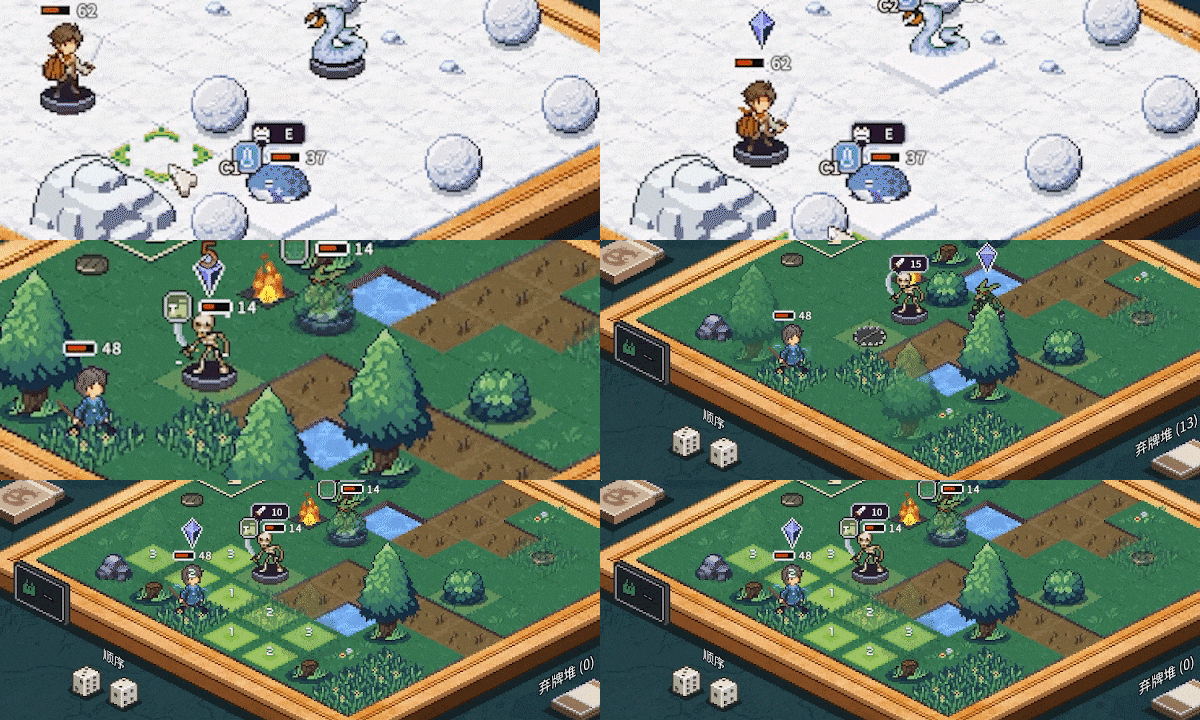
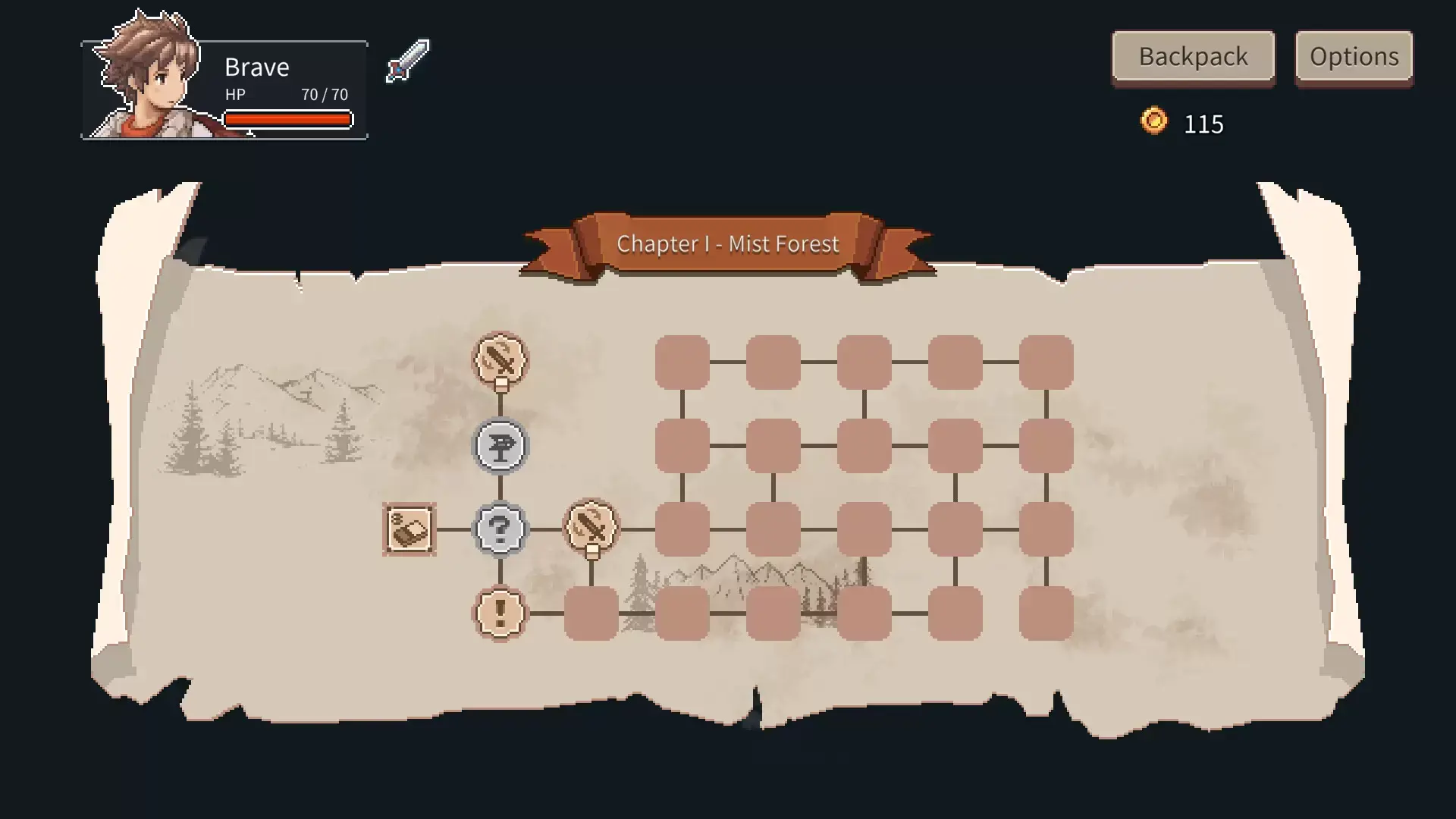
Randomly generated chapter maps combined with randomly generated battle scenes make every playthrough a new adventure!
Multi-run Challenge Experience

After completing the normal difficulty, you can unlock Ascension mode, offering progressively tougher challenges: mutated enemies, special weather conditions, and more powerful new bosses.
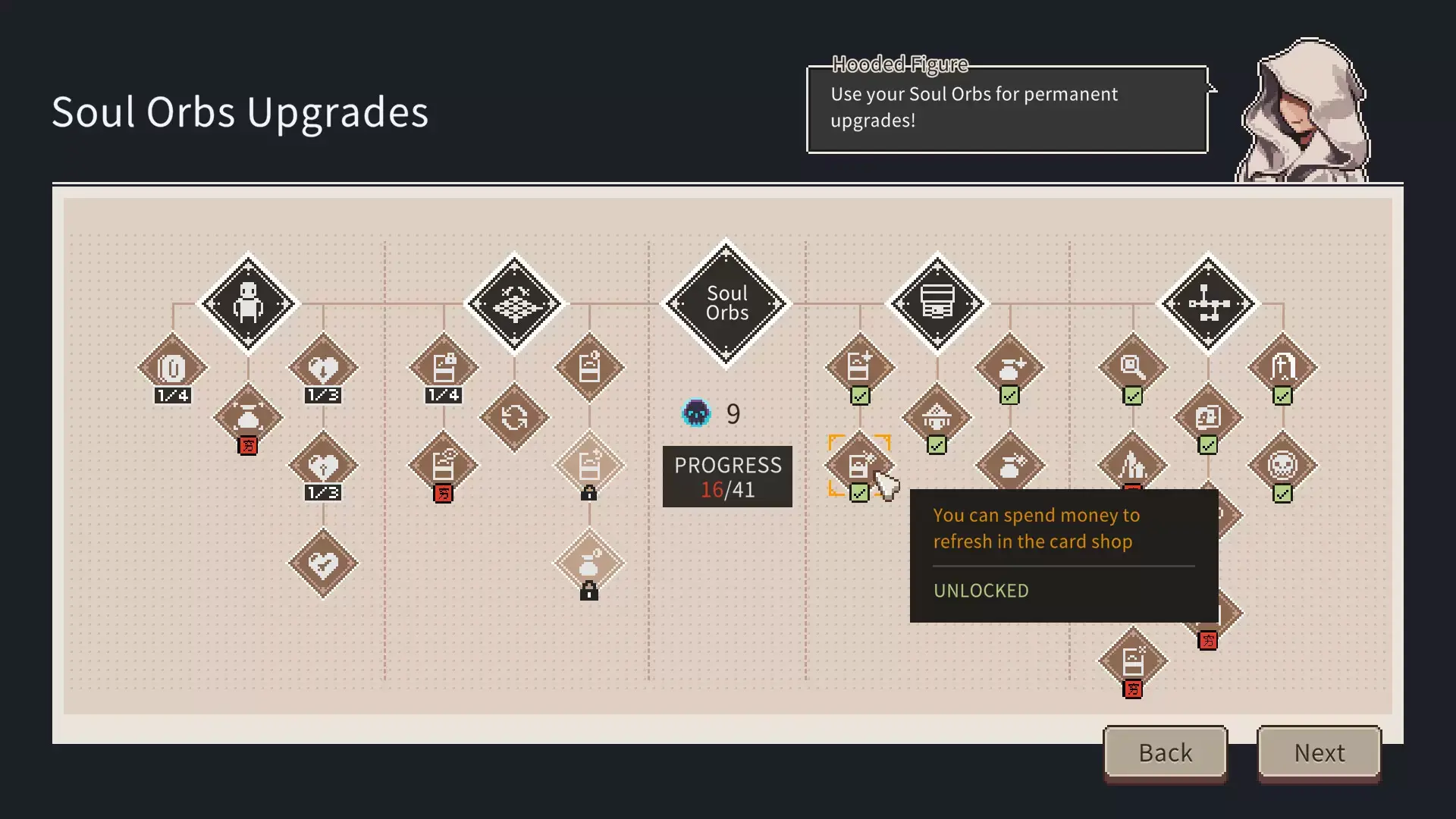
Soul Orb Shop
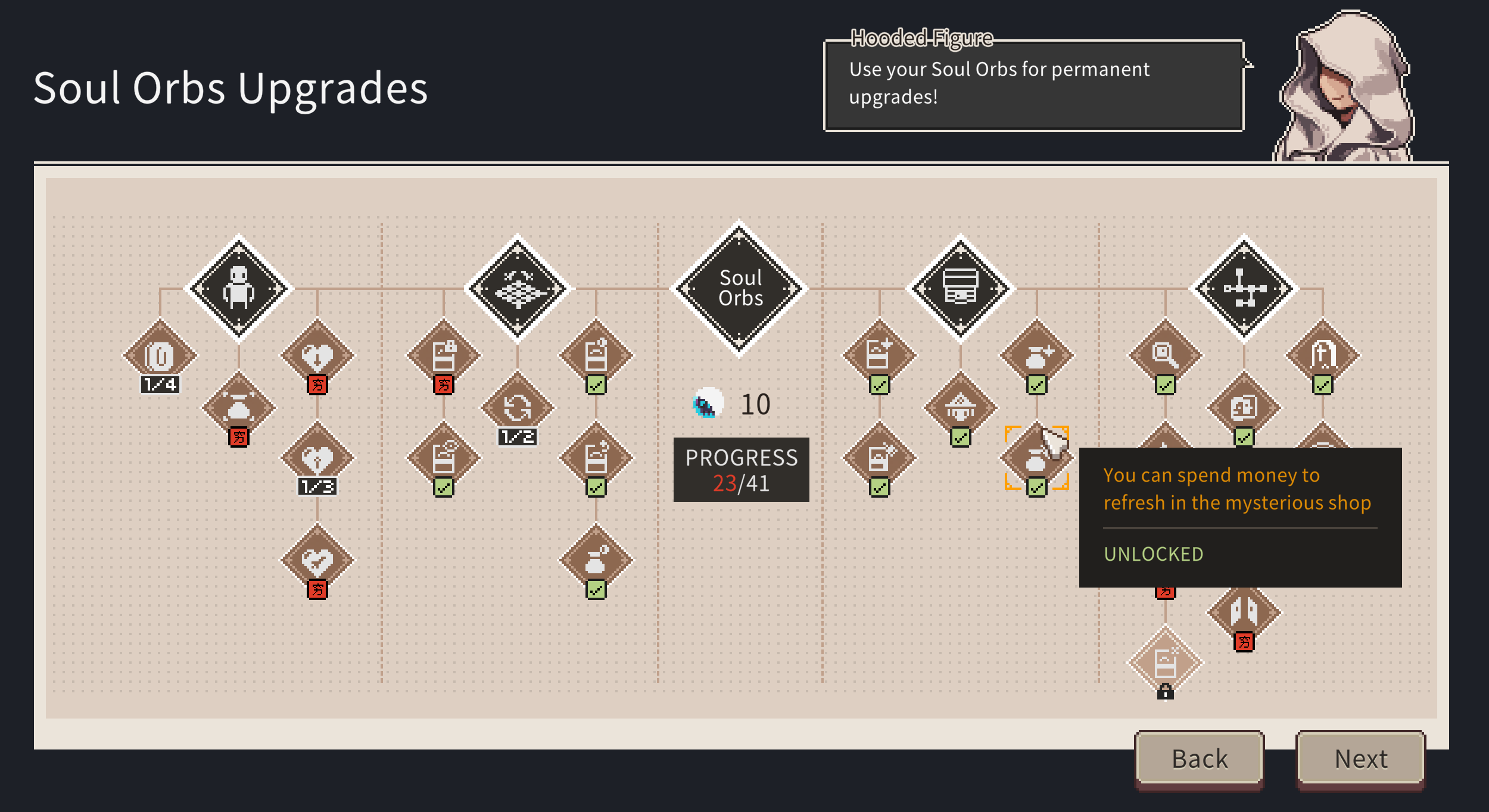
Players earn Soul Orbs from each battle and can use them at the start of the game in the Soul Orb Shop to purchase services. These not only help characters grow but also unlock global rules, making the adventure easier.
More
If you're interested in deck-building games (DBG) and strategy games, feel free to join our discussion!
STEAM
1. Enregistrez un compte Steam.
2. Dans le menu "Mes jeux", cliquez sur "Activer via Steam..." et entrez la clé