Add to wishlist

More great games!
About the Game
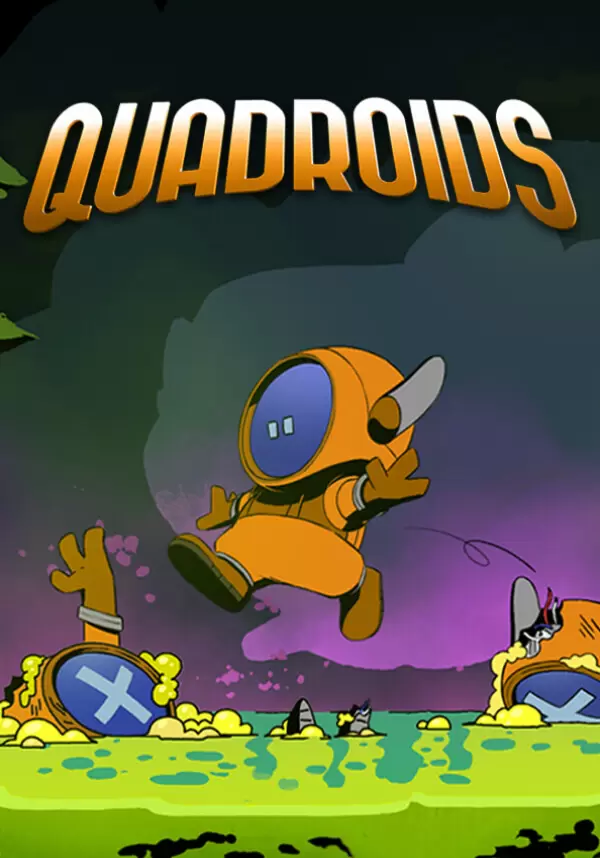
QUADROIDS IS A MIND-TWISTING PUZZLE-PLATFORMER WHERE YOU GET TO CONTROL 4 SCREENS AT ONCE!
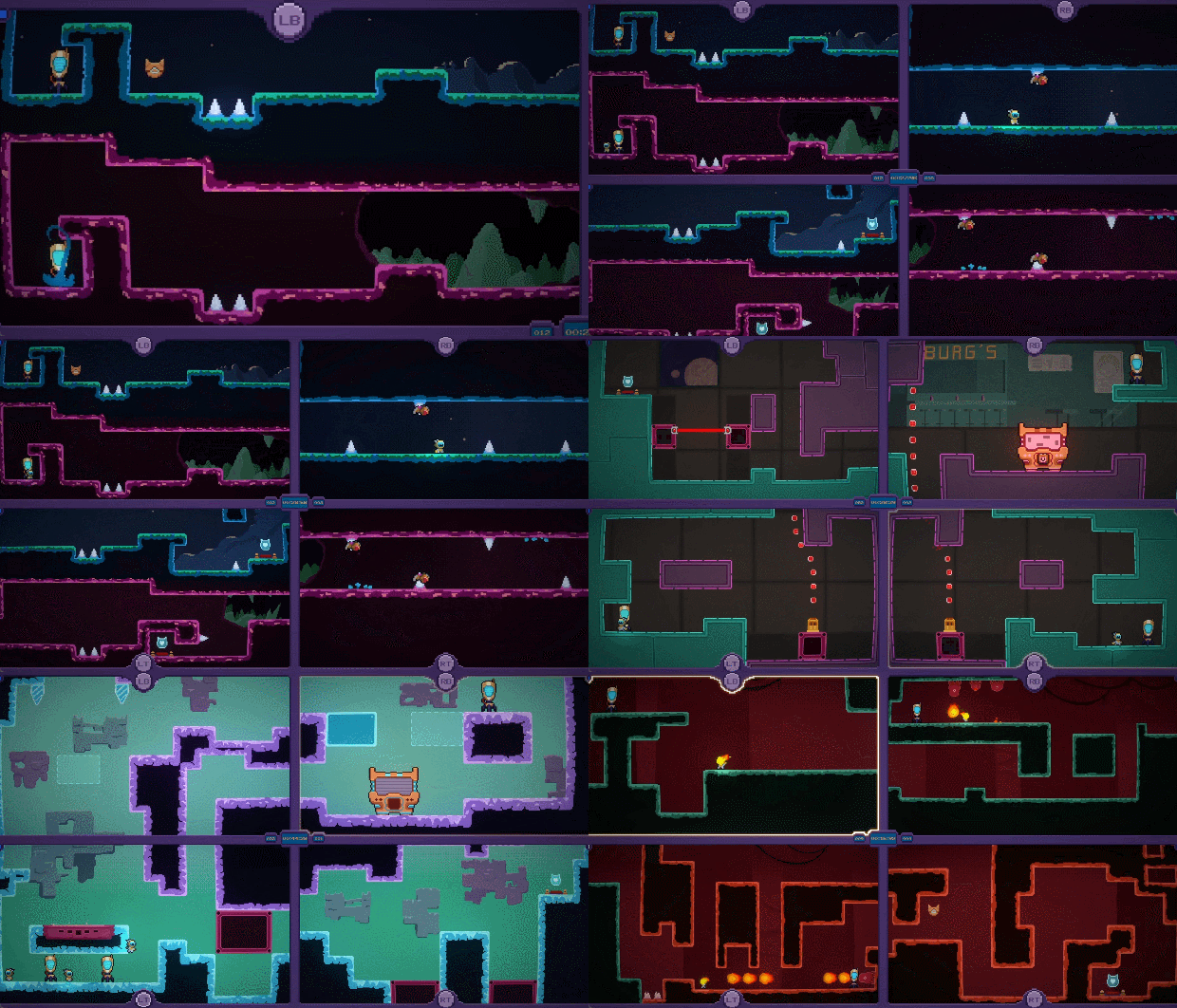

UP FOR A CHALLENGE?
Don’t be fooled by its deceptively simple pixel-art style, Quadroids will tear your neocortex apart. Show you’re boss and compete for the top of the leaderboard!
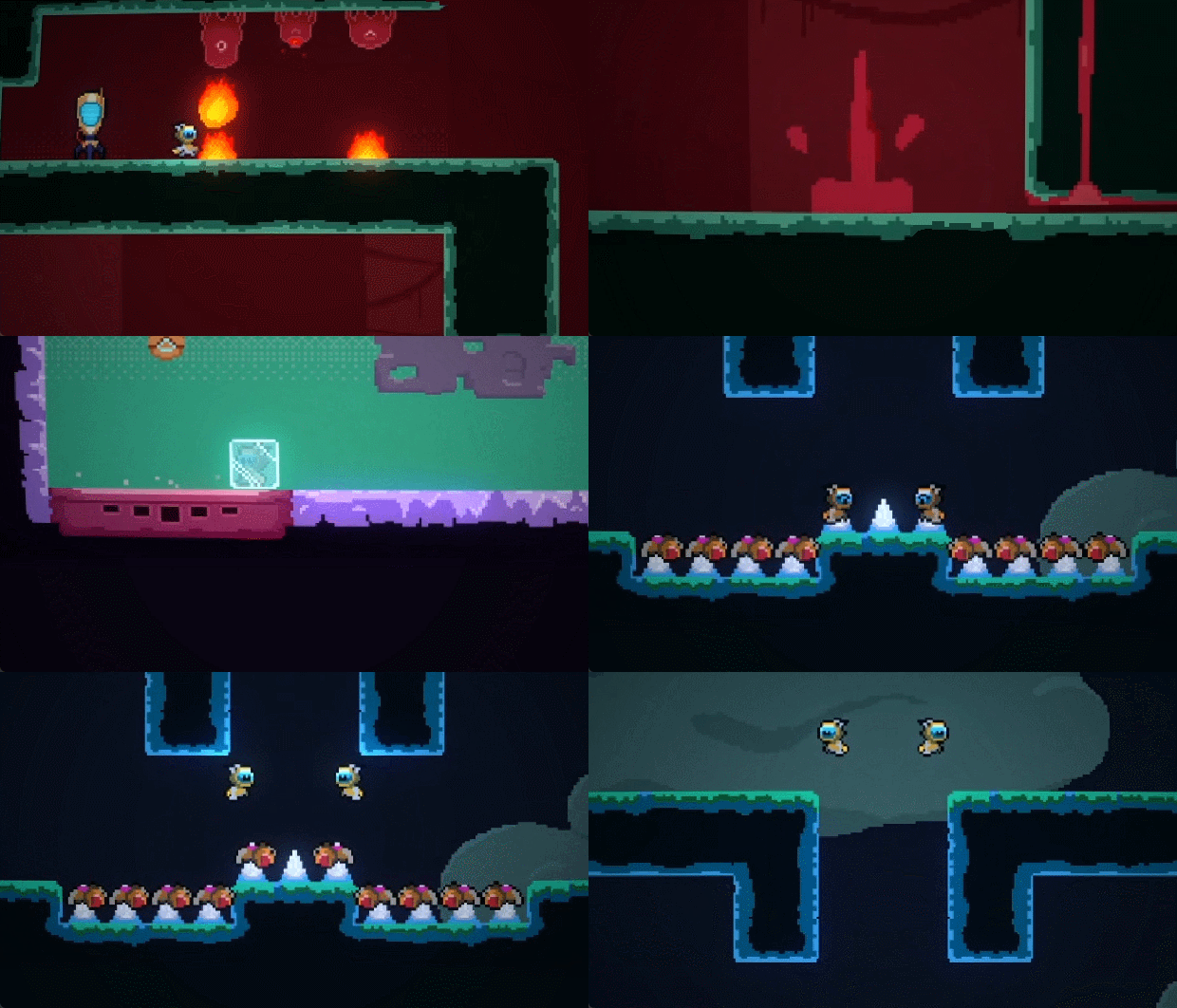
UNIQUE GAMEPLAY:
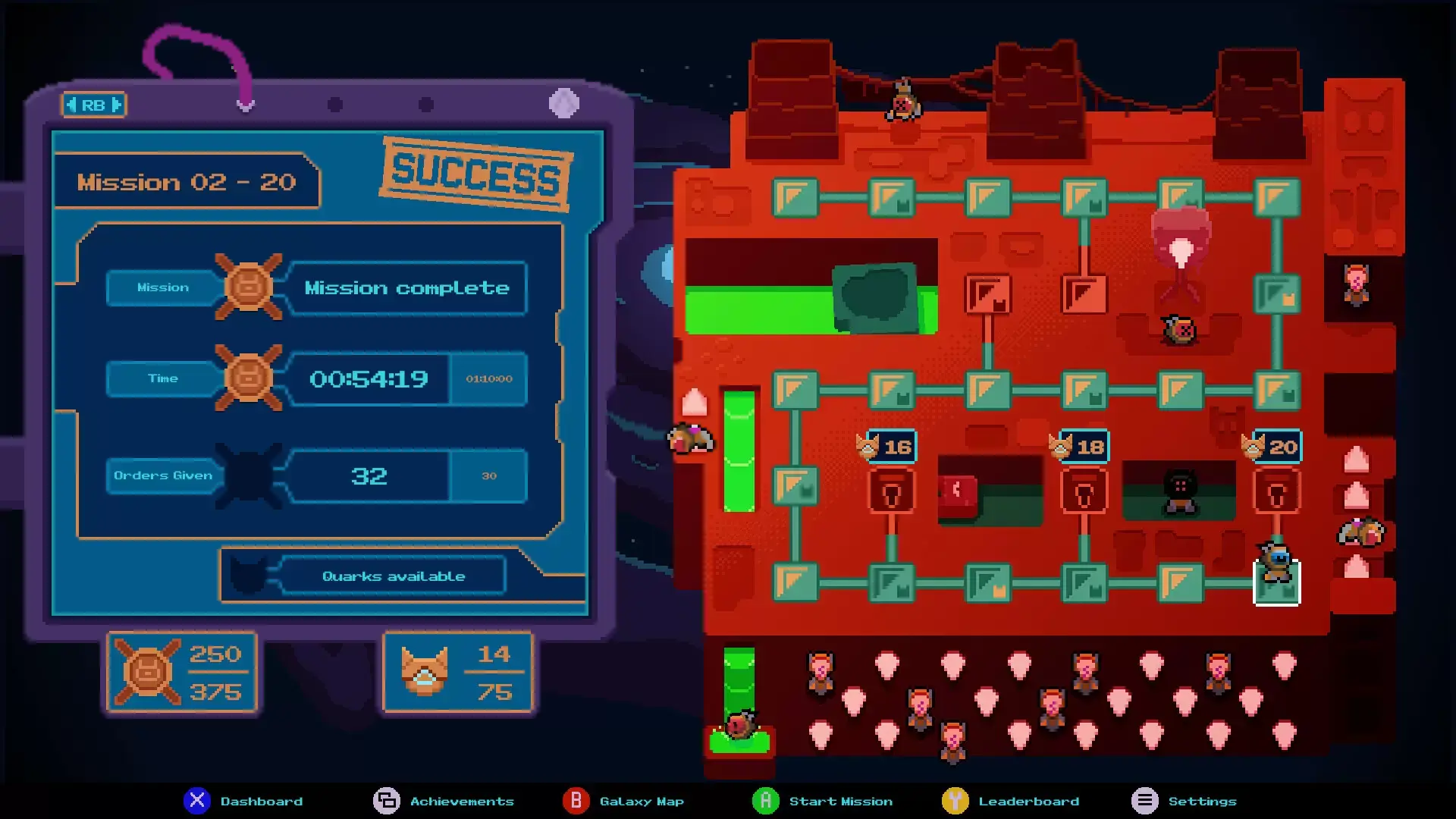
Control your Quadroids simultaneously accross four screens, and clear over 100 hazard-filled levels. Jump to avoid the acid baths, lasers, deadly spikes and other vicious traps, or strategically sacrifice your minions to create new platforming opportunities.
Play alone with the 4 screens or ask for the help of your friends in the Coop mode.
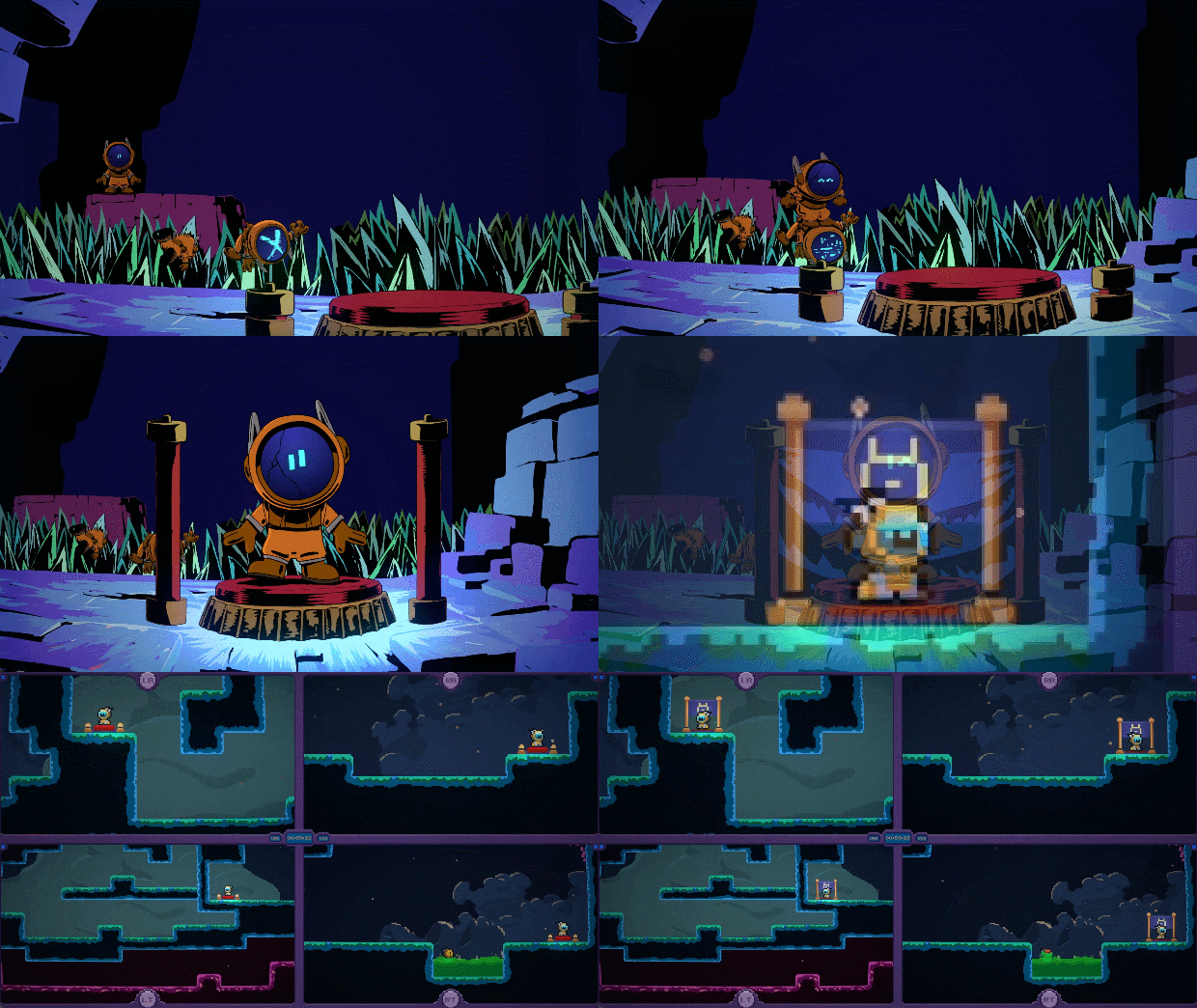

COMMUNITY
Join our Discord server to share your best scores & speedruns, and unlock custom roles to show off your achievements.
Control selected game screens and appear alongside your favorite streamers with Twitch add-ons!
- Twitch Plays Quadroids: Hand over control to your viewers, allowing them to manage one or more screens. For the ultimate challenge, let them take command of all four screens using commands like !top_left, !top_right, !bottom_left, and !bottom_right to guide the Quadroids through each part of the screen.
- Volunteers!:Players can actively participate by typing "!volunteer" in the Twitch chat. The next Quadroids to jump into the game will bear the name of the volunteer, creating a personalized and unforgettable gaming experience. Handle with care, as sacrificing these volunteers is not advised!
STEAM
1. Registrar una cuenta de Steam.
2. En el menú "Mis juegos", hacer clic en "Activar a través de Steam..." e introducir la clave