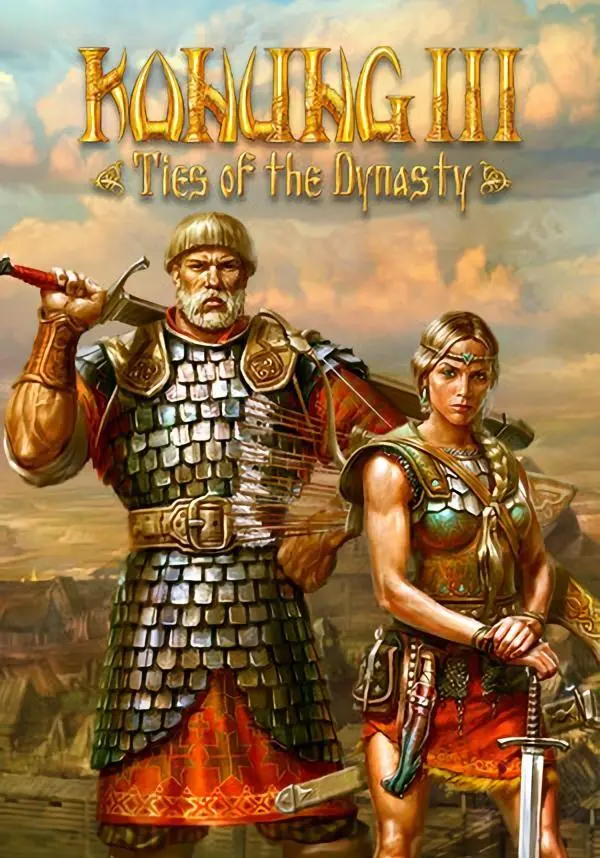
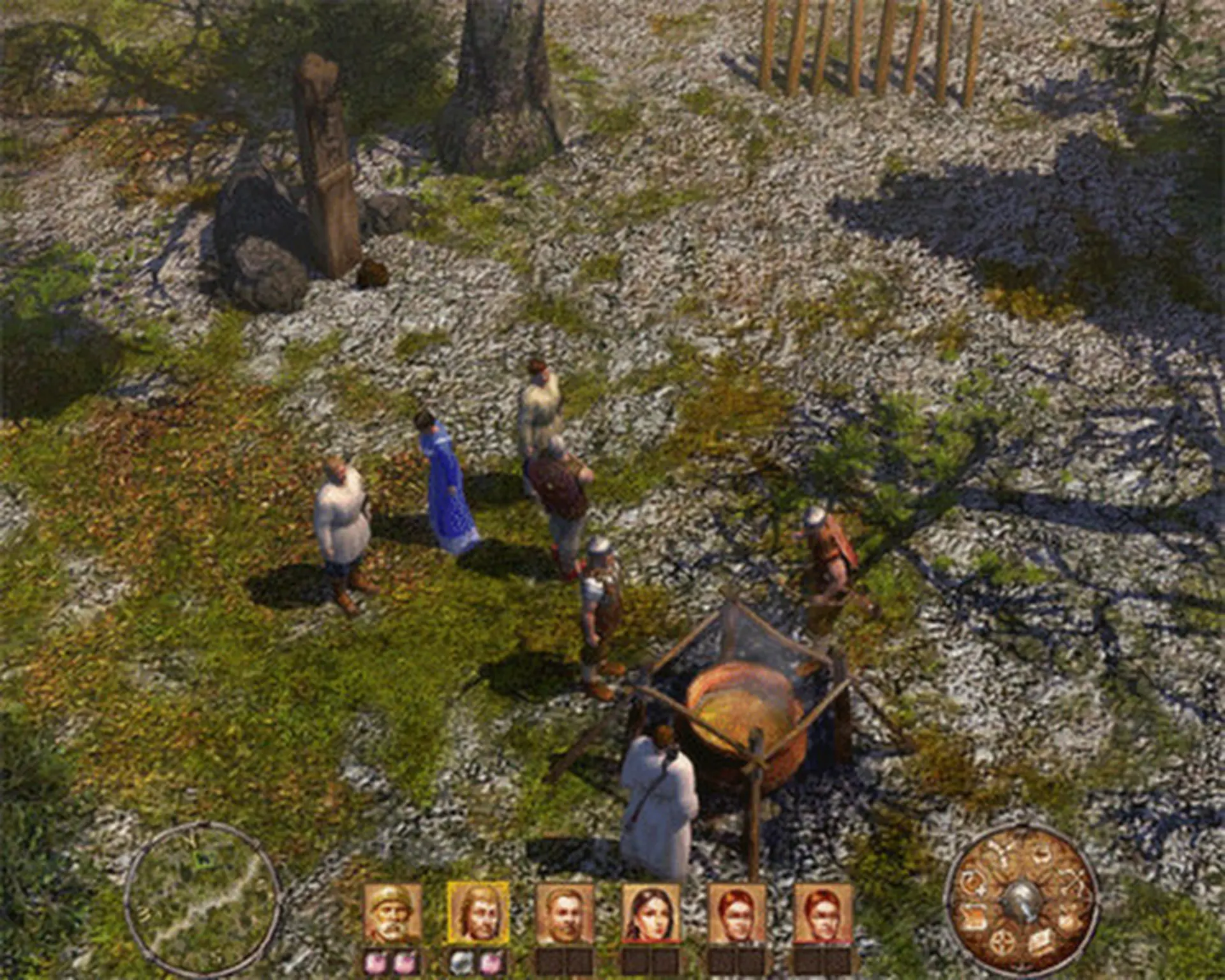
Konung III is a RPG, based on the Scandinavian and Slavic mythology, the third game in the Konung series (Konung: Legends of the North and Konung 2: Blood of Titans).
The new game brings the player back to the legendary Woodland – the unique and spacious fantasy land that combines parts of known history with classical myths of the Slavs, the Scandinavian and the Byzantine, as well as the legends of the Chronicles, including immortal heroes, magical artifacts and ancient sorcery world.
The Era of Titans, the almighty rulers of the Earth, has ended. Once glorious heroes and great Princes are gone for good. The hour of new heroes has come, when the throne of the Grand Principality became empty. Various valiant warriors and adventurers started their fight for the title, and only the legendary Champion Sword artifact can resolve their face-off.
Get the artifact, become the Konung and write a new history of the Woodland!
Key features:
- Possibility of characters’ interaction with various objects
- Creation of unique types of weapon and armor using magic potions
- Updated and considerably enhanced battle magic
- Revised combat system with unique parameters of combat items
- Inimitative atmosphere of the Woodland, recreated using the state-of-the-art 3D graphics
- Improved possibilities to control and protect the player-dependent settlements
STEAM
1. Registrar una cuenta de Steam.
2. En el menú "Mis juegos", hacer clic en "Activar a través de Steam..." e introducir la clave