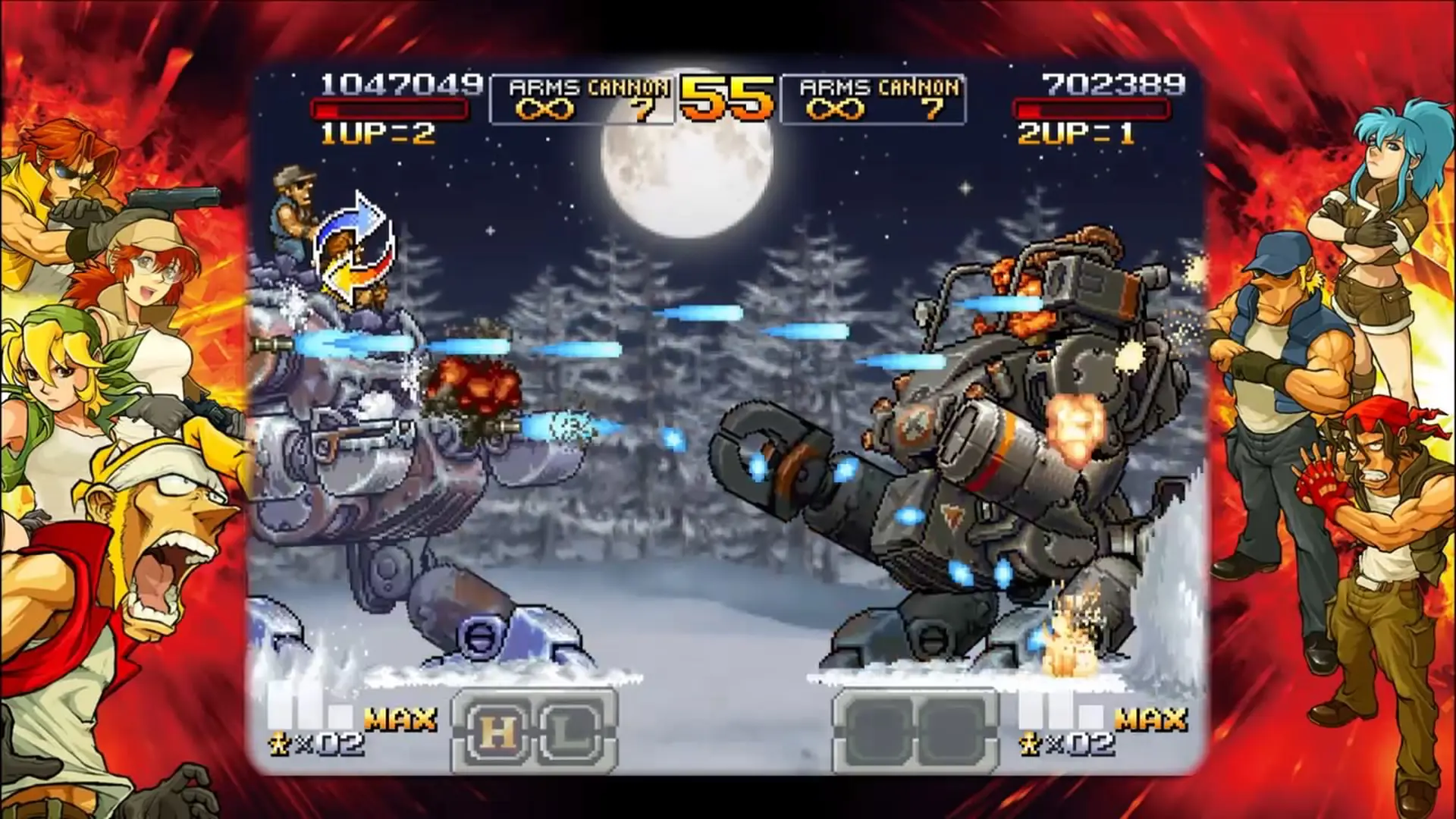
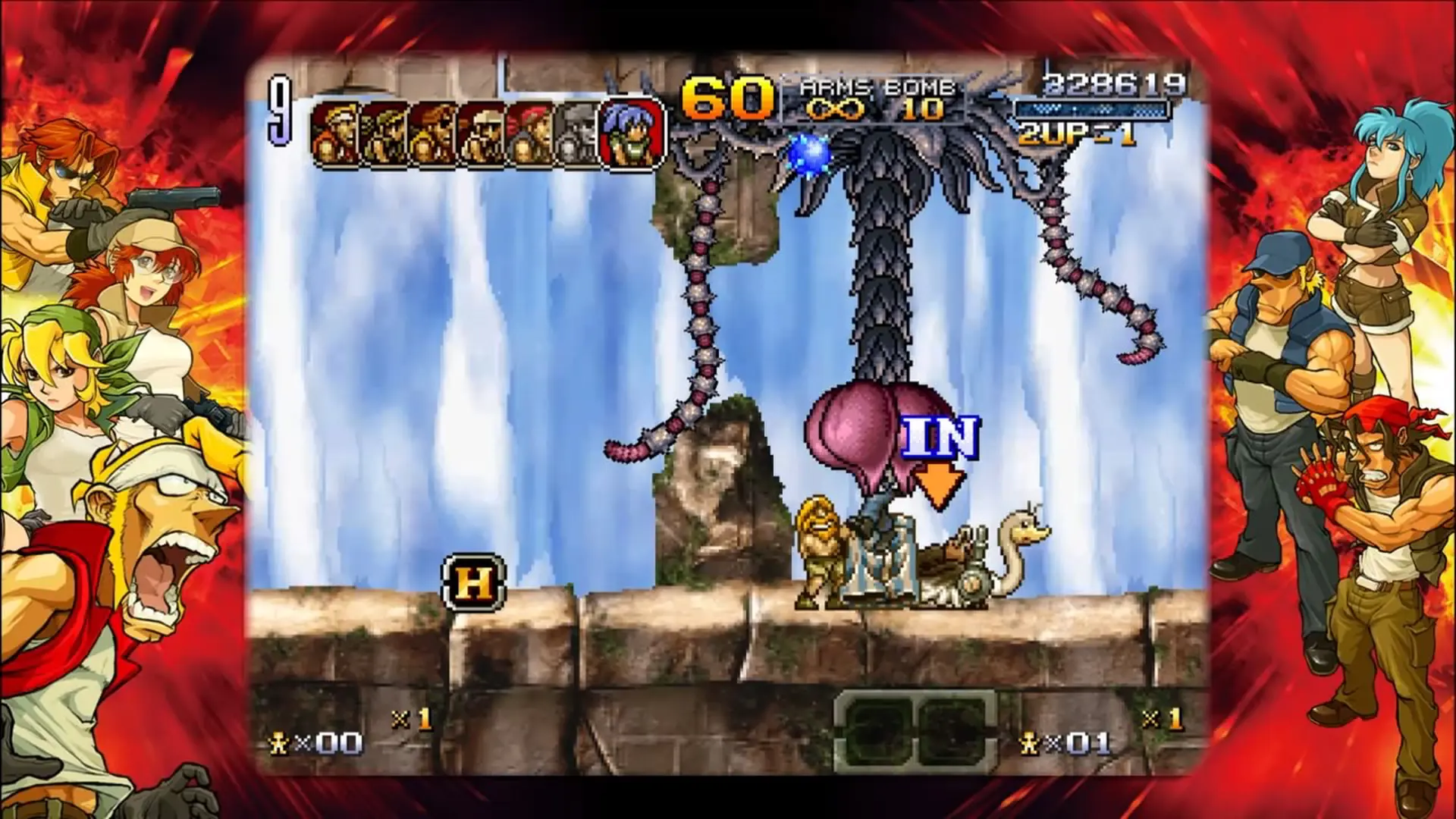
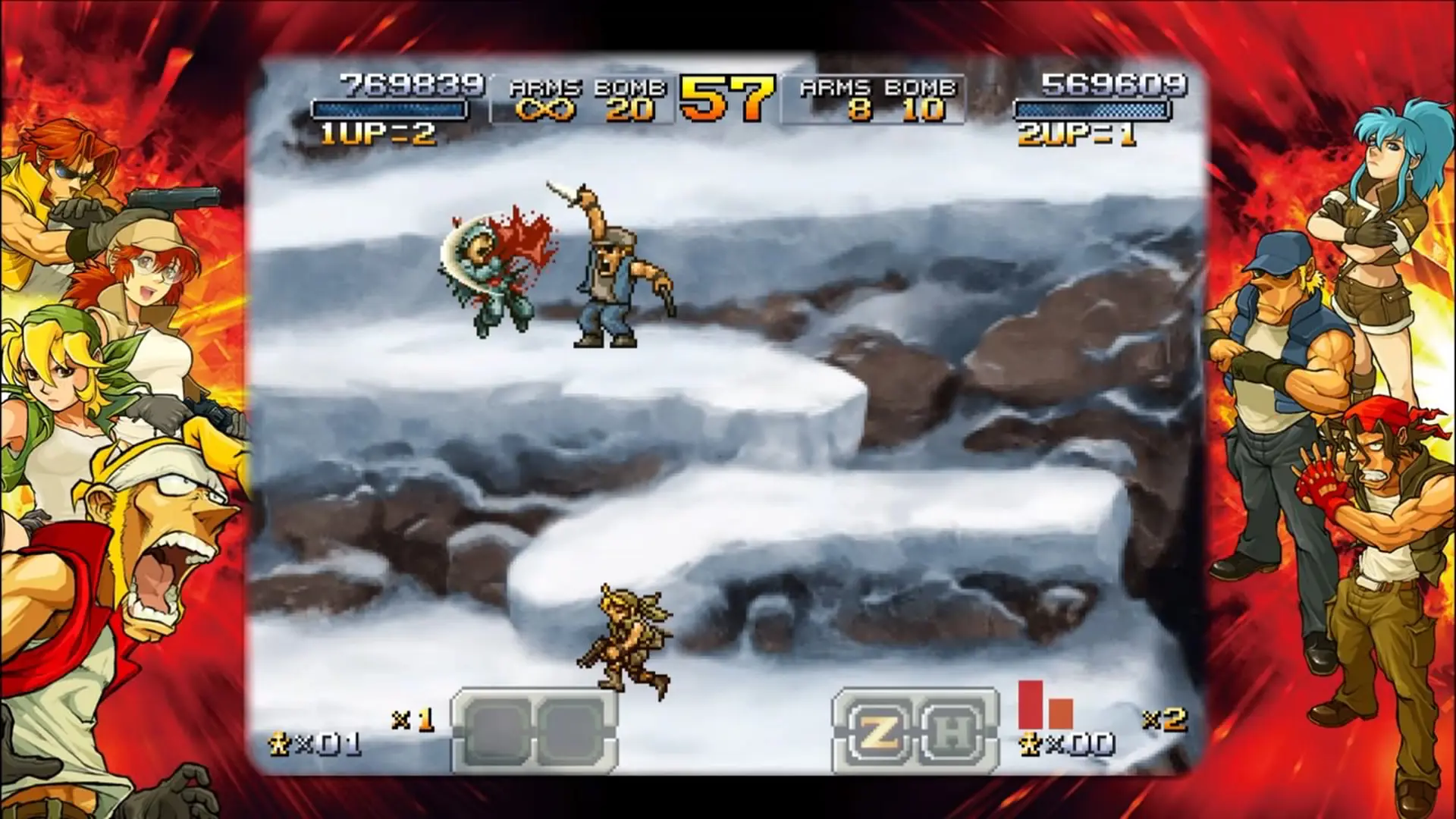
■7 missions of intense action! Hidden routes for endless replayability!
7 missions of breathtaking action, charismatic characters, Slug vehicles, and a variety of other content await players in METAL SLUG XX. Branching paths are also hidden throughout the stages for those who want to play and clear METAL SLUG XX to completion!
■New military classes and return of the fan-favorite “Combat School”!
Challenge more than 70 mini games prepared by a beautiful instructor, and clear them all to reach the legendary and devilish “Super Devil” military rank! Get promoted to acquire a mobile satellite that will assist you during your missions!
■Leona playable from the start! 7 soldiers ready for battle!
In addition to the traditional METAL SLUG characters such as Marco Rossi, Tarma Roving, Eri Kasamoto, and Fio Germi, Ralf Jones and Clark Still from KOF’s Ikari Team have also been recruited for this mission! Also from the Ikari Team, Leona Heidern, who was a paid DLC character in the original PSP® version of METAL SLUG XX, will also now be playable from the start. Are you ready to stop every enemy attack via her powerful “Moon Slasher” special ability!?
■Tons of hours of gameplay with achievements!
METAL SLUG XX features no fewer than 34 achievements. Players can also enjoy the co-op local play with their friends!
Get ready for endless hours of intense action and fun with METAL SLUG XX on Steam! Rocket Lawnchair!
STEAM
1. Registrieren Sie ein Steam-Cabinet.
2. Klicken Sie im Menü "Meine Spiele" auf "Über Steam aktivieren"..." und geben Sie den Schlüssel ein