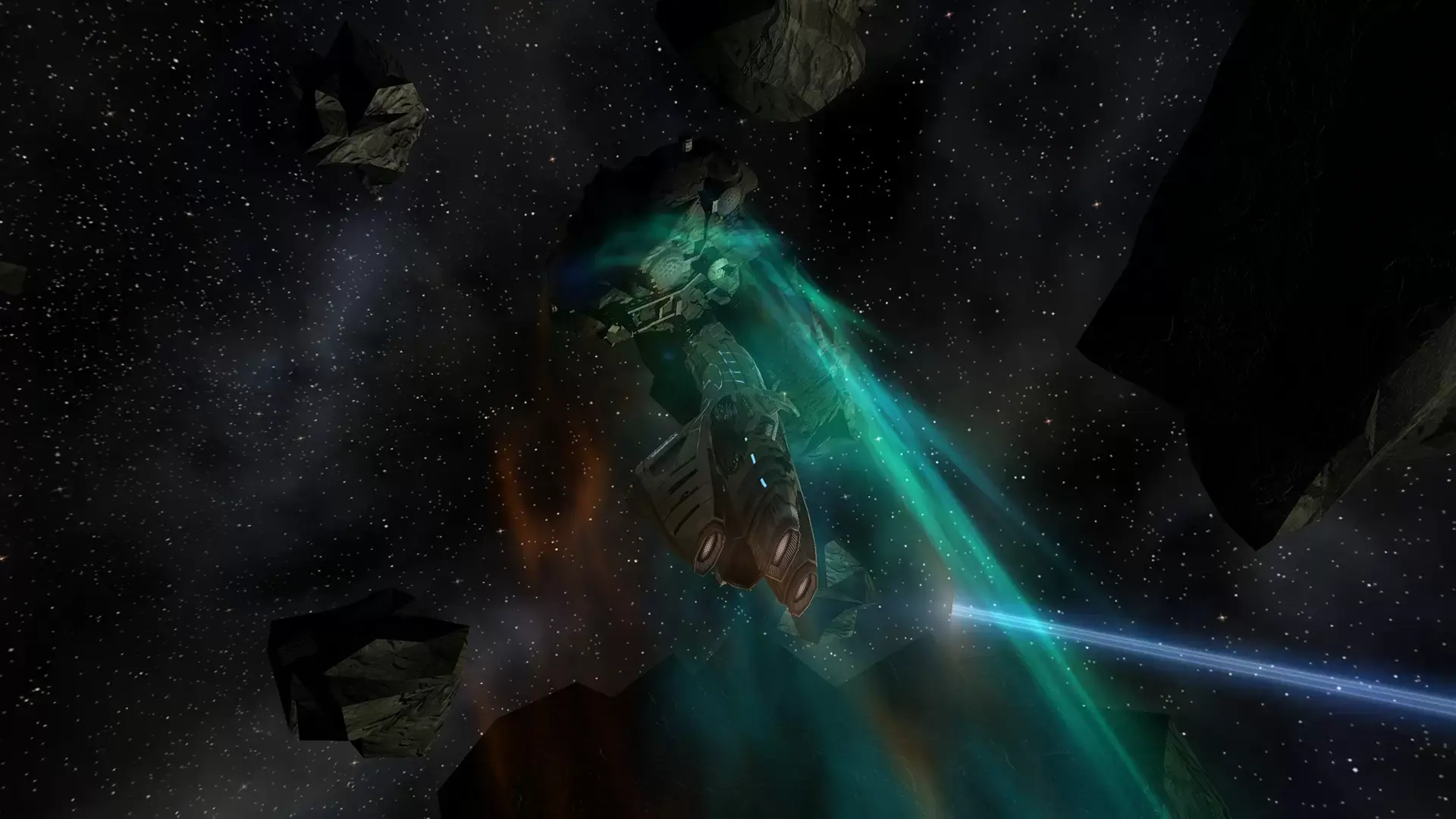
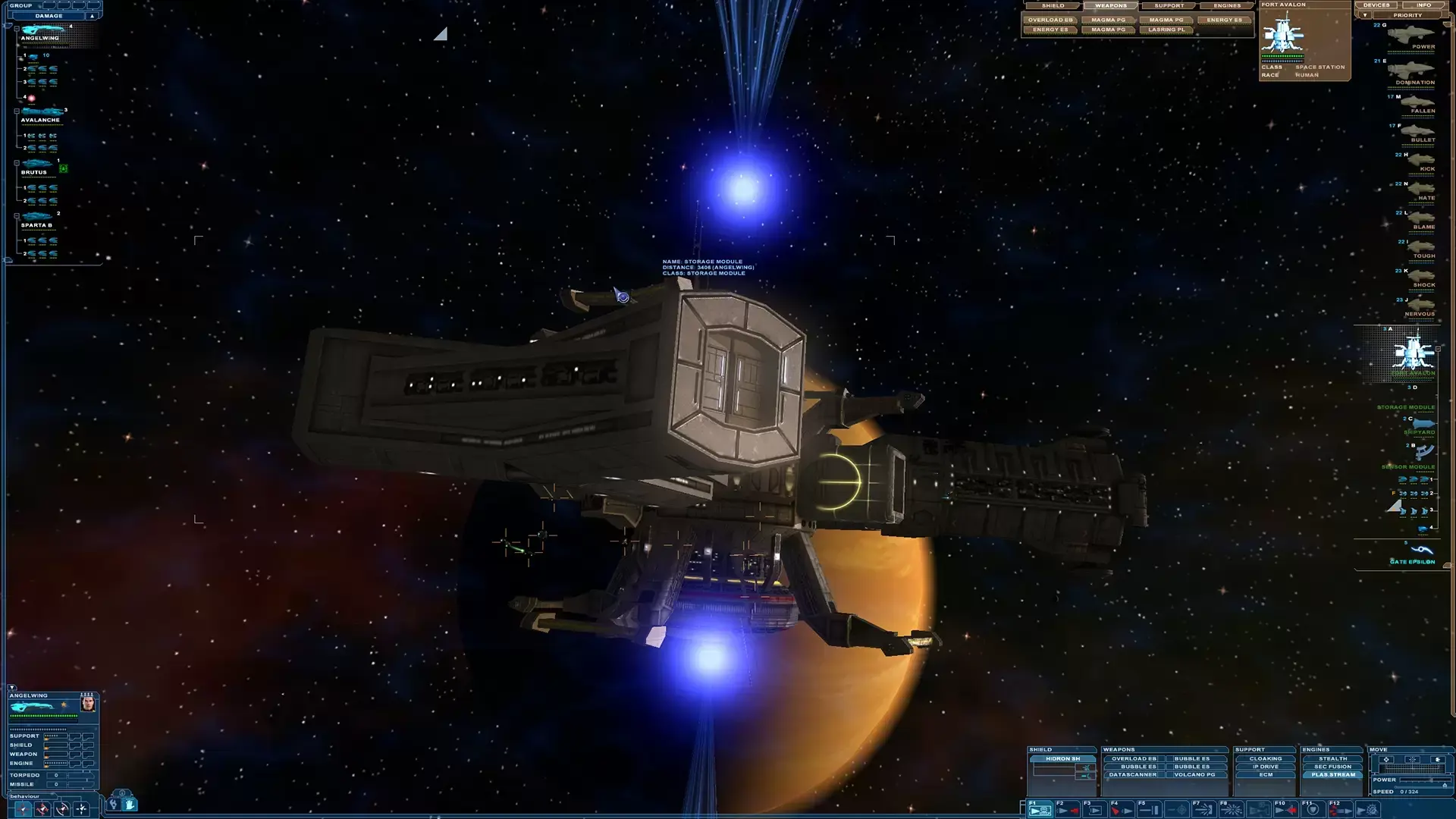
At the dawn of the 22nd century, the conquest of space and the colonization of the solar system is being monopolized by several huge and ambitious mega-corporations. Although extremely delicate and vulnerable, a balance is maintained by these companies. At the very edge of the solar system the companies make a discovery which will shift the technological advantage and upset the balance. And so a new conflict is born: "The Jupiter Incident".
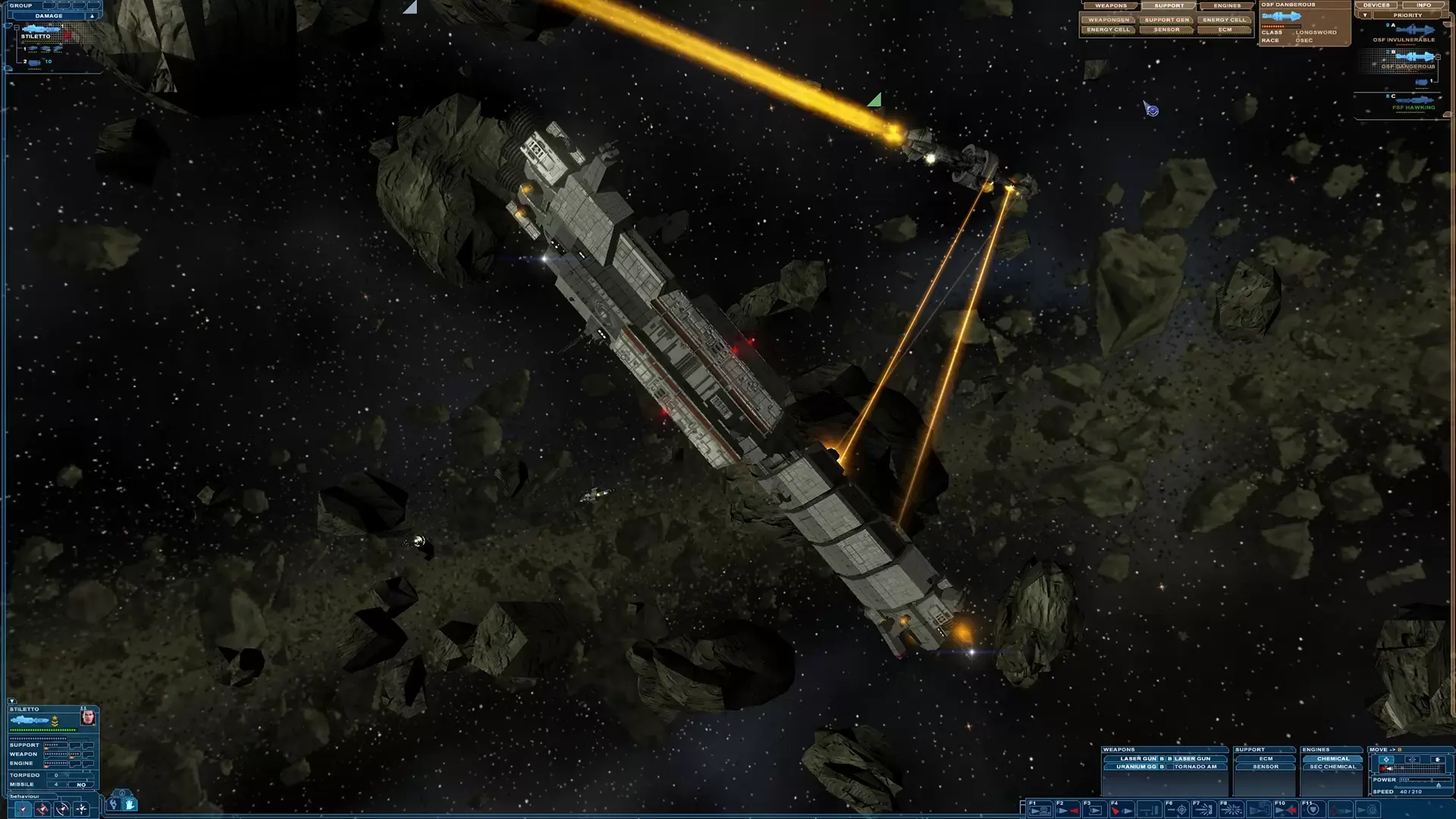
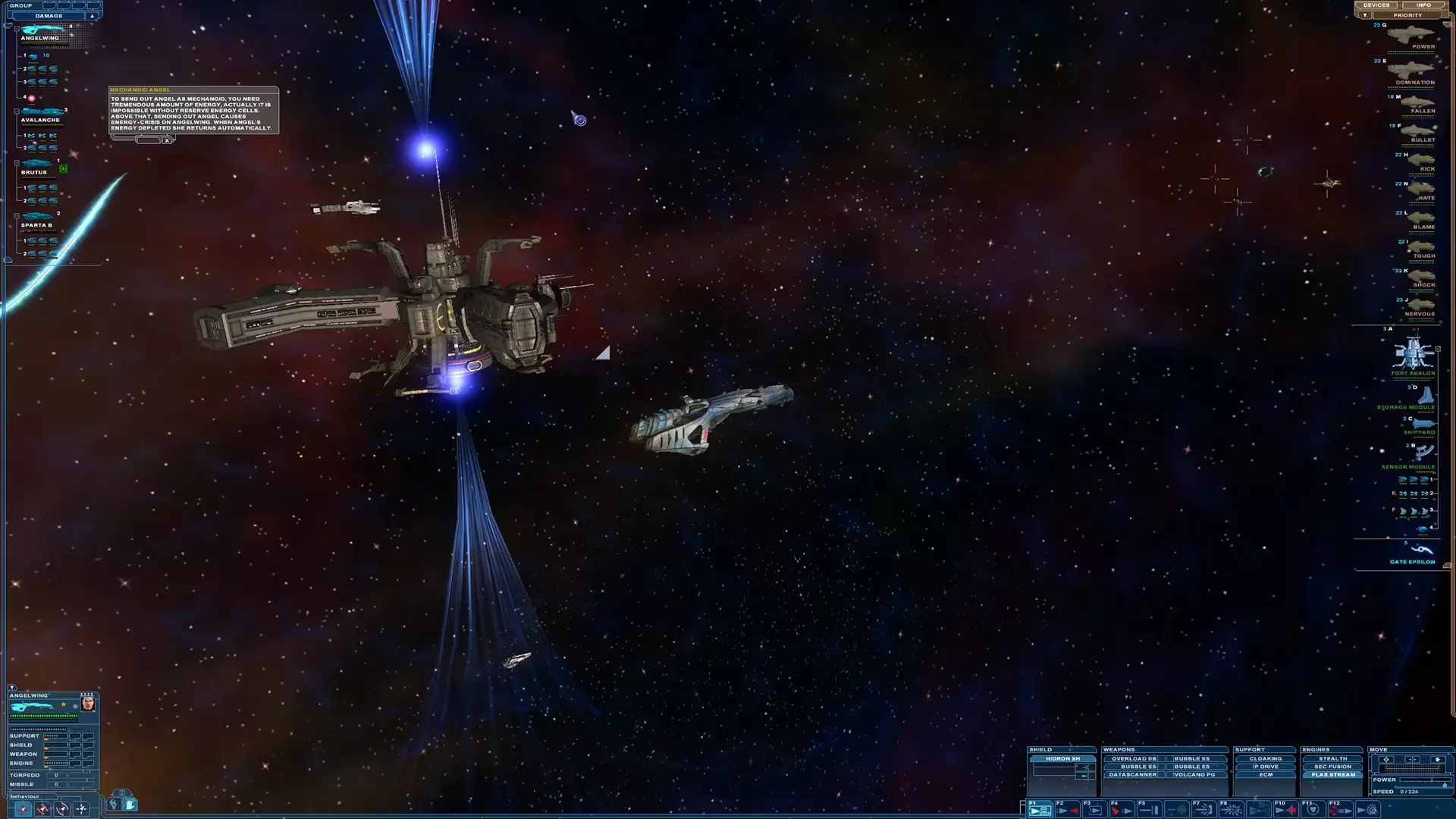
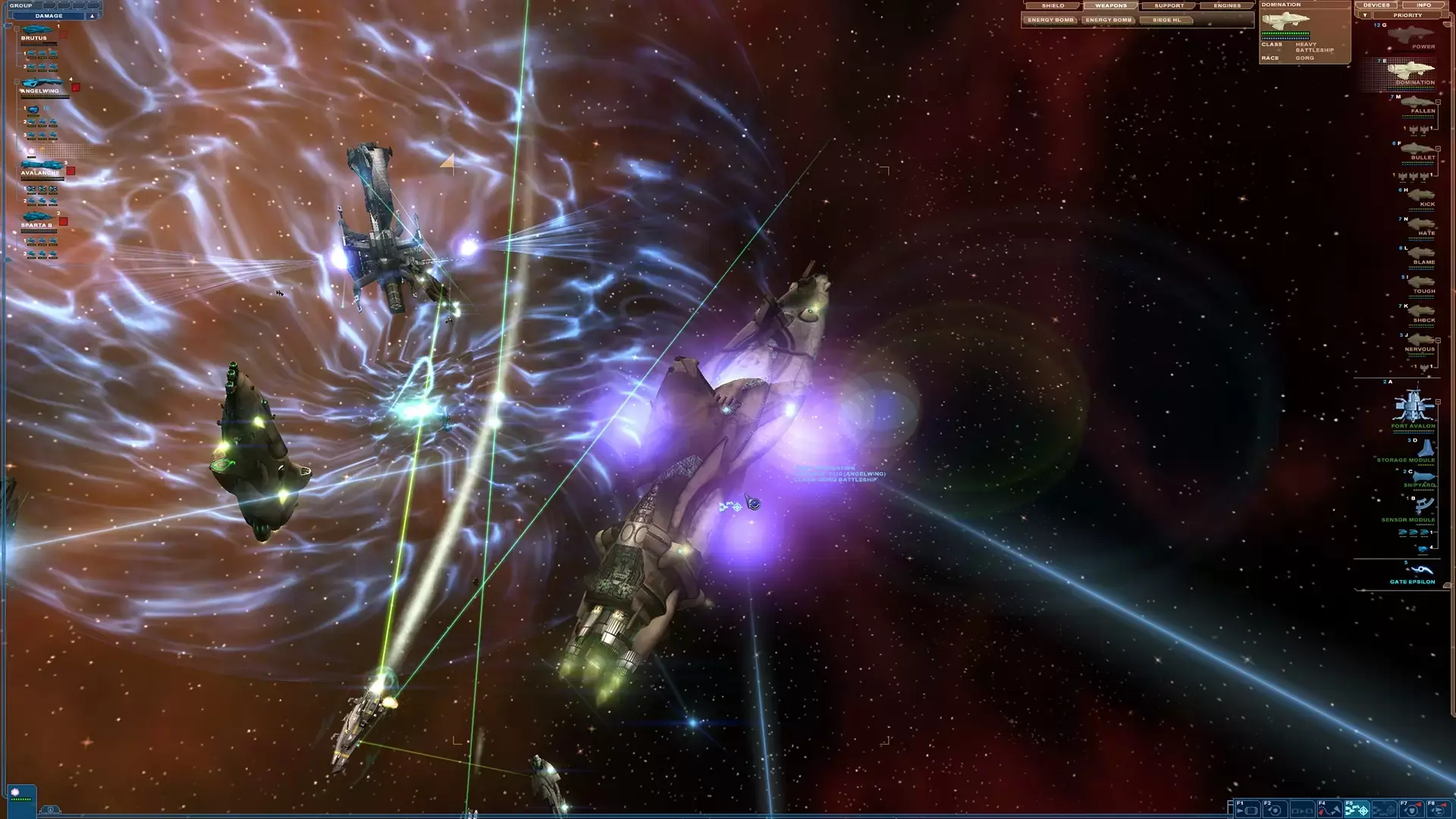
Nexus - The Jupiter Incident is a real-time mission-based tactical space game featuring spectacular real time battles and breathtaking motion picture quality. Focus on tactics and action as you control up to a dozen battleships encountering aliens, unknown solar systems and astrophysical phenomena in your struggle to save Earth.
Are you ready to take on the challenge?
Epic campaign with 6 episodes and more than 26 thrilling missions
Diverse mission types: espionage, fight, stealth, sabotage, rescue, science, etc.
Control up to 10 extremely detailed, customizable spaceships from basic to simulation level
6 different alien species with race-specific tactics and 30 alien spaceships
More than 50 unique characters and 90 different weapons and devices
Flexible starmap system: animated map objects, light flares, etc.
Zoom in on more than 350 planets, moons, comets, etc. in a fully 3D environment
Planet movement based on real physics
STEAM
1. Registrare un account Steam.
2. Nel menu "I miei giochi", fai clic sul pulsante "Attiva tramite Steam..." e inserisci la chiave